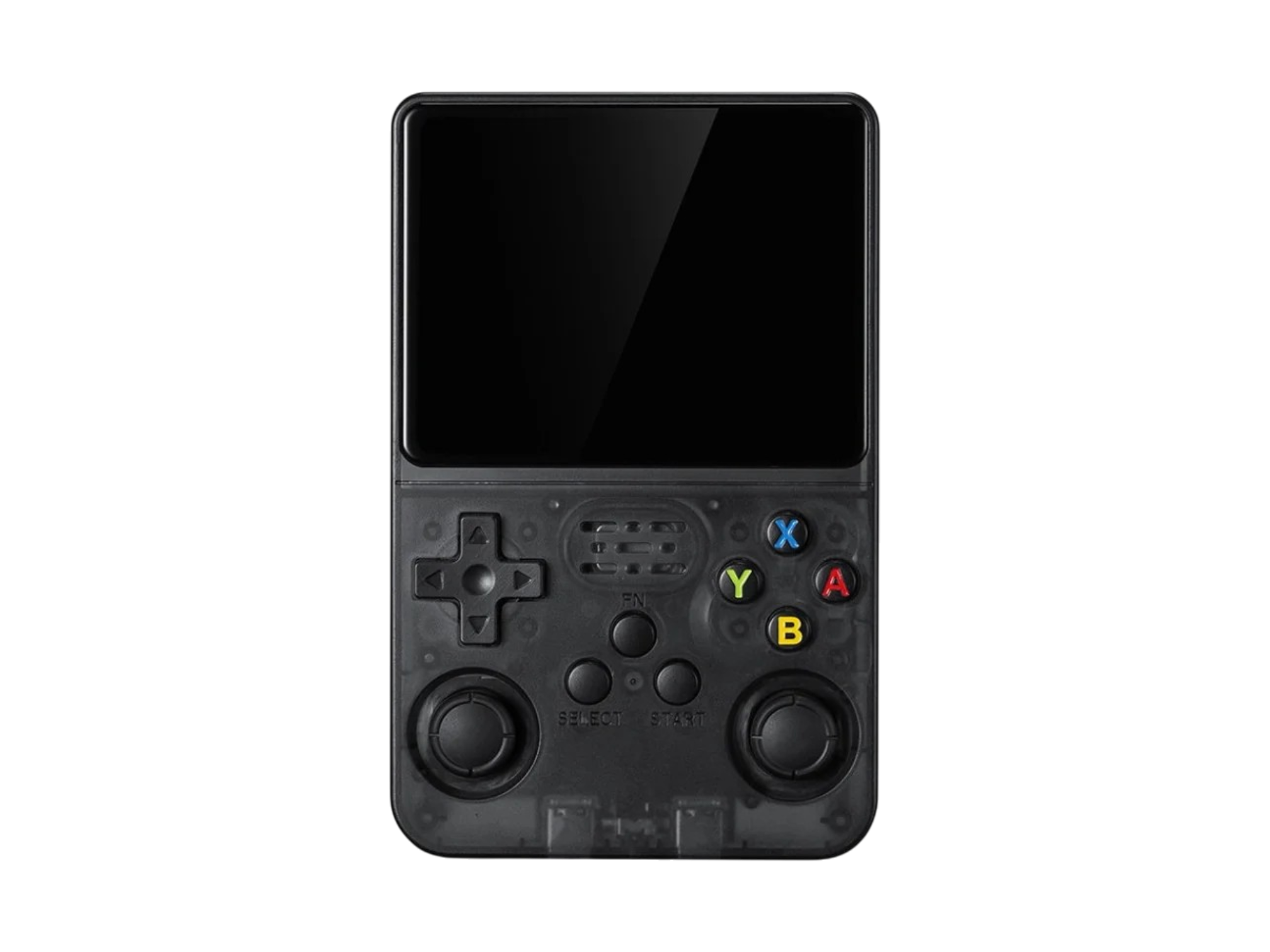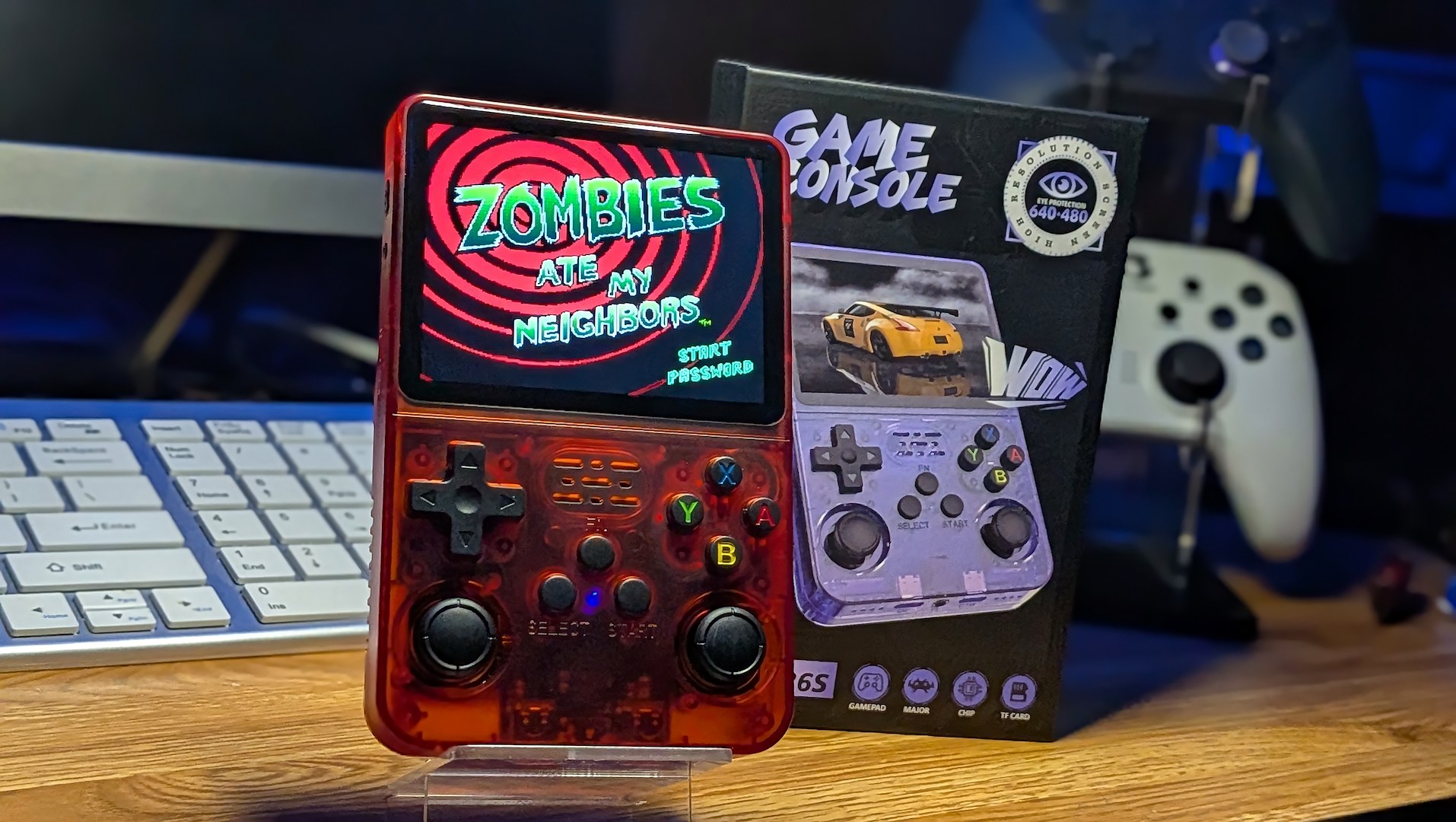
They say curiosity killed the cat. Well, in my case, it gave me another R36S clone. Vastly preferable to death, but before you wander Micro Center’s hallowed nerdly halls in search of an emulation handheld, you might want to think twice.
We live in an era where there are clone consoles of budget clone consoles. This has been a thing for almost as long as the R36S has been around. Given the cheap ubiquity of the RK3326 chip, anyone with access to board and parts assembly can pretty much get in on the game, and since these units often operate outside the standard industry practices anyway, there isn’t going to be much fuss if you knock the design off.
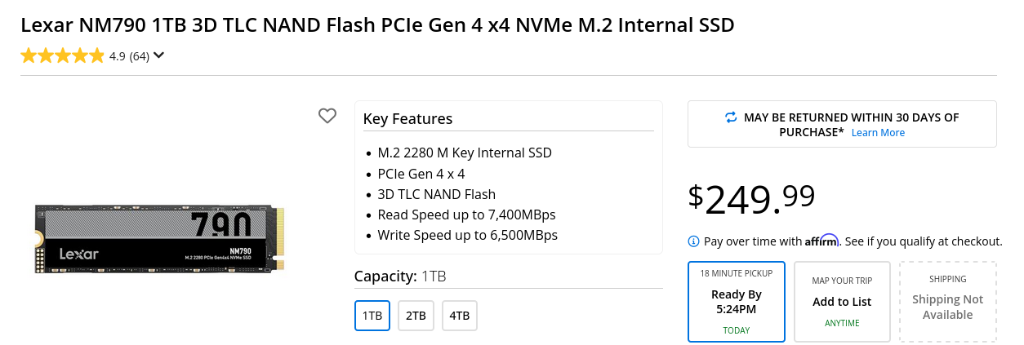
Priced on the shelves at just $29.99 (much like the 1TB NVMe I bought last year – never forget what they’ve taken from us) on the Micro Center shelves, it was just too tempting not to check out. I had to know what they were selling and how the retail giant may be taking some extra steps to avoid any potentially sticky legal traps that could come from selling emulation systems.
It Caught My Eye
I was driving the 30 minutes or so to my closest Micro Center to pick up an AM4 PC bundle for my son’s birthday. $200 for a system that includes 16GB of DDR4 these days (along with a motherboard, AMD 5500, and a cooler) is a steal. The single DIMM of RAM was sticker-priced for more than the cost of the entire bundle.
I noticed that the 1TB NVMe I’d scored on a deal last year and subsequently used to write an article on Upgrading Your Xbox ROG Ally storage had increased just a smidge. I had paid $30, now it’s marked for $250.
Sticker shock isn’t an uncommon feeling when browsing the PC section of any retailer these days, so I can certainly see the appeal of being able to pick up a $30 retro emulation handheld with the promise of endless hours of fun inside. I just hope that Micro Center isn’t using the current boom in popularity to sell these systems to less-informed consumers who might not know what to make of things when they get the device home and fire it up.
Unboxing and First Boot
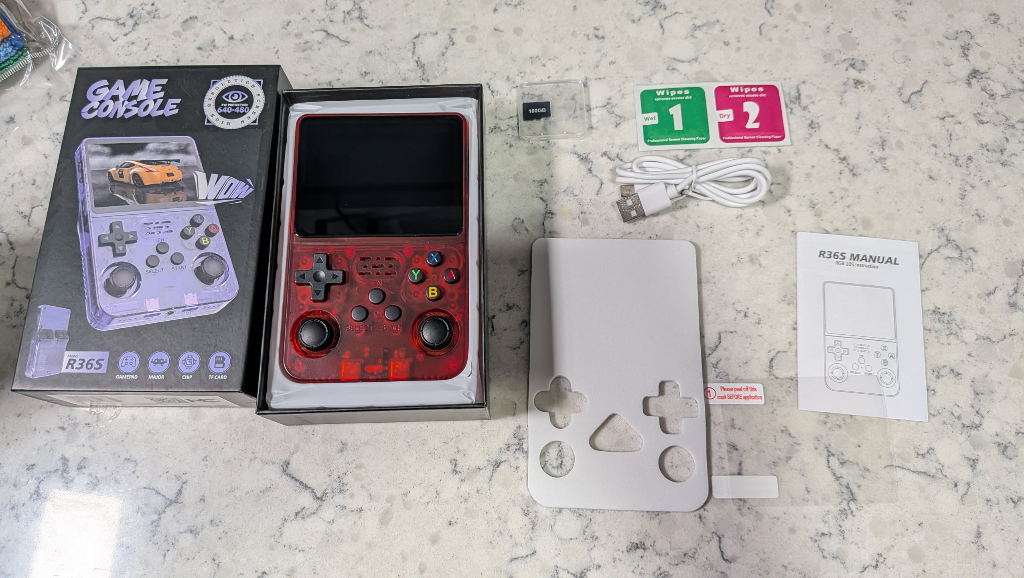
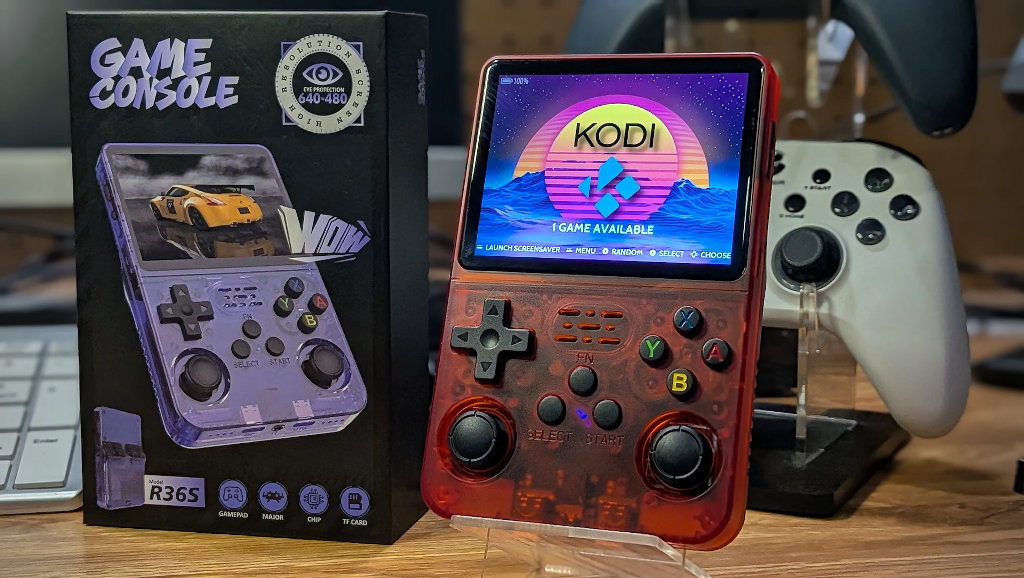
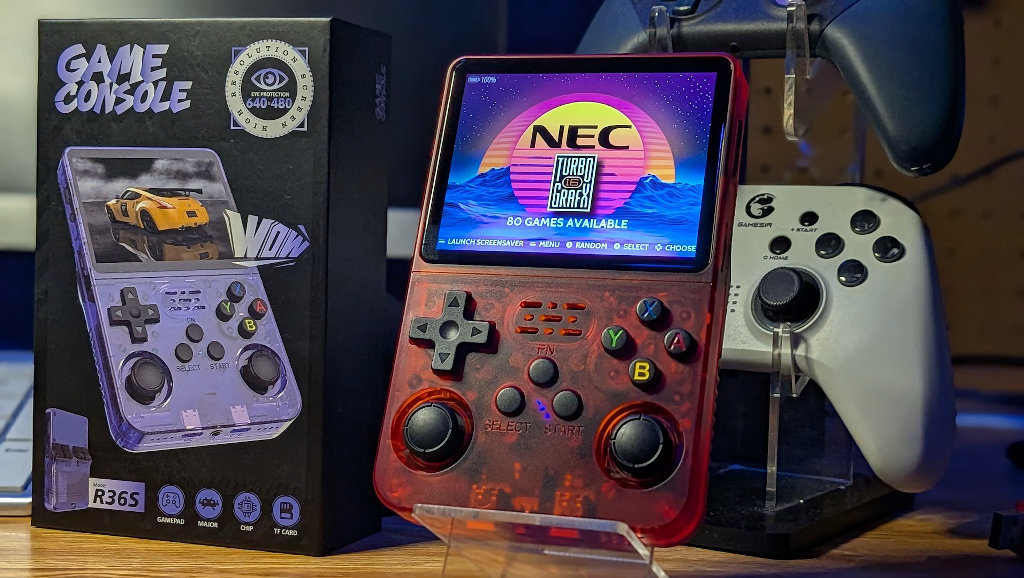
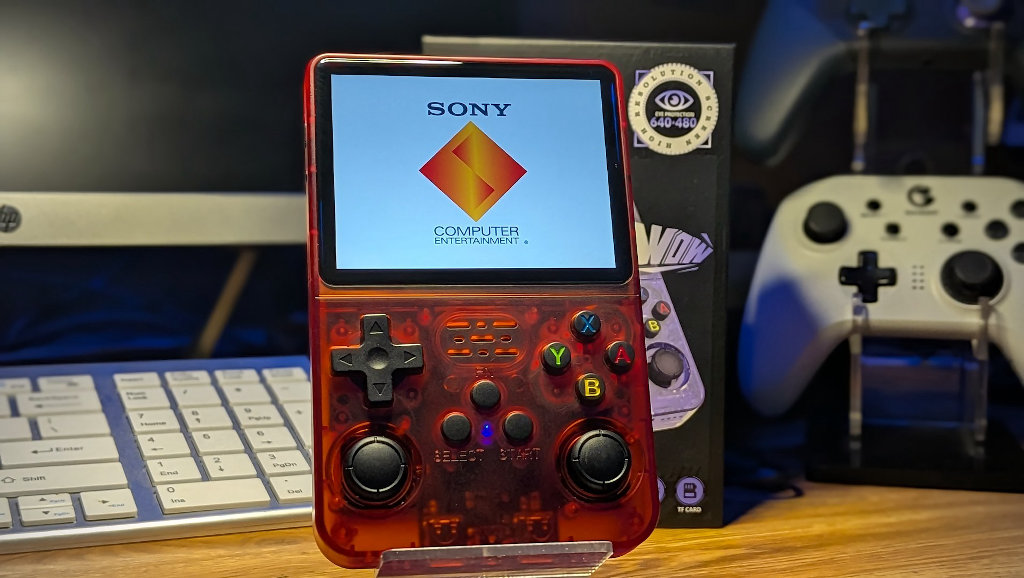
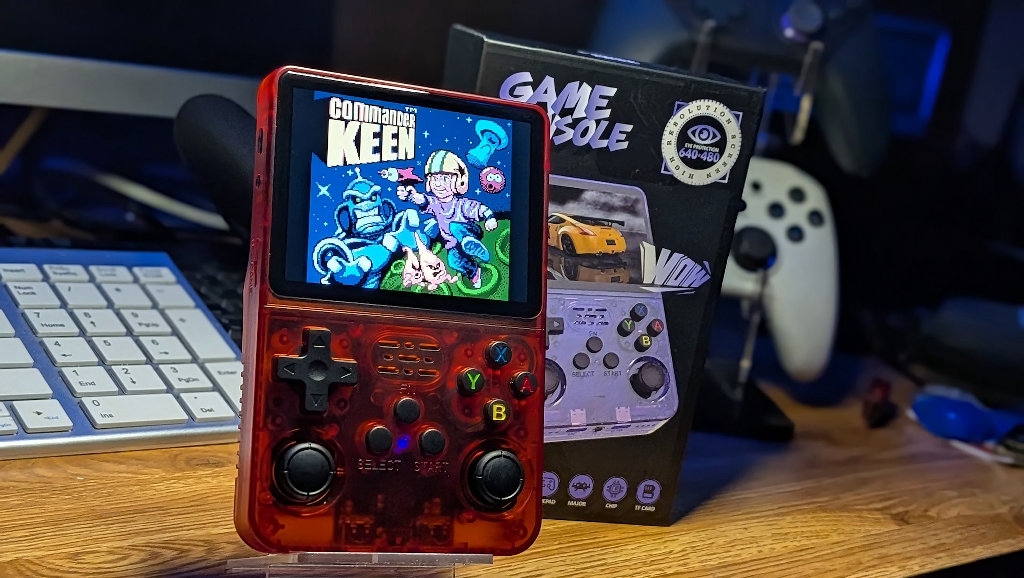
So after succumbing to my own worst impulses and indulging myself in yet another R36S variant, it was time to see what I’d actually bought. The box of the handheld is spot-on when compared to releases from Boyhom. It certainly looks the part from the outside.
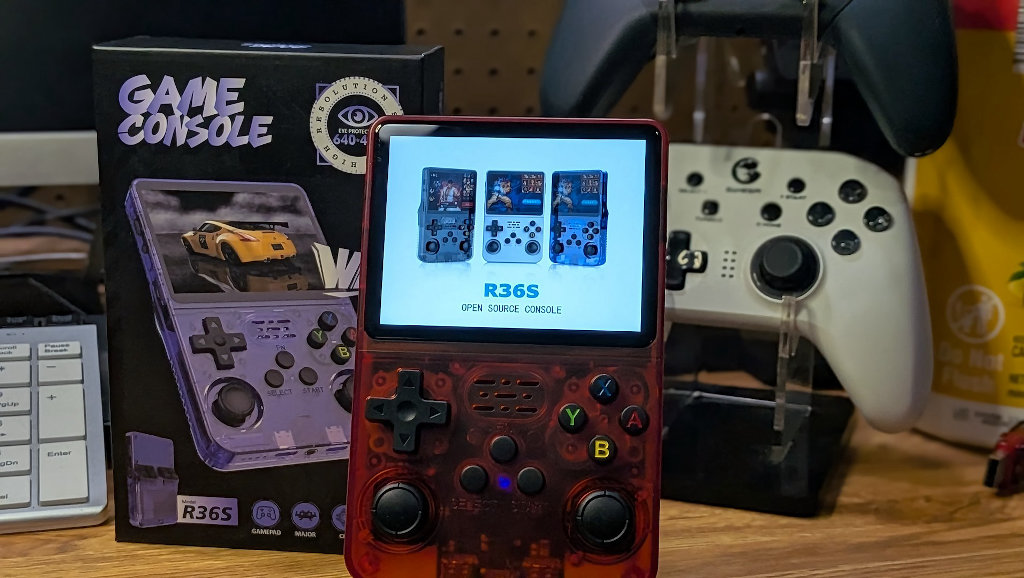
Inside the package is the standard collection of cheap-cessories. A screen protector, USB-A to USB-C charging cable, and a small folded manual in broken English. I’d figured that since this handheld was on retail shelves, the chances of it coming with a packed ROM card were basically zero, so imagine my shock when I pulled out a micro-SD card labeled 100GB, which I’d thought to be an impossible storage size…How fun.
My clone concerns were justified after powering the handheld on and being greeted with the all too familiar indicator that this isn’t the real deal – the EmuELEC loading screen. Real R36S units now come stock with a release of ArkOS (or perhaps dArkOS in more recent months).
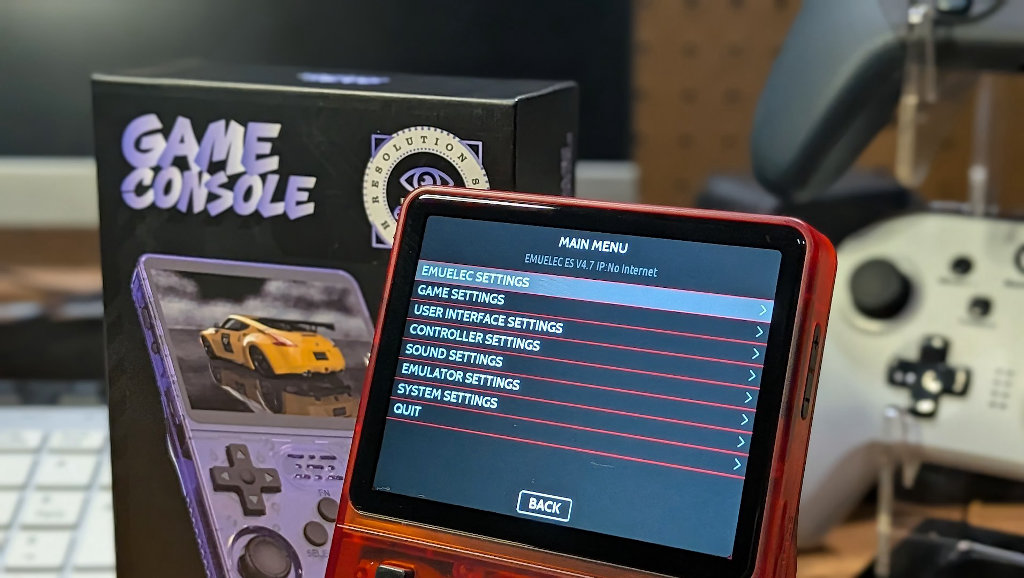
As soon as you see that EmuELEC screen, you know that this is a clone system. It feels a bit like stumbling into a wide-open bank vault with nothing inside. You know there is supposed to be treasure inside, but it looks like the managers cleaned house before they split.
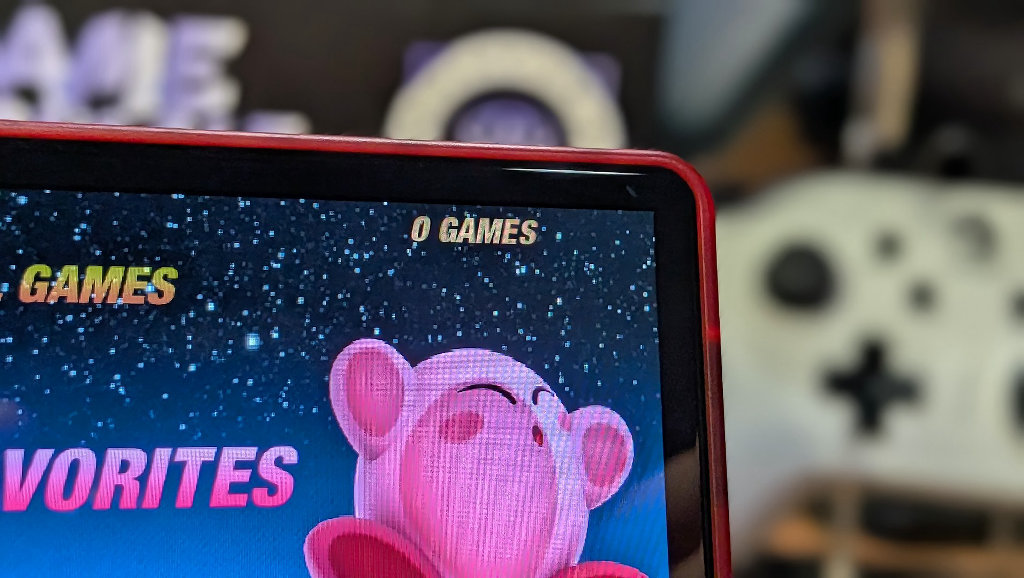
The included SD was formatted to FAT32, except for about 100 no-name famiclone titles, but was entirely blank. Micro Center isn’t tempting fate by allowing these units to be sold with a bunch of illegal ROMs inside, which is smart, but are they alienating their own market by selling an empty console?
How Much Storage?
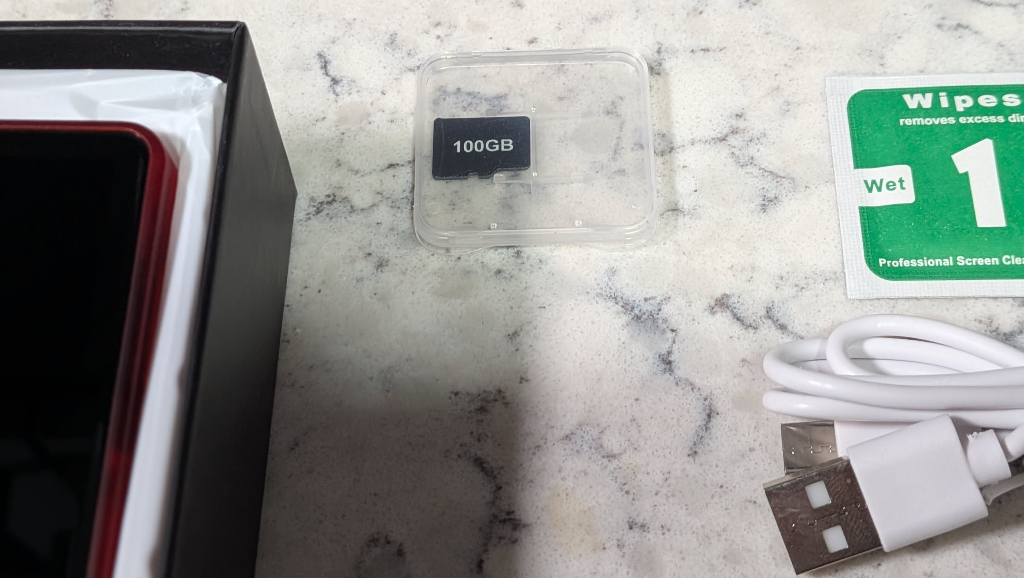
The included 100GB micro SD card left me scratching my head, as it really shouldn’t exist. 128GB cards do, sure, but not 100GB. What I suspect is that these cards are making use of what would otherwise be trash. A discount manufacturer produces huge amounts of cards for various applications.
The cards used in this clone were likely rescued after testing and showing bad sectors. Rather than throwing the bad card away, companies can trick the onboard controller into thinking that it’s only 100GB to begin with, physically deny the chip access to the bad sectors, and send it out the door with a clone emulation system. What was production loss is now usable storage.
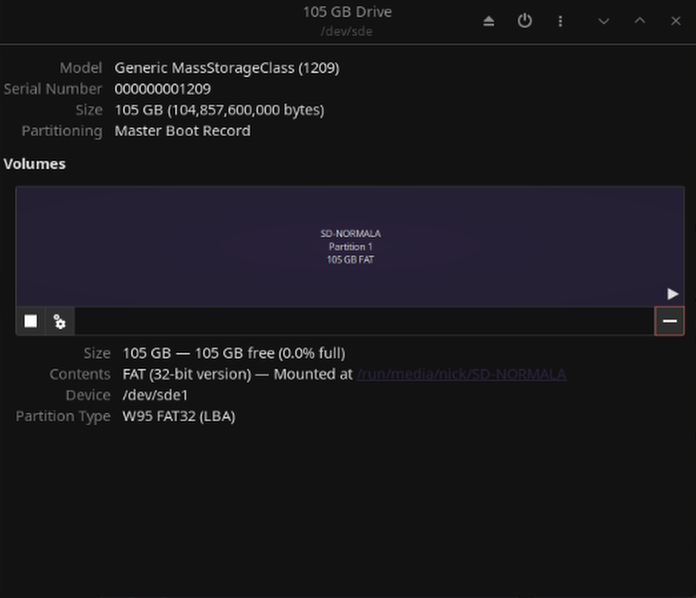
This is not to say that the 100GB included card is a good solution. It isn’t. Ever seen those impossibly cheap external SSD drives advertised on AliExpress? Same concept. They put a cheap 64G micro-SD card inside an SSD housing and fool the controller into thinking it is actually 2TB of storage. The card then starts to overwrite itself with garbage data as soon as you cross that actual 64GB threshold in a sort of data ouroboros situation.
This is another cheap white-label card that will fail after some level of use, writing, and rewriting sectors. Whatever data you decide to put on this card, it is likely to be lost at some point. So treat the card as a bonus to play around with, vs a permanent storage solution.
Looking for Clues Under the Hood
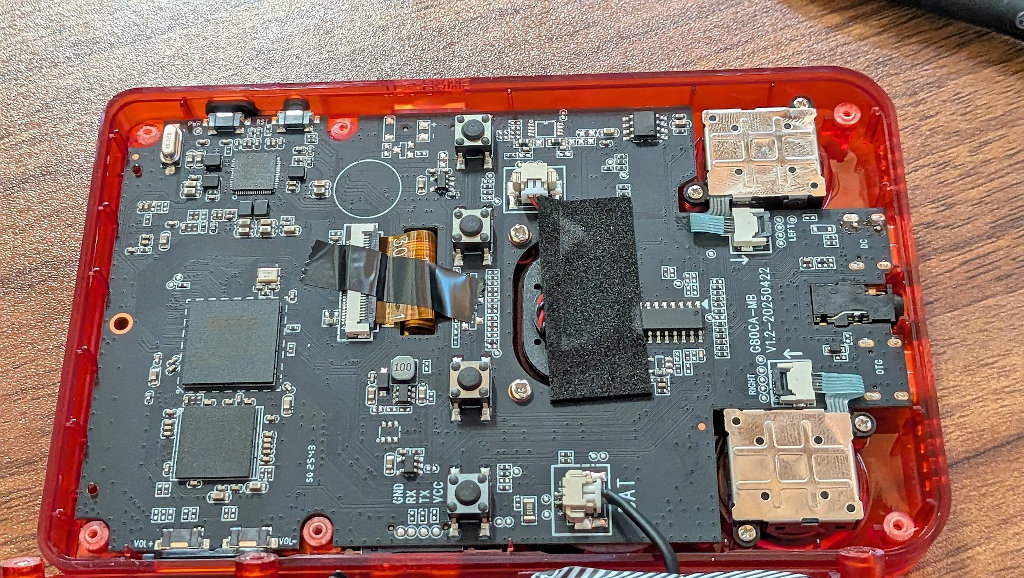
Exploring the internals of these clone units often demonstrates just how widespread the knockoff game has gotten. Sometimes opening things up and checking details on the board is the only way to determine what you’ve actually bought. Plus, it’s just kind of fun to play detective sometimes.
Once you’ve used your always-on-hand micro-toolset to remove the rear screws and open up the shell, the picture starts to become much clearer. On a legit R36S, there are two RAM chips soldered to the board – each 512MB running in a dual channel configuration to total 1GB of RAM.
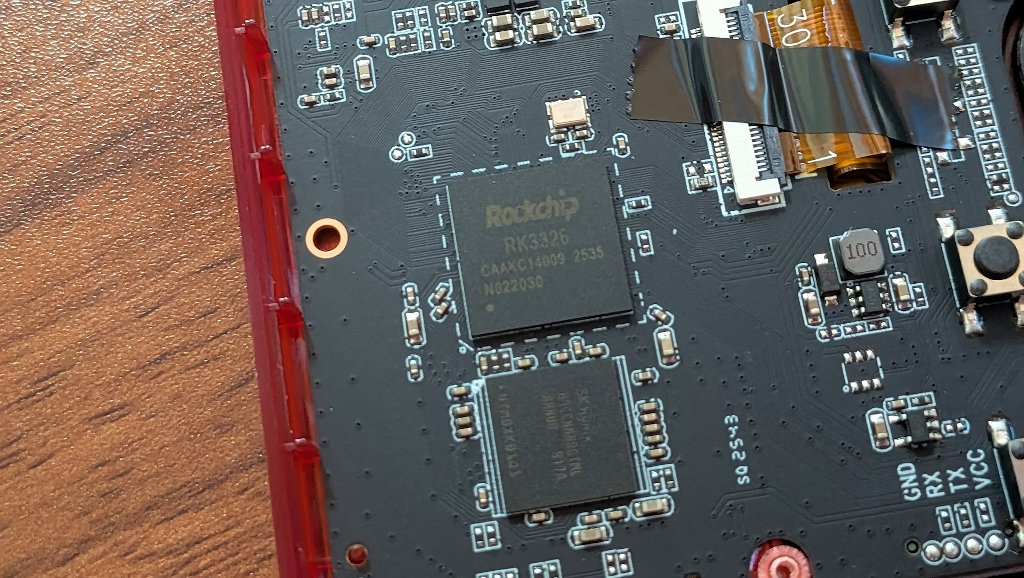
The clone system has a single SK Hynix chip directly below the RK3326. This seems like a classic case of clone design. “Use what we’ve got!” Additional hardware just means additional costs. Unfortunately, it’s the player who ends up paying for these concessions.
Making things Better
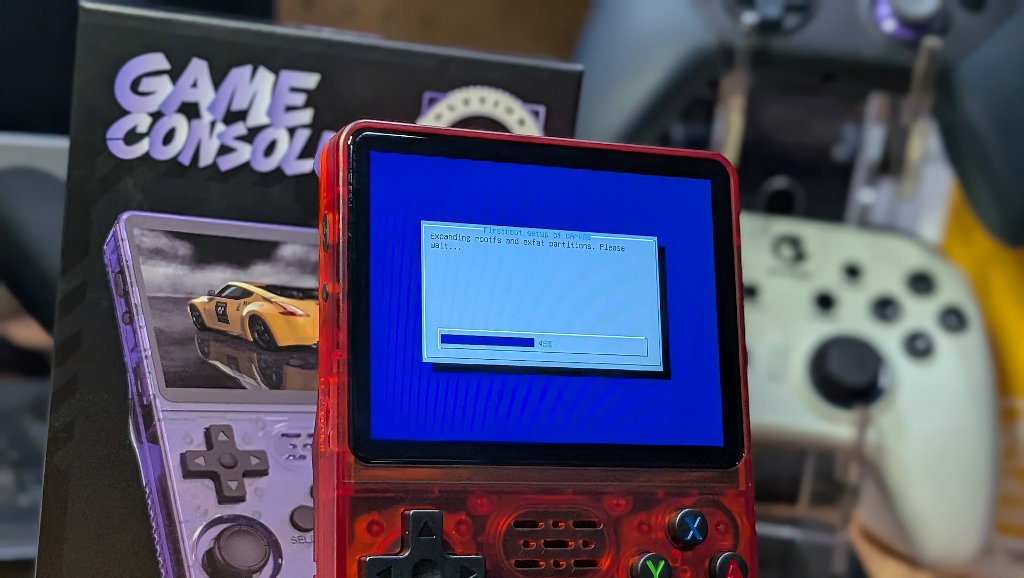
There isn’t much I can do about a lack of dual-channel RAM on the unit. It’s going to perform worse on 3D heavy emulators like N64 and Dreamcast when sat next to the real deal R36S. That’s just the hardware facts of life.
What we can do is install community CFW to make sure we are squeezing every bit of performance out of this Micro Center special. I’d recommend loading either dArkOS-RE or ArkOS4Clone. Either choice should offer you increased performance and functionality over the stock image.
The good news is that since we opened up the handheld and took a look at the board model, we don’t have to bother digging around the internal eMMC (the device boots free of any SD card) to find a .dtb file and determine which of the many different screen panels that have been implemented on R36S (or so they say) units over the course of the system’s life.
We were able to determine that this is the G80CA variant of the board (it’s written in white across the PCB), and as such, know that this unit likely has Panel 8 or 9 inside. You can click the Board List button on the web tool to find your device’s exact internals. A very helpful feature when getting access to the .dtb on the internal storage can be a pain.
TL/DR
So, should you pick up a Micro Center clone of my favorite clone system? Probably not. I can’t help but feel that Micro Center is shooting itself in the foot a bit with this one. The consumer who has heard of the device from their favorite YouTuber or TikTok ad is going to expect the system to be loaded with all the classics, see 100 Famiclone ROMs, label the device as junk, and chuck it in a drawer to live out the rest of its days.
Even if you’re a hobbyist in the emulation scene, I’m not sure why you’d want to pick this one up for any reason other than the curiosity that landed me here. You can absolutely overhaul this device to be a more functional system, running better firmware, and filled with your entire ROM collection. You will have to bring the games yourself, and with a lack of dual-channel memory, you won’t see the same levels of emulation performance as the genuine (is there really even such a thing?) Boyhom article.
I’m not mad about spending money to pick one of these units up. It probably had more interesting quirks for the purposes of this article than I would have expected, but if you want to fall in love with an R36S as I have over the years, you’re going to have to make a little more effort than heading over to your local Micro Center store. At least I can still get something fun for $30.