

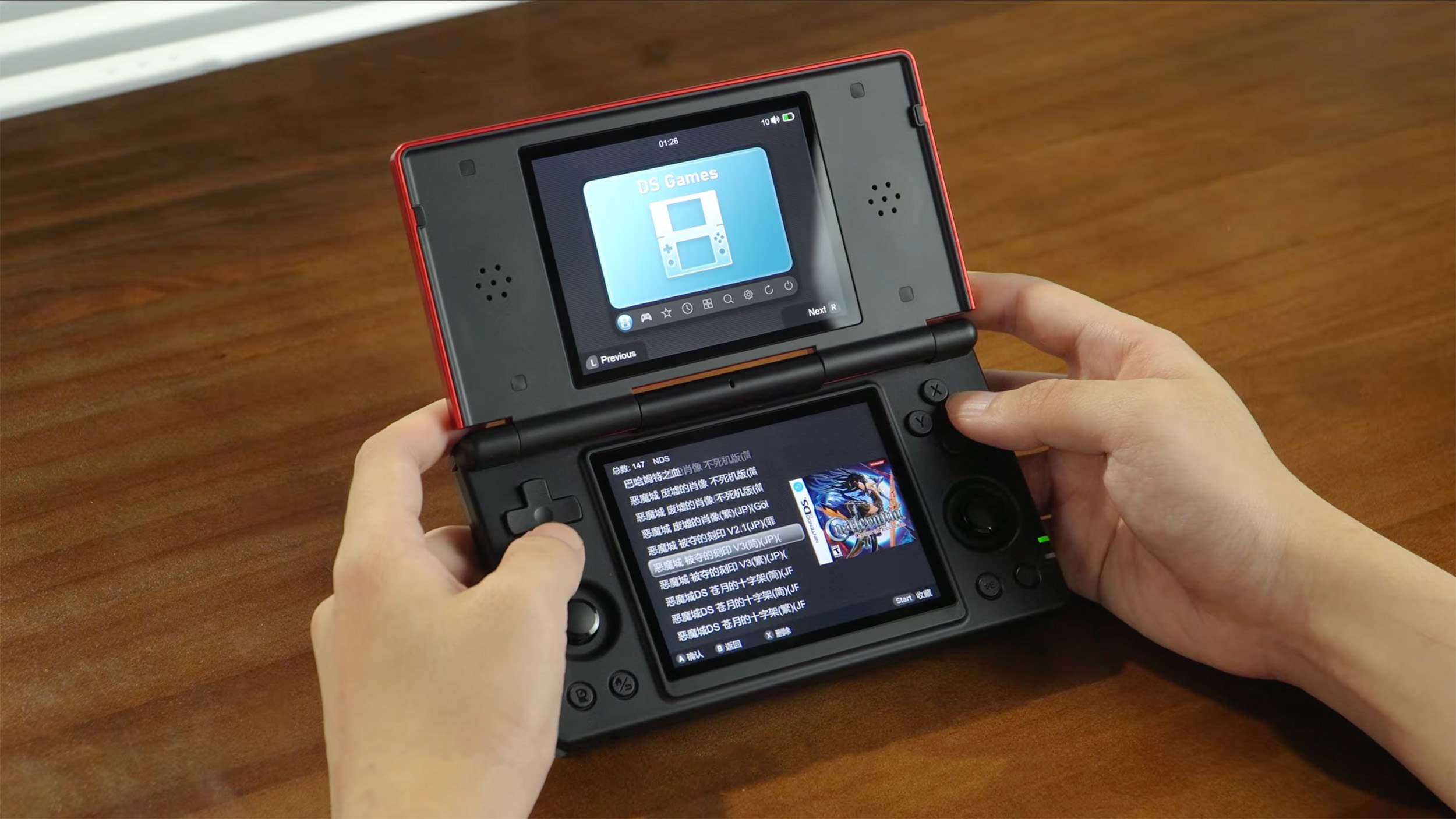
It’s been almost six months since the Anbernic RG DS was released, aiming to offer a budget alternative to the AYN Thor and AYANEO Pocket DS. However, Anbernic’s decision to ship this with Android resulted in quite a few frustrating quirks that soured the experience. Today, Anbernic is finally looking to right the ship, as it announced an “All-New Linux System” designed for the RG DS and its dual-screen design.
Don’t expect this to really rival what we’ve seen from some of the dual-screen Android launchers, such as iiSU or Cocoon. However, the Linux build definitely gives off more of a “Nintendo DS” vibe than dealing with the stock Anbernic Android interface.
Speaking of which, Anbernic designed three different “exclusive” themes to accompany the new Linux system: DS Dark, DS Light, and Classic Style. The first two offer a much cleaner look overall, while the Classic Style is for those true Anbernic fanatics who prefer the stock UI and icons.
Some of the other features included are as follows:
- Ability to change the display brightness for each screen independently.
- Screen Swapping
- Custom Font Colors
- Brand-new Graphic Button Test Interface
Arguably, the best part about this new Linux experience coming to the RG DS is that you don’t actually have to flash it to the internal storage. Instead, you just download the necessary build, flash it onto a microSD card (Anbernic recommends at least 64GB), and turn on the RG DS.
From there, the Linux OS will be properly installed, and after everything’s said and done, you’ll have a completely different system. Not only that, but if you want to switch back over to Android for whatever reason, all you need to do is turn off the RG DS, remove the microSD card, power it back on, and you’ll be back in Android-land.
If you’re interested in taking this for a spin, hit the download button below, then flash the firmware onto a microSD card, and sit back and enjoy!


2 Comments
Can’t even download the firmware file due to Google Drive having a download limit.
So if i was buying one of these today…should I get the andriod or Linux version? Or should I just get a Thor?