

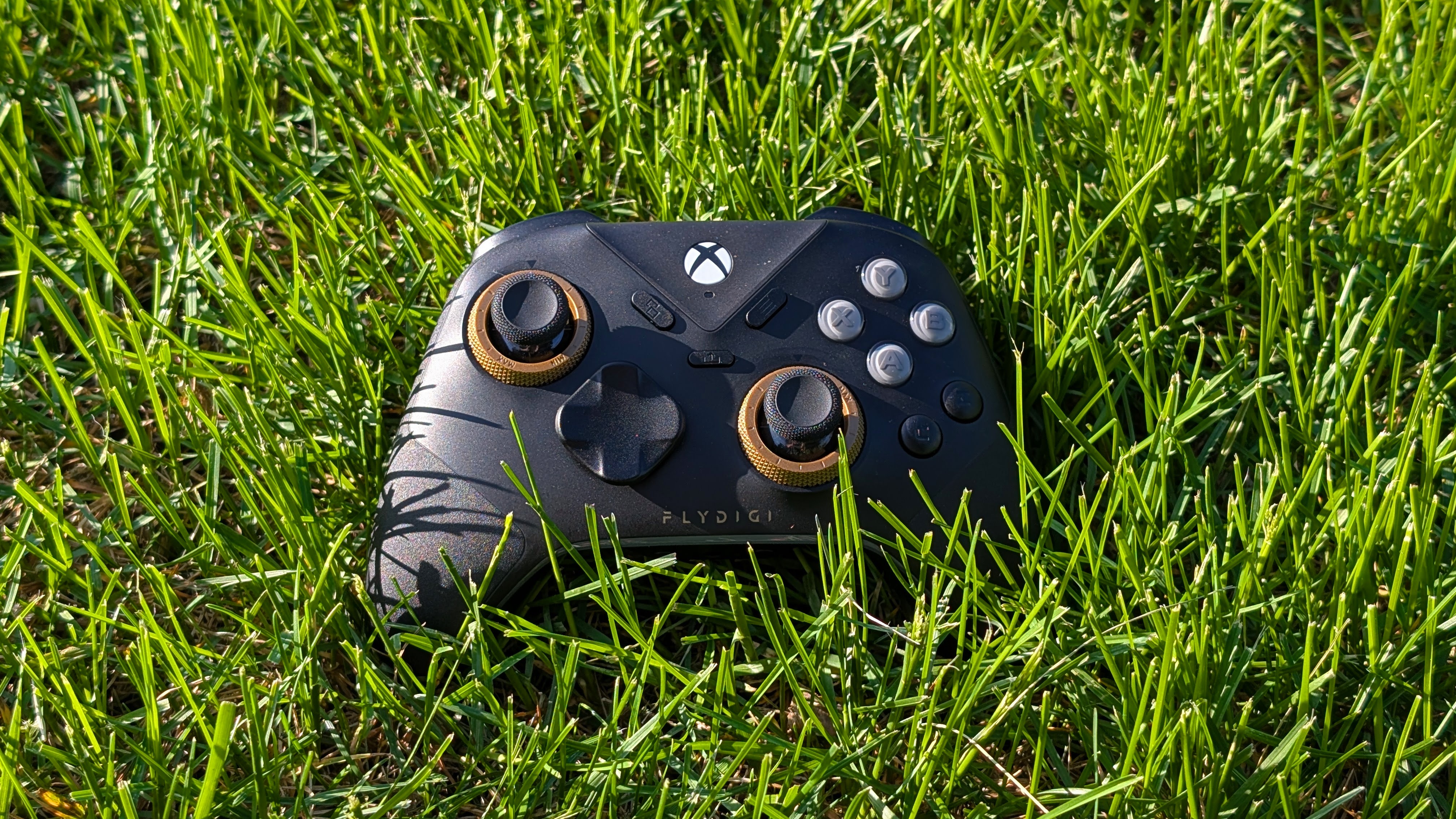
When I was younger, I usually got stuck with the third-party, player two controllers. That usually meant the Mad Catz PS2 controller, or the Pop Rocks Wiimote. While not great, they were usually passable at best. Now that I’m older, I get the pick of the litter for first-party controllers, whether or not that’s what I actually want.
But with the recent generation of consoles, my focus has shifted to essentially all third-party controllers. So when Flydigi offered to send over their Vader 5S for review, I had to take a look to see if this is the ultimate player two controller, or if it’s good enough for player one instead.
Disclosure:
The device reviewed was provided as a review sample by Flydigi. This had no bearing on the conclusion of the review, nor did Flydigi have the opportunity to make edits or changes to the review before publishing.
Affiliate links might be present where applicable, and we may earn a commission on product purchases using those links at no extra cost to you.
Flydigi Vader 5S Specs
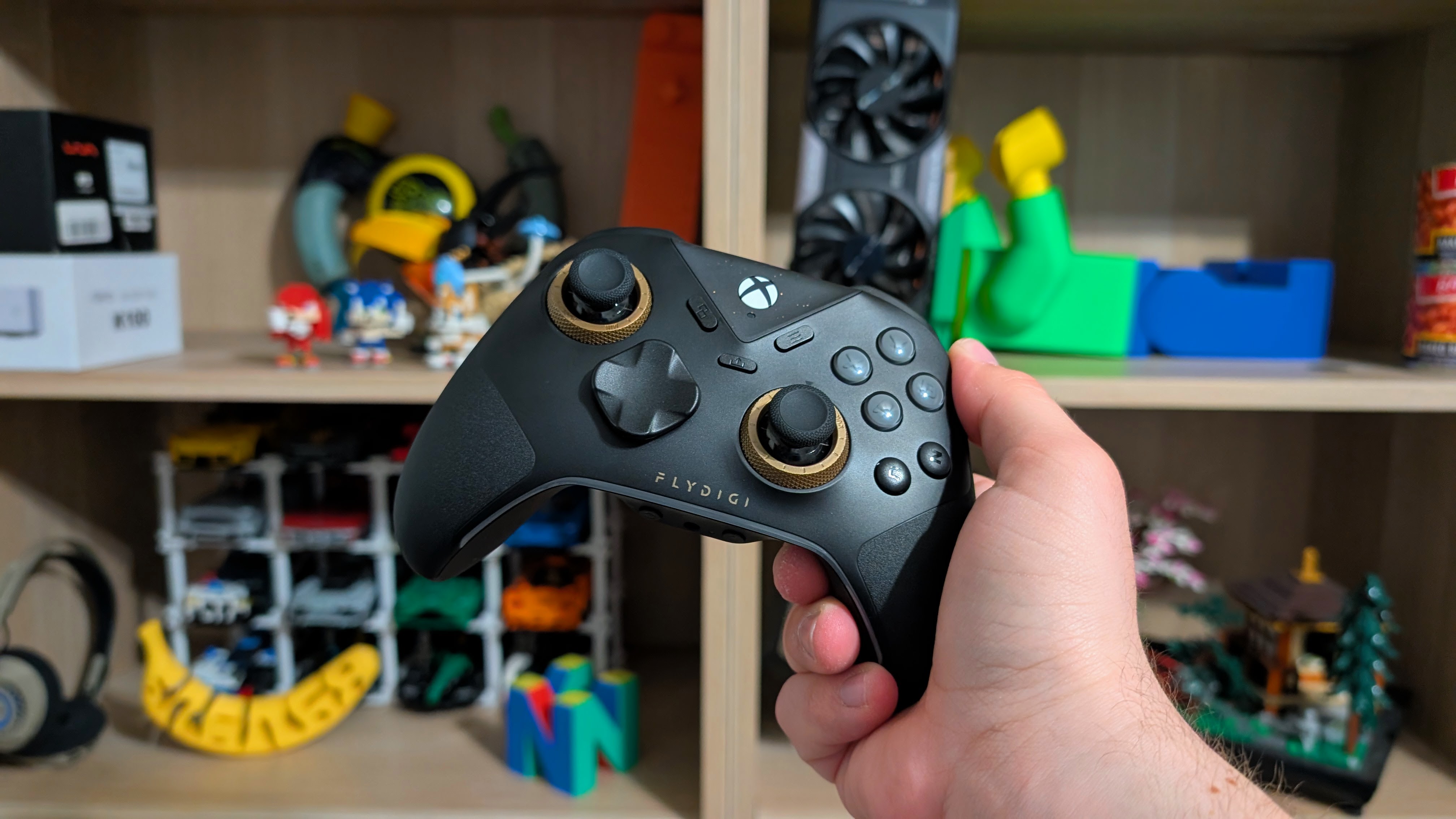
When it comes to the Vader 5S, you’re looking at spending around $59.99 for a strong, wired controller. For most, that’ll likely feel high, but with the inclusion of a trial of Game Pass Ultimate, and some of the special features of the Vader line, the $59.99 price may be worth it, but only you can make up your mind on that.
| Controls | |
| Sticks | Adjustable Tension Hall Effect |
|---|---|
| Triggers | Daul Mode Hall Effect Analog + Digital Micro Switch |
| Face Buttons & D-pad | Mechanical |
| Connectivity | |
| Options | Wired USB-C |
| Extra Features | |
| Extras | Adjustable Tension Sticks, Dual Mode Triggers, 6 Remappable Buttons (M1+M2, C+Z, LM+RM), Quick Profile Switch, Xbox Native Vibration |
| Compatibility | x86, Xbox |
Ergonomics and Build Quality

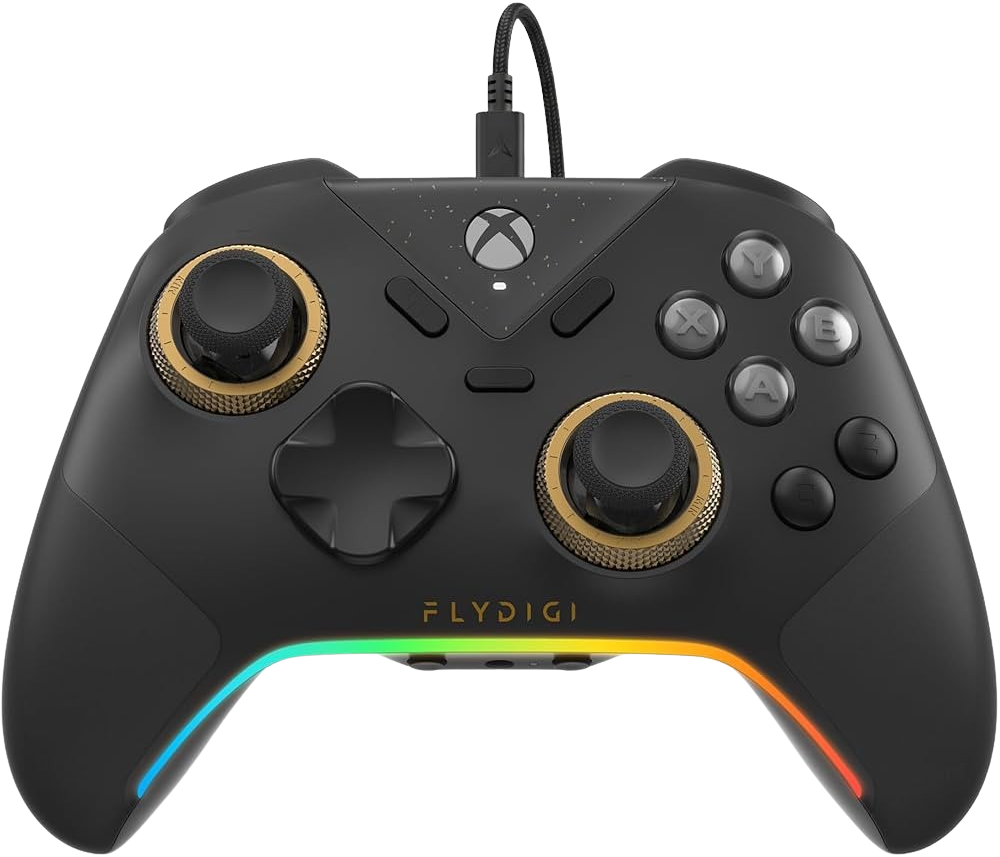
Similar to my Apex 5 review, if there’s one thing that Flydigi knows how to do, and does it well, that’s the build quality of their high-end controllers. The Vader 5S is a well-built, weighty wired controller. There’s no creaking, groaning, or cracking if you torque it. None of the controls, grips, or buttons feels like they could break easily. The quality of the Vader 5S feels second to none in my unit, and it makes me glad to have it.
Ergonomics, on the other hand, is a lot more bog standard. Shape-wise, you’re looking at something similar to the Xbox Series S controller. The grips are well spaced, and as a whole is a layout I could find myself using for a long Forza series. Face buttons, D-pad, and sticks are all perfectly within reach, but the C+Z buttons do require clawing my thumb a bit just to hit regularly.
For my shorter fingers, LM and RM are a bit harder to reach over the L1/R1 buttons, but for those with larger hands, reaching them wouldn’t be an issue. The Vader 5S isn’t anything groundbreaking in terms of ergonomics, but they do the whole thing right.
Controls
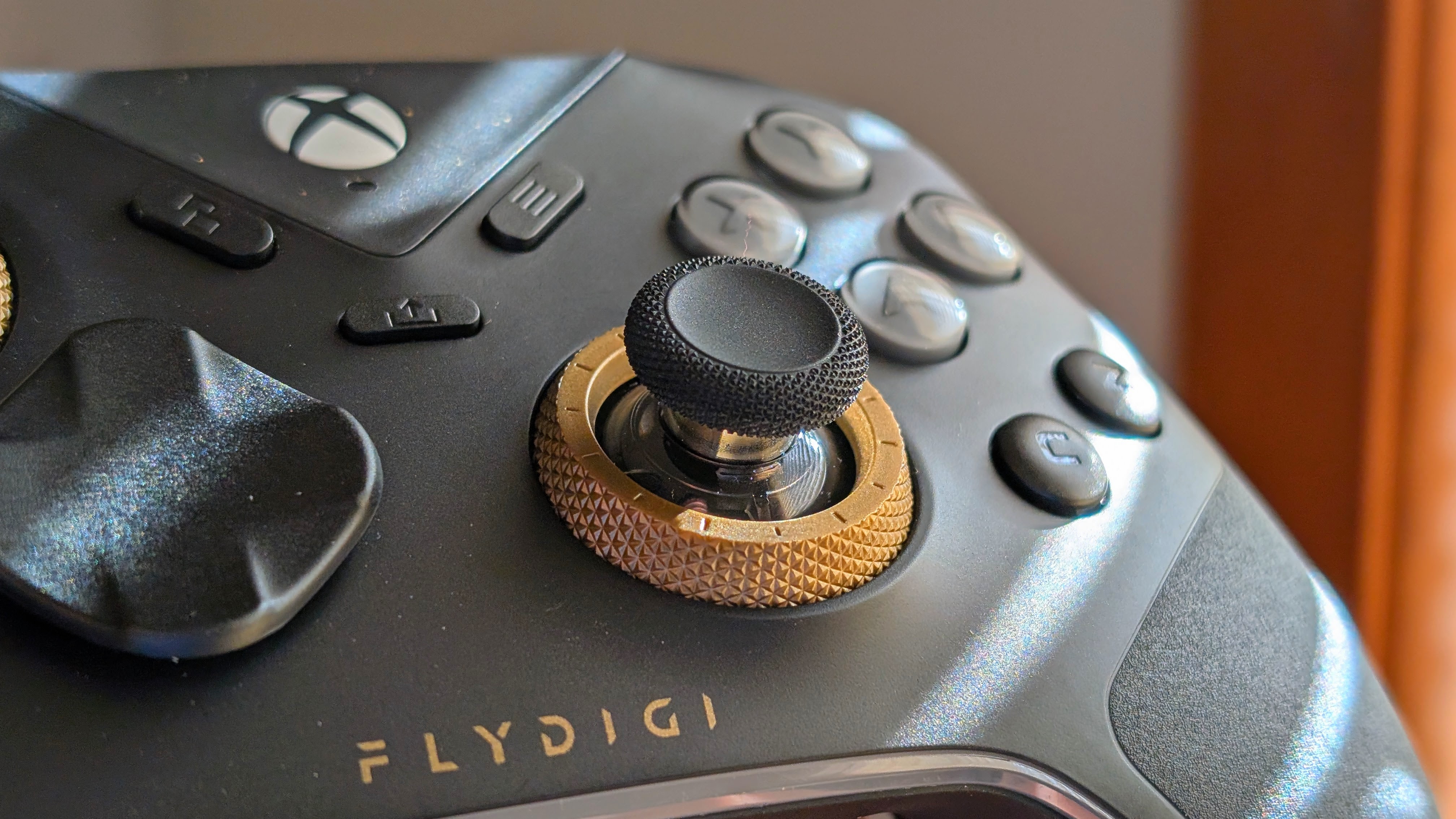
There are a lot of controls on this one, and there’s a lot to cover, so I’m going to get the minimal ones out of the way first. C+Z buttons are nice and clicky, and positioned just enough south of the face button so that they’re proper intentional presses. M1, M2, LM, and RM are within reach, if a bit far at times, but aren’t something I’ll accidentally press.
Getting into larger pieces, the microswitch/mechanical face buttons and D-pad are nice and clicky, and audible yet not loud. There’s almost no travel on the face buttons, so if that’s your thing, you’ll be in luck.
The Analogs
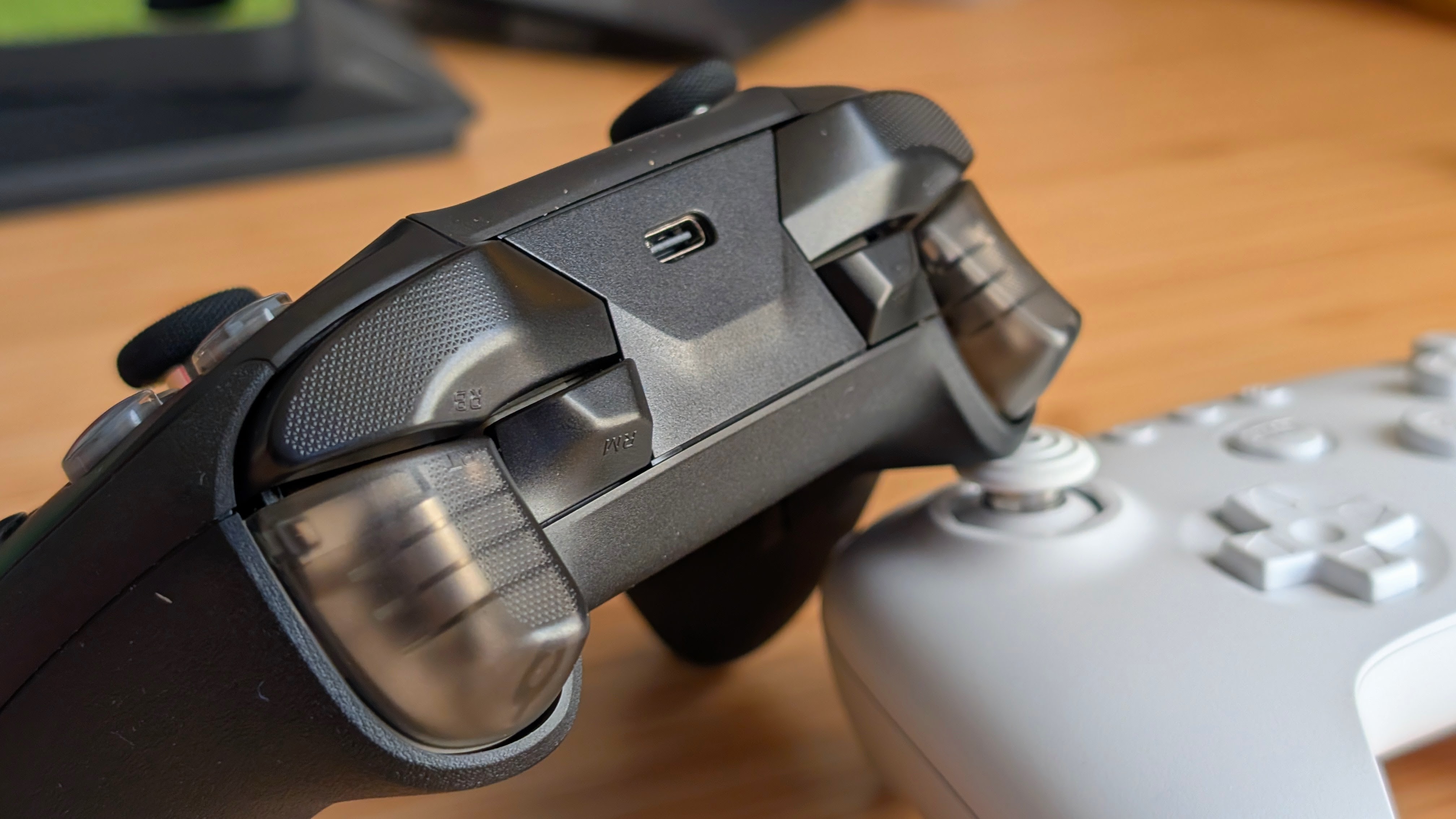
This is where, in my opinion, things get really good. Thanks to proper trigger control in software and on the controller itself, you can set your needs for digital or analog with ease, before following up with how much travel you want with the Flydigi software. When playing games like Forza Horizon 5, this makes a huge difference in terms of how much control you want with your car. Whether that’s full throttle on your Land Rover III, or properly adjusting the speed as you drift down the mountains in your Hoonigan, it honestly worked wonders.
And that continues in the triggers, they’re accurate, smooth, and respond well to even the most minute movements. Controlling cars in Forza, or AK-wielding Axolotls in AK-xolotl, feels about as good as it’s ever done, and all with practically no latency to speak of. At least from what I can tell. The Flydigi Vader 5S just does well.
Features and Connectivity
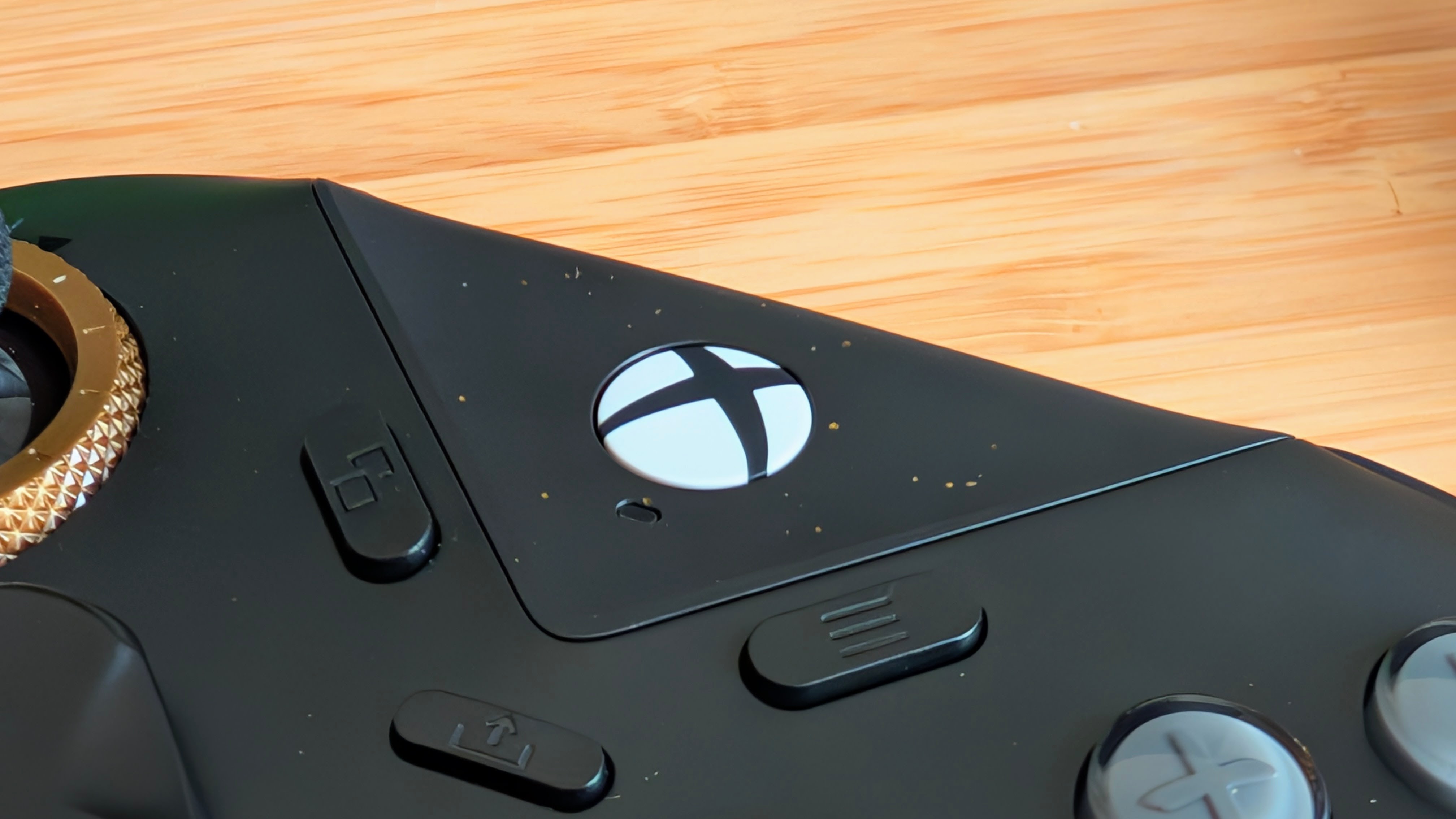
First up: connectivity. There’s not a lot of it, because it’s a wired controller. That being said, the Vader 5S includes a super-long USB-C to USB-A cable in the box, which should give you plenty of flexibility for distance and for compatibility in the future. You plug it into your Xbox, your PC, or your Steam Machine (Bazzite Box), and you’re off to the races. Minimal configuration, maximum compatibility. For those items. But if you want to configure things, you’ve got options.
Outside of everything you can adjust in software, which I’ll mention next, the Vader 5S features a few on-device things that you can toy with as well. The biggest one to me is the stick tension adjustment. The sticks on the Vader 5S already feel great, but with a twist of the brass rings, you can take your sticks from loose and easy to swing, all the way to nice and stiff.
And depending on your preferences, you can even manage a stick in both tightnesses if you wanna swing both ways. Outside of that, on the device you can plug in via a 3.5mm jack on the bottom, swap to micro switch triggers on the back, and select a new profile via the buttons on the bottom.
For a wired controller, the Vader 5S has a lot going for it.
Software
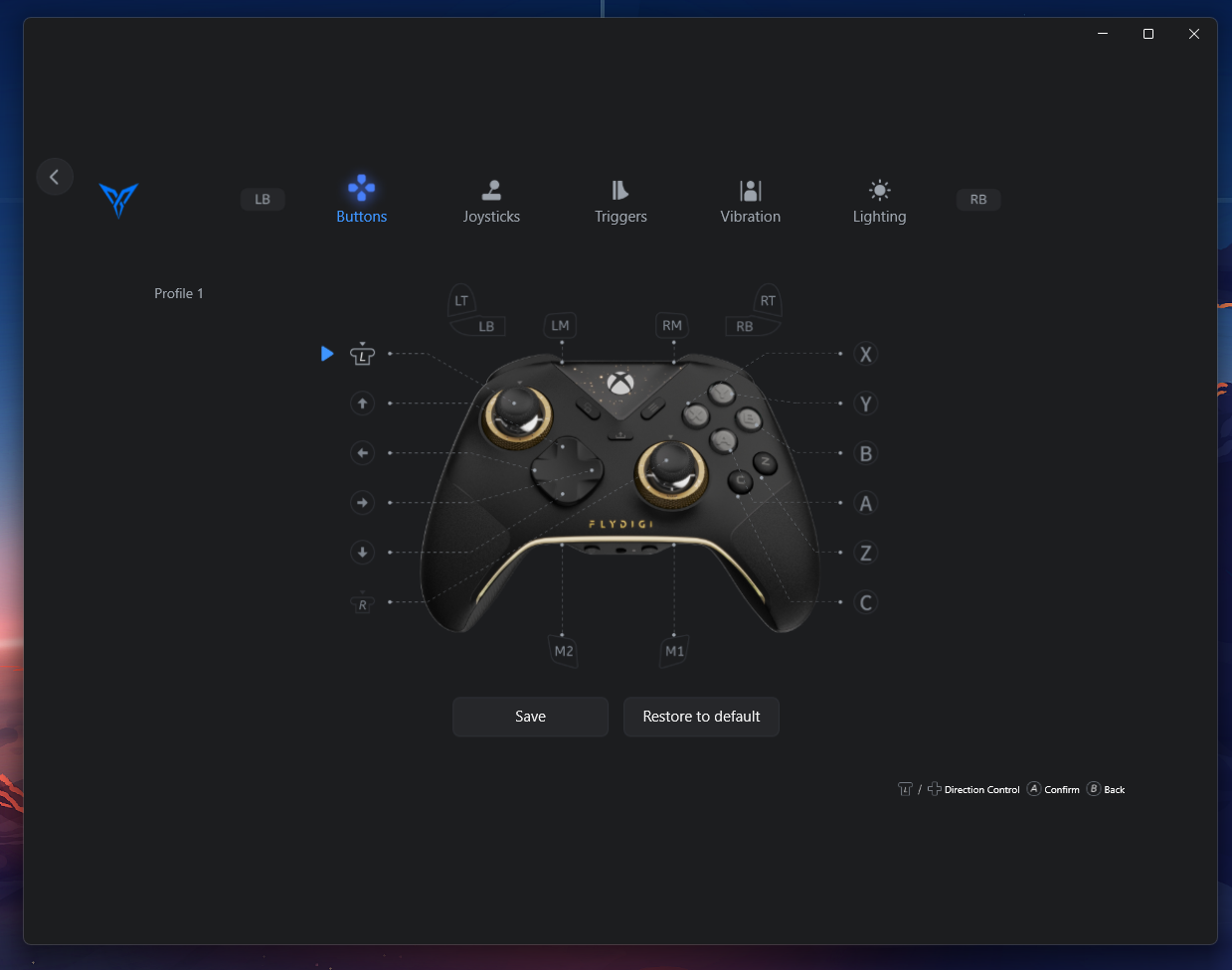
Flydigi’s Space Station software is probably one of the better pieces of software that you can find for a controller. In easy-to-read and sort through categories, you can adjust and customize everything from stick and button mapping to RGB, vibration, and trigger travel adjustment. Another nice feature is that you can even navigate the entire piece of software with the controller itself.
If I had one gripe about the software is that, even with the included cable, I’ve noticed that the controller seems to disconnect fairly easily within the software. But I will note, even though it’s disconnected from software, it never disconnects from the computer itself when plugged in. So I certainly believe it’s more of a software bug than anything.
Final Thoughts
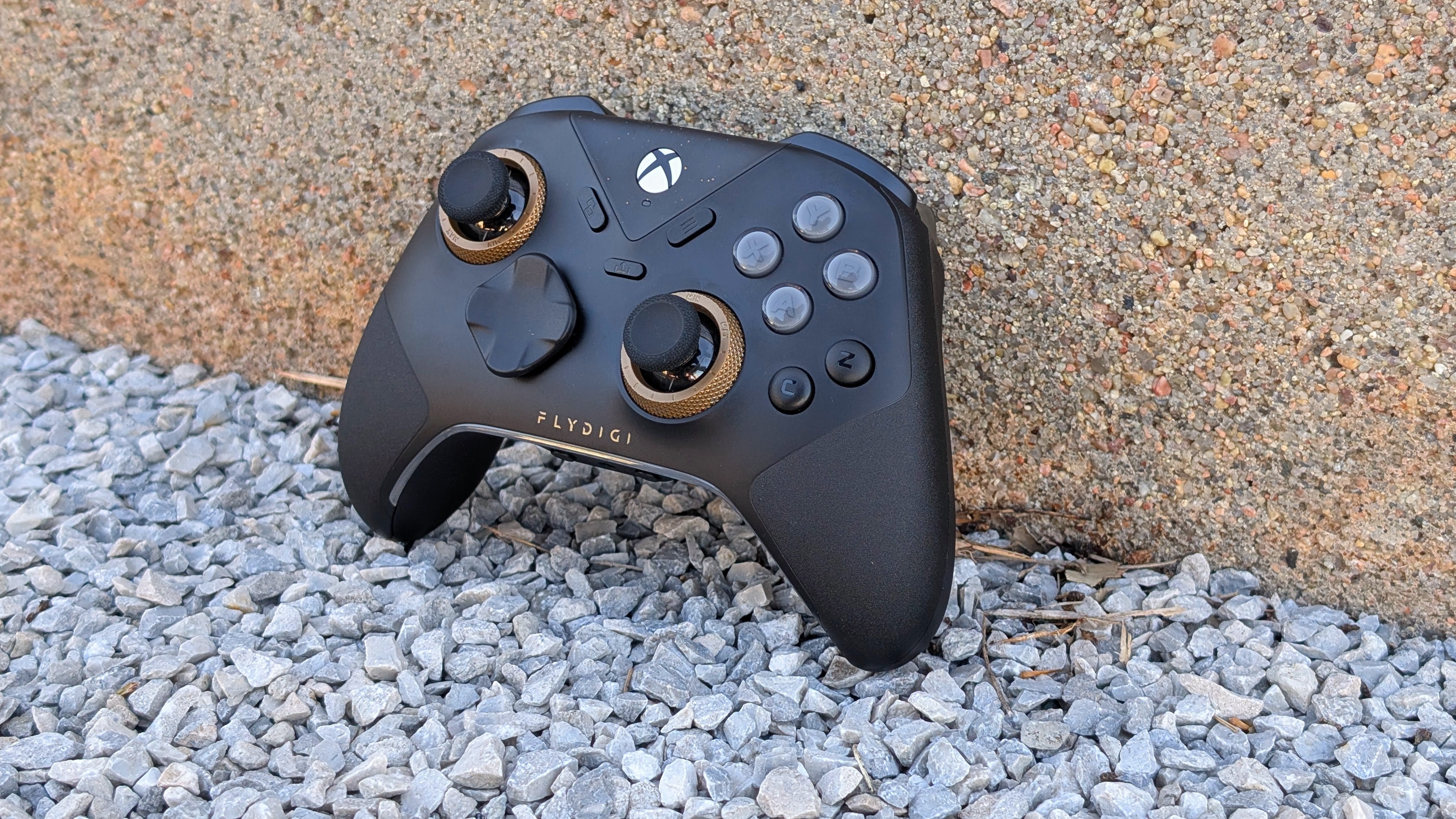
If you’re looking for a wired Xbox-compatible controller, this is the one I think you should go with. If you want all of the bells and whistles. There are more and more competent wired options in 2026 from companies like Gamesir or 8BitDo, but they usually strip back some features to fit their controller into a price point. Flydigi has essentially said they want the full Vader 5, and they’re just making it wireless.
That being said, at $59.99, it outprices a bunch of general wireless controllers. Some of my favorites are the Fantech EOS Pro II and the GameSir Cyclone 2. If you know at some point you’re going to want a wireless controller, I’d say hold off and get something else. Using the Vader 5S has made me personally want to go out and pick up the fully wireless one, as, despite having an Xbox, I am primarily PC first for gaming.
That being said, the quality of this controller is second to none, and the nice thing about being wired is that when all of my other controllers get dead and spicy batteries, this thing will still be chugging along and ready for more use in the future.
As long as the USB-C port holds up, of course.

3 Comments
You should really try out EasySMX controllers, for the price there’s little that beats them.
Hey thanks for the read and recommendation! I’ve currently got older reviews for the EasySMX X05 Pro, D05, and S10 Lite; all of which are really good for their prices. I’m currently planning to look at the D10, but if there are any other’s I should take a look at I’d be happy to hear it!
Can you connect the controller to a Microsoft USB wireless PC dongle for Xbox controllers?