

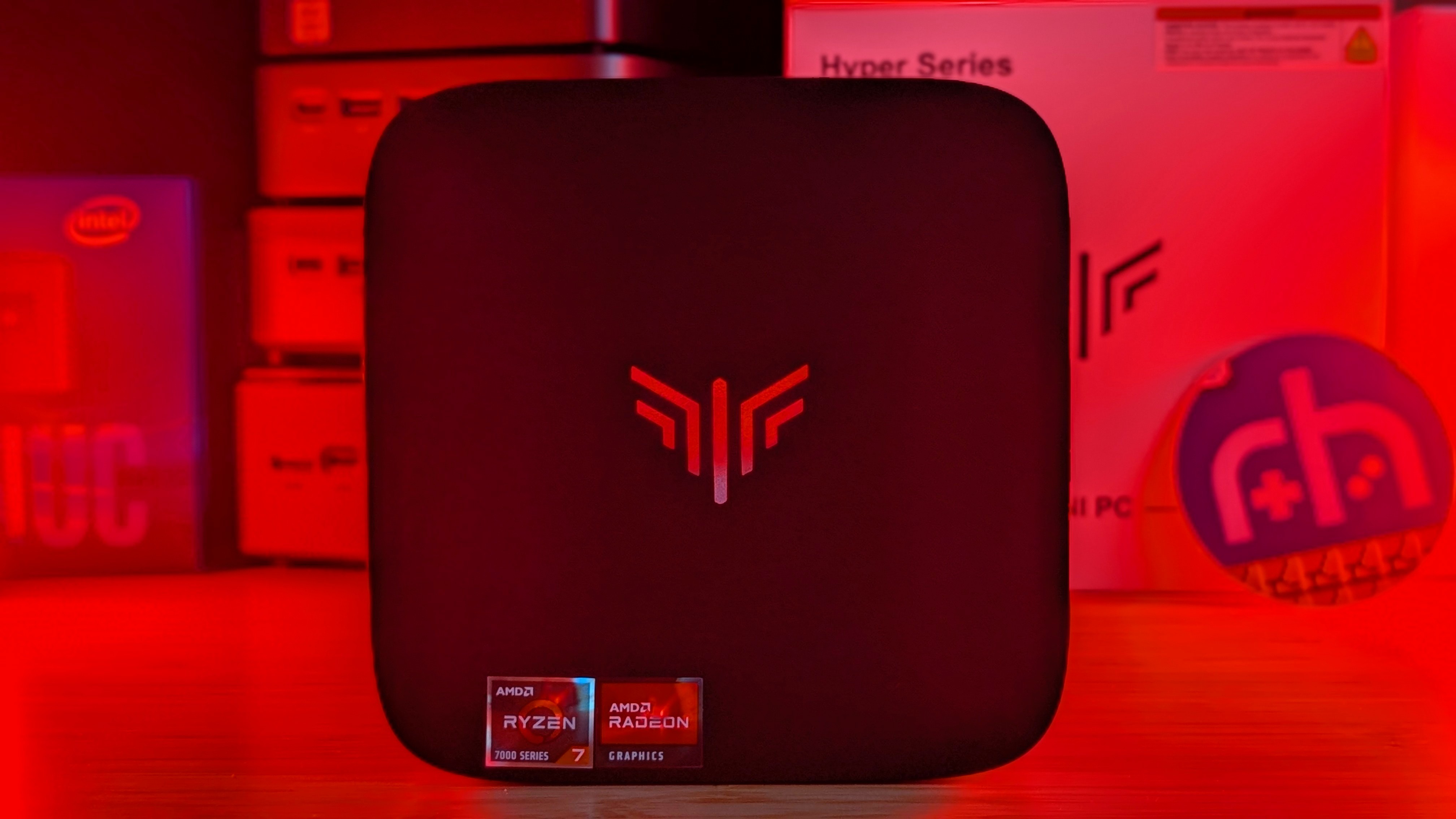
2026 is looking pretty rough. Companies are increasing RAM costs, handheld companies are decreasing the amount of RAM you can get, and as a whole, things are looking more expensive even for last-gen components and parts. Enter Kamrui and the latest in its H1 series.
Running the Ryzen 7 7735HS, you’re looking at a fairly modern setup in a less expensive price tag than some other options I’ve looked at. Both at similar and higher prices. But is it worth the money? And is 24GB of RAM enough for you? That’s what I’m here to find out.
Kamrui Hyper H1 Specs
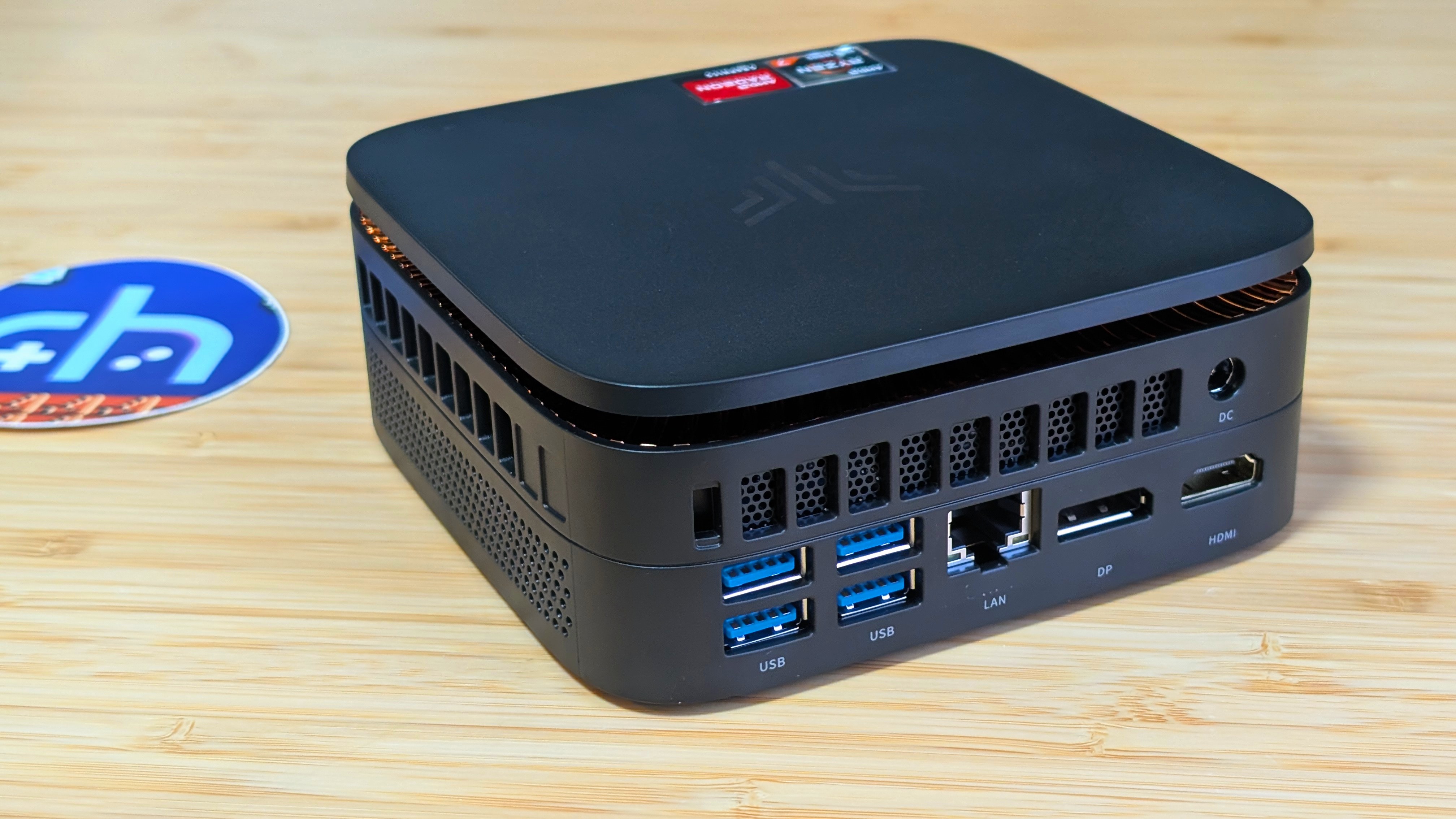
The H1 7735HS edition is a continuation of Kamrui’s last lineup running the Ryzen 7 6800H. At a starting price of $370 for 16GB RAM and 512GB storage, you can find the 24GB model on their own website for just $389 at the time of writing. But is that worth the spec? Only you can decide.
| Hardware | |
| CPUI | AMD Ryzen 7 7735HS (8-core / 16 threads @2.3GHz) |
|---|---|
| GPU | AMD Radeon 680M @ 2200MHz |
| RAM | 24GB DDR4 (3200MHz) |
| Power | 35-54 watt TDP w/ 65W Power Brick |
| Storage | |
| Internal | 512GB M.2 2280 SSD |
| Connectivity | |
| I/O | 4x USB 3.2 Gen2 Type-A, 1x USB 3.2 Gen2 Type-C, 1x HDMI 2.0, 1x Displayport 1.4b, 1x Gigabit Ethernet, 1x 3.5mm Jack |
| Wi-FI | Wi-Fi 6 |
| Bluetooth | Bluetooth 5.2 |
| Physical | |
| Dimensions | 129 x 129 x 51mm |
Kamrui Hyper H1
Build and Expandability
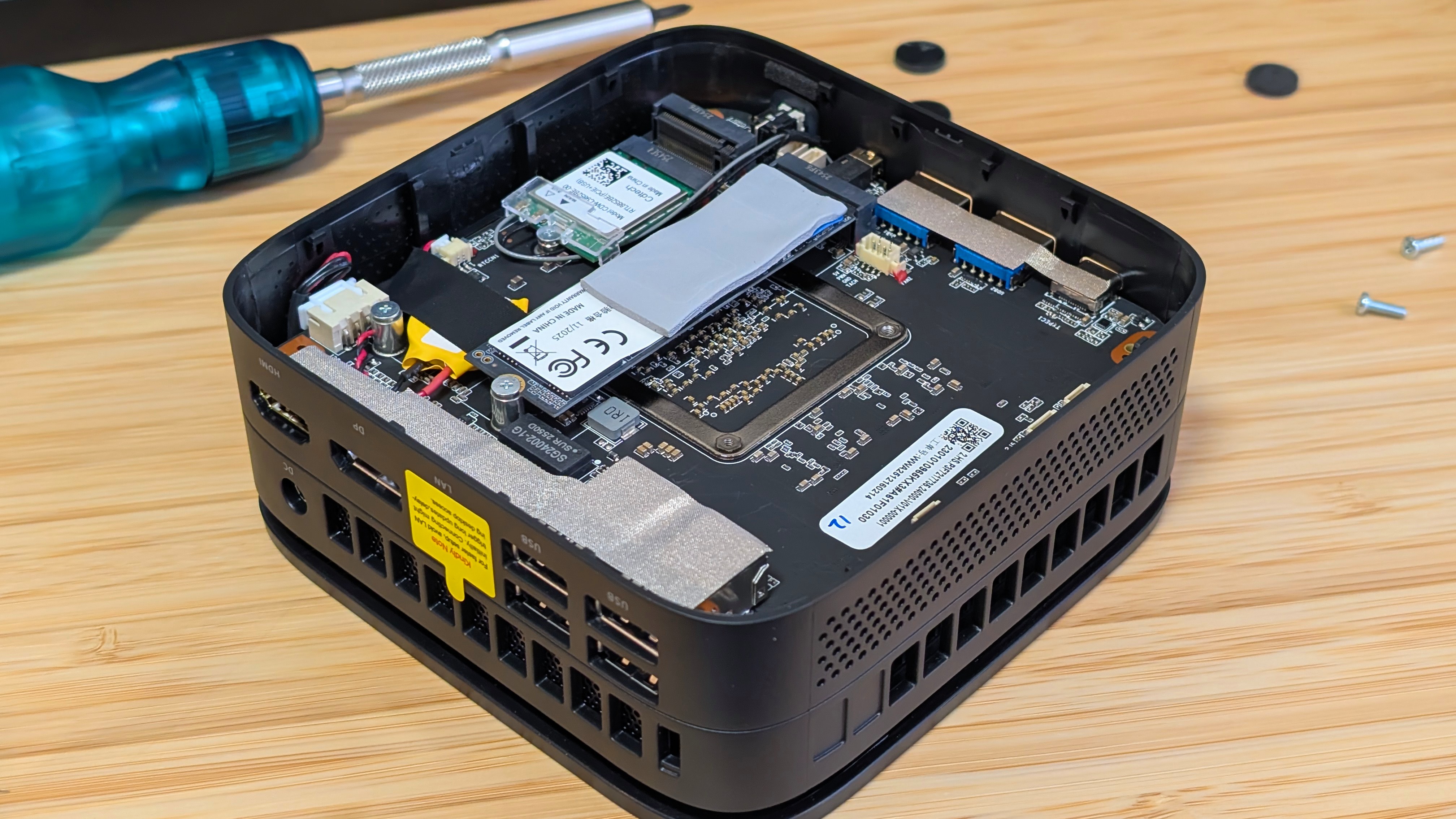
When it comes to the build quality of the Kamrui H1, you’re getting a well put-together package. It follows the standard NUC format by being a perfectly small square, but ends up going just a bit taller to accommodate the space for air to leave the mini pc. As well as that comes the odd design decision to put what looks like copper right on the underside (even if it isn’t). As for getting into the PC, it’s fairly simple. Flip it over, rip off the sticky feet, undo the screws, pry it open past the clips, and you’re in.
Once you’re inside, you can see what’s happened. While older systems allowed for 2 SSD slots and 2 RAM slots for easy upgrading, the Kamrui H1 only has the SSD slots. What that means is you’re never getting more than 16 or 24GB of RAM after you’ve purchased the device. On the bright side, you don’t have to get expensive RAM. On the downside, you can’t add more if you run out of RAM one day. In terms of repairability, it gets a “meh”.
Performance
Synthetics
Taking a look at benchmarks, I’m going to use mostly the same systems I did for a recently released Acemagic M5 review; however, I’m also going to include the numbers from my Geekom A5 2026 review, which I called “the standard going forward” following this review. I can’t firmly stand behind that.
Starting with my CPU test, the H1 lands pretty well set towards the lower end of the pack. Single-core scores from almost everything else top the H1, and Multicore scores tell the same story. But rather than put a lot of the performance into the CPU like most i9 mini PC’s, the power for the H1 was put into the GPU.
Geekbench 6
Touching into the GPU performance in synthetics tells a completely different story. The only competition to the 7735HS is the Ryzen 7 6850H Pro from my older GMKTek mini PC. The Radeon 680M graphics are still super performant in 2026 and clear everything else in both Geekbench GPU and my 3DMark tests. I especially want to point out the discrepancy between the 7430U and 7735HS, where the H1 is well over double the A5 in Geekbench, and going even further in the Wild Life benchmark. This impressive performance only continues into the gaming benchmarks.
Geekbench 6 (GPU)
3DMark
Game Benchmarks
Again, pushing into the general benchmarks for the Kamrui H1, you can see it continue its dominance in terms of GPU power. Going anywhere from double to triple the performance of most of Intel’s GPUs from around the same era, and doing a solid bit better than the Vega 7 graphics of the A5. If you’re looking to touch a good bit of power without jumping up a few generations of APU, the 680M is still good. Seen in devices like the Loki Max or GPD Win 4, you’re getting more than what you could get on those handhelds due to being able to push the TDP even higher.
The Add-Ons
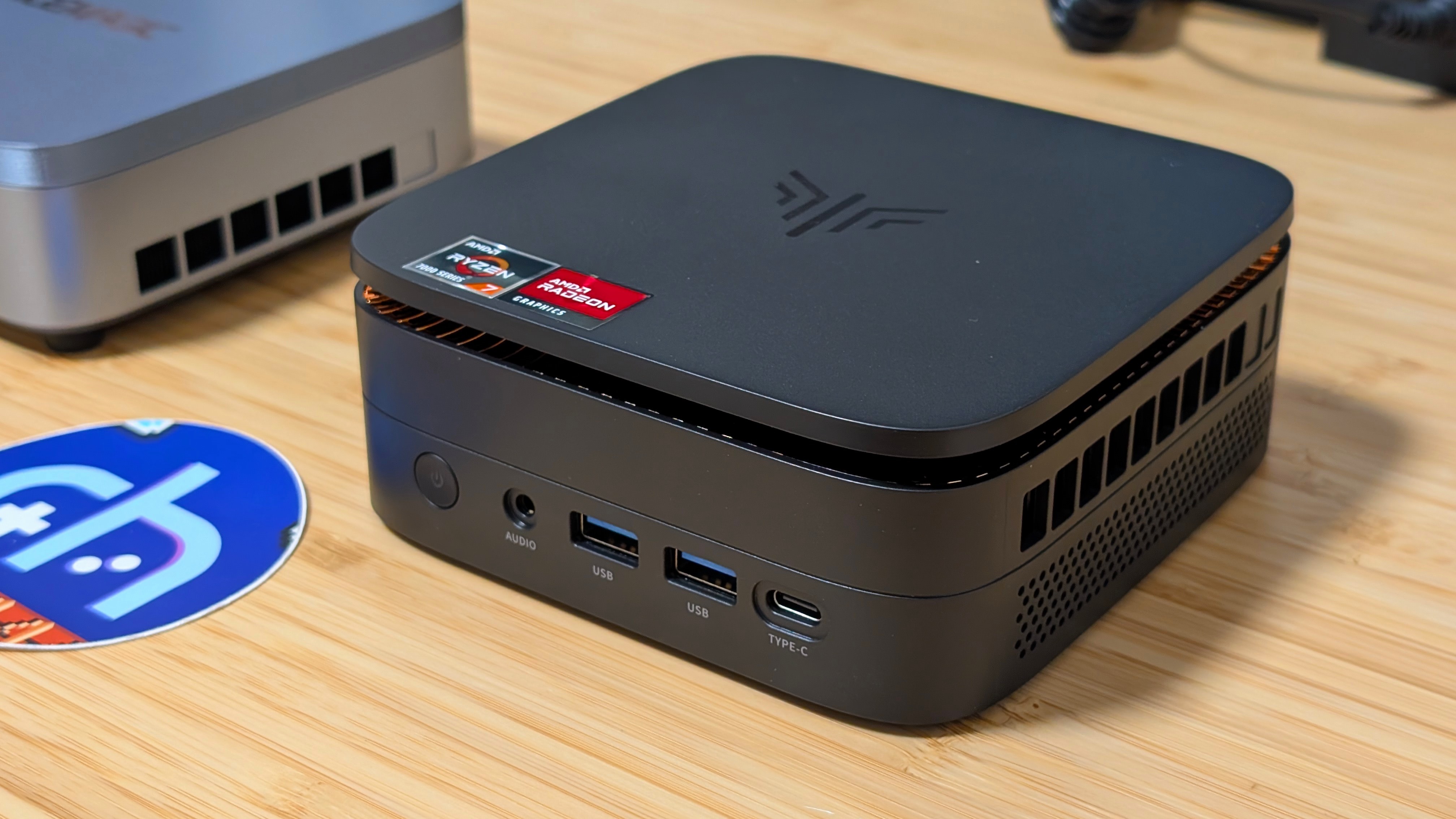
Last but not least, I have a couple of things to add in the latter half of the review. One thing I did notice was that one of the front USB ports was a bit tighter than you might normally expect. While it wasn’t “break your dongle” levels of bad. It certainly wasn’t good either. Aside from that, my comments on the fan noise are pretty positive.
Overall, in most day-to-day usage, I didn’t find the fan kicking on all too much. Even in benchmarking, where it did kick into high gear, it wasn’t a high-pitched whine. Rather, it felt more like a lower-pitched hum keeping things nice and steady in terms of cooling and performance.
Final Thoughts
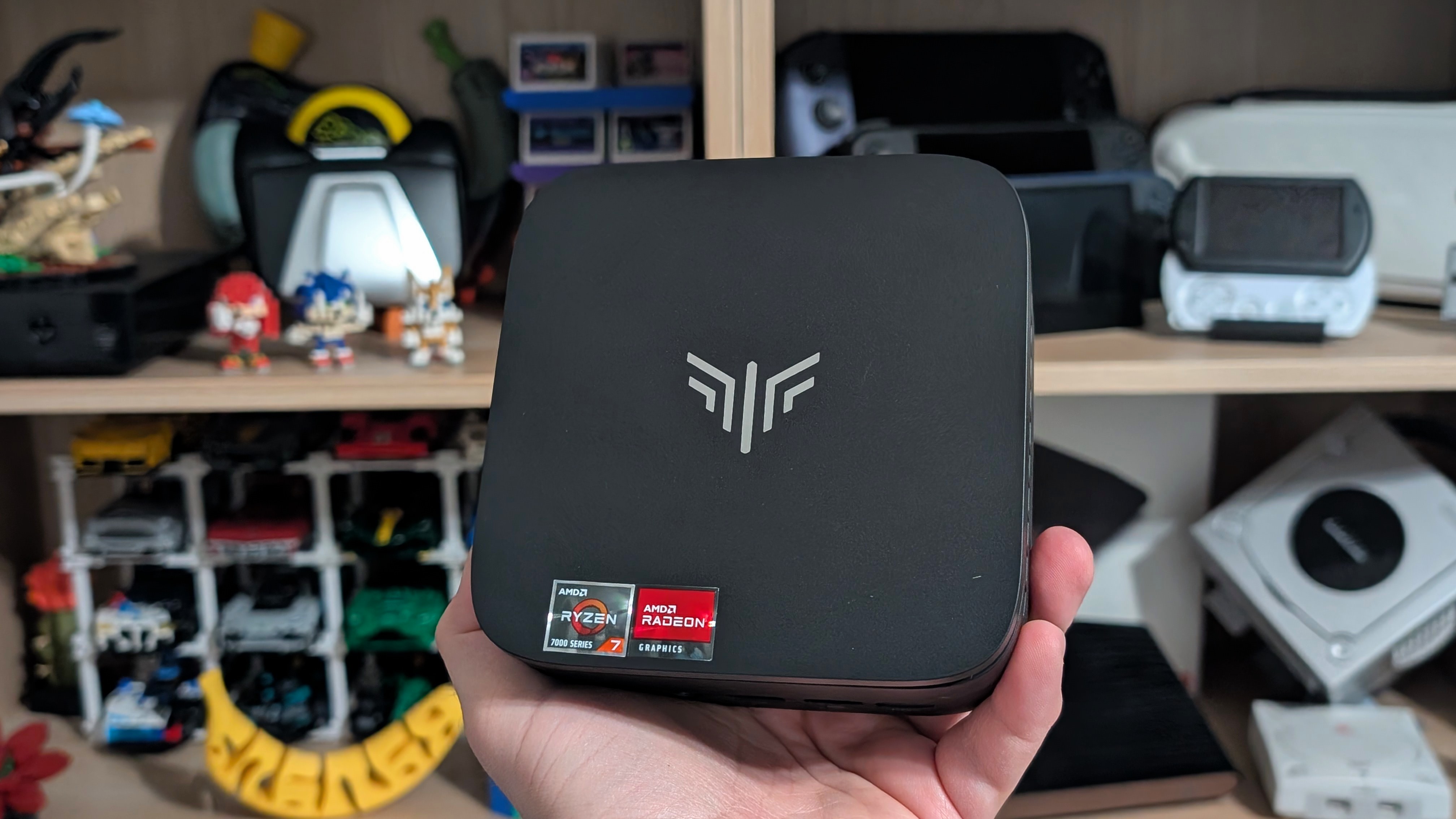
Should you buy the Kamrui H1? I think it depends. If you need CPU power, go for an i9 mini pc. But if you want GPU brawn and you don’t want to go over $500, this may now be the best value in that regard. Stronger than the 7430U and i9-14900HX in terms of GPU and gaming performance, the H1 holds its own really well. And when you consider the pricing right now, I think the H1 does even better. At $380, you’re looking at almost $100 less than the A5 and its 7430U, and almost $400 less than the Acemagic M5.
If all you care about is a good deal on GPU performance, get the H1. I’ll probably keep it around if I want to do one of those “I made the Steam Machine valve won’t sell” articles anytime soon. But we’ll see.

2 Comments
Is this some kind of a joke?
I’d really like to see a mini PC that scratches the itch for media PC use around this price point or below it. The options right now always just seem to be making a small sacrifice somewhere, and maybe that’s just pricing reality right now. I guess AMD processors are just cheaper compared to their intel counterparts, but with AMD falling behind in terms of transcode speeds, it’s almost always off the table, which is an absolute shame given the other general performance.