

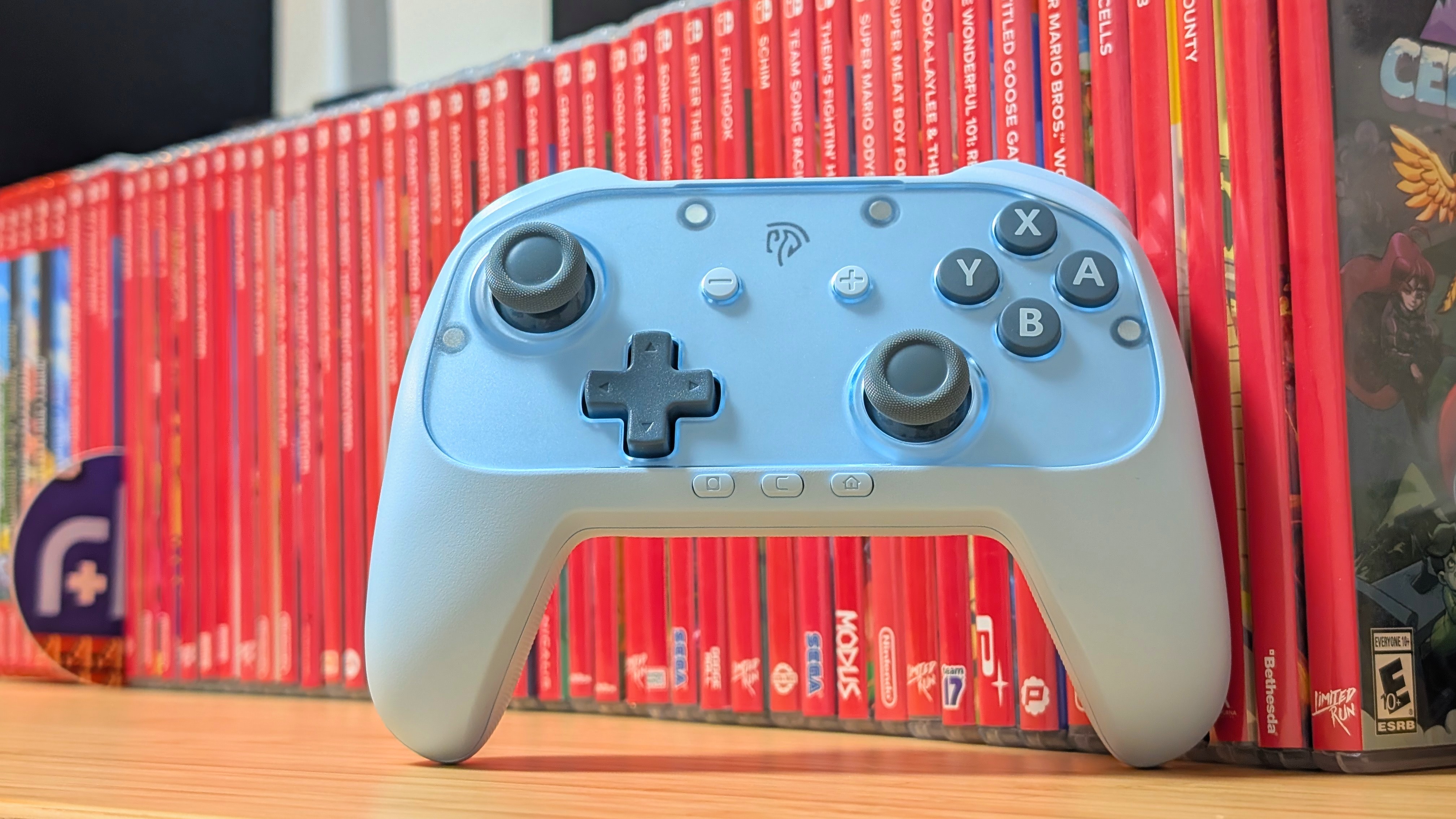
It’s not often I’ll cover Nintendo Switch-focused controllers, but with the price of a Switch 2 Pro Controller being in the neighborhood of $90 dollars, it’s worth at least one look. Enter EasySMX. Following the release of its S10, EasySMX has decided to strip back some features and put out a more budget-focused version called the S10 Lite.
Are the savings worth the loss of features? Is it worth grabbing over alternatives? That’s what I’m here to find out since EasySMX was kind enough to send over the S10 Lite for review.
EasySMX Specs
At the time of writing, the S10 Lite was available to pre-order from EasySMX for $33.99, but now that it’s available, the controller retails for $39.99. At that price, it’s an inexpensive controller, but are the specs worth it to you?
| Controls | |
| Sticks | Hall Effect |
|---|---|
| Triggers | Micro Switch |
| Face Buttons | Micro Switch |
| D-pad | Membrane |
| Extra Buttons | C Button, GL/GR |
| Battery | |
| Size | 1,000mAh |
| Connectivity | |
| Bluetooth | ✅ |
| Wired | ✅ (USB-C) |
| Compatibility | Nintendo Switch 2, x86, Android, iOS |
| Physical | |
| Weight | 230g |
| Extra Features | |
| Extras | Motion Control, Switch Wakeup, Swappable Face Plates |
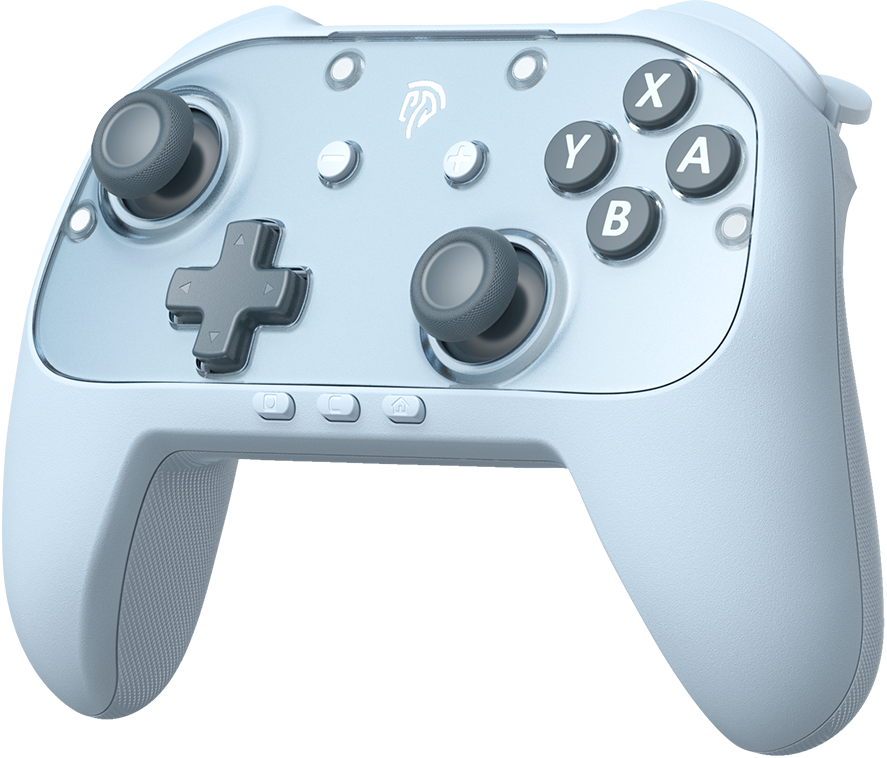
EasySMX S10 Lite
S10 Lite is built on the True Native Switch 2 Protocol, delivering a first-party experience from the moment you unbox it.
Ergonomics and Quality
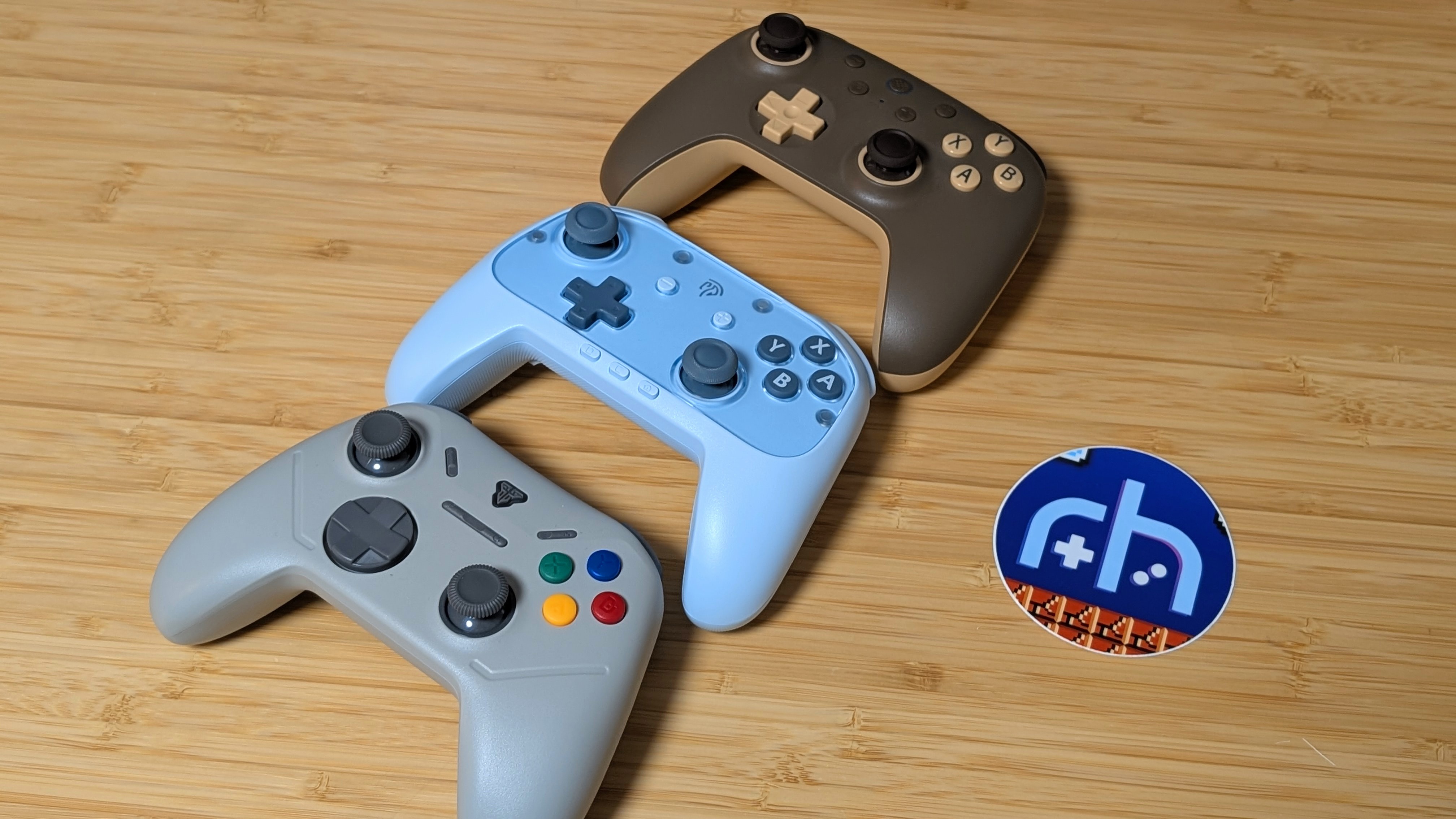
Based on my original impressions, the S10 Lite is a lightweight controller that manages to not feel cheap at the same time. Textured plastics for grips, and a solid build that doesn’t creak or groan if I “accidentally” twist it, the S10 Lite holds up really well. The only thing that doesn’t feel truly quality is the back buttons, which feel a bit hollow, but that isn’t an issue if you don’t use them, and even if you do, it likely won’t be something you think about.
Ergonomically, it holds up well, too. It has a bit of a wider stance akin to the 8BitDo Ultimate lineup, but places everything right within reach for my medium-sized hands. Grip isn’t an issue, and I find all of the controls to be comfortable. The S10 Lite definitely gets a pass here in my books.
Controls
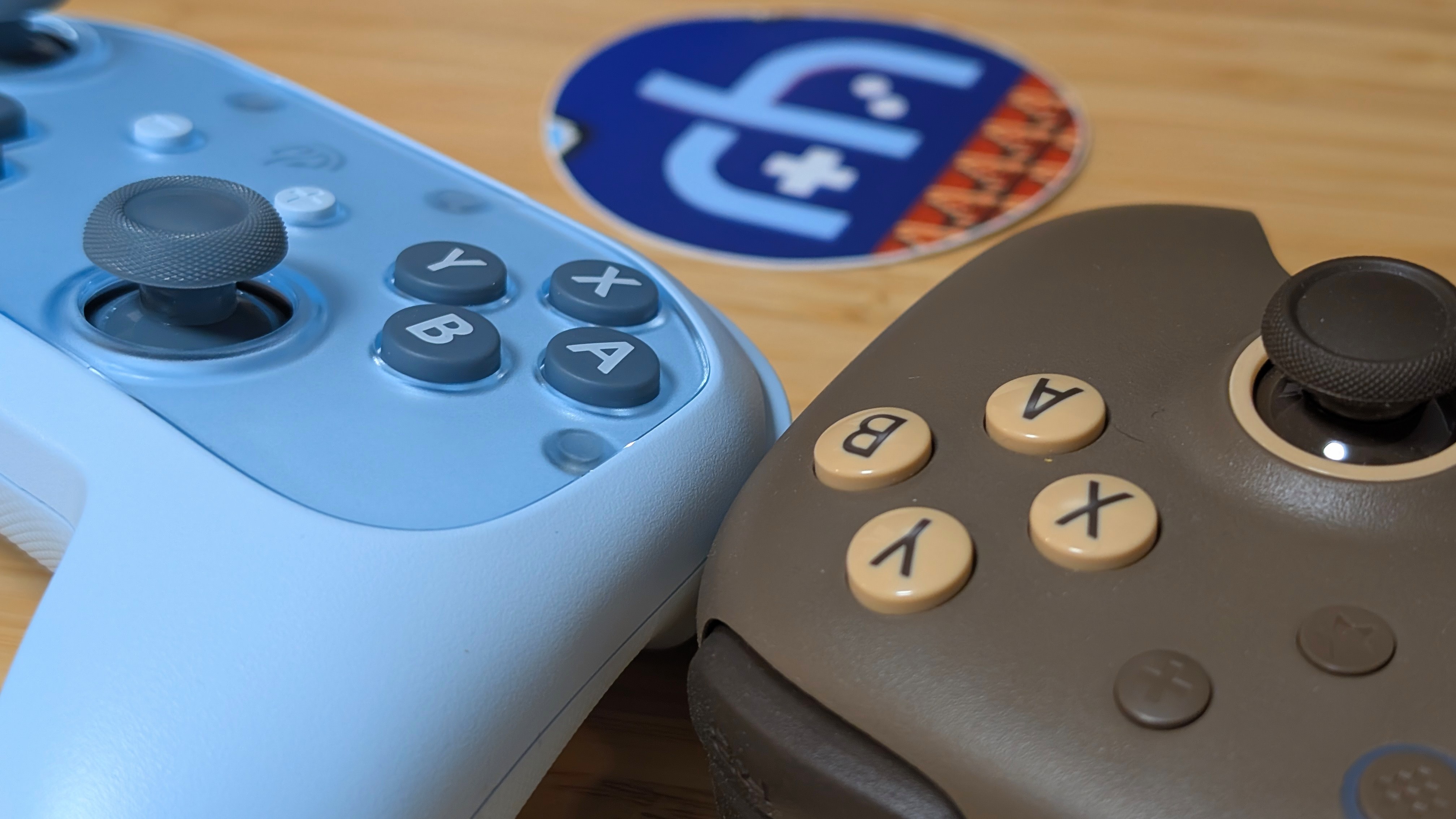
It’s a bag of mostly positives with a few awkward hiccups, so let’s start here. The hall effect sticks feel great. With plenty of motion, a large cap top, and smooth travel, these avoid grinding on the edges of the stick cavity and have been accurate in every game I’ve played. The D-pad is membrane, but has a solid amount of pivot in any direction.
It’s fairly light, so it may take some adjustments, but overall I like it. If you like micro switches, these face buttons are for you. They’re wide, flat, and clicky. There’s essentially no travel before they activate, and that makes them great for quicker fire gaming.
As for the awkward steps, the back buttons are hollow and clicky, but fall out of the way for the most part, and don’t make me feel bad for ignoring them. L and R are both clicky and a bit hollow as well. For the price I expect it, but it kind of reminds me of the L1/R1 of the Mangmi Pocket Max, just with a click instead.
The weakest (but still decent) link is the ZL/ZR buttons. The clicks on them are a bit loud, but it isn’t an issue. My issue is that, despite being digital triggers, they still feature travel before activating. I can understand this choice due to how easily the microswitches activate when reached, but I would’ve preferred no travel with stiffer switches. To each their own. They’re not bad, but I’ve certainly used better.
Features and Connectivity
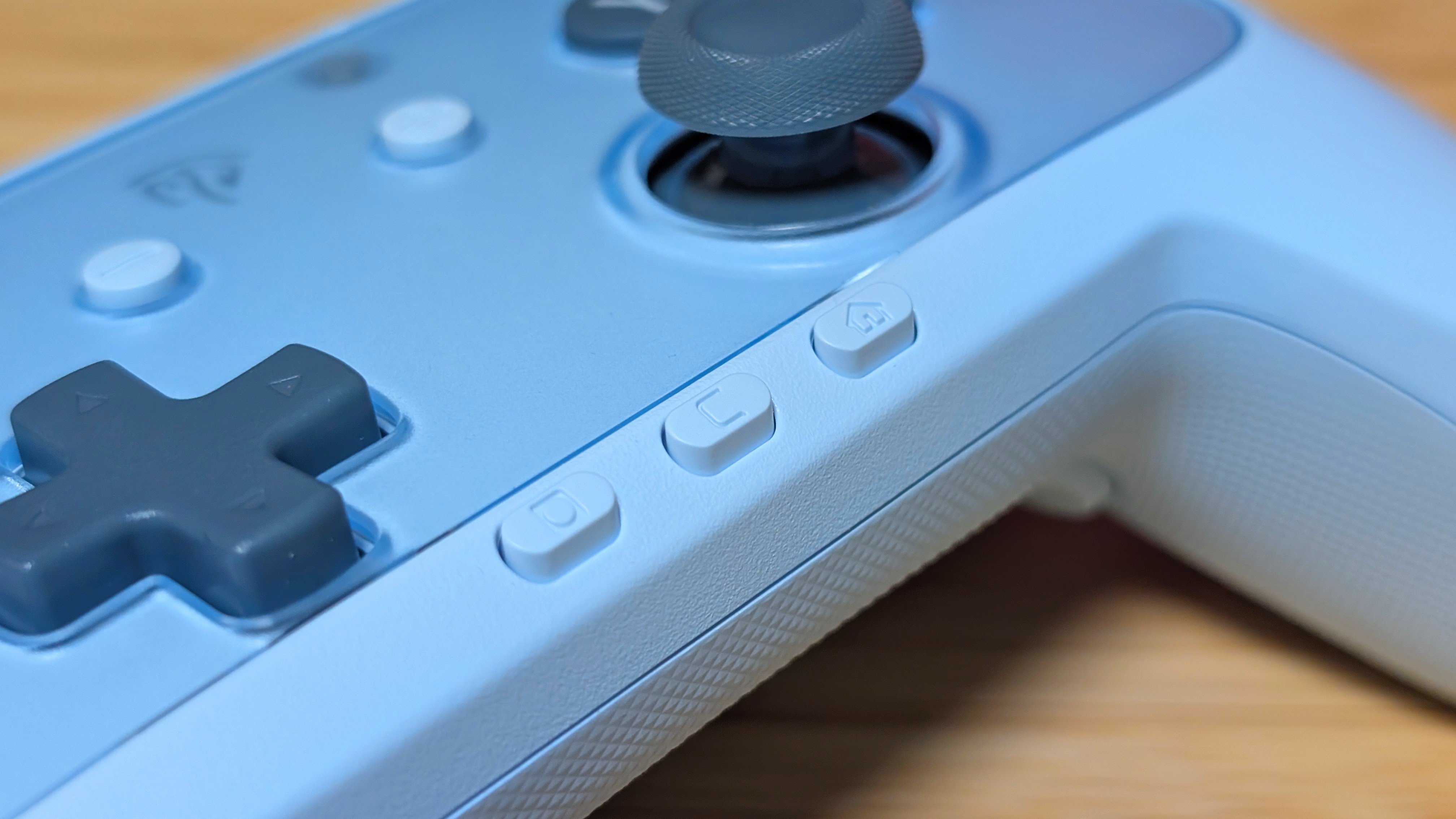
When it comes to features and connectivity, the S10 Lite manages most of what you’d expect in a Nintendo Switch controller, with a couple of caveats. Bluetooth manages to let it get picked up by my Switch 2 with relative ease, and the one-button power functionality surprisingly worked every time for me.
While usually an issue in the past, this one seems to have it right. Also, I don’t and never will use the Voice Chat, but the C-Button does bring up that functionality as well.
Motion control is great, and when playing Splatoon, it responds quite well to my movement. In terms of missing features, the big one is a lack of NFC. For a lot of people, this won’t matter much, but for those who absolutely need it, you would be better served by the standard S10 or the Switch 2 Pro controller.
What I’m Playing on Switch
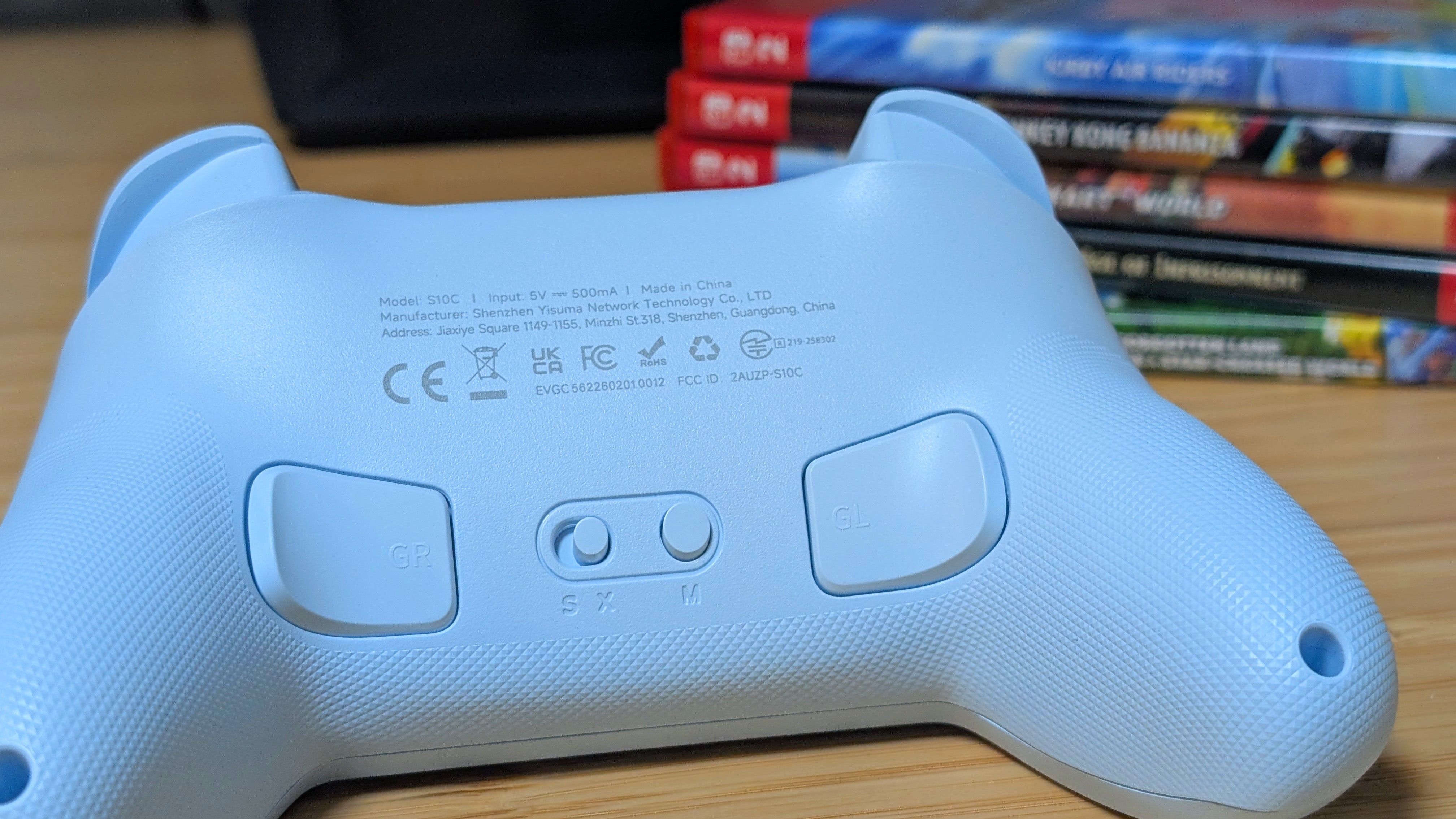
When it comes to the games I’m playing on Switch 2, there isn’t a whole lot to cover. For motion control testing, it was easiest to pull out Splatoon 3 and give it a go to see how things handle. As a whole, I appreciated having motion control, as after using the original Switch Pro controller for so long, I’m not sure I could go back.
Otherwise, it was a lot of time in Mario Kart World, and a bit of time running through Donkey Kong Bananza. Both games utilized the Sticks for testing, but also got me more accustomed to the triggers. While I’m still unsure on ZL and ZR, I think for most users they’ll be serviceable as a whole.
Final Thoughts
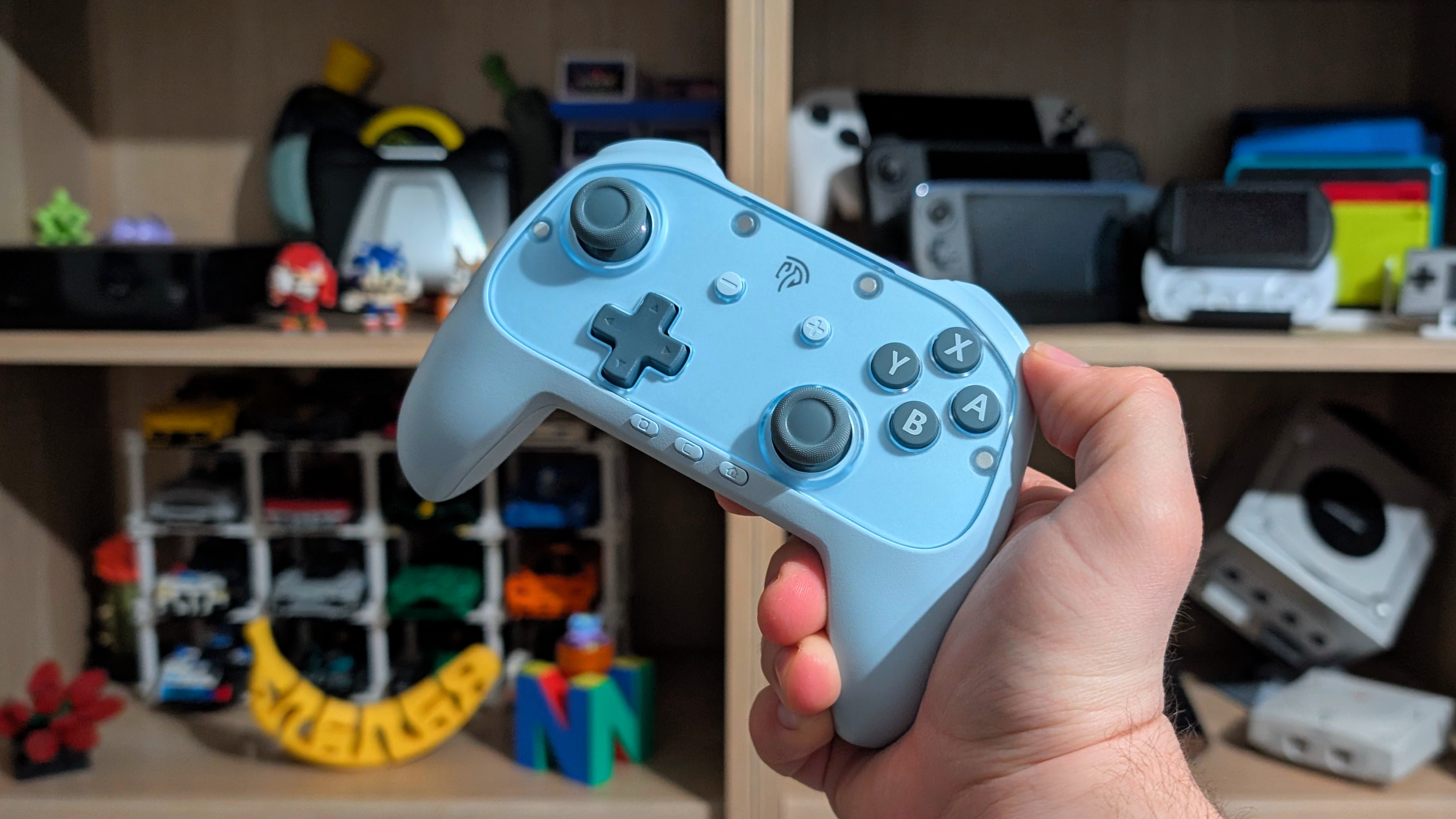
In terms of value, I think the EasySMX S10 Lite strikes a solid balance between features, pricing, and quality. Can you find a similarly priced, PC focused controller for less with more features? Probably, even EasySMX sells some great PC controllers for a similar price, but that isn’t the point.
As far as Switch 2 controllers go, the S10 Lite is a win in my book as long as you’re okay with clicky switches. But don’t be afraid to look at the 8BitDo alternatives among other devices.
