

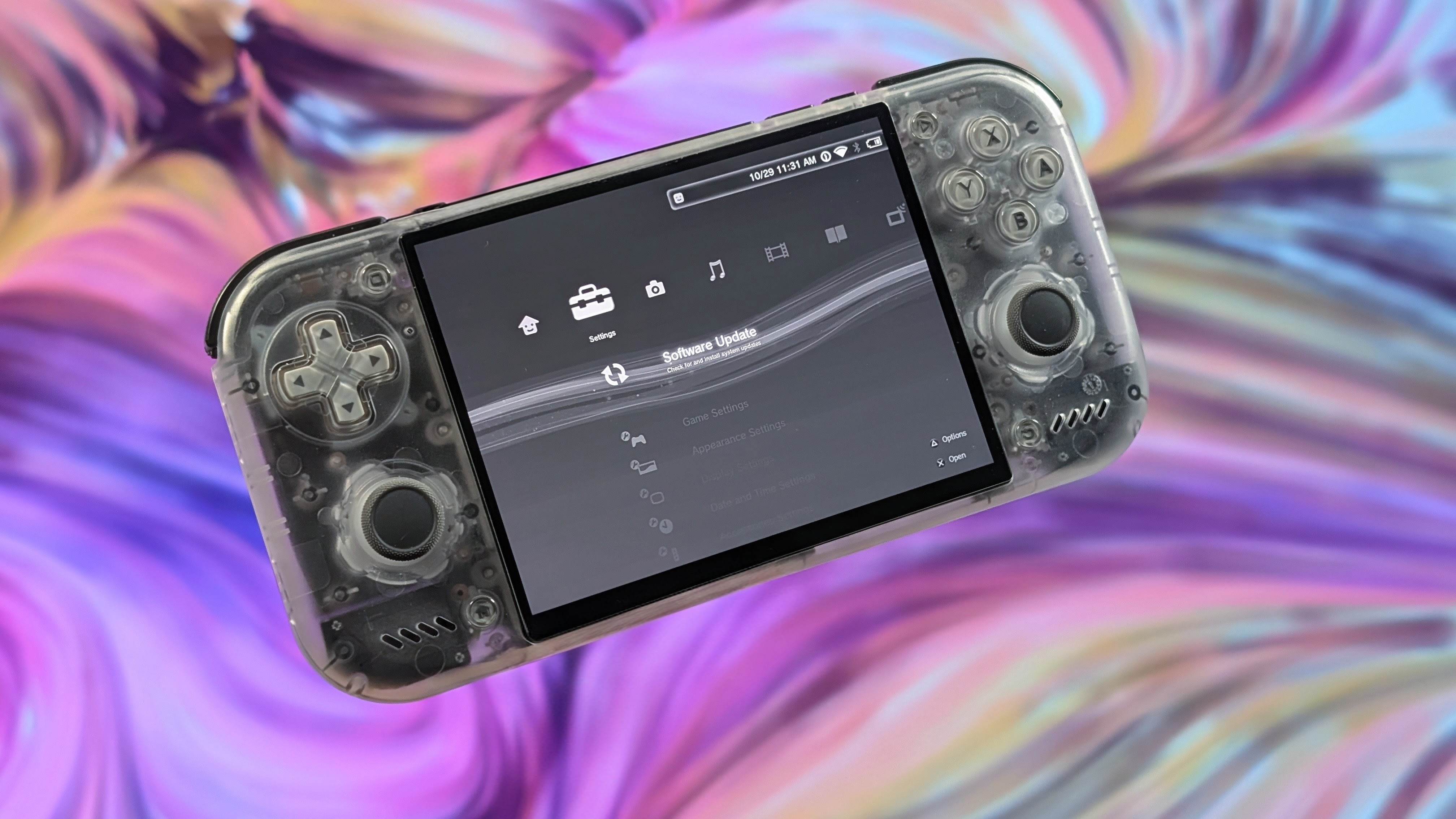
Wave Launcher is once again back with another decent update under their wings. After a few months of progress they’ve taken the initial 1.0 update up to 1.0.4 with a bunch of slice of life improvement, general usability uplifts, and in general a more polished feel to the launcher as a whole. And I know they’re not done cooking, because more updates are in the works, but for now it’s all about the latest drop from October 28th.
As always, I always want to give out the recommended places to learn more. So if you want to check it out, head over to the Wave Launcher Github for the full changelog, check out their Discord if you want to chat with the Wave Launcher community, or go support the team over on Patreon if you can, as any amount of support will always help with the long term development of a launcher. As for their latest changelog, my favorite updates will be in bold for easier reading. But you can catch the full list here.
New Features:
- Added iiDB for game information, box art, icons, logos, banners, heroes, screenshots, and soundbites
- Console Sans and Console Square fonts
- PPSSPP VR as an emulator option for PSP and PSP Minis games
- PlayStation (Swapped) controller layout with matching on-screen buttons
- Switch to disable the on-screen touch controller when another input method is available
- Priority settings for physical, Wave, and Android system keyboards, including a system keyboard picker
- Full or Scrolling descriptions, with Full as the new default
- Adjustable PSP-style underline for focused titles
- Option to show game details without the panel background
- Platform icons for ChaiLove Game Engine, CPS1, CPS2, CPS3, Daphne, FBNeo, Linux, Lutro, Sega Model 3, Quake, and TurboGrafx-CD
Changes and Updates:
- Launcher is usable sooner during startup and keeps games, artwork, Favorites, and Last Played visible while the library refreshes
- Improved launcher label spacing, scrolling, fading, and focus
- Improved legibility of the PSP, PS3 Regular, PS3 Pop, and PS3 Rounded fonts
- Grouped controller and keyboard settings
- Improved scraper searches and kept artwork selections intact as more results arrive or a save needs another try
- Made Android game launching more reliable across storage locations, emulator variants, and dual-screen devices
- Added a dedicated WaveLauncher banner and icon for Android TV launchers
Bug Fixes:
- Fixed Hide being unreachable for collections in Appearance settings
- Fixed the Trophy Collection failing to return after being hidden until the launcher restarted
- Fixed Android games, favorites, hidden items, and renamed platforms appearing in the wrong place or disappearing during library updates
- Fixed failed Android app refreshes temporarily clearing the app list
- Fixed extended device sleep being counted as game playtime
- Fixed Android file selection failing to return chosen artwork, sounds, fonts, and other imports
- Fixed some Vita3K and DraStic launches and improved compatibility with selected emulator profiles
- Fixed unavailable displays, failed launches, and rapid launch requests causing incorrect launch behavior
- Fixed launcher input reaching screens underneath dialogs or hidden keyboards
- Fixed the on-screen keyboard appearing on the wrong screen in single-screen or docked setups
- Fixed arcade titles not following the selected language while preserving custom names
- Fixed scraper artwork being saved to the wrong slot and achievement badges being chosen automatically as game artwork
- Fixed image crops losing resolution and artwork or videos failing to recover after temporary errors
- Fixed launcher labels leaving dark shadows behind on Google TV
- Fixed custom font selections failing to restore reliably or conflicting when fonts shared a name
- Fixed saved settings, game folders, and library data being more vulnerable to interrupted saves or upgrades
- Fixed RetroAchievements refresh failures replacing usable information and repeated lookups when downloaded information could not be saved
As always it’s awesome to follow the development of launchers like Wave as you can always tell the attention and care that they’re putting into their product. If you’re interested in checking it out, it’s definitely worth a shot, but I can just say that I’m excited to see what’s next.
