

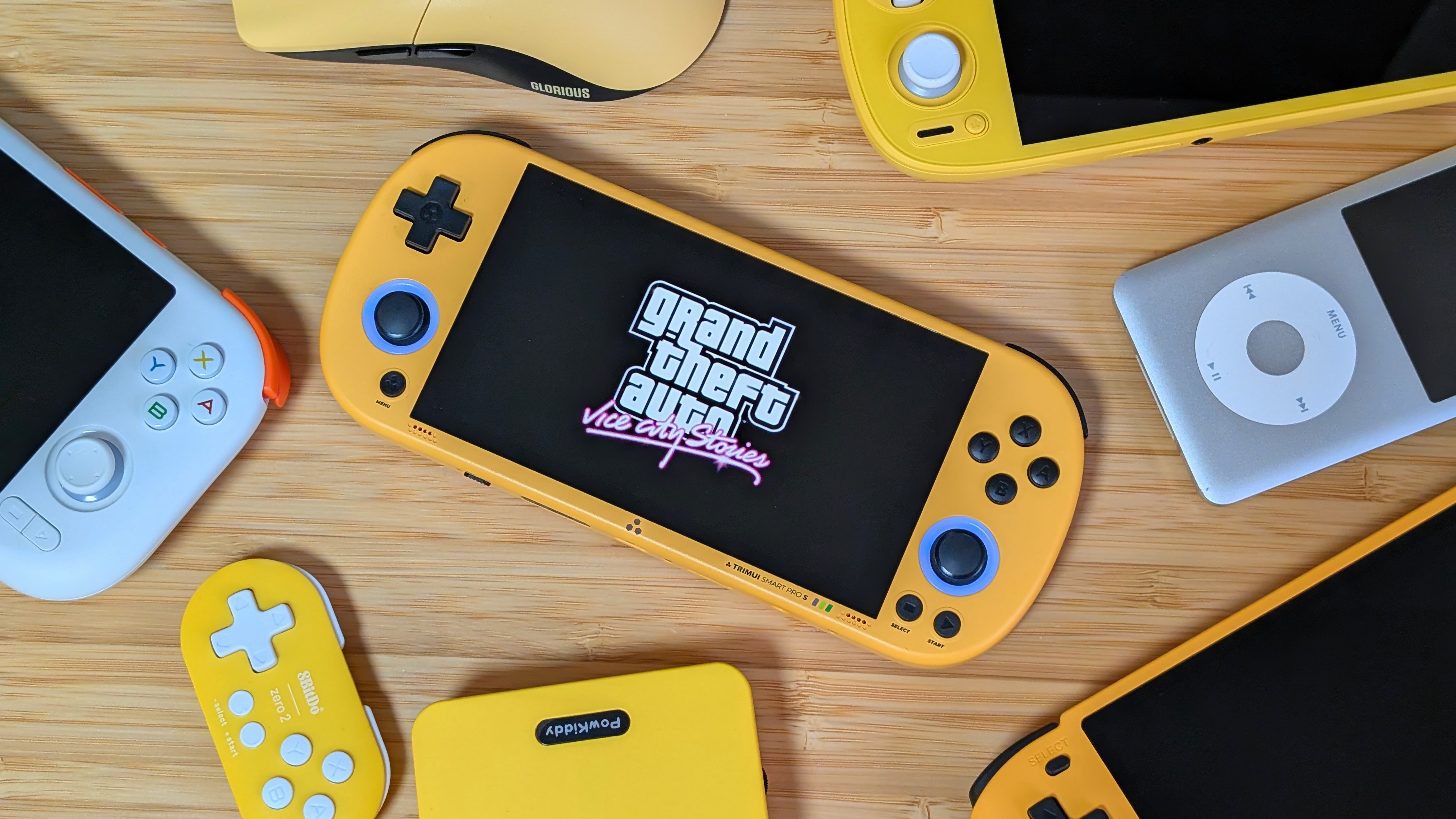
A couple of years ago, TrimUI released the Smart Pro. An Allwinner A133P-powered handheld with solid build quality, a nice screen, and decent power for the price at the time. And I wasn’t a fan. At the time, I made an article saying you should go buy a Retroid Pocket 3 instead, as their prices were similar, and it was just more powerful. Fast forward to today, and the community latched onto the Smart Pro with custom firmware and support from top to bottom, but that came with a desire for more power.
So that’s what we’ve got. The TrimUI Smart Pro S is the more powerful upgrade for 2026, and with some custom firmware already popping up, this may have a similar response from the community. That’s if it’s worth it, of course.
TrimUI Smart Pro S Specs
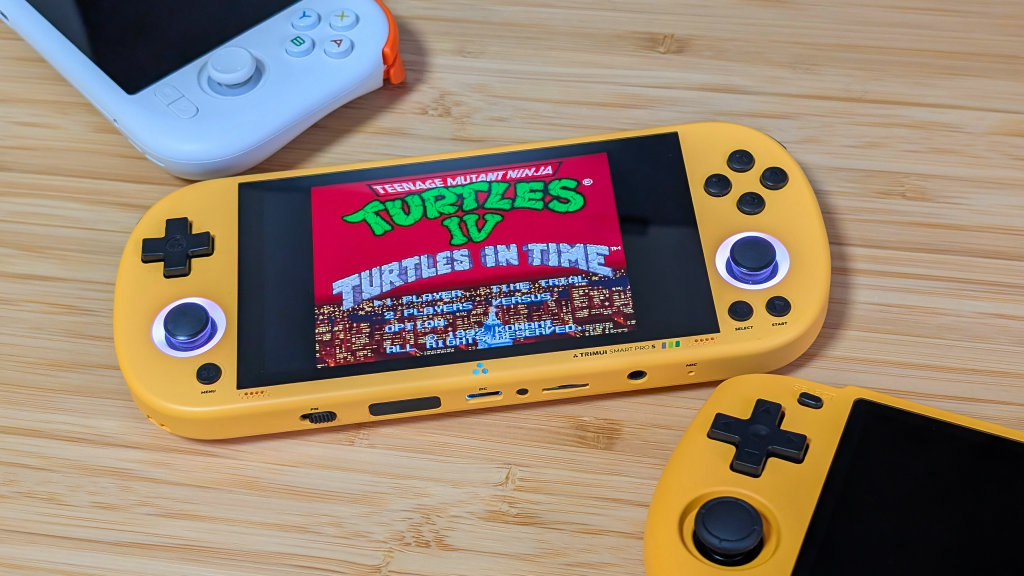
For anywhere from $85 to $100, depending on where you get it, the TrimUI Smart Pro S is entering a market that’s recently been crowded by powerful Android-based handhelds. That being said, could the stronger Linux option be worth the cost for you?
- CPU: Allwinner A523
- GPU: Mali-G57 MC1-2EE
- RAM: 1GB LPDDR4X
- Screen: 4.96” 1280×720 IPS
- Battery: 5000mAh
- Connectivity: Wi-Fi/Bluetooth, 2x USB-C, 1x Micro SD, 1x 3.5mm
- Dimensions: 187 x 80 x 17mm
- Weight: 258g
Controls
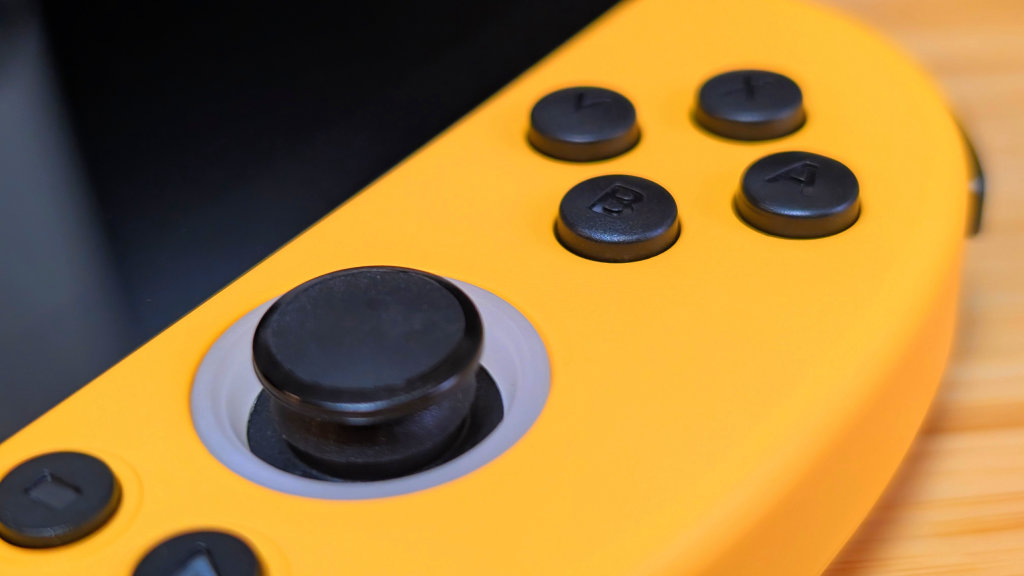
The first two categories I’m going to talk about are things I could easily sum up by going “not much has changed.” Despite that, I still want to cover a couple of notes and offer some praise here. The controls of the TrimUI Smart Pro S are almost identical to the original Smart Pro.
A clicky Vita-style D-pad, paired with short-throw clicky face buttons. Clicky shoulders and triggers with no sense of analog travel in sight. All set above two small Vita-sized sticks that have a nice bit of grip on the top.
The difference comes from the sticks being TMR this time around. For the end user, that won’t make much of a difference, but it’s worth noting that TMR sticks will have higher longevity than the original sticks on the TrimUI Smart Pro. The other note is that the triggers seem to actually work correctly.
In my time with the OG Smart Pro, multiple units had shoulders that either broke or had incorrect amounts of movement on them. Initial impressions from just my testing time frame indicate these should hopefully be better long-term.
Ergonomics & Screen
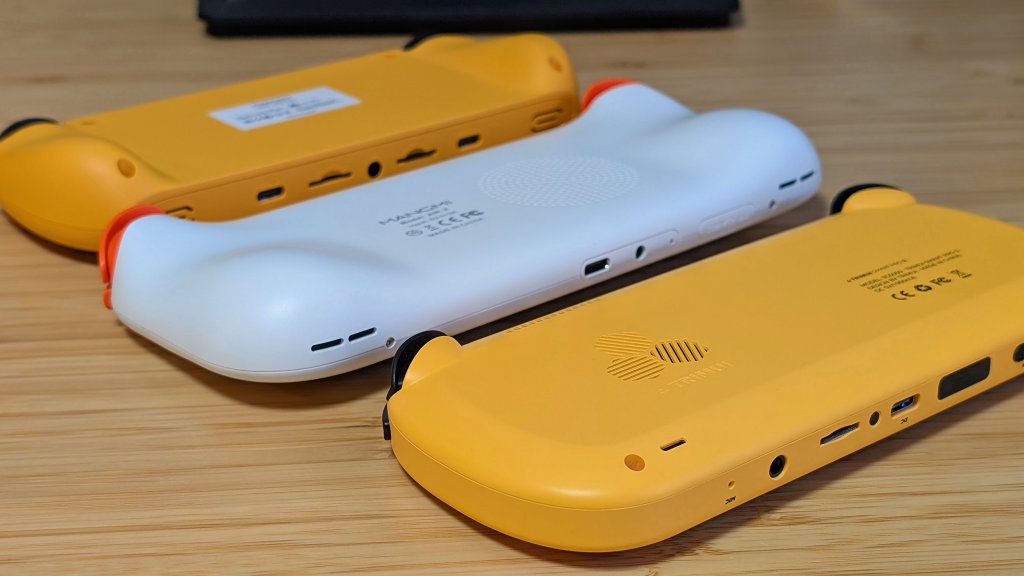
Again, it’s all the same again. The screen is nice, big, bright, and perfect for systems like PSP. It’s not a high refresh rate, it’s not 1080p, but this 720p panel is probably towards the top when it comes to favorites in the $50-$100 category. Only being surrounded by the recent Android releases from Mangmi, MagicX, and AYANEO.
As for the ergonomics, I still don’t like them. Just like the original TrimUI Smart Pro, there’s no good spot for me to rest my hands on the back, and due to the texture, I find myself letting my hands slip a bit. Thus far, the best situation has been to basically squeeze the Smart Pro S between my thumbs on the front and my middle fingers in the back. It does keep me from longer play sessions, unlike devices like the Mangmi Air X.
Software
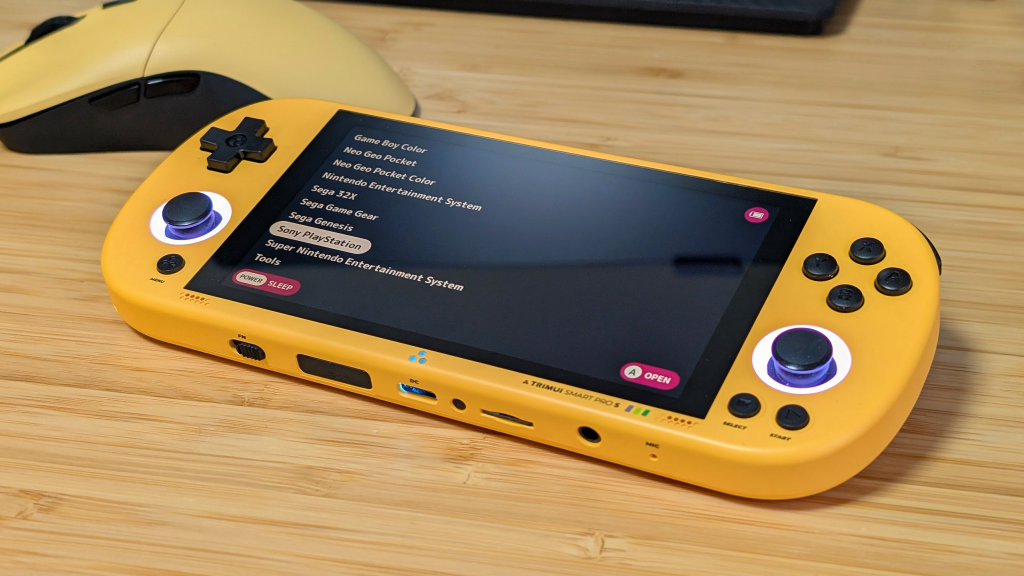
When it comes to software, the stock option is fine. It does the job, and it was how I tested the performance of higher-end systems like PSP, N64, and Dreamcast. Overall, that’s fine, but I would never recommend someone try to reinstall the stock OS unless you’re planning to make a lot of tweaks to it.
My true hopes come from the software the community is working on for the TrimUI Smart Pro S. They may be Alpha’s and Nightlies, but if/when they finally get to full stable releases, CFW from Spruce, Knulli, and NextUI are going to cover just about any needs you could have for the Smart Pro S.
Again, if you’re interested in keeping up on their development, I totally recommend checking their Discords and Githubs, but these will likely be the software options that elevate the TSPS in the future. For reference, I’ve been using NextUI for most of my testing, and while it doesn’t do everything StockOS might, it makes the Smart Pro S feel like a better handheld.
StockOS is meh, CFW is in development, something will be here soon.
Performance
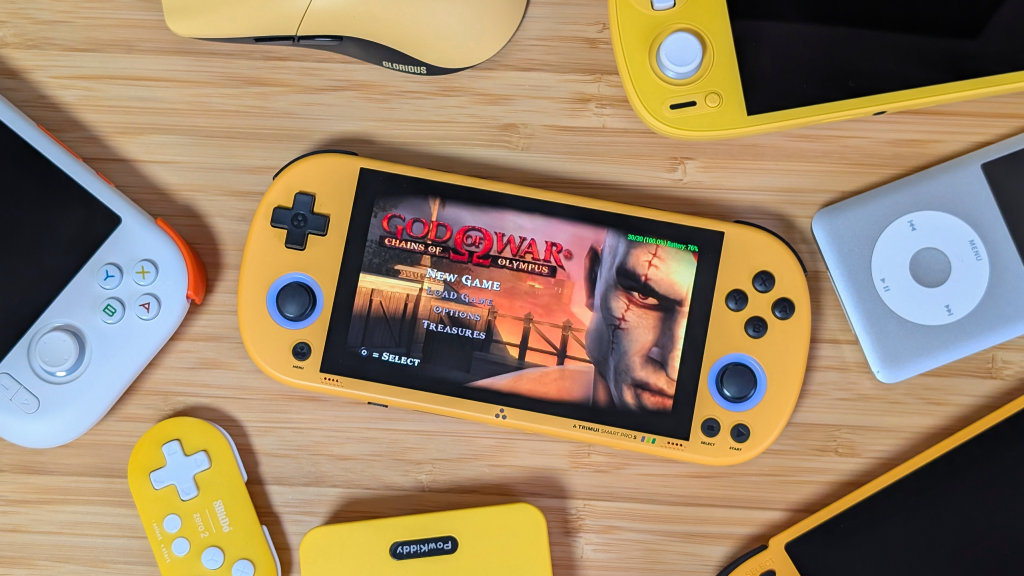
Out of everything, the performance is going to be the biggest difference between the OG Smart Pro and this one. What that means for you is that everything that ran well before will run well now. Game Boy Advance, PlayStation, and Sega 32X all run happily, and Sonic Advance 3 was a great experience. But the upgrades come from systems like Nintendo 64 and PSP.
Using the StockOS for testing in the high end, most PSP games ran completely fine at either native or 2x resolution. Obviously, games like Chains of Olympus were going to push it a bit too far, but as a whole, the TrimUI Smart Pro S has finally become “that” PSP handheld. If you were fine sticking to the StockOS. I preferred to lean back and enjoy my time playing Buster Brothers on a nice, larger screen without having to worry about Google Play notifications to update my clock app.
Alternatives
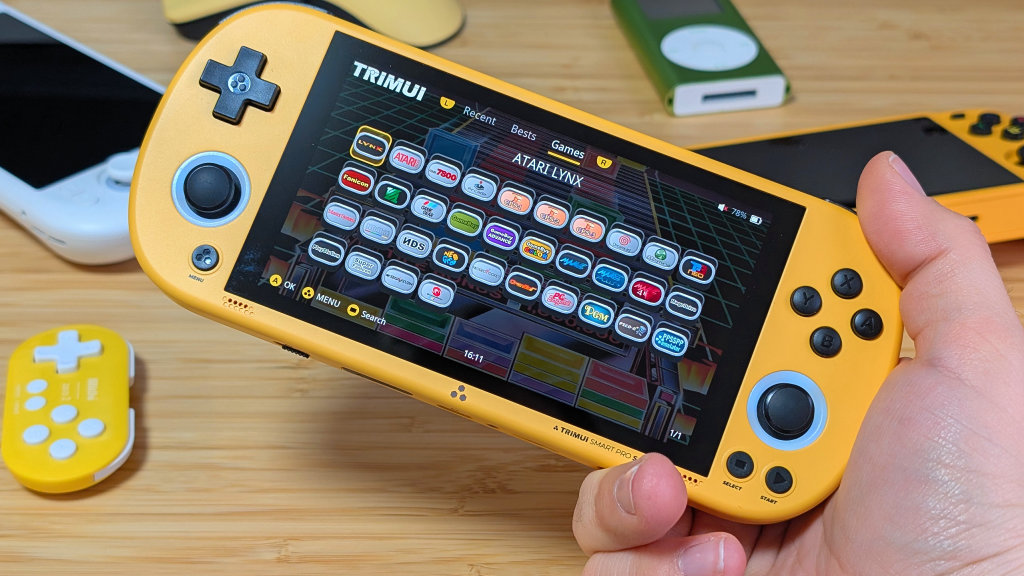
When it comes to alternatives, there’s not a lot that lands in the exact same market as the TrimUI Smart Pro S. For 16:9, you can pull something like the Mangmi Air X, but that’s Android-based. The TrimUI Smart Pro, or RGB10 Max 3, are both 16:9 Linux options that would be great alternatives if you’re fine with the reduced power available to you.
Otherwise, your options are all 4:3 or Android. Anbernic’s H700 lineup is well supported and weaker. AYANEO and MagicX both released Android handhelds in the same price range that are more powerful, but smaller, and either 4:3 or 3:2. All of this puts the Smart Pro S into a specific niche of one handheld.
Final Thoughts
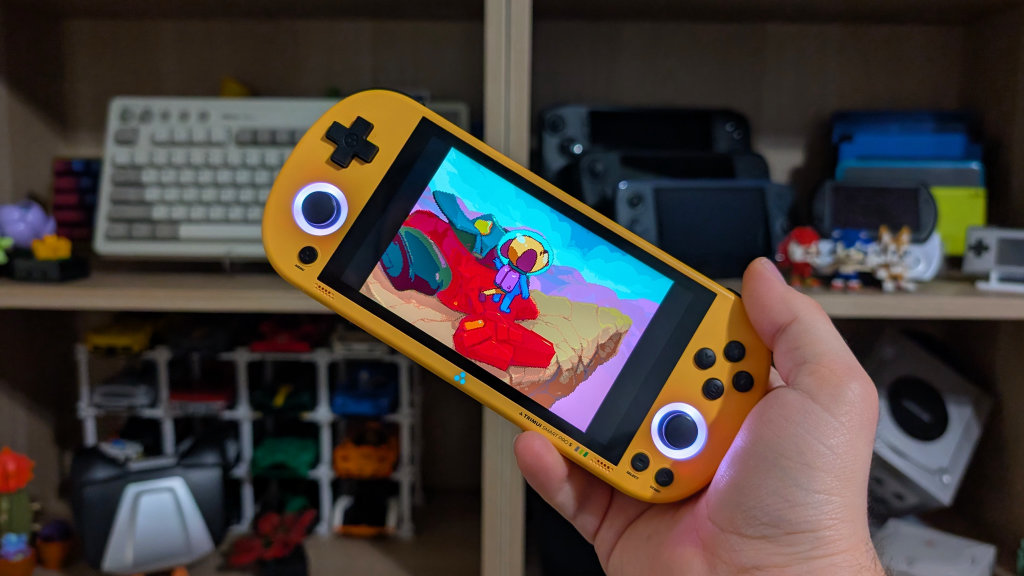
If you’re looking for a stronger Linux-based handheld for under $100, the TrimUI Smart Pro S is going to be one of your only options. It fills its own little niche well, and I hope the community support lifts this one up. Had Helegaly gotten their Pi to release, with longer-term support and sale, I might have recommended that instead.
The TrimUI Smart Pro S isn’t perfect. Its ergonomics aren’t ideal for me, and the controls are either a bit too small or too clicky. But given time, community support, and maybe more PortMaster compatibility, this could end up being a top-tier option for under $100.
What did you think of this article? Let us know in the comments below, and chat with us in our Discord!
This page may contain affiliate links, by purchasing something through a link, Retro Handhelds may earn a small commission on the sale at no additional cost to you.
