

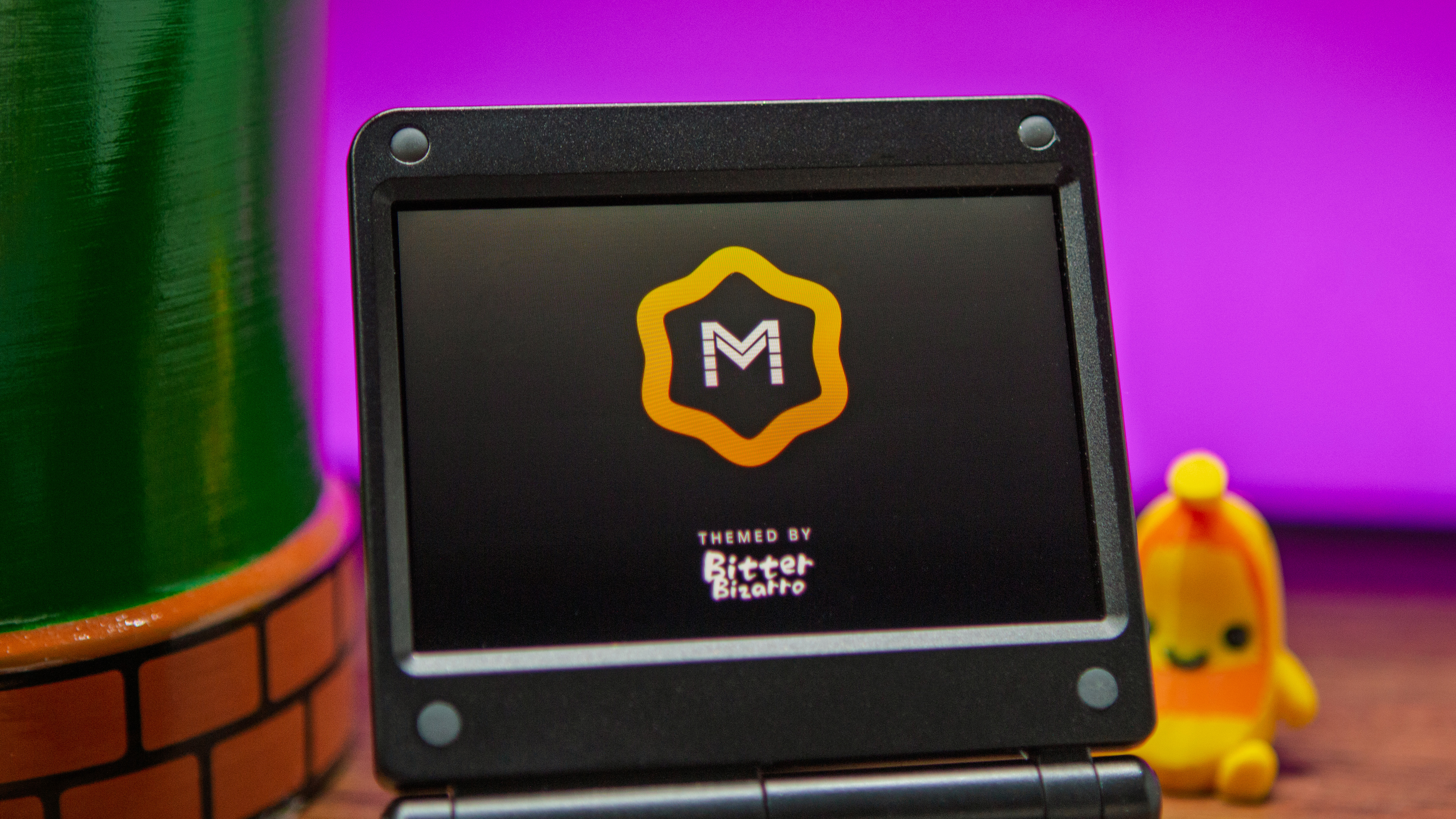
It’s been a little over eight months since the last stable version of muOS (MustardOS) was released. As is pretty much the case with every custom firmware solution, the developers haven’t just been sitting around doing nothing. It’s quite the opposite, in fact, as muOS Andromeda is officially here, bringing with it almost 1,250 changes.
This makes it “one of the biggest MustardOS releases to date,” meaning there are plenty of new features and goodies for you to mess around with. Or, you know, you could update your handheld and just go back to playing games once everything’s installed.
Speaking of handhelds, with the release of muOS Andromeda, the number of supported devices now sits at 18. It includes all of H700 family of Anbernic handhelds, including the RG SP and BatleXP G350, but muOS also now supports the GKD Pixel 2, TrimUI Brick, TrimUI Brick Pro, and TrimUI Smart Pro. That’s a pretty impressive list, and we love seeing more devices gaining support for one of the best custom firmware options.
muOS Andromeda “Release Highlights”
- Pickles: Our own Libretro player gains Network Play, RetroAchievements, cheats, overlays, colour filters, controller and port remapping, turbo, suspend and resume, and a detailed performance monitor.
- Wasabi: Our integrated media player for video, music, playlists, live television and live radio, with bookmarks, an equaliser, visualisers and shaders inside the familiar MustardOS theme.
- Themes and Fonts: Themes are stored as open folders for faster switching, with 1920×1080 support, alternative colour files, a font picker, font shadows and boot logo management.
- Screensavers: New screensavers including date and time, flying box art, an image slideshow and a blue screen, each with a preview mode in the power settings.
- Content and Collections: Content explorer forward history, collection and history actions, per content options, video previews and catalogue support for SVG artwork and text manuals.
- Device and System: Bluetooth support, first time orientation with a tour of every screen, an activity tracker, passcode settings, bulk storage tools and configurable ports for each Web Service.
Those are just some of the highlights, but there are also a few other changes that you should be aware of when updating or installing the latest build. Two important ones to note are that “Backups are now .muxbak files saved in the ARCHIVE folder,” and “Older .muxzip backups are not checked, but most still install once copied from BACKUP into ARCHIVE.” Even still, make sure you backup all of the files on your handheld before proceeding with installing the update, in the event that you end up needing to do a fresh install.
If you have some time to kill and want to actually read about all of the changes in muOS Andromeda, hit the link here, or head over to the muOS Community Forum to share your thoughts.

