

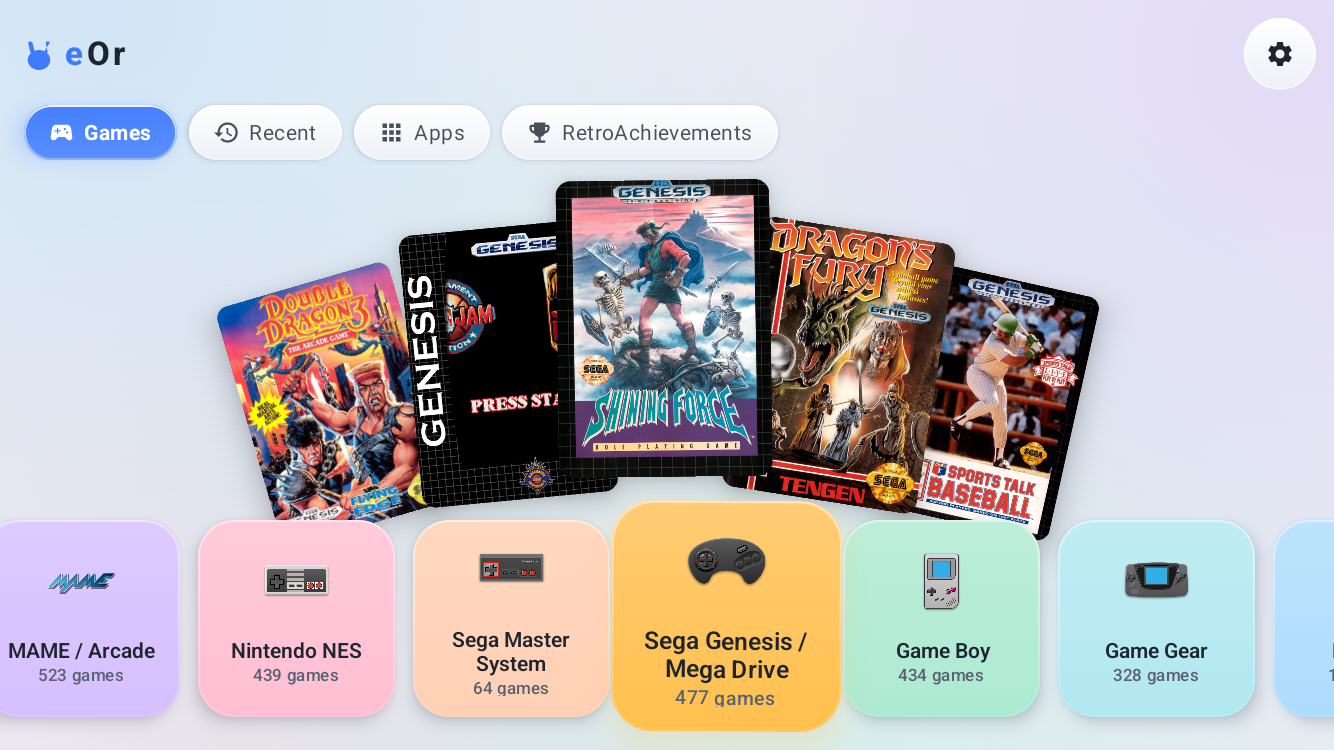
Depending on what you’re looking for in terms of a frontend, it feels like you’re landing on one of two ends. It’s either going to be feature dense, system dense, with just about everything and the kitchen sink in a good looking package, or it’s going to be a simple, straight forward front end that gets you up and running quickly with not much more than that. There are always going to be options in the middle, but for a lot of people they usually land on one end or the other. eOr is one of those frontends that seems to be towing the line between the two, trying to offer a quick and easy frontend in an attractive package to boot.
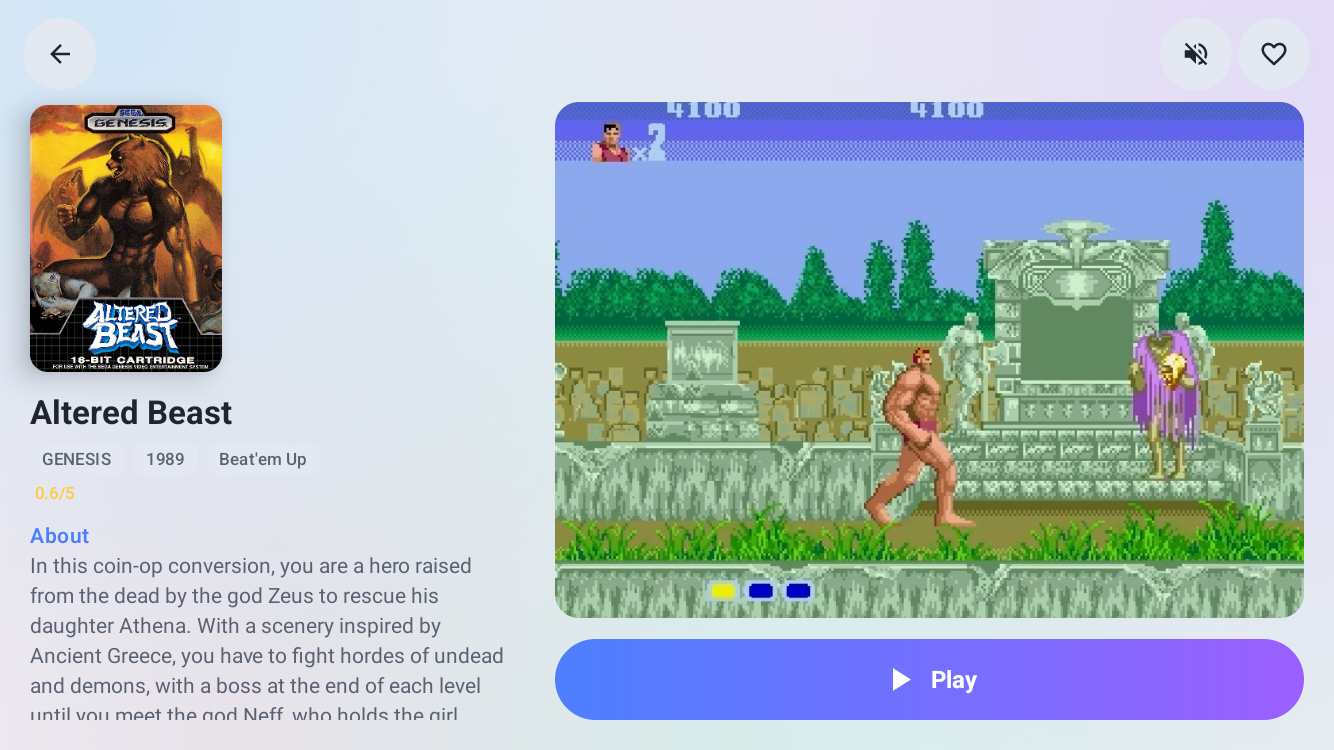
Developed by Github User Keweis2, eOr is self described as being short for “emulation, organized”. It’s really aiming to be as fast and as aesthetic as possible for users that want to get up and go, with less tinkering than other frontends. Looking through the main list of features, there’s a lot you’d expect with a couple of nice to haves to boot. Ranging from Box Art scraping to visual themes to pick from, all the way to RetroAchievement Integration as well as Save Synching capabilities.
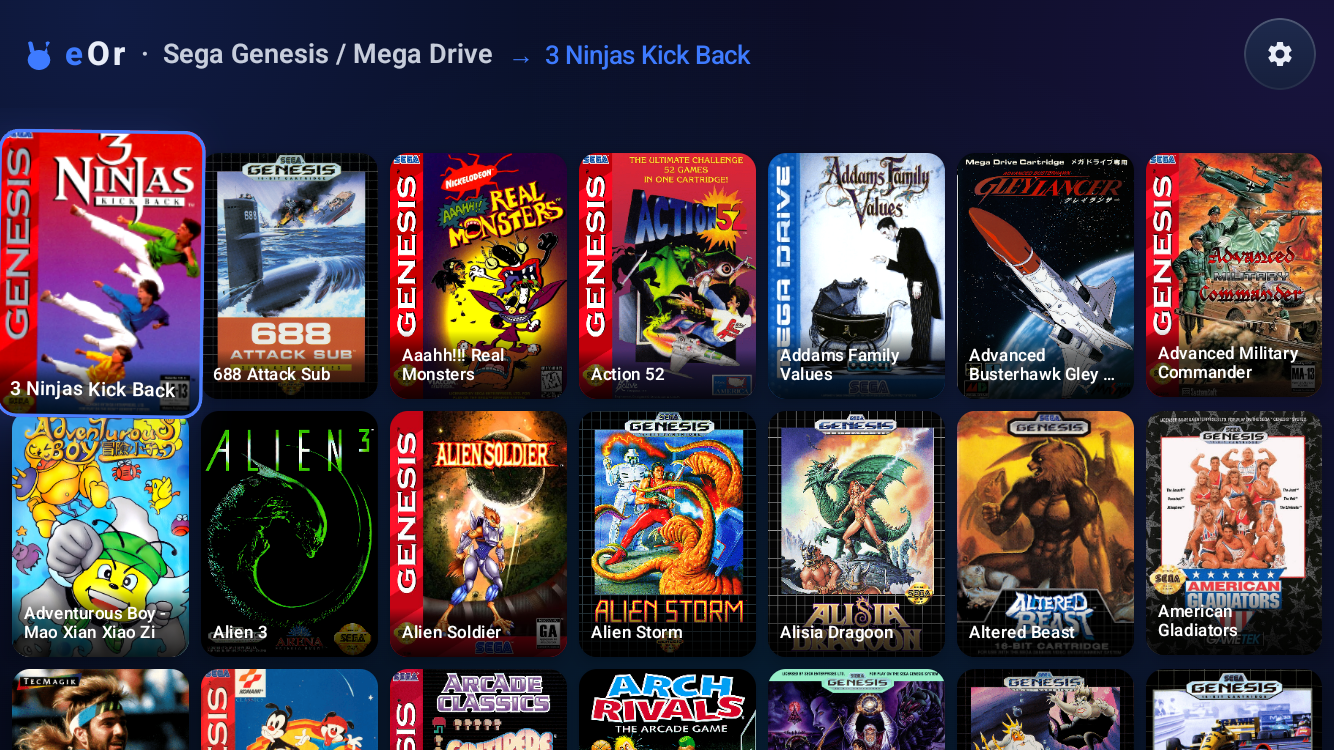
As one final note about the eOr launcher and its development, it seems to be progressing incredibly quickly. In the last week the app moved from 1.5.0 all the way up to 1.8.0 all in 7 different updates on their GitHub. While it may just be the developers drive to continuously improve their app in terms of usability, I do want to point at Versions 1.1.7 and 1.1.8 which specifically note that some code was generated with Claude Code. As always, if it’s being used as a tool rather than the main source of development, I think it will do fine towards the development of eOr, but be sure to always double check before you decide on a launcher. This one does look really good, and it’s certainly worth a try.

2 Comments
The Gihub specifically states their respective contributions to the repositories and the majority of commits have been from Claude, making it seem as if it had been the main source of development, rather than just a tool for the user.
Thank you for the article!! We have made many improvements since the initial launch!
We now support:
– Friends
– Different game selection views
– Dual Screen support with no configuration required (even works 100% on the RGDS)
For people with questions about AI I am a technologist, designer, and engineer by trade. I work on may projects at once and yes I use AI to do a lot of the work on my hobby projects like this one. Because of this I can offer this app completely free, completely open source, with no ads ever. I simply like retro gaming and wanted to make a launcher that showed my appreciation for that community. Hope anyone who installs it enjoys, I will keep improving it either way!! <3