

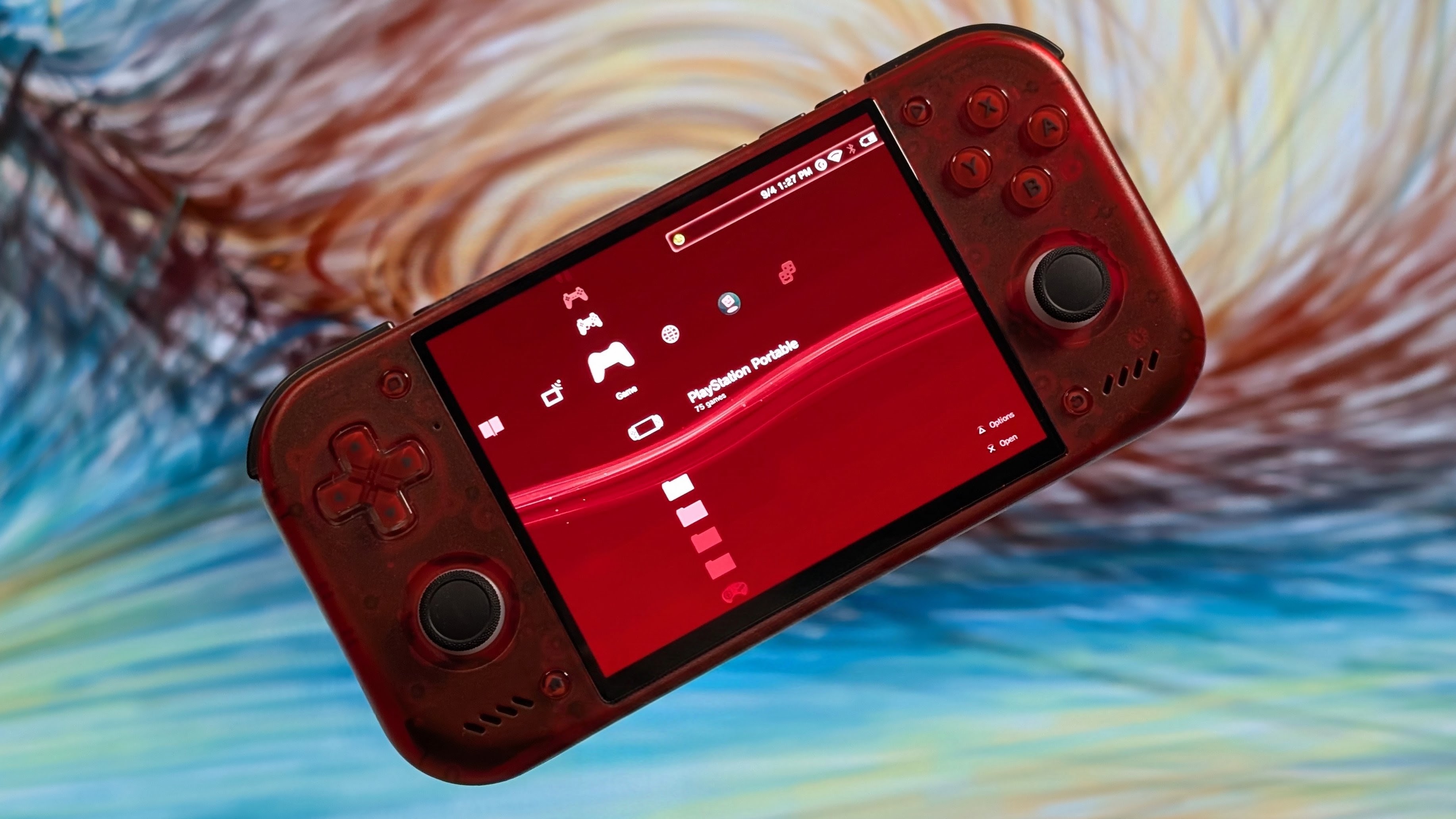
Wave Launcher is one of the more recent public releases of a Frontend. Originally dropping their V1.0 release on September 5th, they’ve been continuing to cook on their frontend since then, adding new features, new updates, and new fixes. As of today September 29th, they’ve dropped their 1.0.2 update, and it’s got some nice changes and bug fixes that could make this a really solid XMB styled frontend for you.
As always, I always want to give out the recommended places to learn more. So if you want to check out more, head over to the Wave Launcher Github for the full changelog, check out their Discord if you want to chat with the Wave Launcher community, or go support the team over on Patreon if you can, as any amount of support will always help with the long term development of a launcher. As for their latest changelog, my favorite updates will be in bold for easier reading. But you can catch the full list here.
New Features
- Customizable Controller Profiles
- Configuration of Android layouts for games, apps, and emulators
- Marking Actions for installed Android apps
- Improved per-game emulator selection alongside platform-wide emulator choices
- M3U playlists for multi-disc games with disc and track numbering
- Can Jump to Specific Letters in Alphabetical Lists
- In-app Instruction Manual
- Polish localization
- Keeps unfocused item labels visible with the new Display option
Changes
- First-run setup now has clearer permissions, touch-friendly controls, recovery after interruption, and better game-directory guidance
- Wave Portal now supports optional HTTPS
- Reset to Defaults actions are available for Wave Portal
- Startup and library scanning are more responsive with large libraries
- New platform icons are available for:
- Atari Jaguar
- Atari Jaguar CD
- Atari Lynx
- Fairchild Channel F
- Doom Game Engine
- DOS / MS-DOS
- EasyRPG Game Engine
- Java 2 ME
- NEOGEO Pocket
- NEOGEO Pocket Color
- PlayStation 4
- Sega Game Gear
- NEC TurboGrafx-16
- WASM-4
- Xbox 360
- On-screen controller is now configurable instead of appearing automatically
Bug Fixes
- Inverted portrait and landscape orientation settings now apply correctly
- Date and time displays now follow the selected app language
- Marquee labels now loop instead of stopping at the end
- Animated wallpapers no longer become choppy during navigation
- Preferences no longer disappear after reboot when storage is on an SD card
- Duplicate Android favorites no longer appear inside platform folders
- Android games, apps, and emulators no longer appear in incorrect folders or duplicate themselves
- PS3 folder games are now detected and launched correctly
- Android scraping no longer assigns artwork from similarly named apps
- Broad web searches are no longer automatically applied as artwork
- Multi-disc games now use the correct data for scraping and metadata
- Metadata artwork saves no longer leave partial files, and non-ASCII game names find their media correctly
- Hidden games no longer appear in Wave Portal library views
As always, it’s awesome to see the team continuing to work on the Wave Launcher. Having followed the progress for a while now, even before its official launch, it’s easy to see that this project was something they genuinely wanted to produce for the community and it shows. If you’re looking for something with a dedicated XMB setup. This is my favorite option.
