

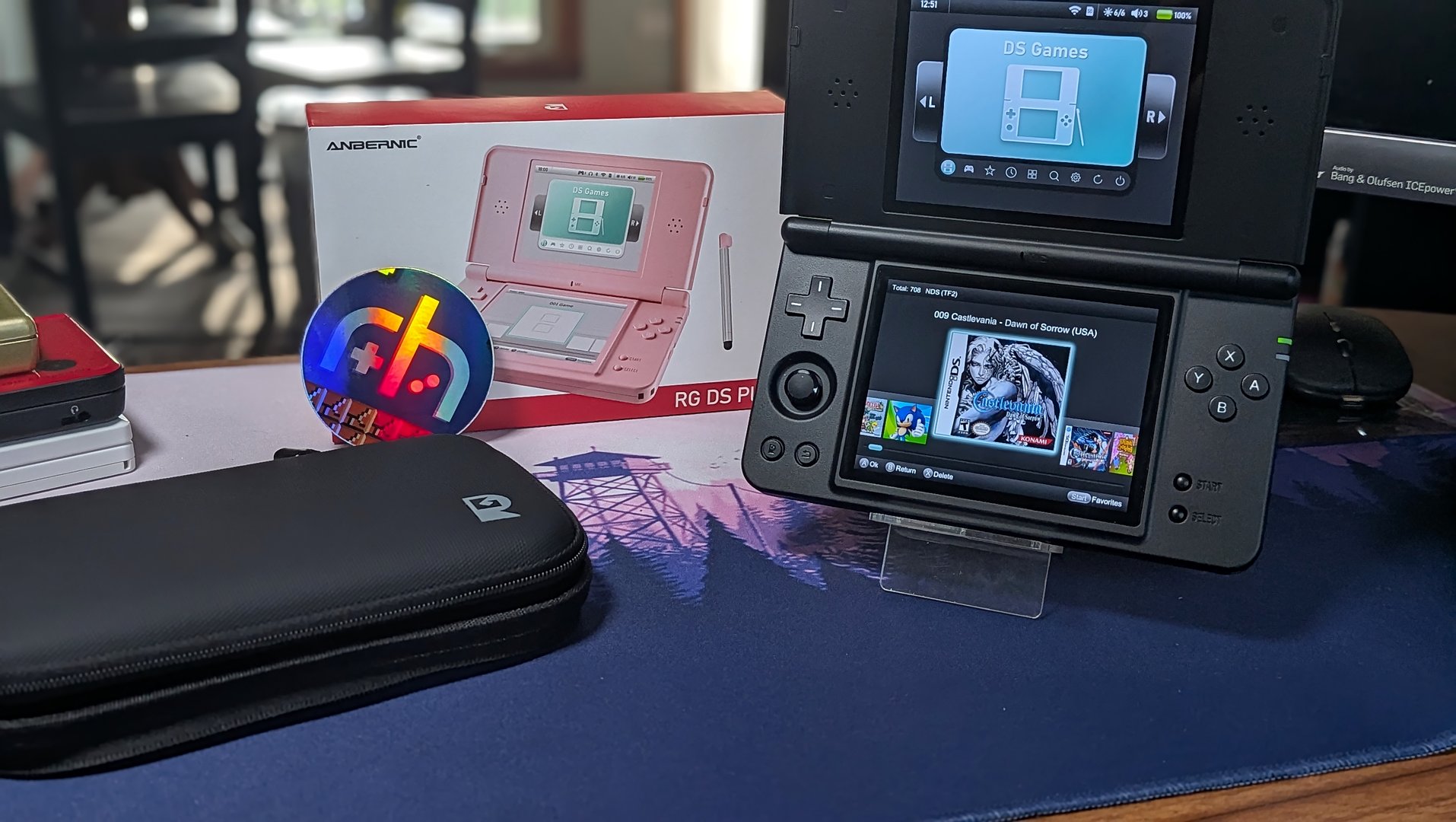
Thankfully we awoke this morning without any news of another RP Duo config or another Anbernic handheld. However, Anbernic did give everyone a surprise, as it has released v1.0.2 of its NNDDSS emulator for the RG DS Plus.
There are a few new changes and features introduced with the latest version of NNDDSS, which apparently now includes support for 2X resolution. This has been one of the most requested features since the release of the RG DS Plus, so we’re happy to see it actually arrive. Here are the other major NNDDSS changes found in this latest update:
- Improved game performance and overall smoothness
- Added dynamic 3D internal resolution adjustment
- Added firmware language selection (allows setting in-game display language directly while playing)
- Added new shaders
- Optimized save & load state and overall user experience
Anbernic has also made it much easier to install the update this time around, as you no longer need to re-flash the entire stock Linux OS just to get an updated emulator. According to the video above, here’s how you can install NNDDSS v1.0.2 on the Anbernic RG DS Plus:
- Download the latest build of NNDDSS from the link provided.
- Extract and transfer the files to the TF2 microSD card.
- Navigate to the APP section on your RG DS Plus.
- Select TF Card 2.
- Locate and select the emulator update file.
- Once the installation is complete, restart your RG DS Plus.
After your handheld is finished restarting, the new build of NNDDSS will be at the ready. To take advantage of the resolution scaling, launch any of your Nintendo DS games. With the emulator open, press the Anbernic button in the bottom left corner and navigate to Menu > Game Settings > Graphics. Then, head into the Resolution settings and change the scaling from 1x to 2X and save the changes.
Now, we just have to hope that Anbernic is making this available on any RG DS Plus units it sells moving forward. Otherwise, it might end up being a headache for those who don’t know that they need to update the emulator to enjoy the latest features.

