

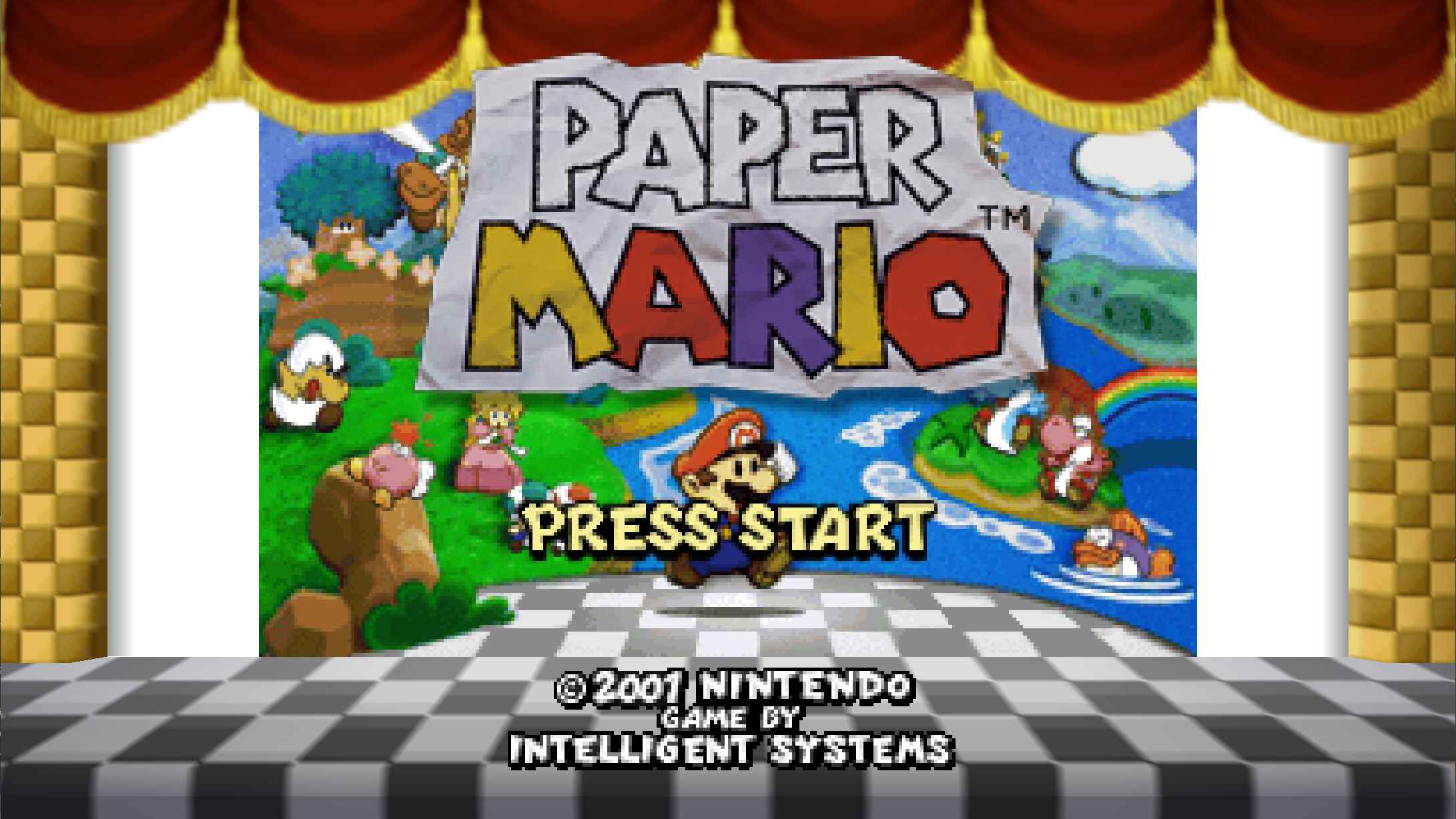
One could make the argument that 2026 has been the “Year of the Ports,” but we all know that Harbour Masters has been a pioneer in the space. The team is back at it again, this time with Paperboat, based on Paper Mario 64, a “native PC port of the storybook RPG classic, unfolding on modern PCs with high framerates, sharper visuals, and mod support.”
At the time of this writing, “Mulberry Alfa 1.0.0” has been officially released for Windows, Linux, and macOS. Now, you can re-experience Paper Mario 64 with a modernized twist, while we find things to do until the Ocarina of Time remake by Nintendo is released next month.
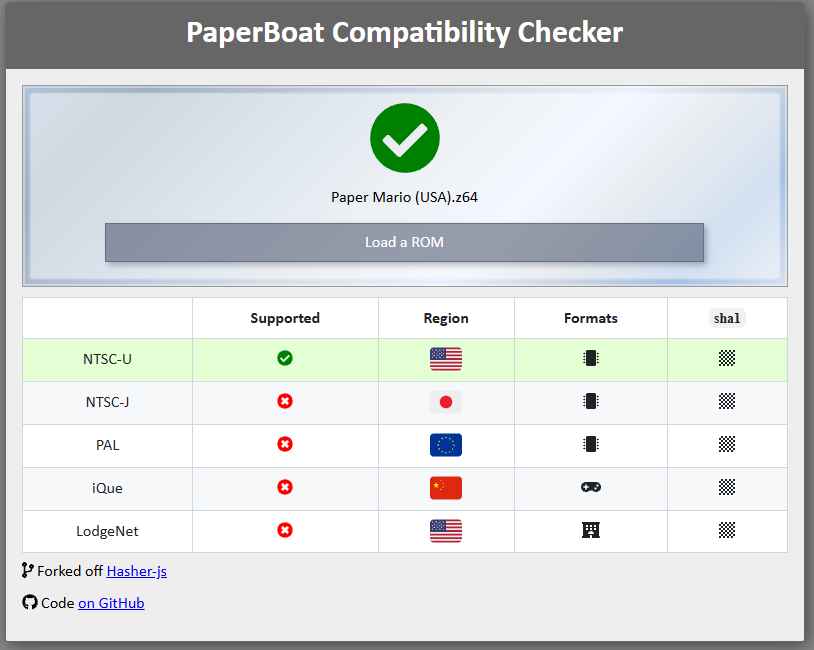
As is the case with all of the other Harbour Masters ports, you’ll need your own (legally-acquired) ROM of Paper Mario 64. According to the PaperBoat GitHub, you can first verify your ROM dump using the dedicated compatibility checker. From there, download the latest release of PaperBoat and launch the game.
When launching PaperBoat for the first time, you’ll be prompted to generate the necessary “O2R” files. Upon clicking “Yes,” you’ll be taken to your file manager in order to select the verified Paper Mario 64 ROM. Once the ROM has been successfully extracted, the game will immediately start, taking you through the original loading screens, before you’ll then be able to actually jump into Paper Mario on your PC or x86 handheld of choice.
Given the proclivity of Harbour Masters ports to eventually arrive on PortMaster for retro handhelds, we have to assume it will only be a matter of time before PaperBoat arrives. However, regardless of if/when that actually happens, at least there’s another new way to play Paper Mario 64, which is pretty darn awesome.
Hit the button below to head over to the PaperBoat website, download the version for your PC or handheld, and get started! Then, drop us a line and let us know what you think about this latest Harbour Masters release in the comments below.
