

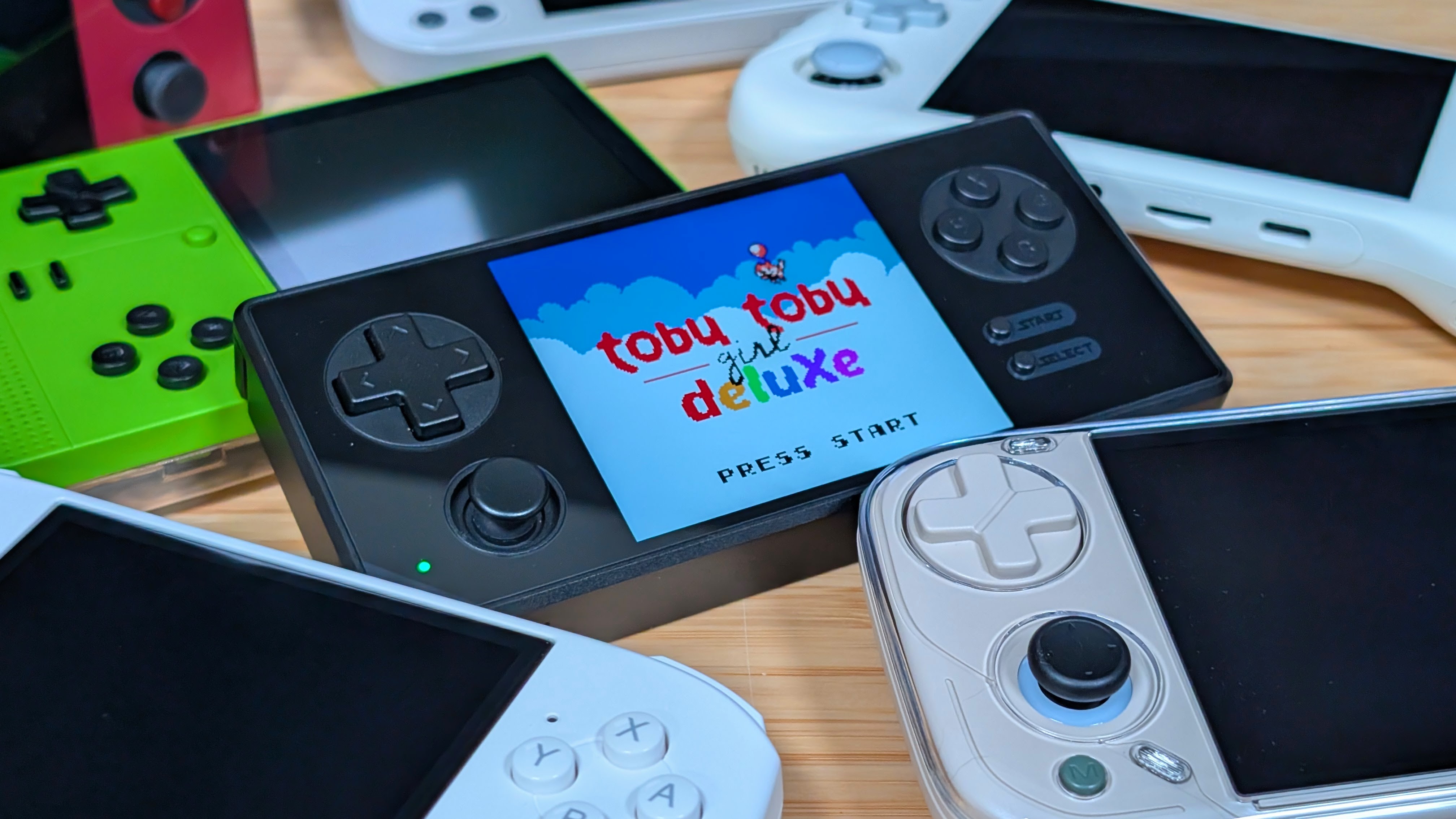
A lot of handheld companies seem to come and go the longer this hobby goes on. If you were around 8 years ago, you’d remember names like Dingoo or JXD. Around that time we also saw companies pop up for strange one offs that wouldn’t show up for years at a time only to bring another handheld to the scene. Whether that was Gameforce (RIP), KTPocket, or even Odroid when they were still kicking. Well that’s kind of the vibe I get from Game Kiddy, even if it’s not completely true.
Dropping the GKD350H in the early 2020’s they later came back with my favorite small handhelds of all time in the form of the Pixel and Pixel 2.And while they’ve made promises for other devices, the big release of 2026 revives the name of the 350H in style. So how’s the GKD350H Ultra doing in 2026? Is it worth the cost? Should you pick one up? Or is it just a fancy metal box that should’ve been left behind.
> This unit was purchased by me with my own funds for the purposes of this review from Keepretro
GKD350H Ultra Specs
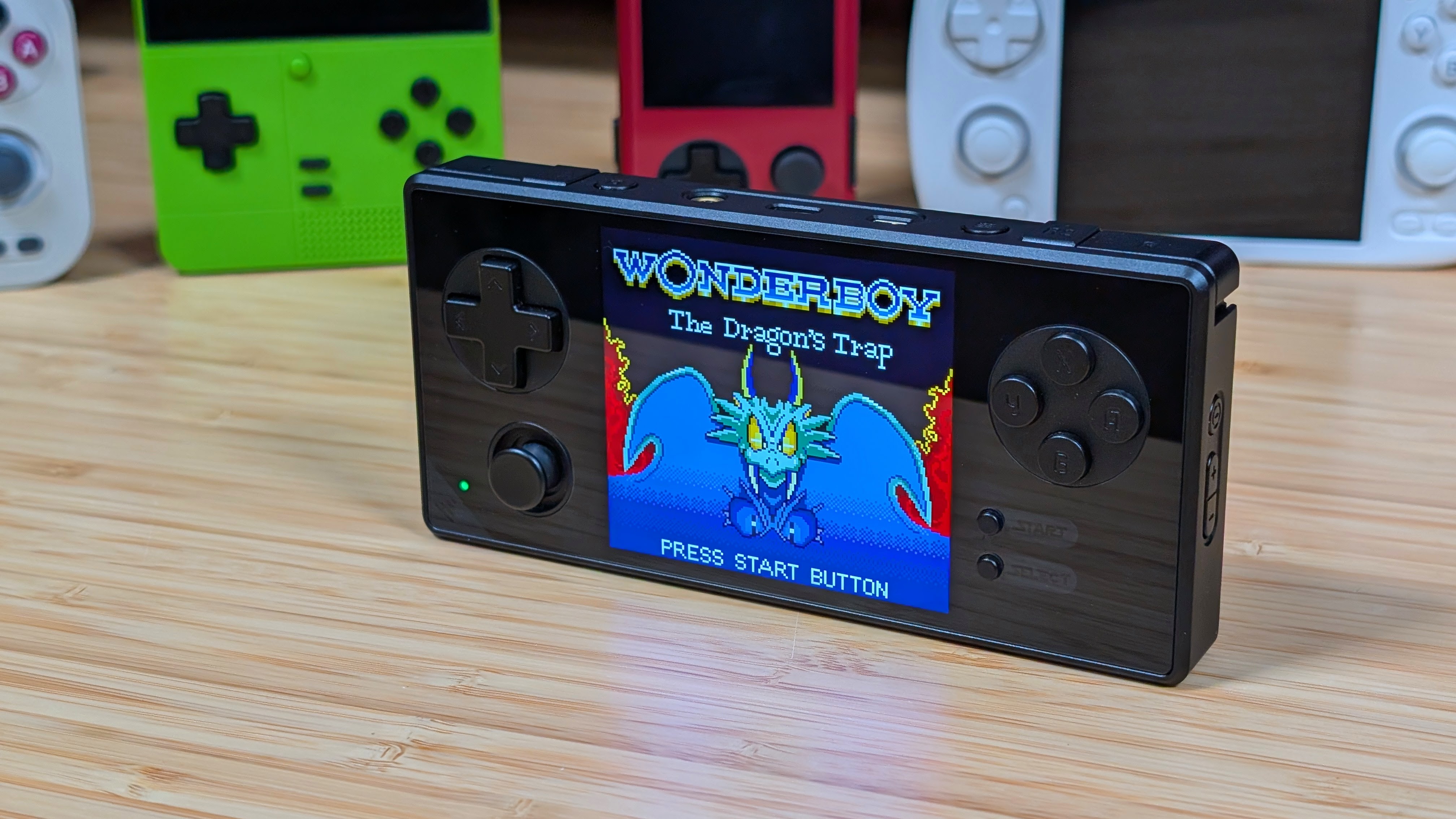
When it comes to pricing, it depends on where you’re picking them up. Aliexpress varies wildly going from $150 to $200 depending on the listing that you find. If you go through a third party seller like KeepRetro or MechDIY, you’re looking at $155 or $189 respectively. Personally I picked mine up through KeepRetro and found it to be a pretty decent deal. But what do you think off of these specs?
| Hardware | |
| CPU | RockChip RK3576S |
|---|---|
| GPU | Mali-G52 MC3 |
| RAM | 2GB LPDDR4X |
| Display | |
| Screen Size | 3.5-inch |
| Resolution | 1600 x 1440 |
| Aspect Ratio | 10:9 |
| Refresh Rate | 60Hz |
| PPI | 615 |
| Storage | |
| Internal Storage | 8GB eMMC |
| External Storage | microSD |
| Battery | |
| Battery Capacity | 5000mAh |
| Charging Speed | 18W |
| Connectivity | |
| Wi-Fi | Wi-Fi |
| Bluetooth | Bluetooth 4.2 |
| Ports | 3.5mm Audio Jack, microSD, USB-C |
| Additional Details | ES9018K2M DAC |
| Controls | |
| Sticks | 1x |
| Triggers | Digital |
| Shoulder Layout | In-line |
| D-Pad | Top Left |
| Audio | |
| Speakers | Stereo |
| Speaker Location | Bottom-firing |
| Headphone Jack | Yes |
| Physical | |
| Dimensions | 149 x 70 x 18mm |
| Weight | 290g |
| Form Factor | Horizontal |
| Software | |
| Operating System | Linux (ARM) |
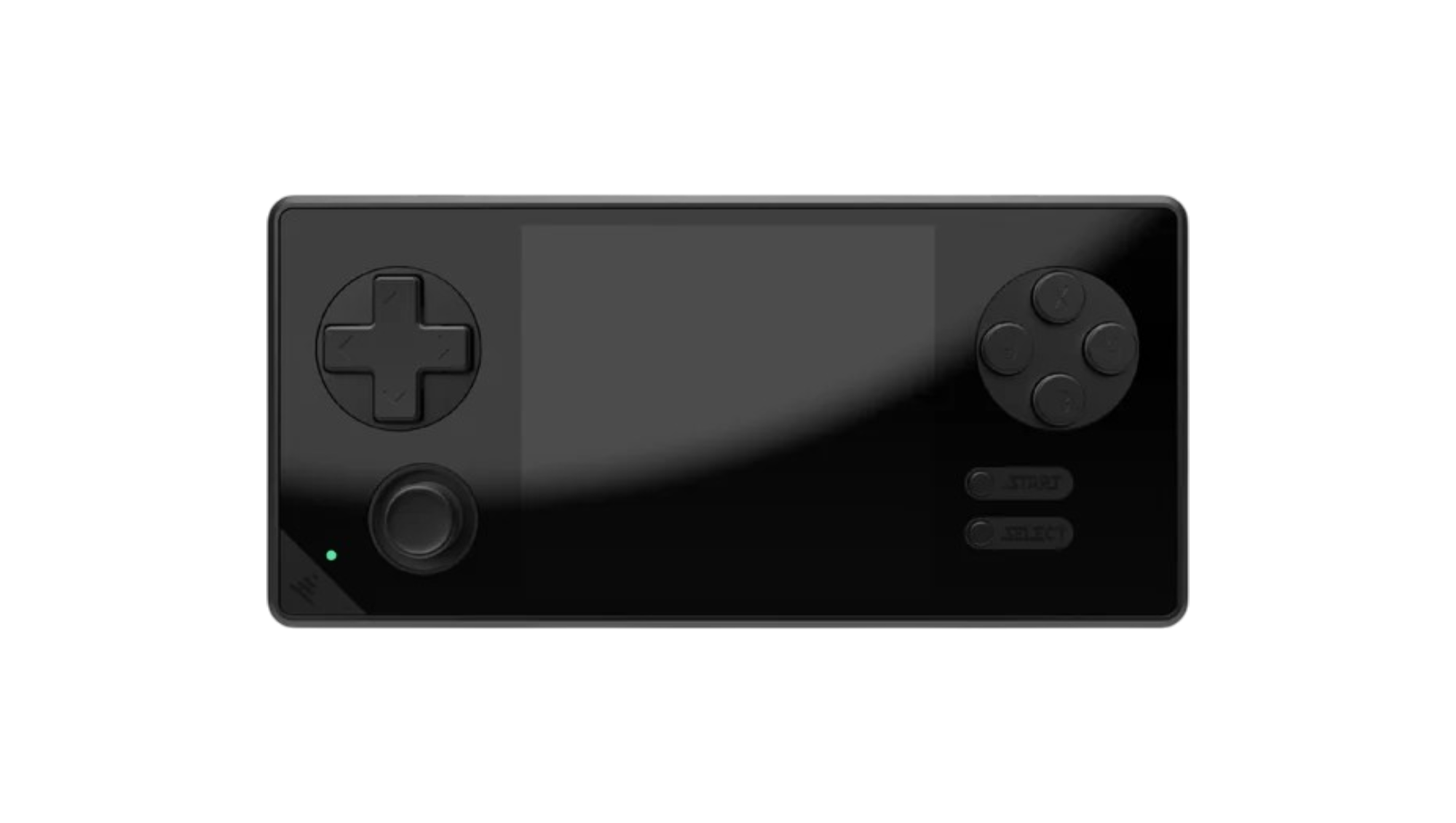
Build Quality & Ergonomics
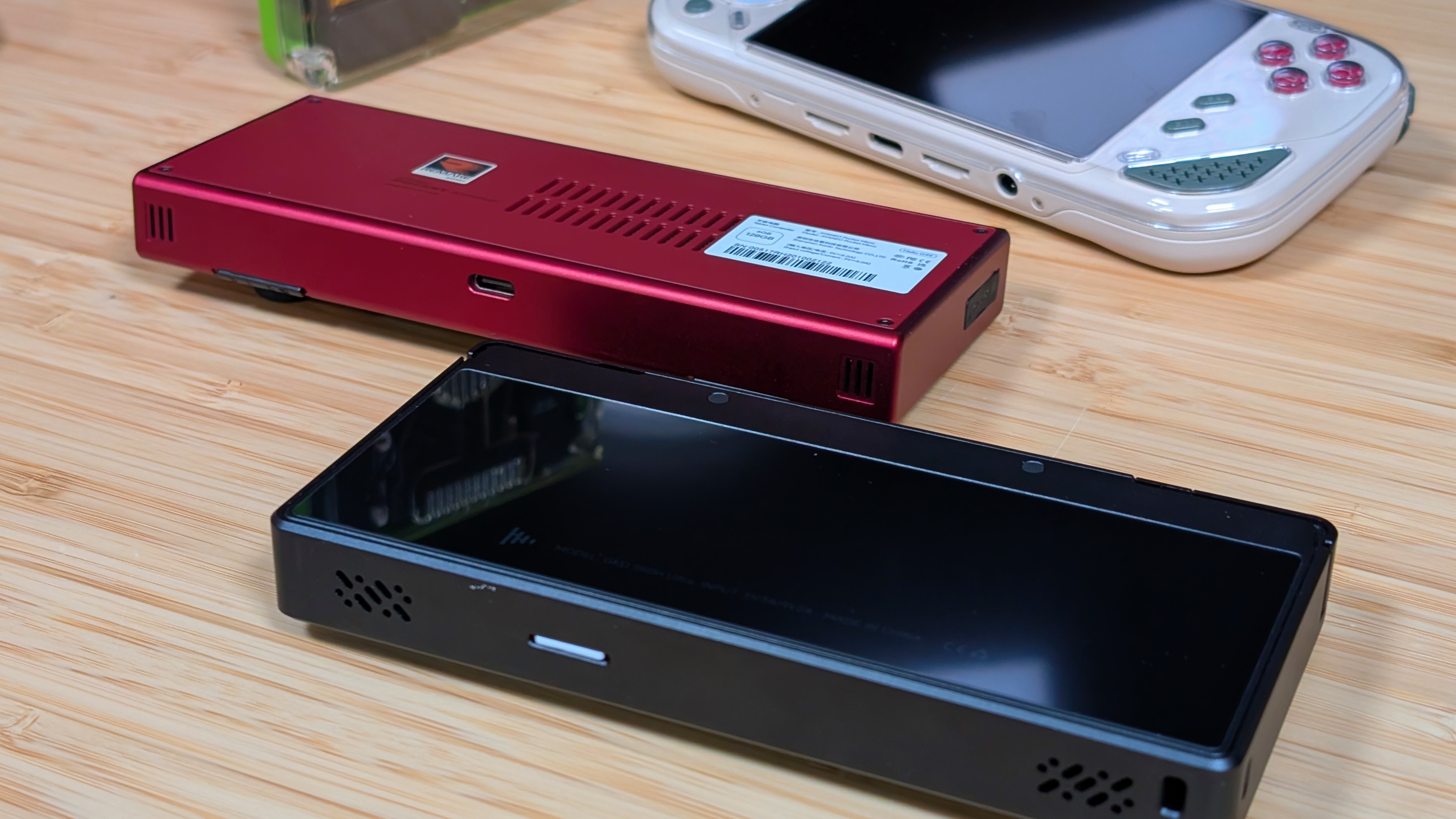
Starting off strong with the build quality. This thing is built like a tank… or a brick. Basically everything you touch on the handheld is either glass or metal. Outside of some weird design choices, this is exactly what I wish the Ayaneo Pocket Micro had been in the beginning, at least design wise. The top half of the handheld has a nice 45 degree chamfer on the edges, and it is dense as hell.
My biggest complaint is just the excessive glass use. The front pane is glass, which I don’t like, but everyone does it. What confuses me more is the giant glass sheet on the back of the handheld. Why? To get wifi and bluetooth out? I guess. Maybe. I didn’t like it, and left the protective film on it.
As for ergonomics, it’s shockingly good for a solid brick. The dpad and face buttons are positioned high enough to be perfectly placed for my thumbs. The inline shoulder buttons are perfectly in line for my hands, and the slight raise for L2 and R2 make them sit pretty perfectly from my use.
Unfortunately, the solid glass back means you’re either getting no grip, or over time the greasy smudges from your hands are going to create fingerprint grips on the back of the device. Because of this, I ordered a TPU case off of Aliexpress, which is something I’ve never done before for a handheld. Especially after the fact.
Display
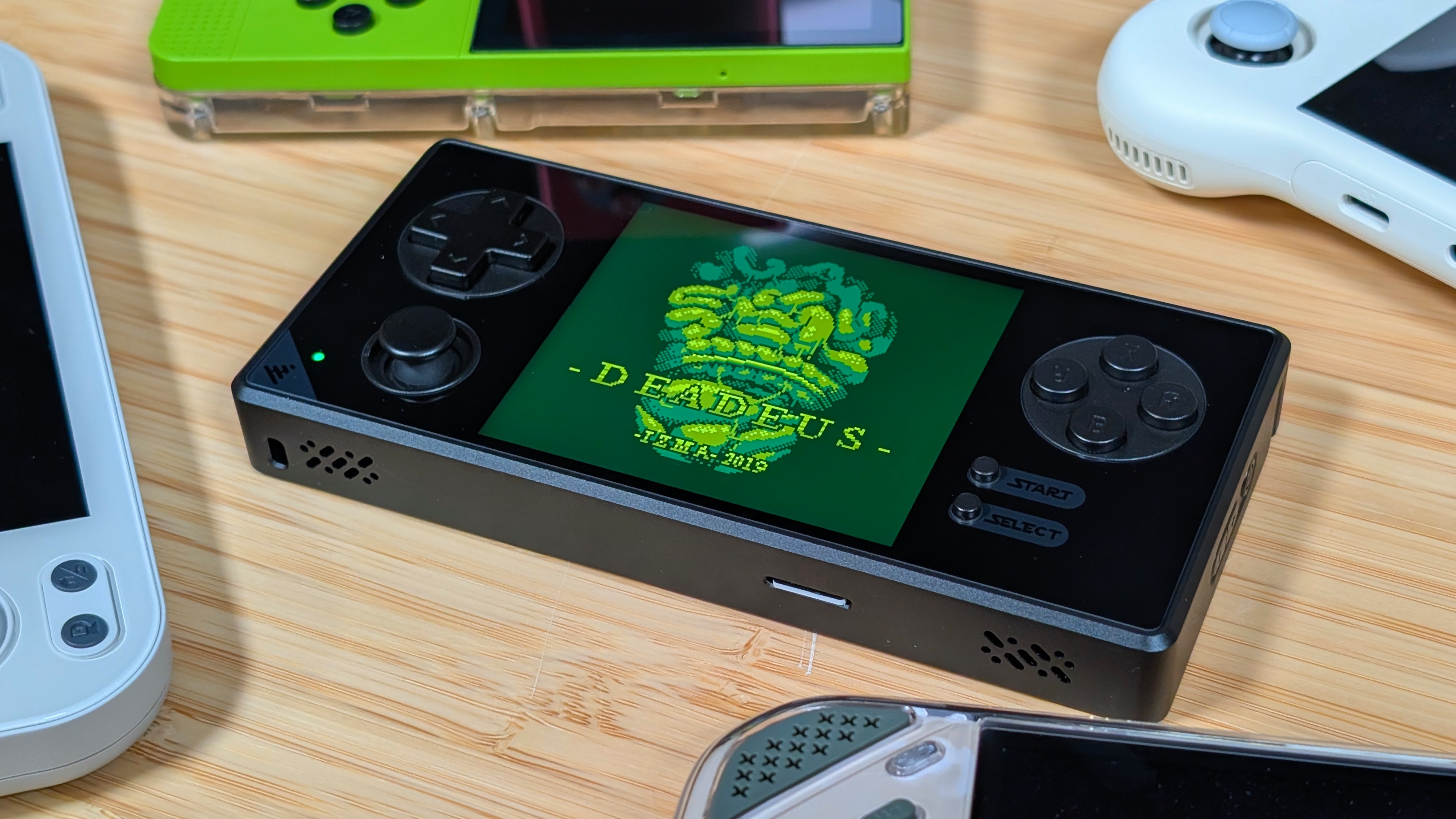
This is probably the shining star of the entire device. Rather than a traditional 4:3 panel, or even a 3:2 or 1:1 that we’ve seen too many times, the 350H Ultra uses a 10:9 panel, making it perfect for Gameboy, Gameboy Color, or non-stretched Game Gear.
That’s because this 615ppi panel is identical to the one seen in the Analogue Pocket, and the Ayaneo Pocket Vert. Two handhelds that I’ve had zero interest into due to their vertical form factor, and lackluster business practices.
This is a beautiful, bright display that manages those systems perfectly, and even holds up well for some Pico-8 gameplay. This is the first time since getting an OLED Game Boy Color that I’ve wanted to pick up playing some Gameboy and Game Boy Color games.
When it comes to anything else though, be prepared for black bars. As 4:3, 3:2, and especially 16:9 content ends up being a bit too small for my liking on this genuinely great display. Though I can’t say much when I really like 4:3 content on the GKD Pixel 2. But that might be the lack of black bars.
Controls
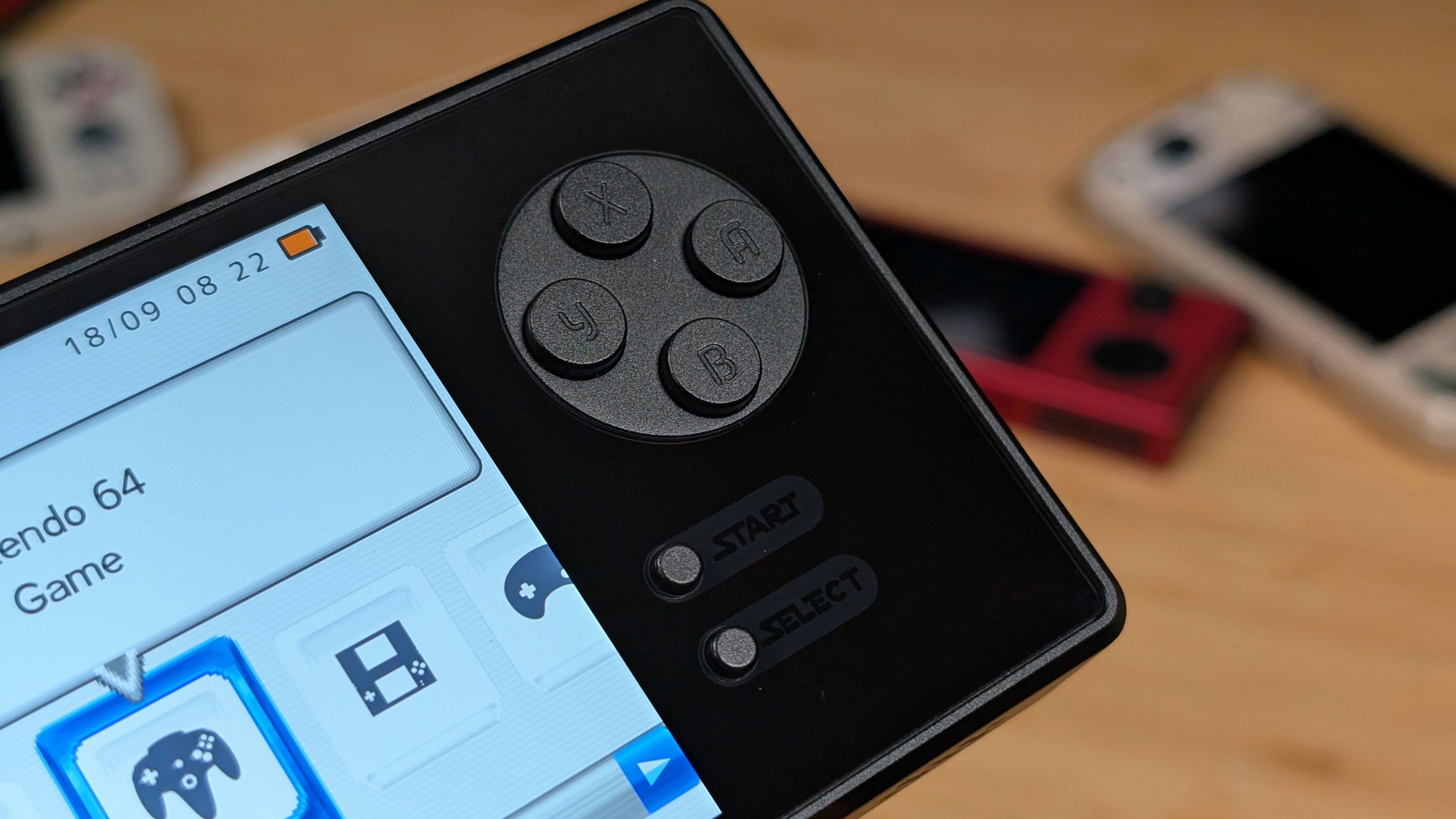
Here’s where I truly hit mixed bag territory, so let me start off with the worst part. What is up with that stick cap? The singular stick is fine on its own. Having great movement, that’s quick and easy, but also manages to be nearly unusable thanks to the slick top coating of the stick itself.
Get yourself a replacement, because I’d almost prefer no stick to that. The shoulders are next, being quiet, but clicky. They activate fine, but they’re a bit too stiff for comfort. Running these constantly would likely tire your fingers out if you played a game that needed triggers regularly. ‘
Last up are the face buttons. For those that “silent mod” your buttons, this will not be for you. At least stock. The face buttons are lightweight, and have a decent clack in their actuation, but they have a much louder clack in regular use. To the point where if you’re using your device without headphones or sound, it might be the only thing you hear.
The D-pad isn’t much better, being fairly loud for what it is. The pivot is okay at best, and when running Celeste via Pico-8, I found myself running into diagonal issues from time to time. This is a shame, as the rest of the device is awesome.
Software
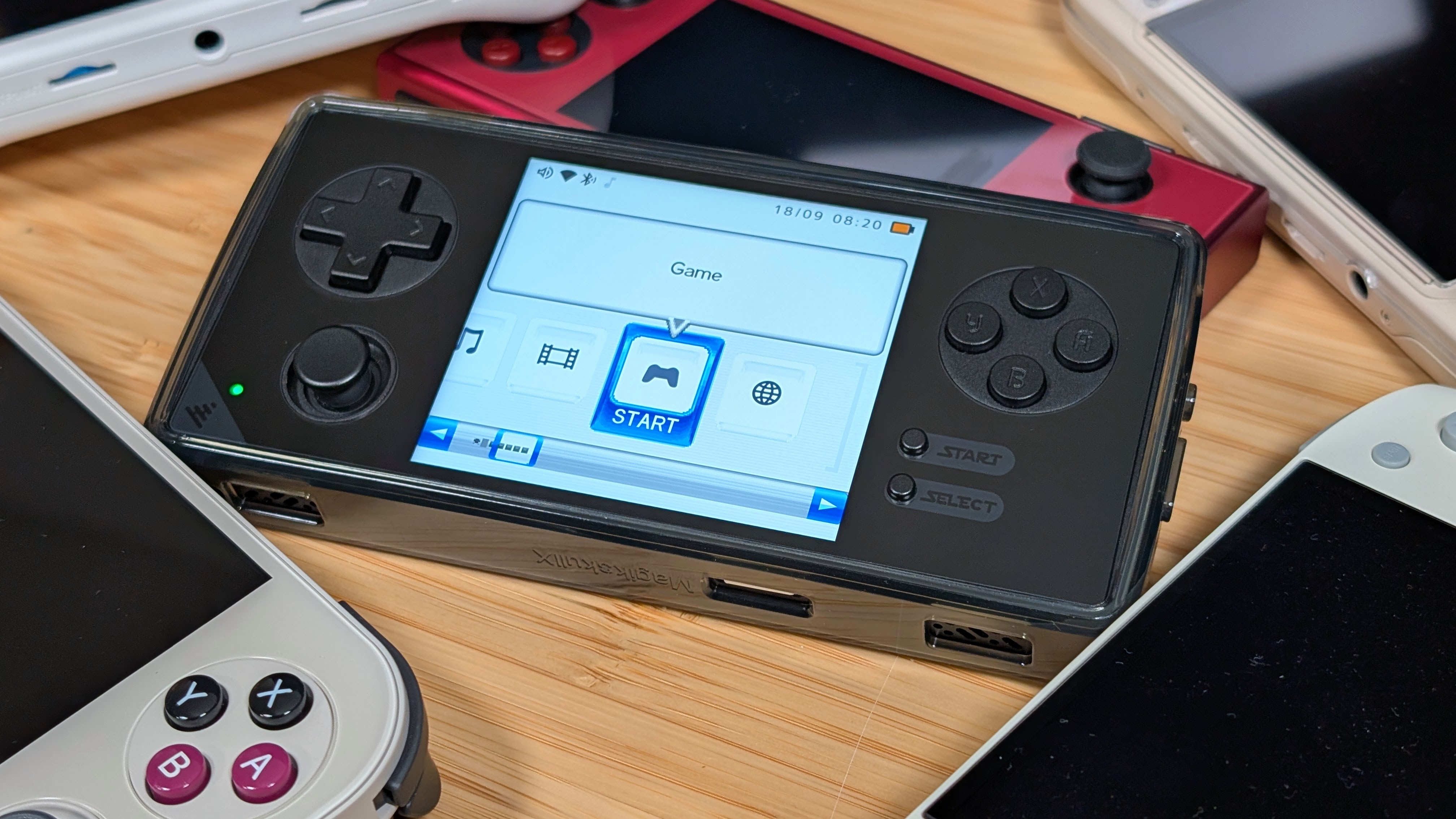
Out of the box you have two options for software. The first being their build of Rocknix. Shocking no one, it feels identical to normal Rocknix for the most part. Once you get past changing the language in Retroarch you can do just about everything you need to like normally on this device. For those that want a good Linux experience this is the way.
If you want something different, GammaOS Next is also available on the device and is the route I chose to go. Running the Minima front end over XMB and DS Like, I enjoyed the simplicity of navigating menus, adding roms, and just going from there. If you want to do anything normal Android-related, though, be prepared for trouble, and make it double as there doesn’t appear to be a touchscreen.
Unless mine is broken like it was on the CB-408 back in the day. Overall though, if you choose to use it as is, GammaOS is a great option. But because this is all on a Rockchip platform, I expect to see more options in the future.
Performance
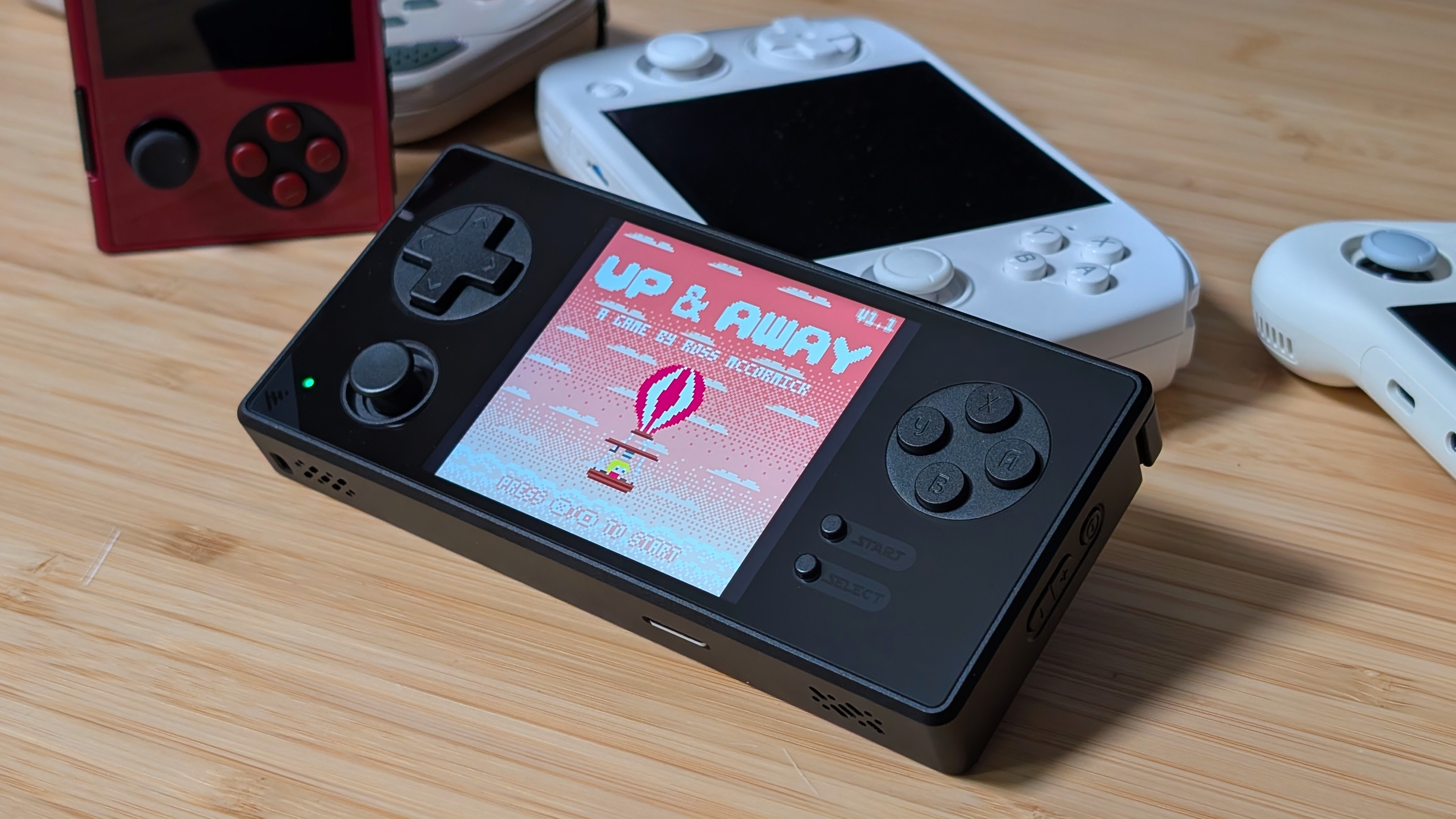
When it comes to performance, I want to relate you back towards any content on the Anbernic RG Vita Pro. You can get pretty good performance all the way up through PSP, and even some solid Saturn gameplay, but it feels like a pretty hard cap, as if you want to push any further into the likes of Gamecube, you’ll find yourself struggling real quick. Personally, for a device like this I primarily found myself playing lower powered systems, which really doesn’t need more than a 3576S.
If you want PSP, Saturn, Dreamcast, or more you can get it. Just be prepared for about 3” of PSP. Which is probably more than what some people expect.
Extra Bits
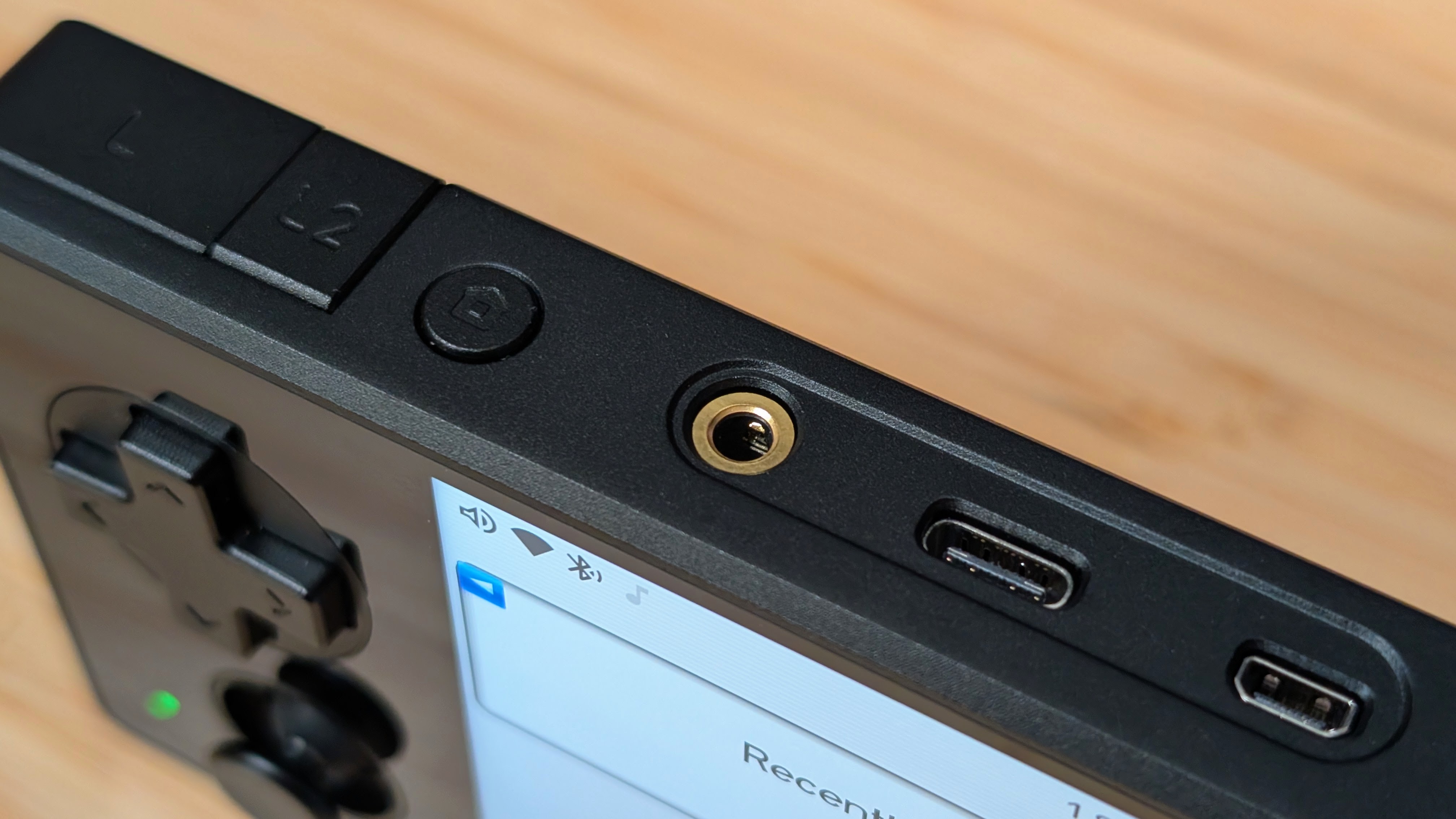
There’s two extra bits and bobs that I wanted to put into this last category. The first is the thermals. When you’re running higher end content on the 350H Ultra, I notice the handheld getting real warm, real quick. Which makes sense since it’s all practically a big heat disbursement tool. This can be remedied in GammaOS by just selecting the Power Saver mode. After that I never ran into an issue with heat.
The other note is towards the audio. I would be remiss if I didn’t note the shiny gold plated 3.5mm Jack on the top of the handheld. Powered by an ES9018K2M Dac, you’re getting shockingly good sound out of this handheld. Which makes sense considering they advertise it as a Digital Audio Player on the side.
If you just wanted to sit and listen to retro game soundtracks, I’d highly recommend it. Using the Venture Electronics Supernova headphones, I got to properly sit and listen to some music through the 350H Ultra, and honestly I was about as satisfied as I have been using my Hiby R3 Pro II. The sound is good and worth mentioning if you want to combine two devices into one.
Final Thoughts
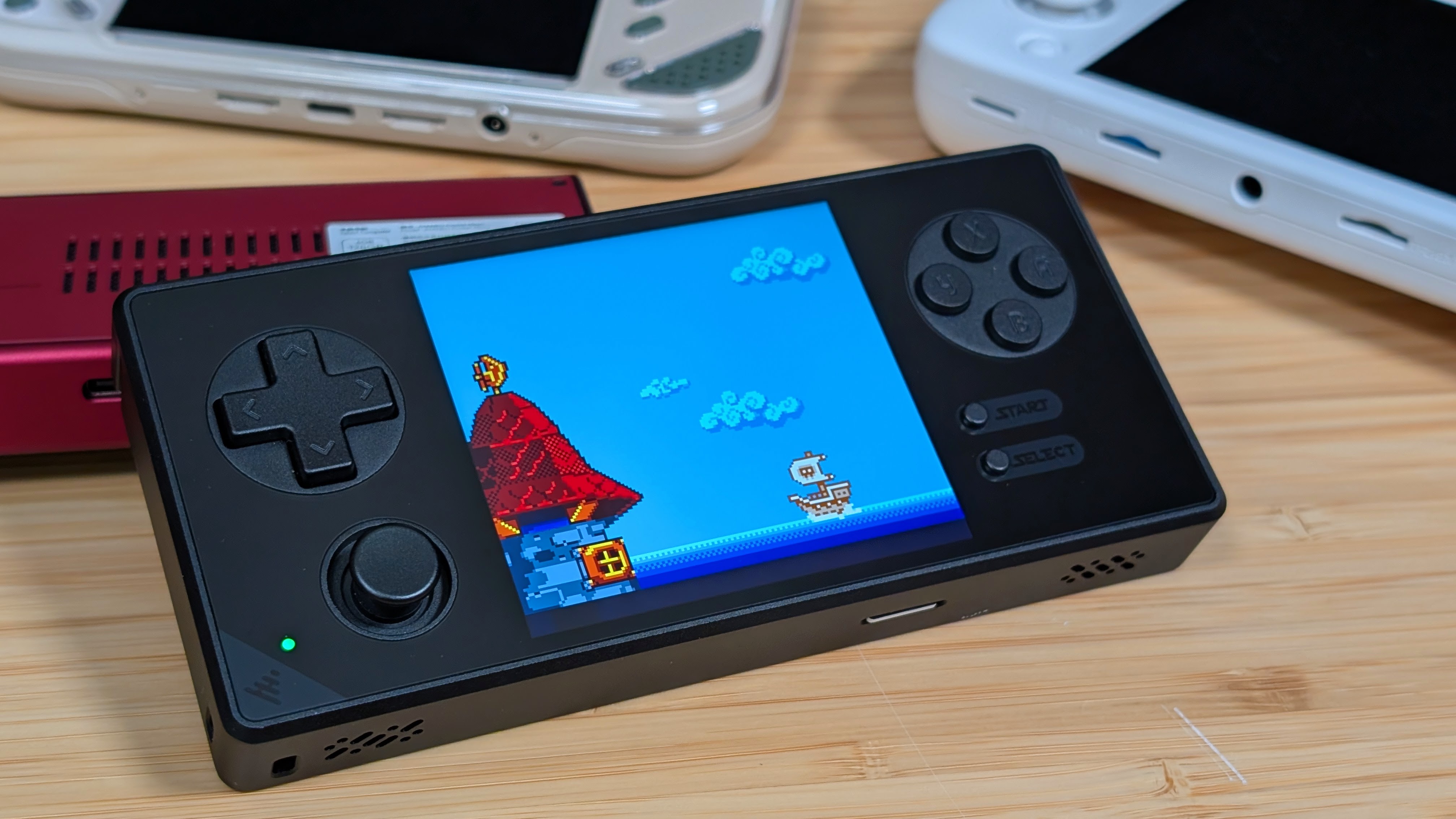
For $155 there’s a bit of good and bad to this one. The price to performance for this one really isn’t too ideal as you can grab 4:3 devices with larger displays and more power for less money. See the Mangmi Air Y. At the same time, pricing for this screen is great.
The Pocket Vert is well over $200, and unless you can hunt down a used price Pocket for less money you’ll be spending over $200 on that as well. So if you want the best GB/GBC/GG screen experience for as little as possible, I think this is a great way to go.
The 350H Ultra is a great handheld with some questionable decisions. Great build quality! Questionable control choices. Great screen! Why is there glass on the back? There are trade-offs like this with every other handheld. But the choice comes down to whether you want to make em for a device that shines on some of the lowest end systems. For some, I can absolutely see making those concessions. For others like me? It’s a tough sell.
