

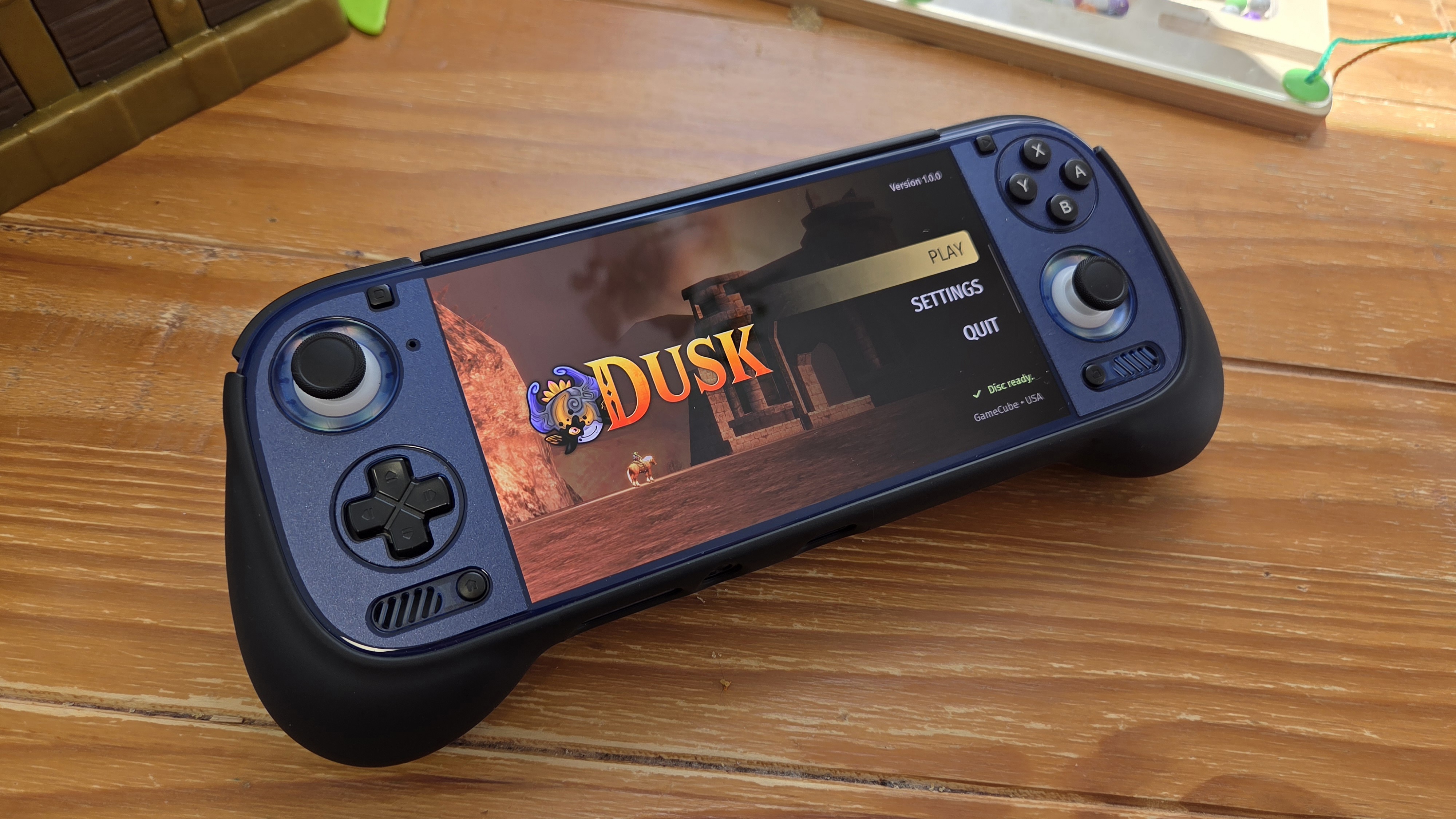
Update 5/11/2026: 1.0.1 released and it fixes most of the graphical bugs as well as allows for easier access to texture packs. Check out the official GitHub link below for the update.
Zelda’s 40th anniversary is a special one, and that’s because of the myriad of fan-made projects and ports being developed with massive success. Joining the ranks amongst them is an unofficial port of Twilight Princess called Dusk, which was released in a 1.0.0 state! And it’s already compatible with PC, Linux (Steam Deck), IOS, and even Android! Following in the footsteps of Ship of Harkinian, GhostShip, etc., is the ability to just drop in a compatible ROM and fire away with little setup.
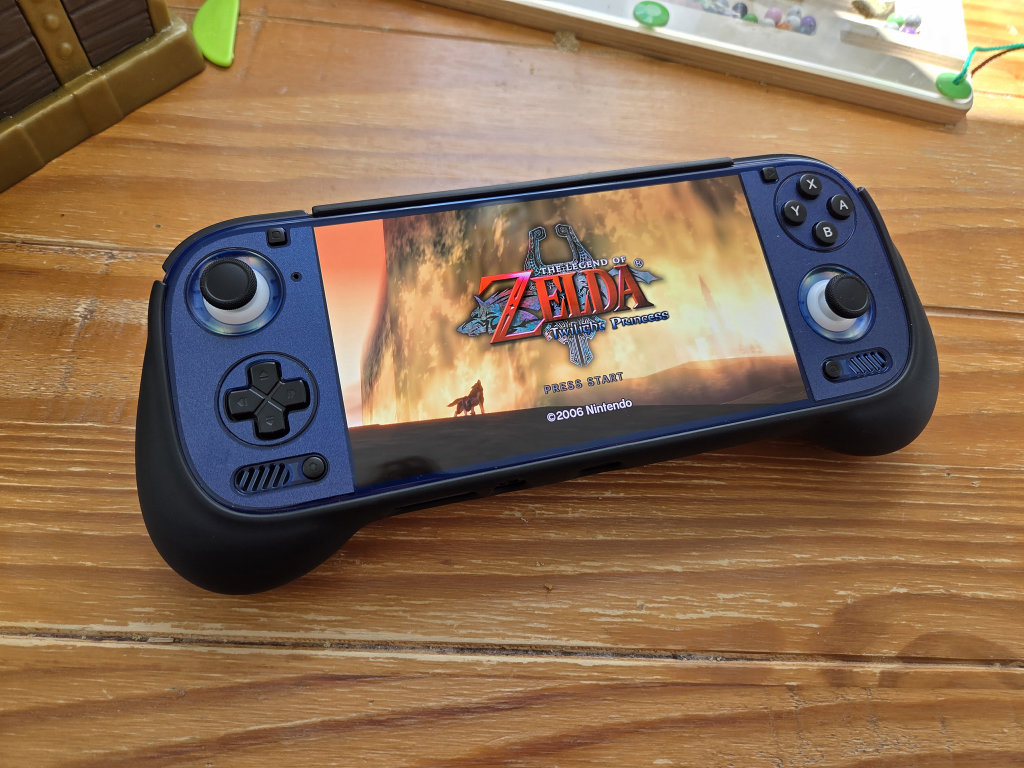
This is a port, and not emulation, so expect arbitrary framerates up to 120Hz, a full-sized screen ratio (1:1, 3:2, 16:10, etc), lower power demands, and full control over the behavior of the game without relying on cheats. This port comes with enhancements, custom character bloom, depth of field, shadow resolution options, as well as quality of life improvements like an autosave feature and faster climbing. It also brings in quality of life improvements from the Wii U version, like the rupee dialogue box for any rupee over 5. For 6 years in the making, this is a great early implementation, and we have the team over at TwilitRealm to thank for their efforts
How Does The Twilight Princess Port Run?
It runs expectedly well on my Odin 3, getting a full 120fps and very minimal fan noise and heat. I’ve also heard reports of it running at about 30 fps on an RGDS (RK3568). I’m noticing some major graphical bugs on Android, so it’s not really there yet, but it’s close to replacing the emulated versions, in my opinion.
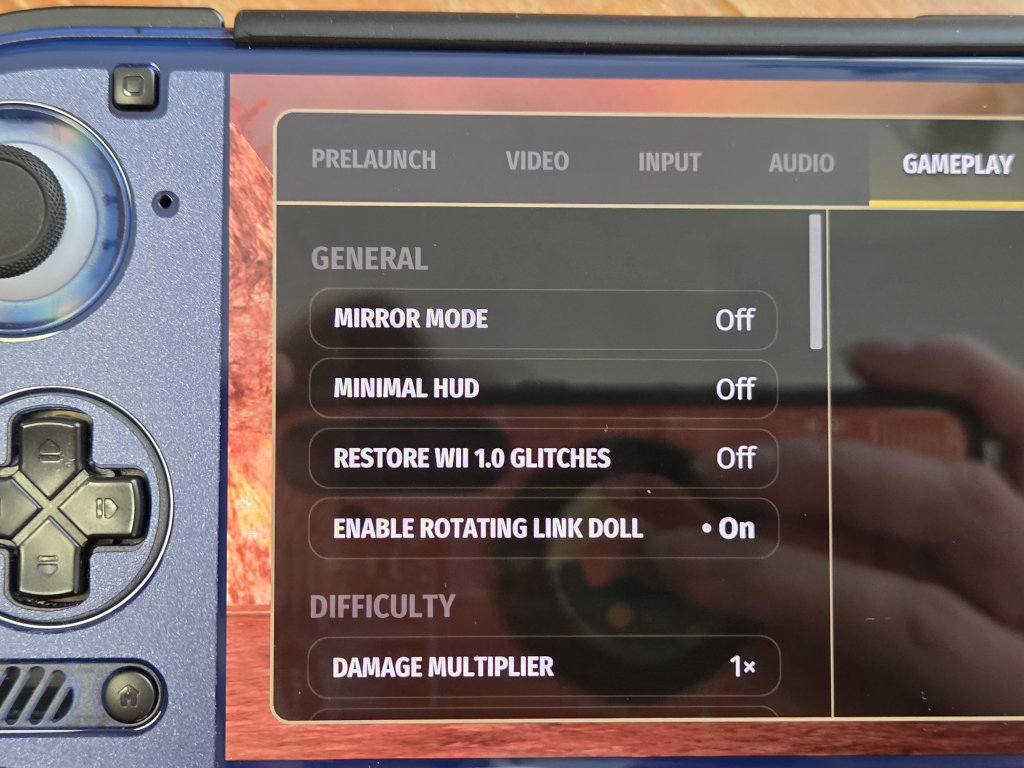
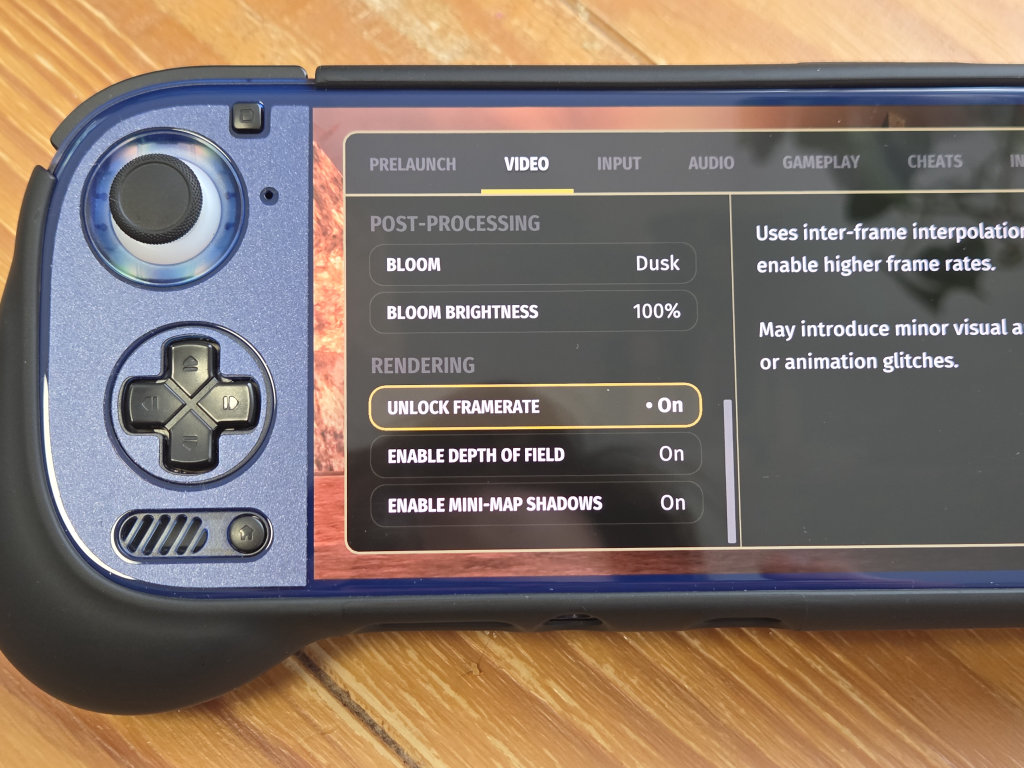
The UI is very simple and intuitive to use, so configuration is a non-issue. In comparison, the GameCube and Wii versions of the game are very well optimized on Dolphin, but some broken graphical effects and input latency can make this less than the best version. The HD remaster on CEMU can look and run fantastically, but the dual-screen implementation, janky camera, and heavy power use also bogs this version down. A port is necessary and very welcome.
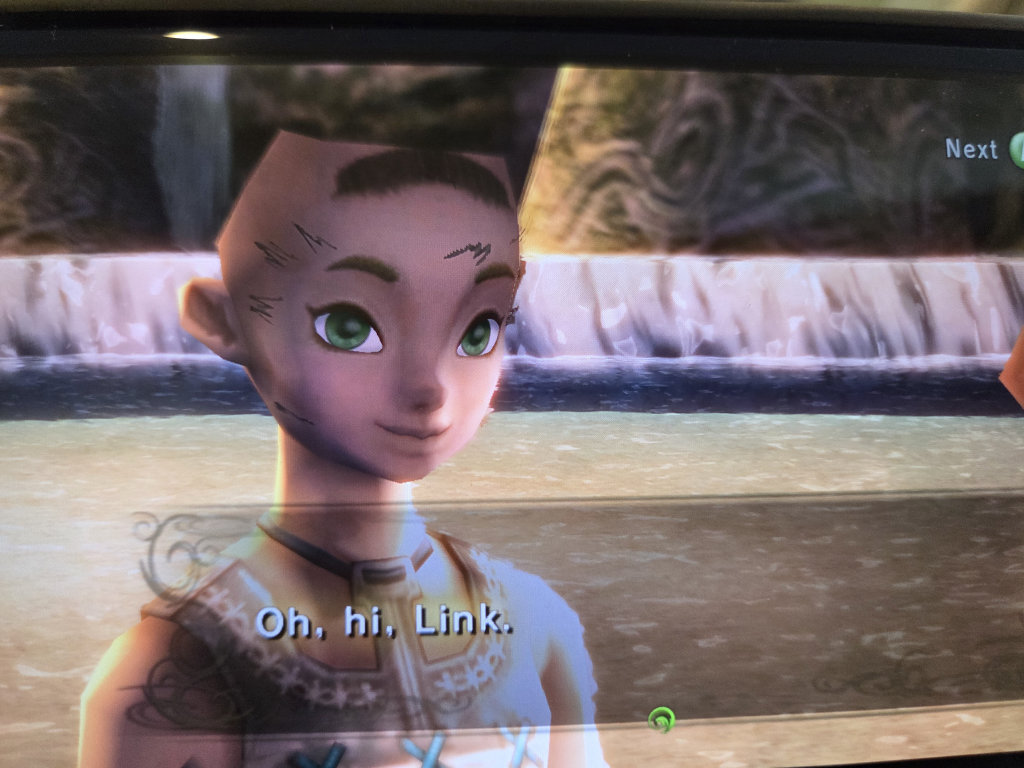
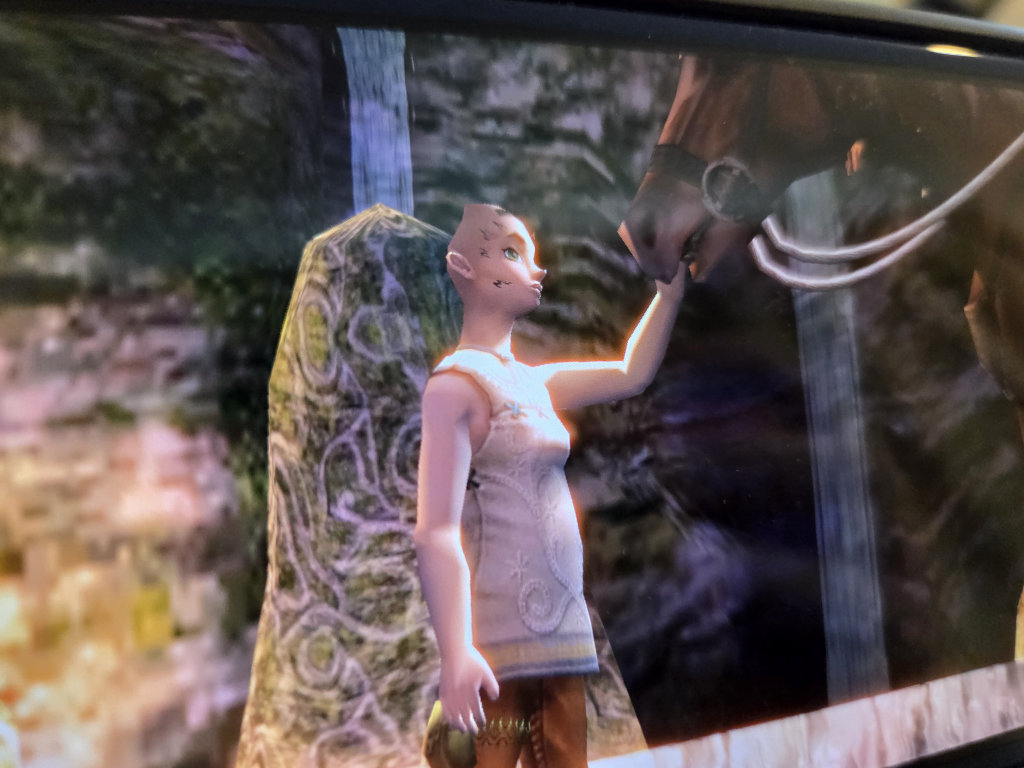
The PC/Linux versions also support texture packs out of the gate, with Android/iOS planned for the future. On Android, it doesn’t follow the same file directory structure as other apps, and is instead located in the Data folder in the system Root, and not the traditional Android > Data structure. Future updates will hopefully fix this. Overall, it’s a fantastic initial release, and I wholeheartedly wish the team luck in their endeavor.
