

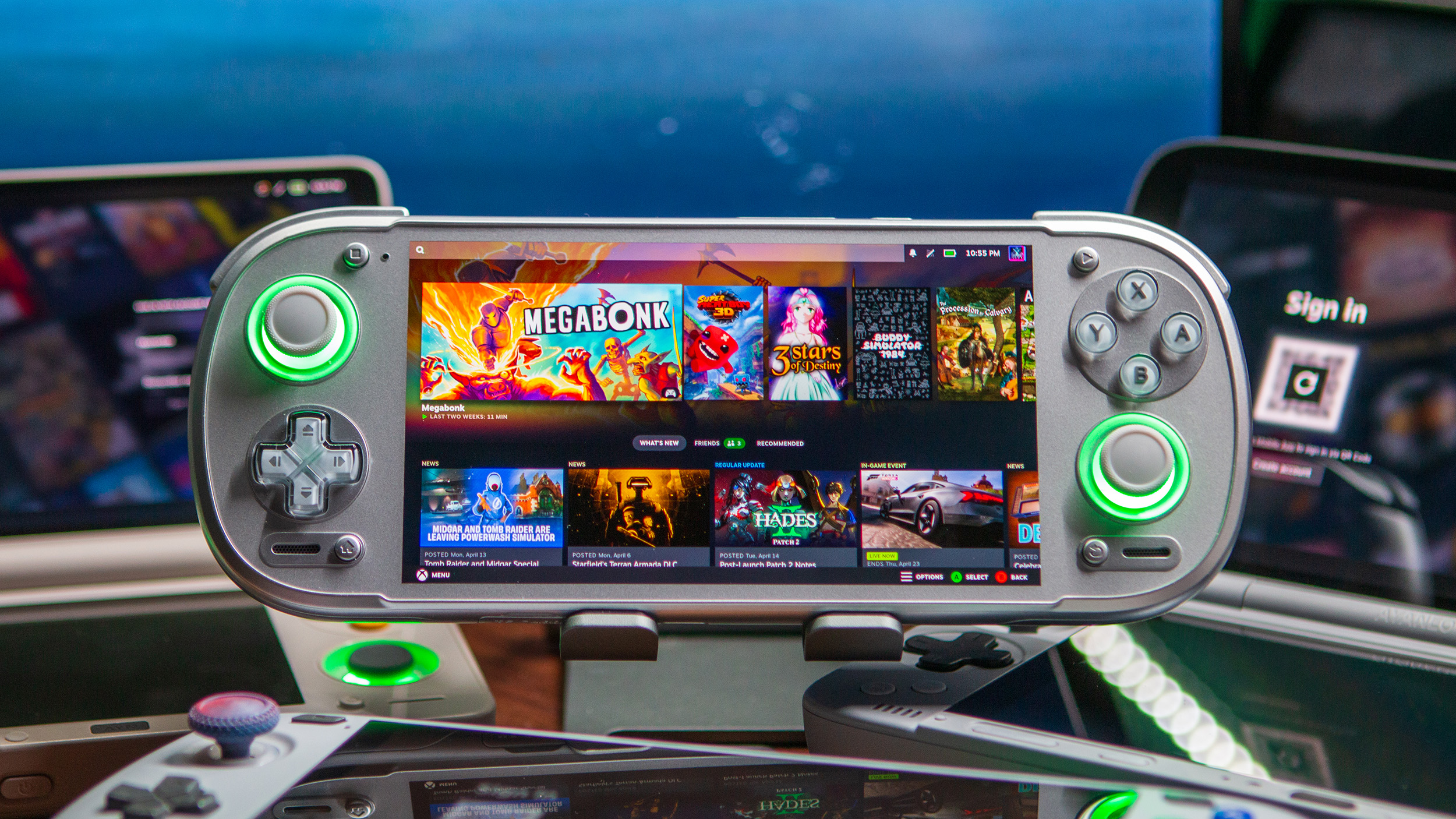
There’s been a lot of speculation about whether we’d eventually be able to install SteamOS onto our Android handhelds following the Steam Frame announcement. However, you don’t have to wait for Valve to turn your Odin 2, KONKR Pocket Fit, or Retroid Pocket 6 into a “mini” Steam Deck.
The ROCKNIX team announced that Steam is now officially supported, with the firmware now “allowing you to run native Linux games as well as Windows games through Proton.” Currently, this is available on “Qualcomm-based” handhelds, which include everything from the Retroid Pocket 6 to the AYN Thor, and more.
Steam on ROCKNIX Device Compatibility
Here’s the full list of handhelds that currently support Steam on ROCKNIX:
AYN
- Odin 2
- Odin 2 Mini
- Odin 2 Portal
- Thor
AYANEO
- Pocket ACE
- Pocket DMG
- Pocket DS
- Pocket EVO
- Pocket S 2K
- Pocket S2
Retroid
- Pocket 5
- Pocket 6
- Pocket Flip 2
KONKR
- KONKR Pocket Fit (G3 Gen 3)
Notably missing from the list of devices above are the AYN Odin 3 and KONKR Pocket Fit Elite. Both of those handhelds are powered by the Snapdragon 8 Elite/Dragonwing Q8 and are not yet supported by ROCKNIX. However, development is underway, so we hope it won’t be very long before the Odin 3 and Pocket Fit Elite are added to the list.
Installation is Easy Enough, But Not For Everyone
The biggest caveat about Steam coming to ROCKNIX is that it’s currently only available with the Nightly builds. Much of this can be attributed to it simply being the early days of integration, with plenty of bugs to find and fixes to roll out.
One such instance is that after installing and picking a game to play, it’s not currently possible to access the Steam menu from within the game. You’ll instead need to exit the game and Steam entirely before starting everything back up again. The ROCKNIX developers have also said that “there will also be a possibility to return to Steam while the game is running.”
Provided that you’re okay with dealing with a few bugs and quirks, installing Steam on ROCKNIX is as easy as clicking a couple of buttons and waiting. If you’re booting ROCKNIX for the first time, get your device connected to Wi-Fi before proceeding. Then, just head into the Tools menu, scroll down, and click “Install Steam.” As noted on the Wiki page, it will “download the FEX Arch rootfs and install the Steam runtime and its dependencies.”
A Few Things to Note About Steam on ROCKNIX
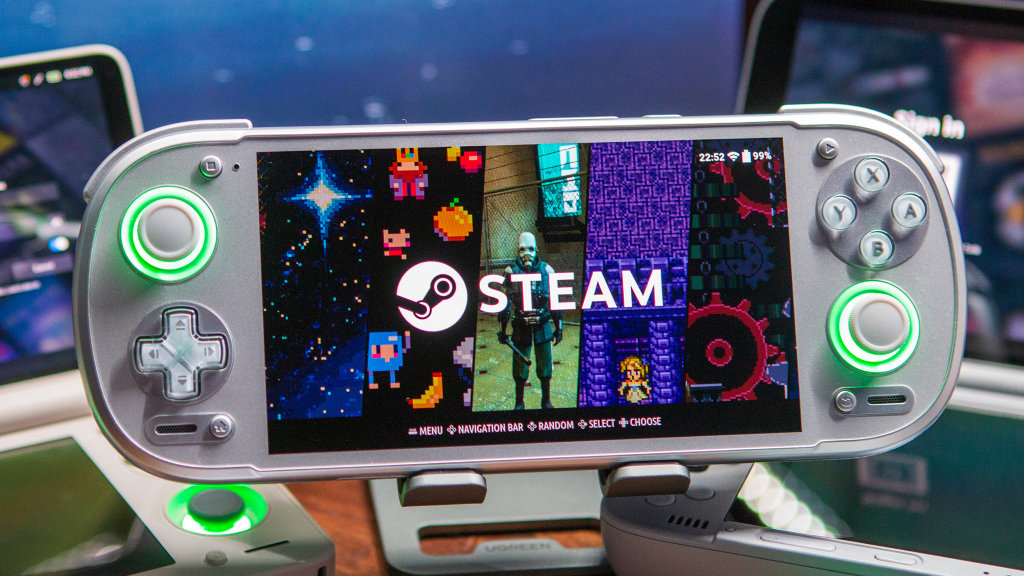
I’m still getting my feet wet with Steam on ROCKNIX, but so far, my biggest annoyance has been the long downloading and installation times with some games. Apparently, this problem is mostly rectified when relying on internal storage on your device, as opposed to a microSD card.
It’s also pretty darn cool to see a “Steam” section in the frontend, complete with the ability to launch games from there without needing to open Steam first. I didn’t even mention that it defaults to opening Steam in Big Picture mode, which cuts out a lot of the potential headaches when trying to use the “windowed” version of the app.
As always, there will be some games that will work completely fine out of the box, and others that need a little bit of help. ROCKNIX suggests checking out ProtonDB if you come across games that aren’t working properly, but we also have the option to switch between DRM, Vulkan, and GL, if need be.
Be sure to check out the dedicated Steam page on the ROCKNIX Wiki to learn more about what’s possible.

5 Comments
The just release a proton for android apk or something. Saw it on /steamframe
Too bad their nightlirs are buggy as .. and they haven’t issued a stable release in a year. More like a tinkerer distro for nerds than a stable platform for gamers.
Is this Steam only? Or is it general PC emulation? Most of my games are on GOG!
How is this better than just using GameNative
I’m super curious to see the performance gains of GameNative vs. Rocknix