

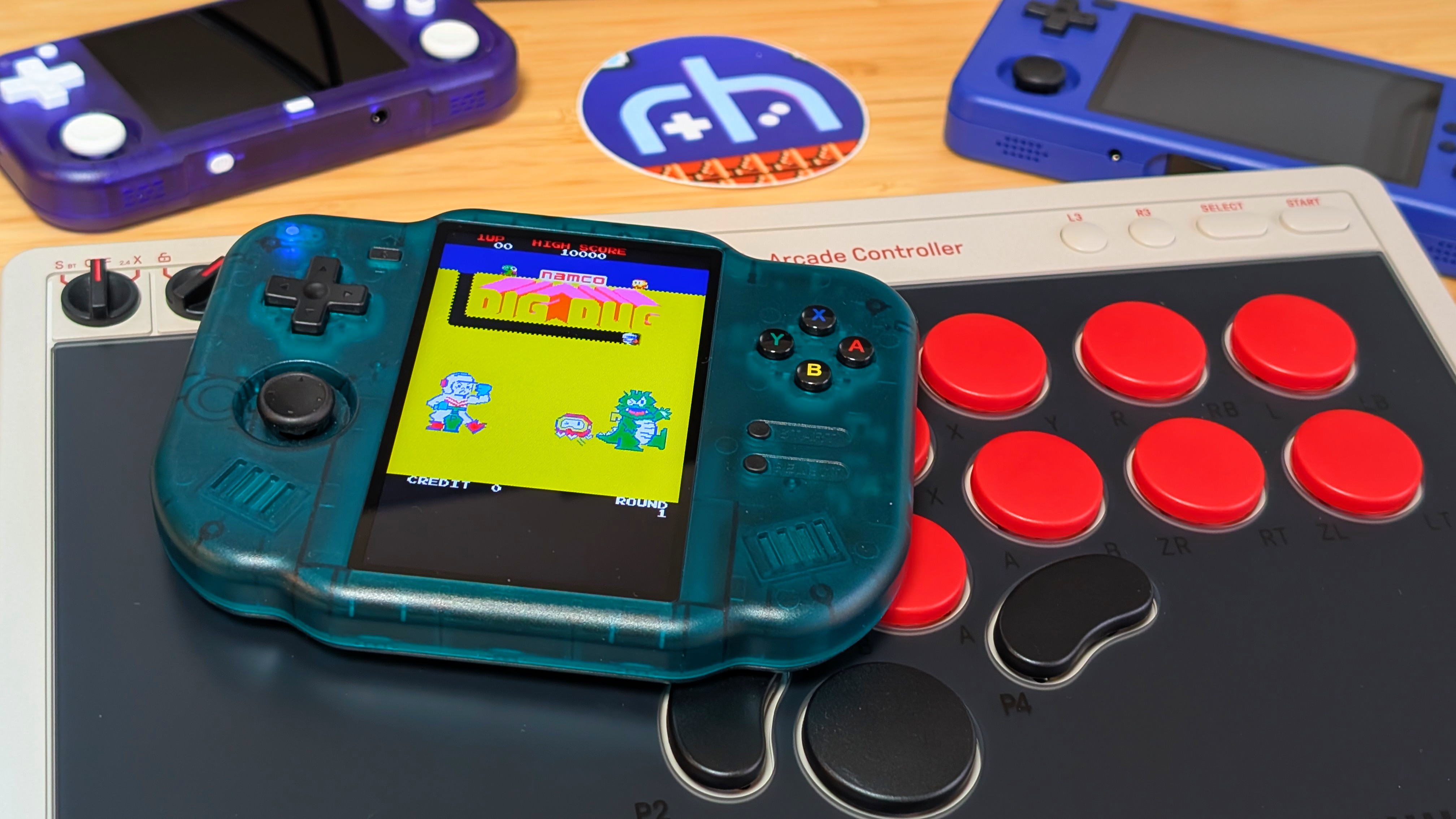
July 18th. That’s when my initial impressions of the MagicX Zero 40 came out. It’s been nearly 7 months since the initial look at that device, and since then, I’ve come back to it occasionally, but more recently swapped from a white unit to an emerald green one as well. It’s green.
So now I want to ask: how is the Zero 40 holding up in 2026? Is it still worth buying, especially with its One 35 out in the market? That’s what I’m finally taking the time to find out. But also, to talk about how I’ve actually used the Zero 40 since I got it.
MagicX Zero 40 Specs
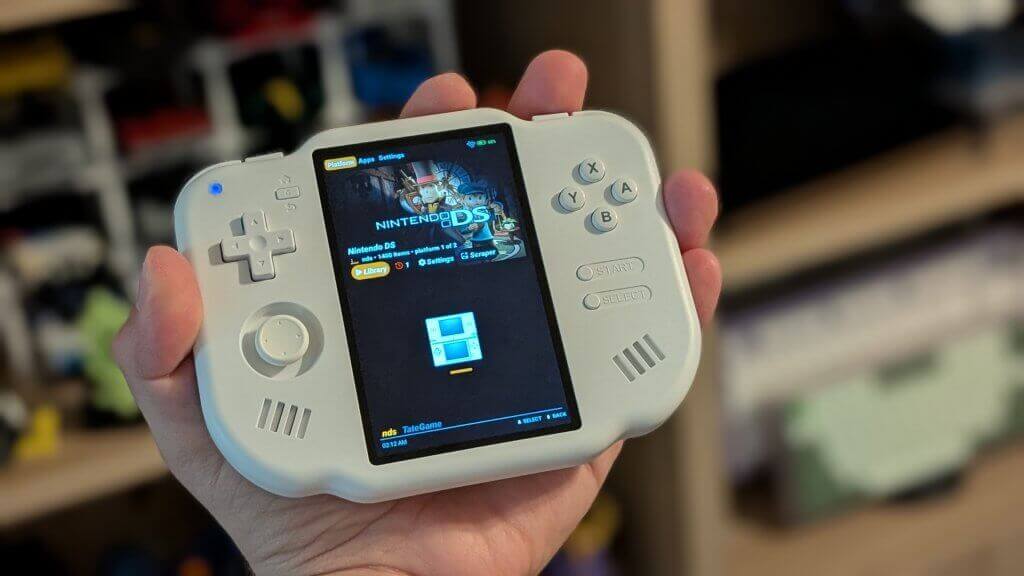
When the Zero 40 initially came out, it was rocking a $75 price tag. Since then, other Android handhelds have entered the sub-$100 scene with more power and more screen, and MagicX was smart enough to drop the price over time. Now starting at $51 and getting up to $75 for the top-tier 128GB SD card model, even if you may not need it.
- CPU: Allwinner A133P
- GPU: PowerVR GE8300
- Display: 4” 800×480 IPS Display
- RAM: 2GB DDR4
- Storage: 64GB or 128GB via dual microSD card slots
- Battery: 4300mAh
- OS: Android, with Dawn Launcher
- Connectivity: 2.4GHz Wi-Fi and Bluetooth 4.2
- Dimensions: 136 x 105 x 17mm, 187 grams
One additional note for specs is that MagicX now offers a selection of DIY parts directly on the Zero 40 page, from buttons to shells, to sticks and screens. The only thing I’d like to see in the future is a battery. But all of these are options for $15 or less.
Ergonomics
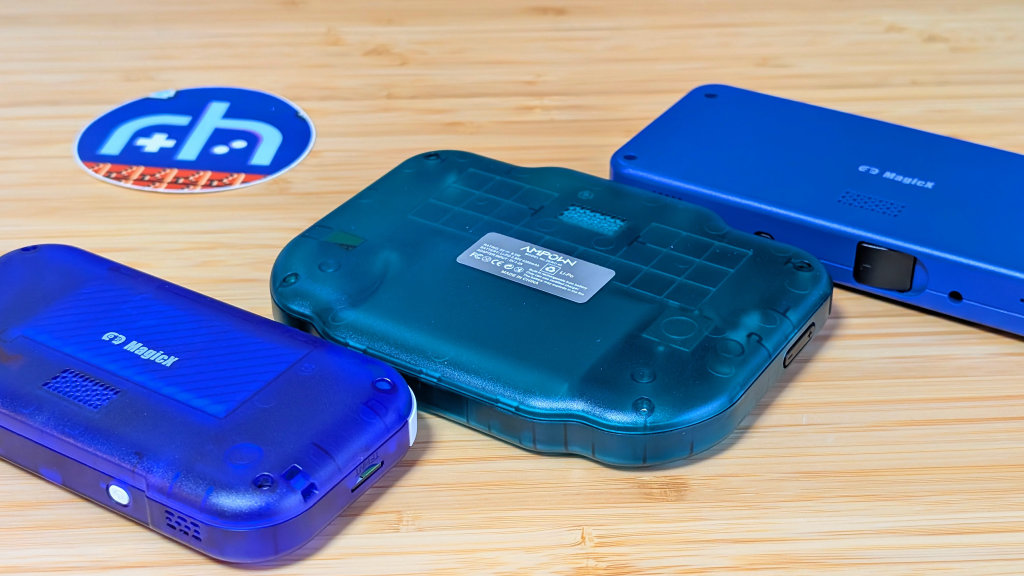
I’m going to be taking this review one at a time, and the place I wanted to start was with the ergonomics. Despite being a thin flat slab of a handheld, the Zero 40 is surprisingly comfortable. Having that taller frame means there’s plenty of space for me to rest my rear three fingers. My index fingers rest well on the shoulder buttons, and the higher placed controls mean it’s easy for my thumbs to rest right where they need to. As a whole, the only awkward spot has been the power button, as even now I still try to go to the top to turn the handheld on and off.
Though, as I’ll talk later, it is something I won’t want to do too much.
Controls
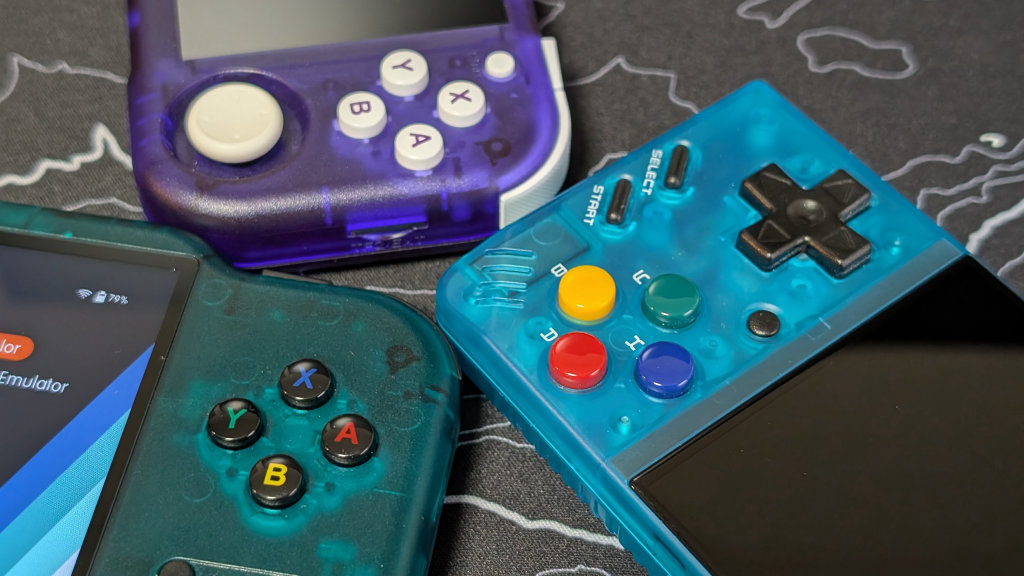
Taking some time with the controls, it’s ended up being a hit and miss for me in the long term. The best single thing is the stick. That Retroid/AYN styled Ginful stick manages to have plenty of movement and wasn’t too far recessed into the handheld. That means it remained pocketable but still palatable. The shoulder buttons are okay. They’re light and clicky, and as a whole, I didn’t press them on accident too often, but they end up being nothing exceptional, and I think I would have preferred quieter buttons to match the rest of the device.
Finally, the face buttons. They’re essentially identical to the MagicX Zero 28, so they’re pretty small. The D-pad has a good bit of pivot and hasn’t given me any personal issues, but it can be a bit loud depending on how you press it. As for the face buttons, they’re tiny, and my thumb can cover all of them at once. The tension is alright, I’d call it medium to light, but that isn’t the issue. Depending on how you press it, X and Y may take way more pressure to push them in the first time before everything works fine. This was an issue with my White model, too, so it seems to be a Zero 40 issue as a whole.
Display
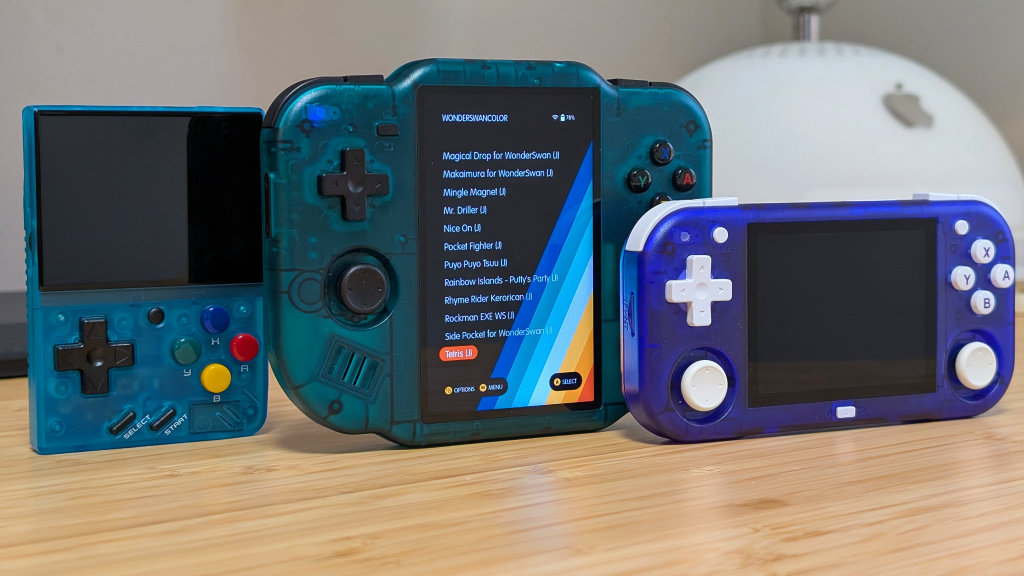
4-inch, 3:5 display with a classic 480p resolution. The nice comment is that it is a touchscreen, which means Android navigation has never given me any issues. The downside is that it’s positioned to not be very good for anything except vertical systems.
Wow, shocker. The vertical display isn’t good for horizontal systems. What that means for me is that this has essentially become a handheld for very few systems. Despite the fact that the A133P in this can cover everything up to N64 and Dreamcast to a tolerable level, you won’t really want to. As a whole, it’s a good screen with minimal usability. And that’s alright.
Software
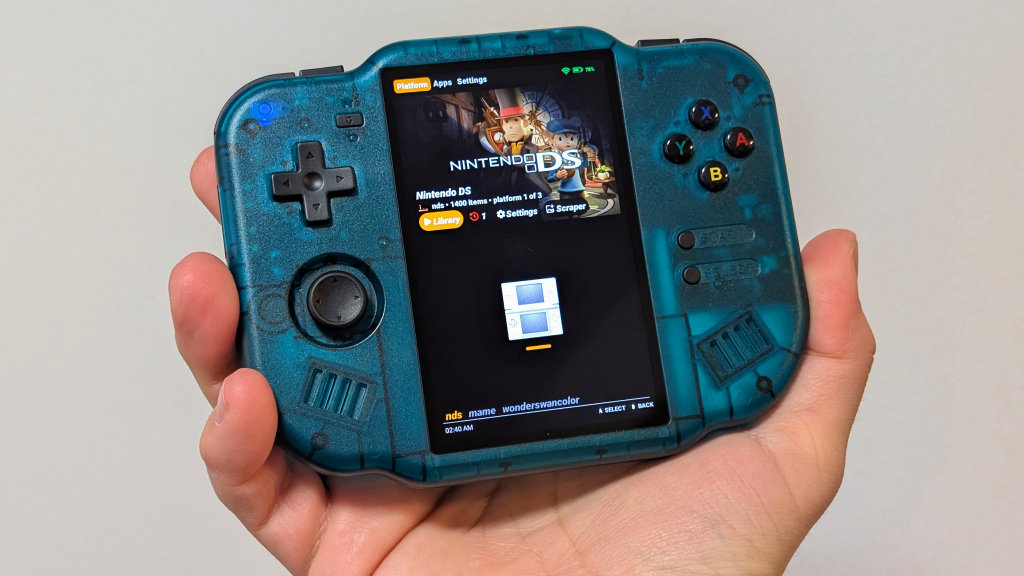
Just like the Zero 28 of yesteryear, the Zero 40 runs a build of Android 10 with a vertically oriented version of the Dawn Launcher built in. As a whole, they’ve gotten their Android build pretty good. Dawn launcher does exactly what it’s supposed to; it boots your games into the correct RetroArch core or app. MagicX even made sure to make necessary adjustments to the cores to make sure everything shows up correctly, with overlays. Though I certainly turned off those overlays for my gameplay. I ended up preferring the chin in the games I was playing.
Despite the well-set-up Dawn launcher and experience provided by MagicX, I decided to do the usual and make life harder for myself by using ES-DE as my launcher instead. There aren’t a lot of working themes with the 3:5 aspect ratio, but I ended up going with the MinUI theme combined with the Pocket Ace Retro colorway to give myself a nice text-based UI. All of which manages to do well without being broken or cut off on either side. But if you didn’t want to set that up, you absolutely wouldn’t have to.
My biggest gripe with the software is the long bootup times. Sometimes, taking a minute just to get to the home screen, I’ve elected instead to just leave Zero 40 on most of the time and hope its standby is good enough.
What I’m Playing
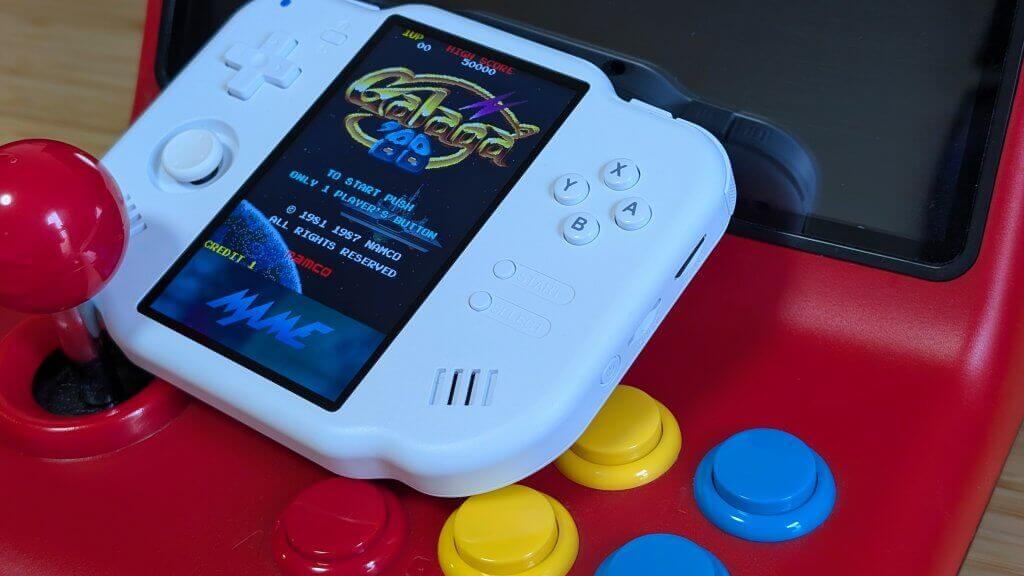
All that being said. What am I actually doing with the Zero 40 all these months later? The two systems that you would expect to spend the most time on with this type of system are. Nintendo DS takes up about 15%; meanwhile, the other 85% goes straight to MAME. One of my favorite types of games growing up came down to arcade classics. Pac-Man, Dig-Dug, and Galaga, just to name a couple. Paired with vertical shmups that I suck at, like DoDonPachi and 1942.
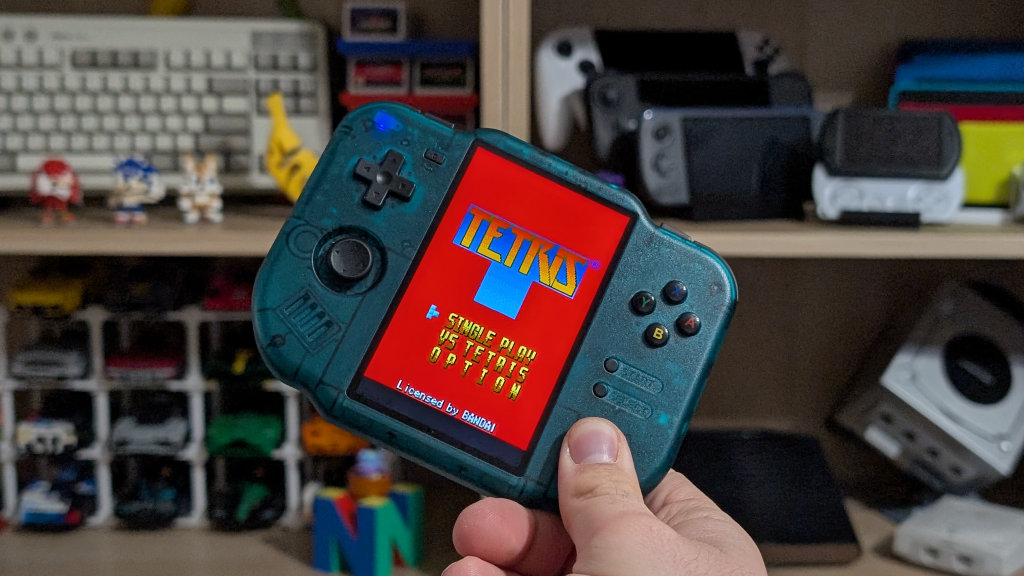
As a setup, I’ve removed the overlay from below my MAME games, as on the Emerald Zero 40, it’s not as bad to see a big black box when compared to the white model. With my minimal DS gameplay, I’ve ended up electing to leave the separating bar in between the “screens”. I’m not usually one for DS emulation; for example, I don’t like the RG DS, but I think this is an okay enough experience. Still not my first choice, though. Otherwise, you can look at systems like Bandai Wonderswan. Their Tetris is pretty good.
Final Thoughts
At its original $75 price, I think it’s a bit too expensive. At the current $50 price, I think the Zero 40 is a solid overall value for vertical gameplay on a handheld dedicated to it. If you want versatility, you go for the One 35; if you want true DS gameplay, I recommend an actual DS. But if you know you want to play vertically oriented games, and you know not much else is going to be worth it on a small screen, this is going to be the option to go for. As if there were many others.
I like the Zero 40, and I’ll likely continue to use it in the future for any and all of my arcade needs.
What did you think of this article? Let us know in the comments below, and chat with us in our Discord!
This page may contain affiliate links, by purchasing something through a link, Retro Handhelds may earn a small commission on the sale at no additional cost to you.
