

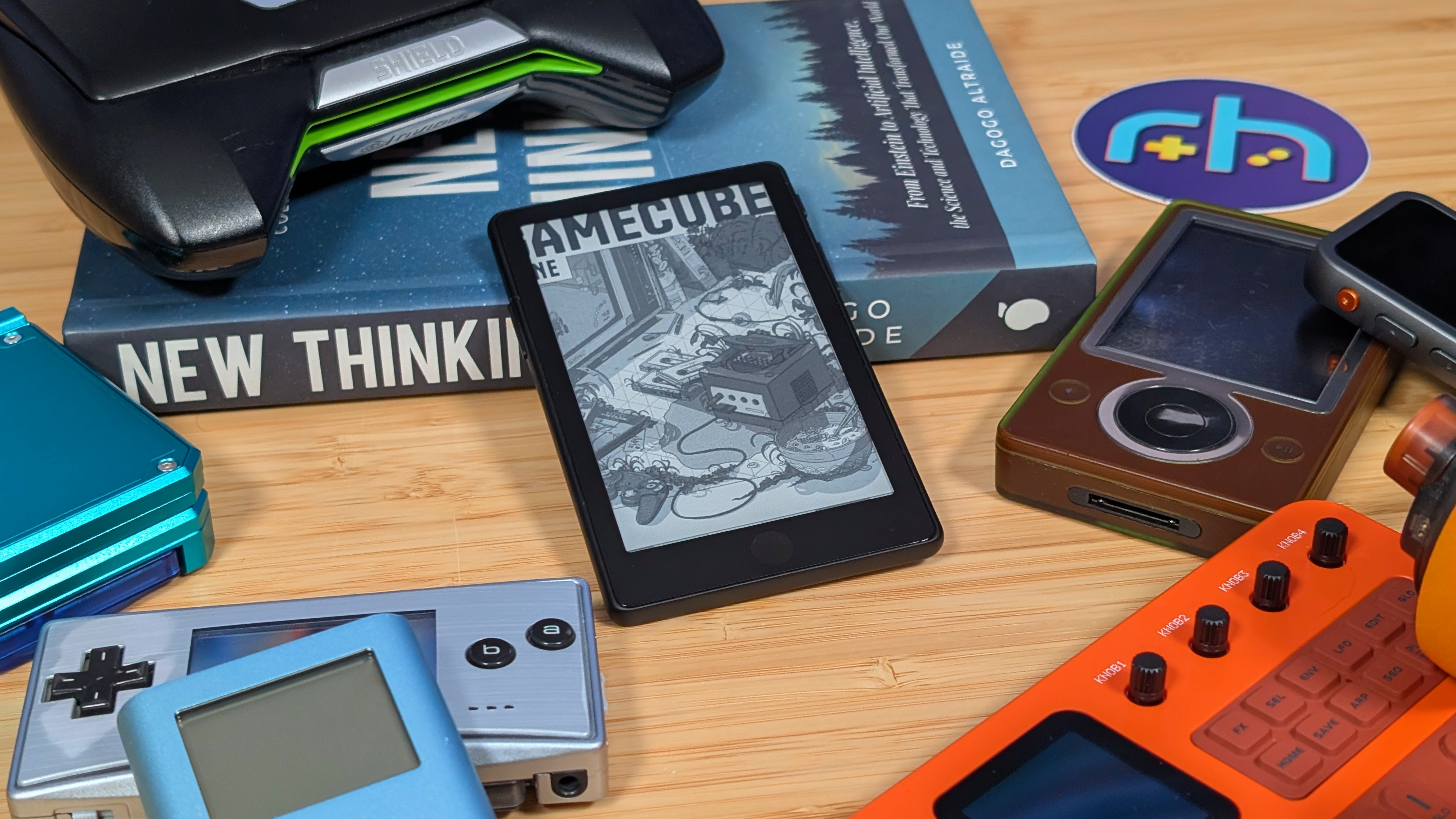
Reading books used to be a pretty constant part of my life when I was younger. Schools used to push that down our throats as a competition to read the most books, and do something to show you actually did read those books. Even when I got into college, I still took the time to find a few books here and there to pick up and read, albeit with much less frequency than in the past.
But once I got out of college, reading as a whole just seemed to stop for me. Whether it was just the amount of time I felt that I had, the increase of production I did for Retro Handhelds, or just a combination of everything in life closing in around me at once, reading was what took the backseat for me.
That being said, I did pick up a few e-readers here and there just to try them out. The XTEINK X4 and the Boox Palma being a pair of them thanks to them being more compact options. But now, thanks to the XTEINK team sending over their latest X4 Pro over, I’m taking another attempt at getting into the de-compartmentilization of my life, and starting with one small step at a time.
Disclosure:
The device reviewed was provided as a review sample by XTEINK. This had no bearing on the conclusion of the review, nor did XTEINK have the opportunity to make edits or changes to the review before publishing.
Affiliate links might be present where applicable, and we may earn a commission on product purchases using those links at no extra cost to you.
XTEINK X4 Pro Specs
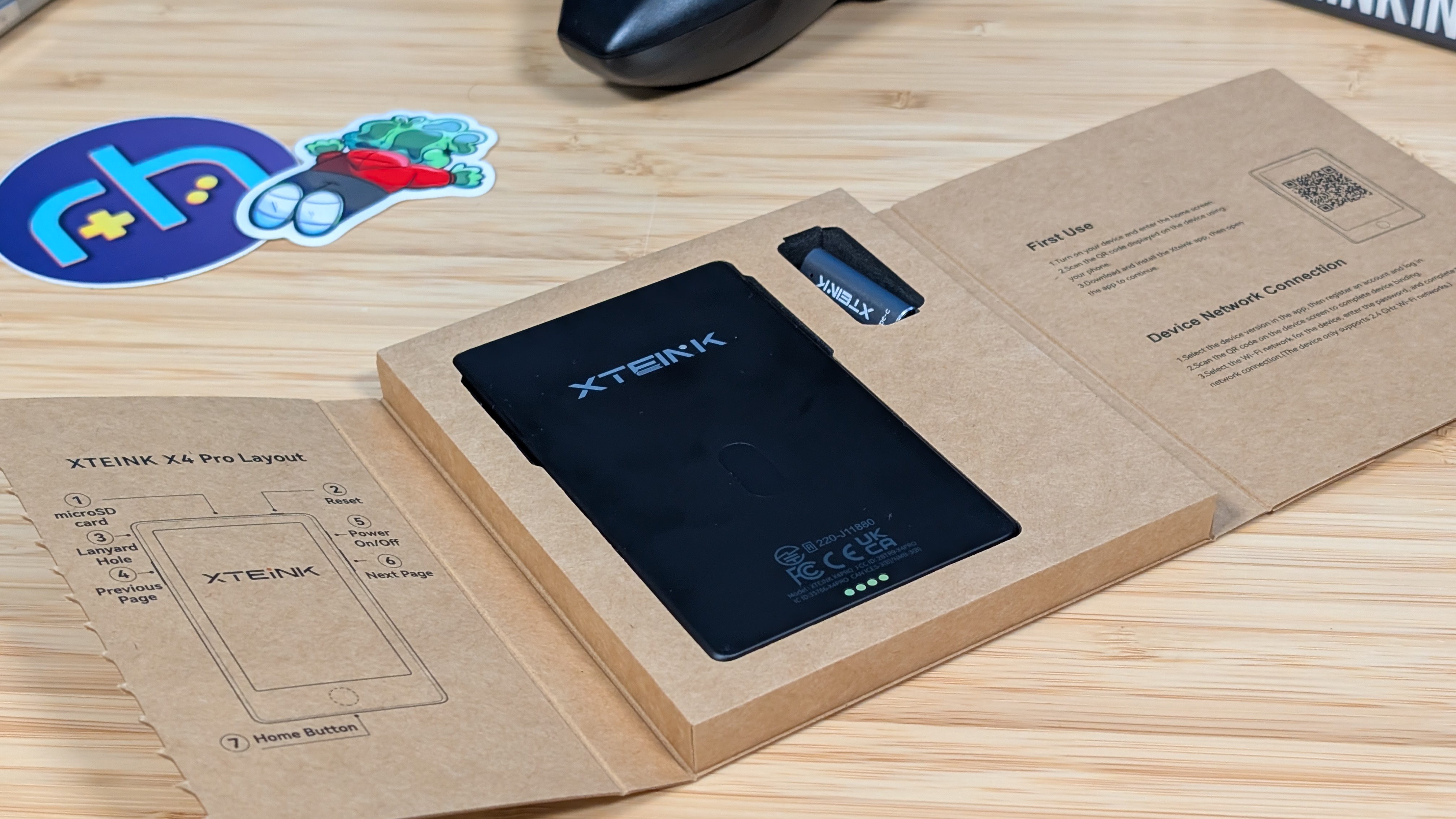
Unlike prior units, the X4 Pro doesn’t quite fall into that budget category like the old units. Priced at $100 on the Amazon page, or “indefinitely on sale” from $130 on its own website, the X4 Pro is pricing itself in a range of more popular, and larger devices at the time. But for what it is, maybe that’s worth it to you?
| Display | |
| Screen Size | 4.3-inch |
|---|---|
| Screen Type | E-Ink |
| Resolution | 800 x 480 |
| Pixel Density | 219 PPI |
| Connectivity | |
| Wi-Fi | 2.4GHz |
| Bluetooth | ✅ |
| Storage | |
| microSD | 16GB included (Supports up to 256GB) |
| Battery | |
| Capacity | 1100mAh |
| Charging | Pogo Pin |
| Physical | |
| Controls | Touchscreen + Physical Buttons |
| Dimensions | 111 x 69 x 5.96mm |
| Weight | 72g |
| Extra Features | |
| Addt'l | Front Light, Built-in Magnets |
| Supported Formats | EPUB, TXT, JPG, BMP, BIN, XTF |
Build Quality and Feel
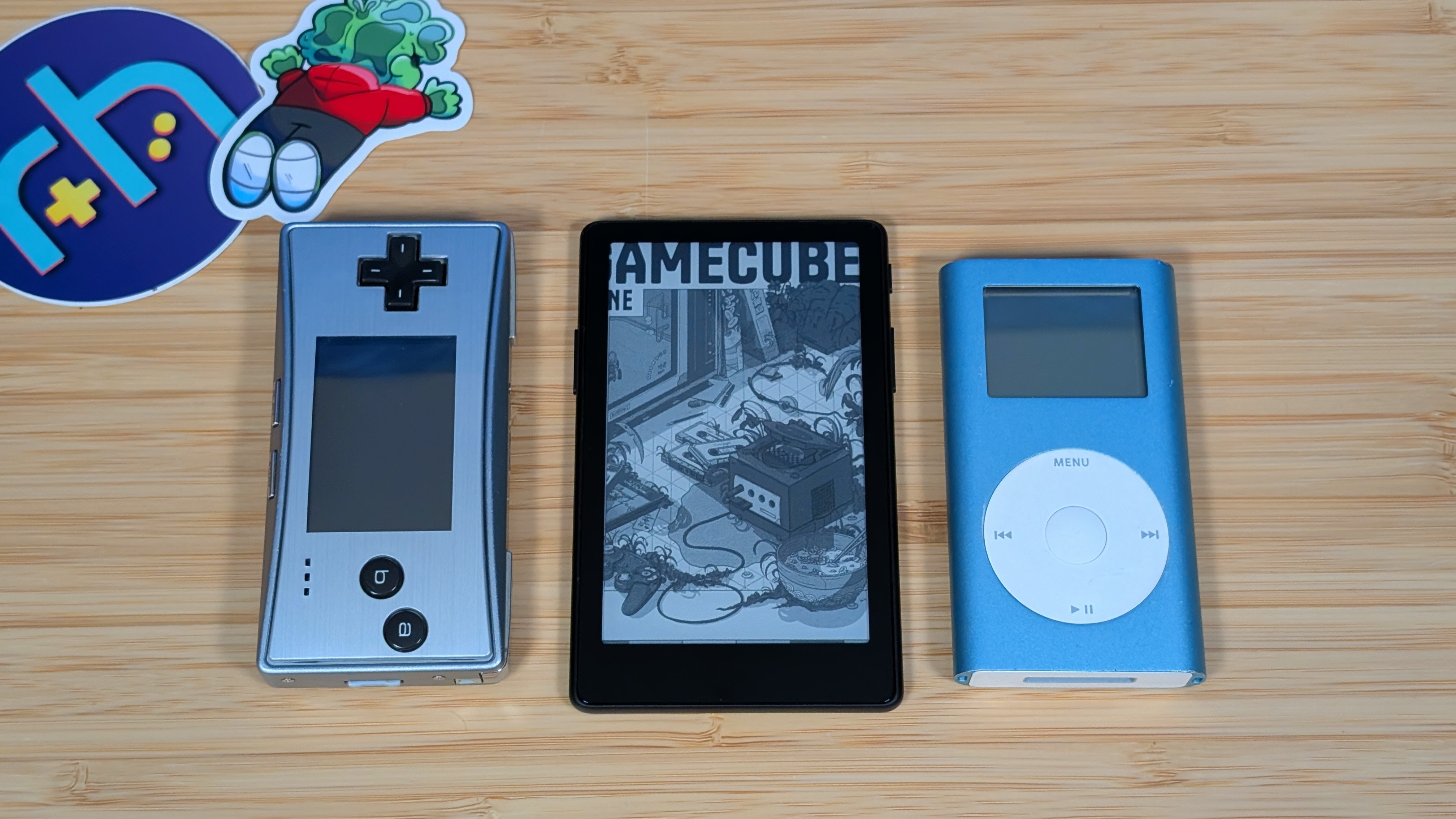
The XTEINK X4 Pro, to which I’ll likely just be referring to as the X4 Pro going forwards, is one of just a few small sized e-ink readers. The X3, X4, and X4 Classic being the alternatives in XTEINK’s lineup, but companies like Boox are also producing their own micro readers like the Picco. If you know XTEINK at this point you’ll know this one as well. It’s all plastic, lightweight, super thin for what it is, and easy to hold in just one hand. For $100, it doesn’t feel any better than the cheaper X3 and X4 Classic, but at the same time I don’t think it needs to. The goal is to aim for portability, and they achieve that with flying colors.
The reason I bring up the feel of the X4 Pro is that there are a bunch of different ways to hold, or use this thing on the go. Whether that’s XTEINK’s own folio cases, or through using the magnets to stick it to the back of your phone so you can have a thicker thing in hand. I tried a few of them, and while I wasn’t too big a fan of trying to get this to stick to the back of any of the phones I have on hand, I felt the folio cases were fine. All in all though, I preferred just to run bareback and toss it “gently” in my pocket.
“Controls”
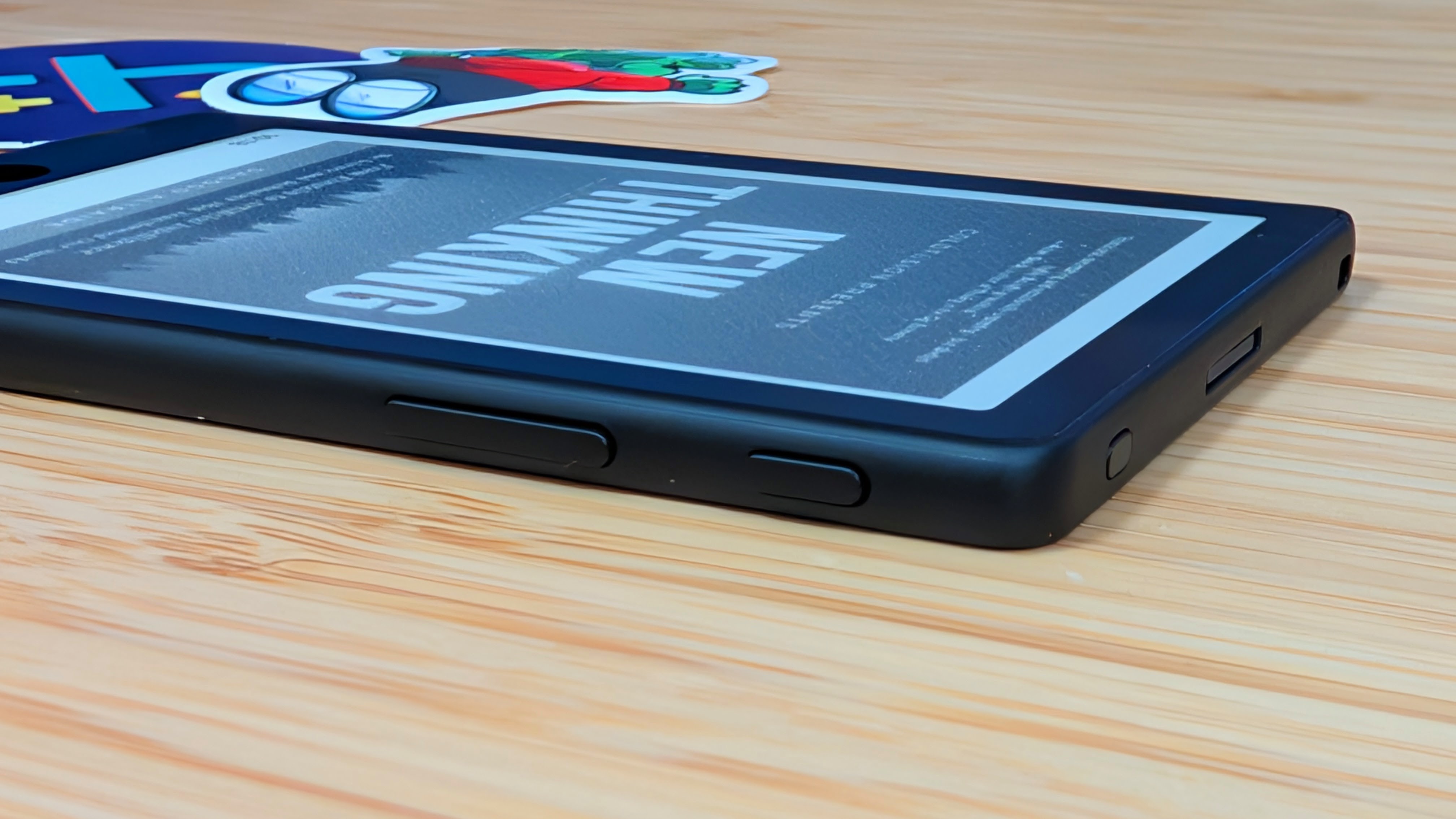
This is where things start to get a little bit funky when it comes to the X4 Pro. Unlike the older X4, which has its controls primarily on the front, the X4 Pro decides to just throw everything at the wall and see what sticks. Not only do you have a touchscreen for navigation, your buttons have been moved to the side, the power button is on the side, there’s a reset button up top, and now there’s a digital menu button down on the front. Personally, I preferred the older setup as I could easily thumb the front buttons with my thumb, but I can understand the appeal of the side buttons.
The one main complaint I have about those is just they take a bit too much tension to press for my liking, but I feel like any looser and they’d just press accidentally. If you’re looking for a secondary, smaller complaint, it’d be the front “menu” button. I call it that, but you can really set it to anything. That being said, whatever you choose to use it for, be sure to use it as “press and hold” as otherwise you may find yourself hitting it on accident like I have, just scrolling over the touchscreen. Once you get used to it, things will be fine, it’s just for now. Ehhh.
Software
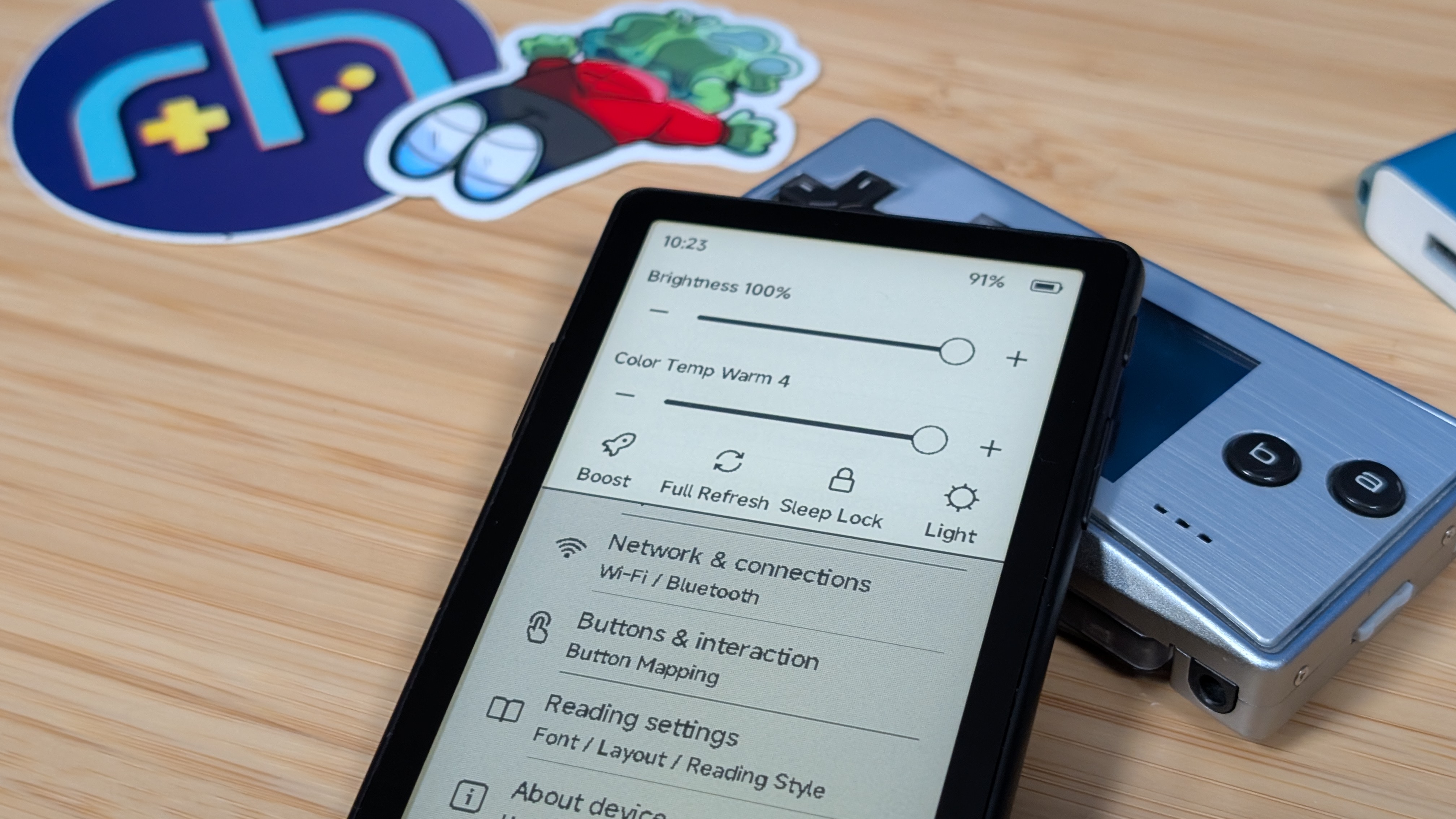
For the purpose of this review, I ended up keeping everything stock on the X4 Pro. If you’re looking for a different experience, and likely a better one for most, CrossPoint Reader is currently available for this as well as the other devices in XTEINK’s e-reader lineup. For me though, using the stock firmware is fine, as all I wanted to do was load in some books, boot them up and just spend some time trying to read again. As well as not using custom firmware, I also chose not to use the XTEINK app to do any wireless transfer of books. For my usecase, plugging the microSD card in, adding my files and going from there is all I needed.
Once you’re in the software though, for an e-reader it’s quite easy. Pick your books, setup wifi, go to settings and make adjustments to everything down to how you want to manage your buttons, touchscreen and color temperatures of the frontlight. The stock firmware is functional, and that’s all I really need.
Some Extra Bits
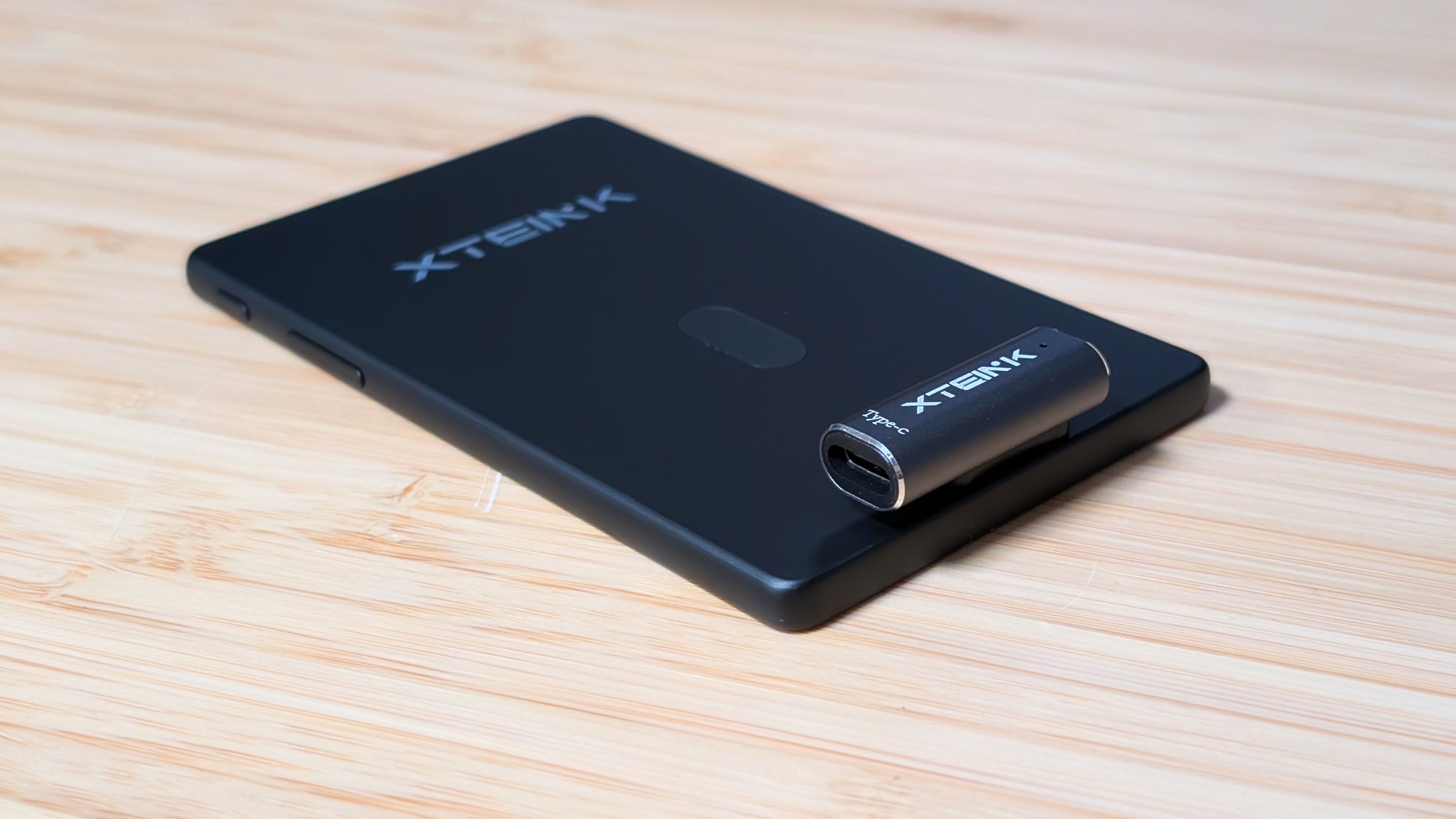
I know, I’m really saving the actual reading until the end. But when it comes to the X4 Pro, I want to just mention a couple other things. The 1,100mAh battery is really solid. It’ll get me through a week fairly easily, and if you turn off the frontlight it’ll push you even further.
Next up is that frontlight, I can talk about it more in the next section, but I found it to be sufficient enough for getting me through late night reading. While I say that, I want to mention that I didn’t use it too much, as most of the time I was using it in a well lit environment. But having the option is nice.
As for the downside? I hate the pogo pins. I get they’re doing it to make the device thinner, but with how small it was already I didn’t find that necessary. The older X4 featured a side mounted USB-C port, and that was good! That was fine! I could use it for whatever I needed, but jump ship to the X4 Pro, and you’ve got this weak magnet that doesn’t hold well if you so much as pick it up.
Honestly, I couldn’t read with that charger, just because of how weak I found the magnets to be. The worst part? The pogo pin charger included in the box, is just a USB-C adapter. Thanks for giving me something else to lose. While everything else about this device is nice, this choice was just a bit bone-headed.
Finally Reading
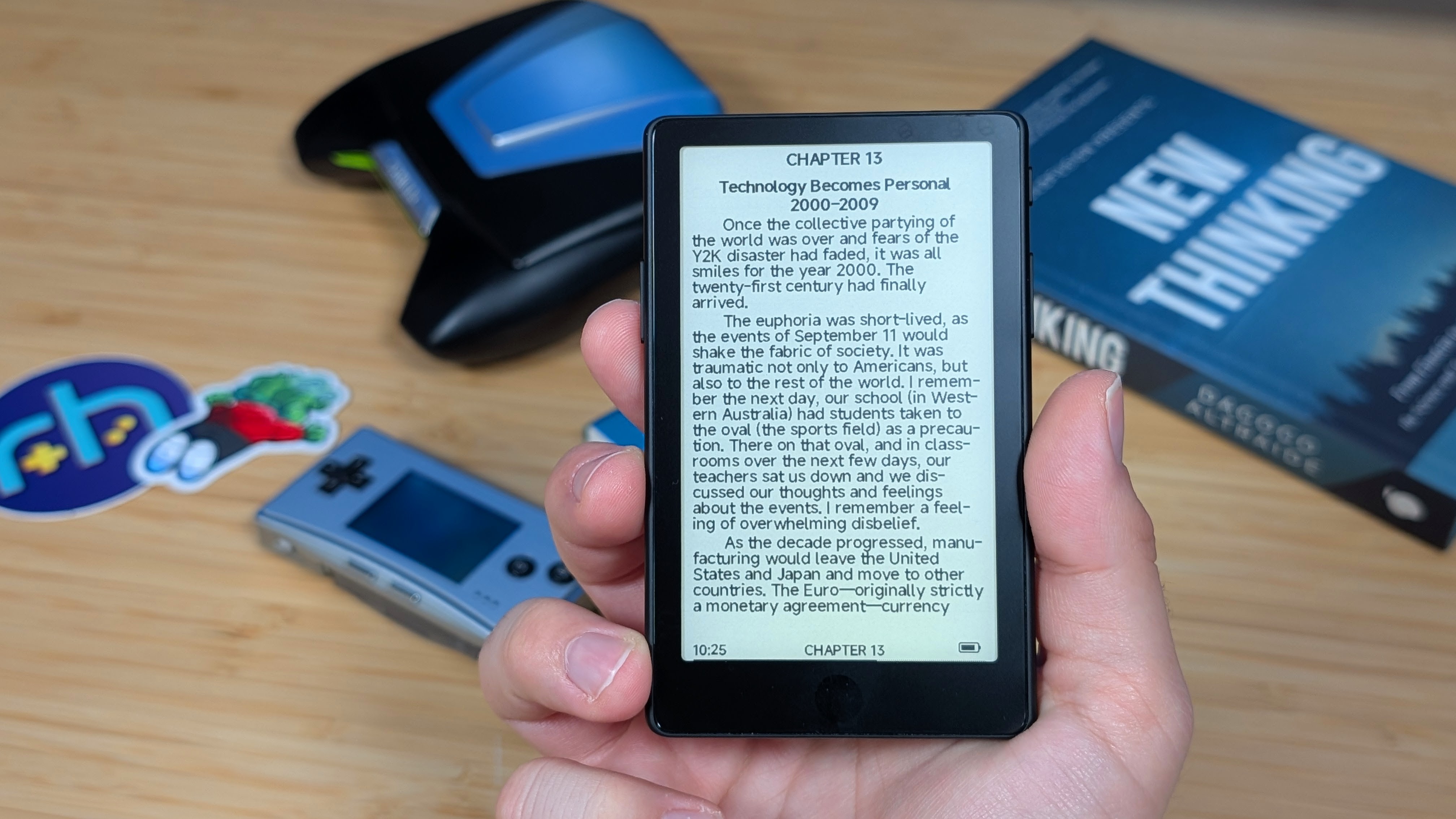
Getting through this review has taken longer than anticipated due to a number of reasons, but part of it came down to just wanting to see if more time with the device would give me more reason and opportunity to read. And while technically the answer is yes, it’s also no in the long run. In order to read more efficiently, I did bump the font size up a bit, which meant that I was changing pages more than I would on something like a Kindle, or even the Boox Palma. That’s not a big deal, what is though is that mentally I found myself wishing I was using something else.
The whole point of the e-reader was the separate out another device from my phone, like I’ve done with music, and gaming. But instead I’ve ended up introducing a whole other thing that I have to decide on whether or not I’m going to carry around instead of something else. If you know what choice paralysis is, you’ll know it can stop you from doing just about anything at all. When I’m at home I could pick it up, and grab something different to read. But I ended up gravitating to shorter stories instead. If y’all know “I have no mouth, but I must scream” I finally read that, and despite being a short piece, it got messed up real quick.
Reading on the device is a pleasant experience, and lands well for me. When I actually wanted to read it.
The Final Page
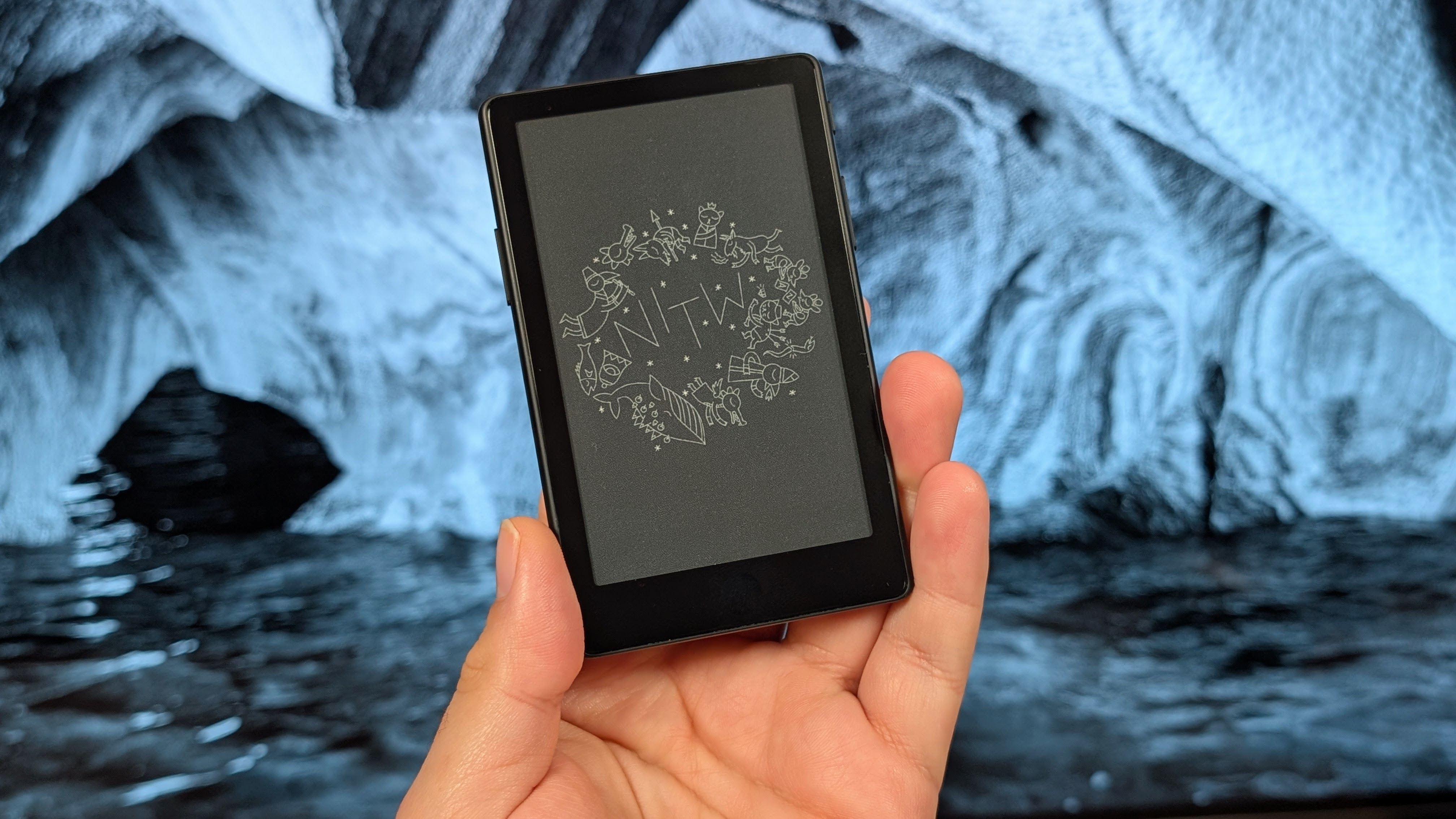
I feel like I’ve talked a lot, but this is just one of those devices I won’t check in on too much, especially on the RH website. So because of that, I wanted to just dump my thoughts out all at once. For disconnecting, finding something else to do other than doomscrolling on your phone the whole line of small e-ink devices is going to be a great choice for many people out there. It’s a good product, in a decent product line, and worth picking up if you value portability. But then there’s the side of the aisle that’s like me.
You like the disconnect, you like having something to use that’s not your phone, but creating multiple layers of choice with physical items, makes it harder to want to do anything. Honestly, I’d rather end up picking up a book from the local library, or in my case, the wall of books some of my family has. A wall I would include a picture of, but the space wasn’t up to snuff for a picture. Unlike games, I think I’ll try and go back to reading physically; I already have a few that I want to get back to like “New Thinking” by Dagogo Altraide, but I can at least say I’m happy to have the option of reading on something smaller.
If you like e-readers, definitely give it a look.
