

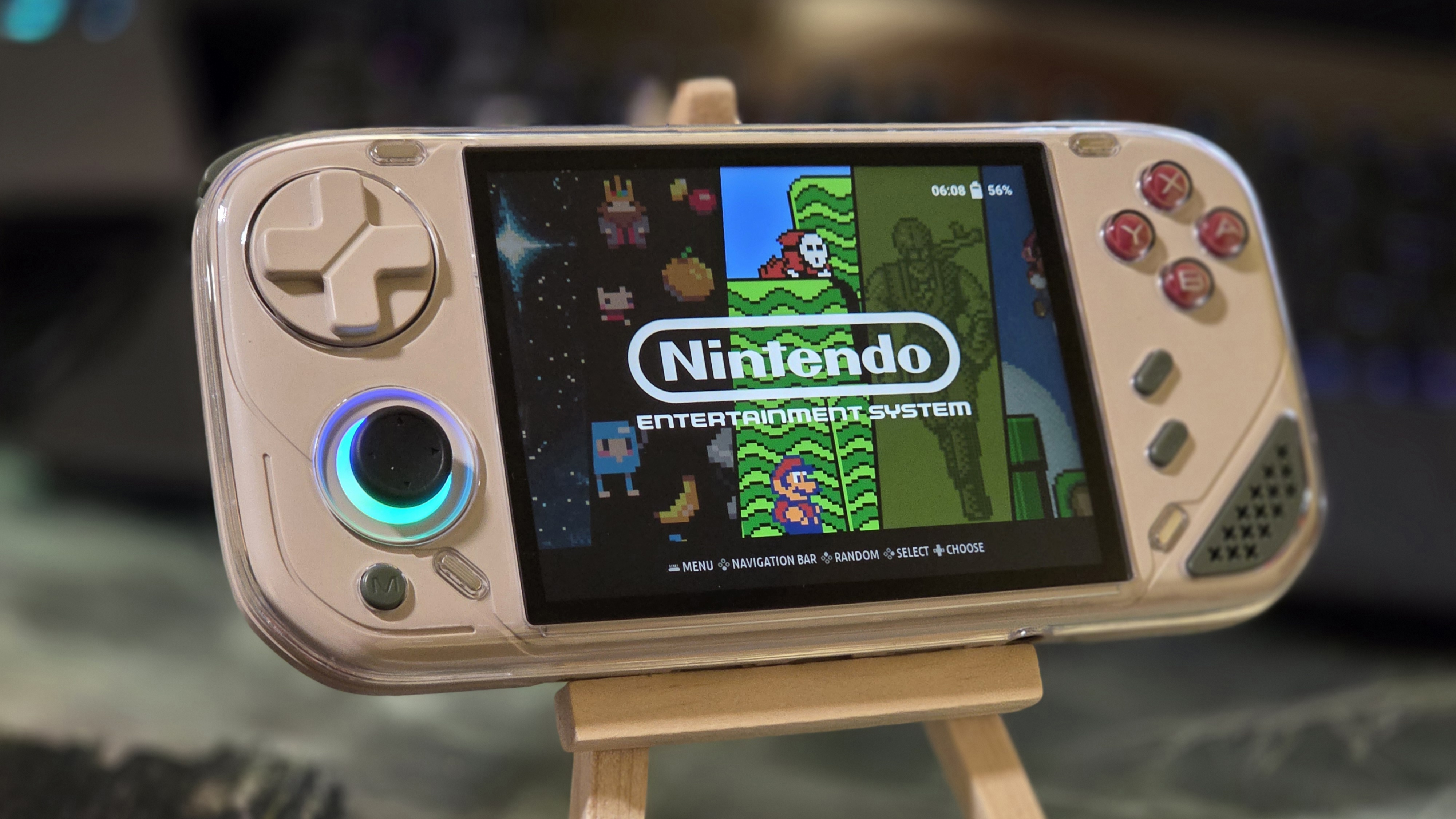
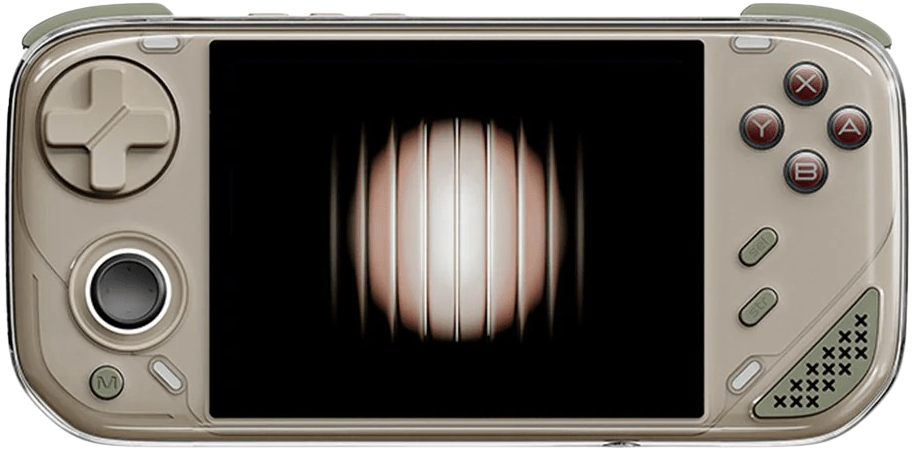
Okay, it’s good now. The Miniloong Pocket 1 was released to moderate fanfare from the community for its 4-inch, high-resolution screen, comfortable and quiet controls, goofy pseudo-futuristic design, and an attempt at modularity that will earn itself a gold star on the fridge from its mother for about a week. The console was made by…somebody and released everywhere. But of course a console is only as good as its software experience, and that was by far the worst thing about it on release.
Simply titled MiniloongOS, it’s a Linux-based OS; it has a very simple UI and interface with a pre-configured version of RetroArch in the background. It is absolutely terrible, and it almost gaslit me into thinking the tried and true RK3566 with 1GB of RAM is too little for simple to run Super Nintendo games.
I Hate LoongOS
Home-cooked proprietary operating systems on these devices aren’t a new thing, with Anbernic and Miyoos at least being functional on release. But Miniloong’s, in my opinion, isn’t even possible for someone who is new to the niche. Okay, enough for the harshness, let’s elaborate.
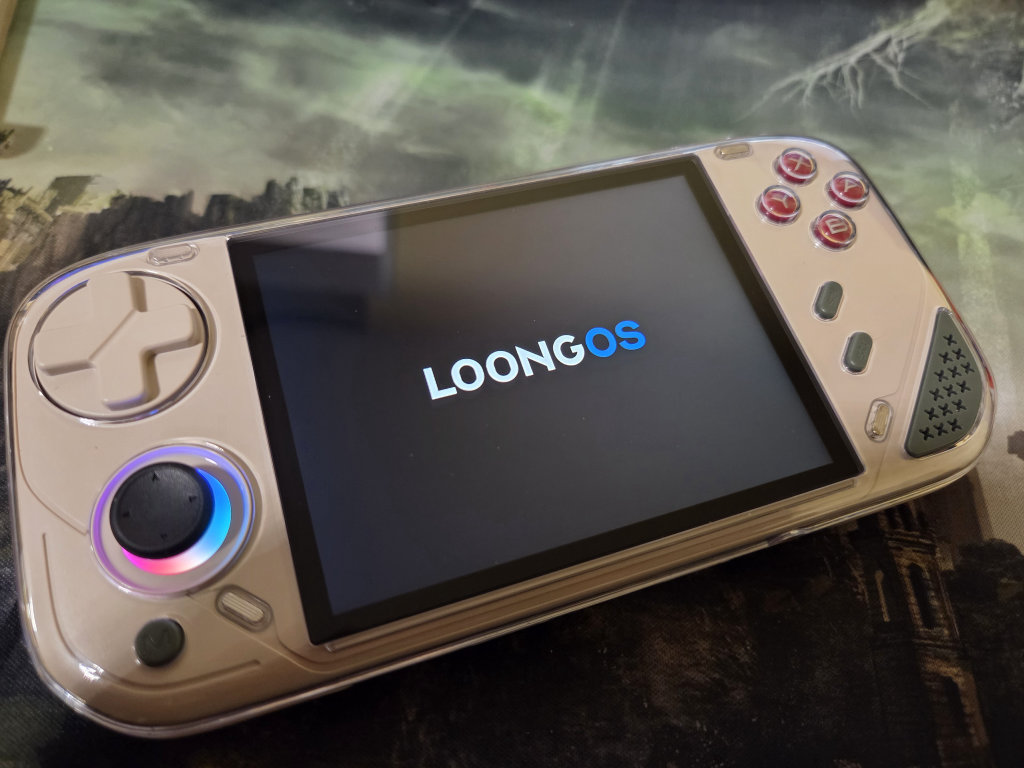
The menu is simple, but notably laggy, and any attempts at adjusting the volume are met with a loud and non-toggleable CLICK. Just in case you want to alert your partner exactly what volume you are at before booting up Pokémon for 5 minutes. Game performance is also bad in the default configuration. At first glance, games might run okay, but a second glance is borderline infuriating.
In order to save on performance in lazily configured RetroArch, audio lag is often sent to 128ms, which should be noticeable to anybody playing a 2D game if you jump or access menus. Adjusting this to anything almost tolerable, like 64ms, will result in laggy performance and garbled audio. This is not a limitation of the chipset; it is a result of a terribly inefficient OS and badly configured RetroArch. Sidenote, the refresh rate is set to about 61hz, so your games are playing inaccurately out of the gate in terms of speed and pitch.
I heard there were some improvements in the firmware, but Wi-Fi straight up doesn’t work for me for an OTA. I tried through hotspot, true factory reset, through my home Wi-Fi, and on a second unit I had on hand for some reason. Nothing. But this isn’t an article about how bad LoongOS is, oh no, this is about ROCKNIX.
Install ROCKNIX on the Miniloong Pocket 1
A branch of ROCKNIX called ‘AURKNIX’ was created by AveyondFly to be compatible with more devices than the official branch. This version is also updated regularly to have parity with official, so expect the latest ROCKNIX version here.
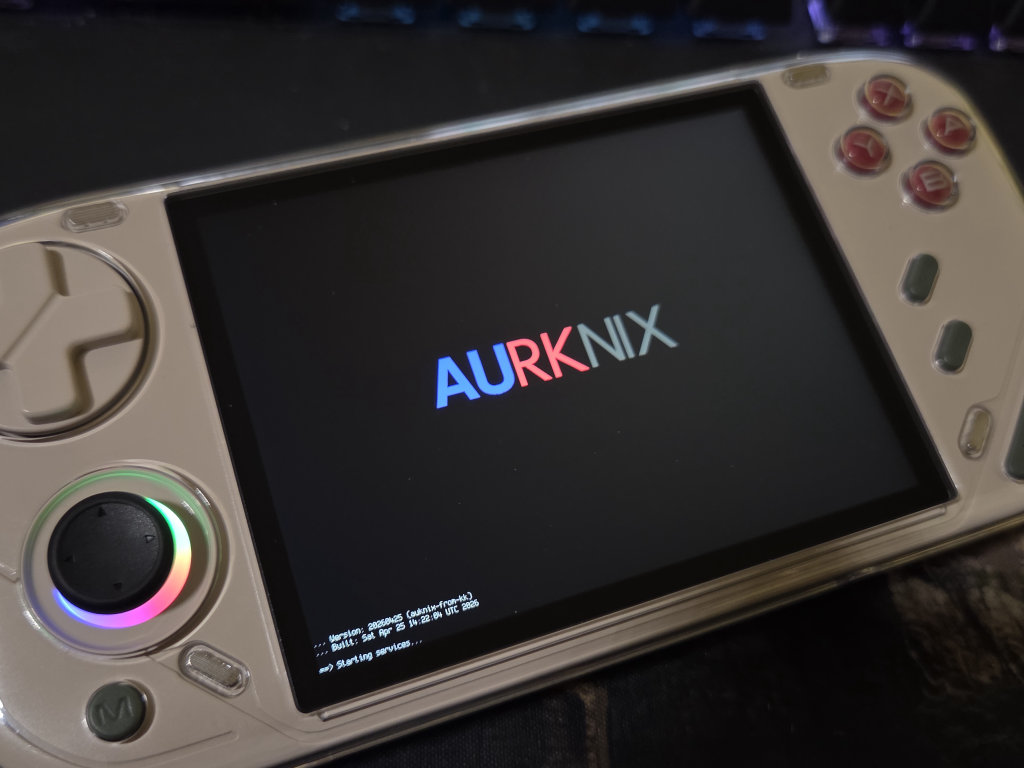
On the Miniloong, Aurknix (ROCKNIX) lives on the SD card and doesn’t affect the original operating system, so if you miss the allure of the volume beeps, that’s an option for you. Downloading and flashing this version has slight differences from the official branch, so I’ll go through the steps here. Notably, this release also creates a “Games” partition that can be accessed on Windows, so you’ll only need 1 SD card.
Step 1: Download the latest image here. Update 6/2 (Download the ‘specific.img.gz’)
Step 2: Flash it to a formatted SD card using your favorite flasher (I like Balena Etcher).
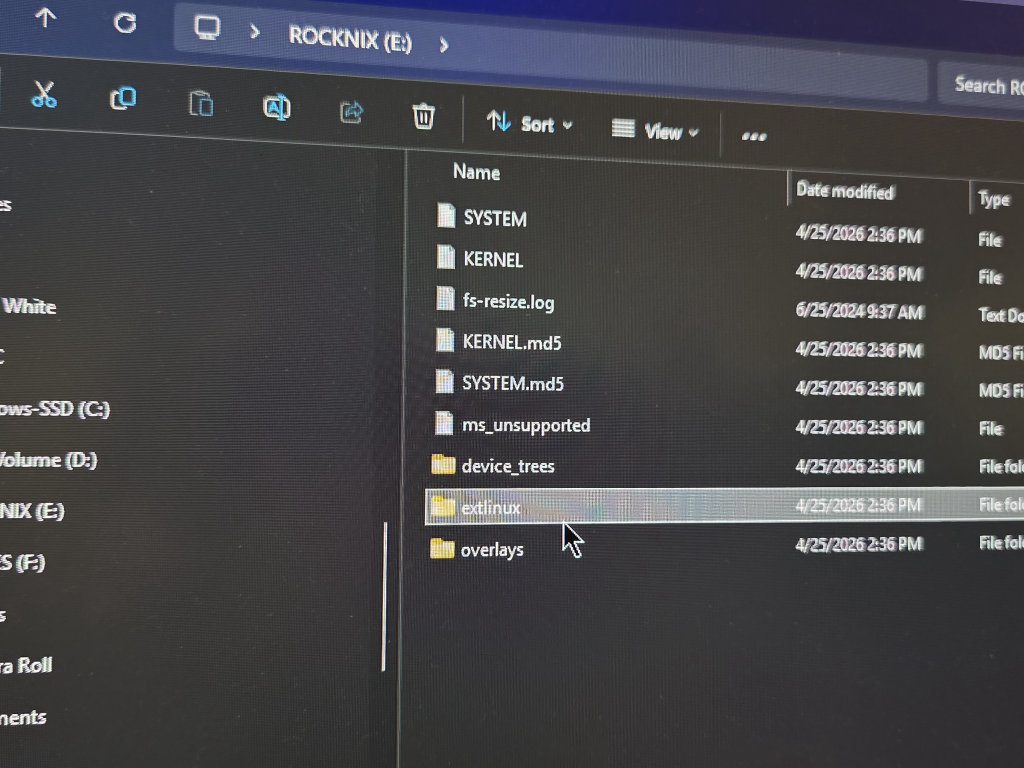
Step 3: Once complete, your SD card should have a ROCKNIX and GAMES partition. Open the ROCKNIX directory.
Step 4: Navigate to “extlinux” and open the .conf file in Notepad. Here you’ll change “Powkiddy-55.dtb” to “miniloong.dtb” and save your changes. Eject the SD card. Update 5/14/26: Changed ‘minilong’ to ‘miniloong’
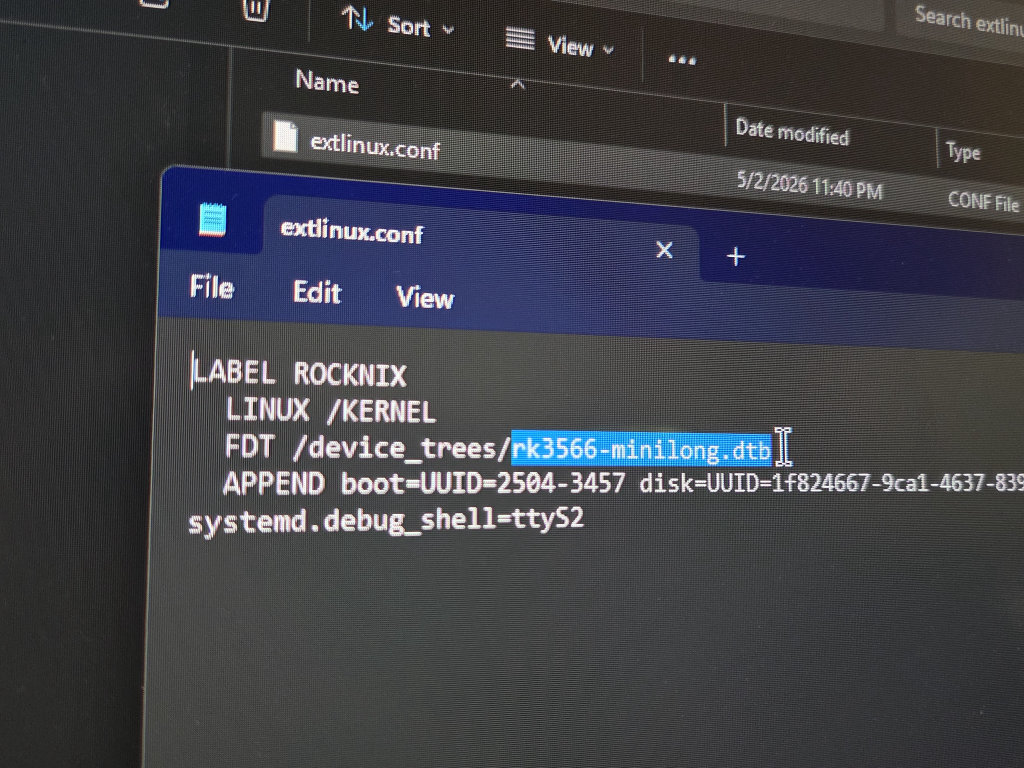
Step 5: Insert the SD card into your powered-off Miniloong and boot it up. Give it about 15 seconds. If you don’t see a boot logo, hit the reset button on top and repeat.
If your console vibrates madly, you messed up renaming the .dtb. Just start over
Step 6: If you already dropped in your legally sourced ROMs and BIOS, you are free to play your games and leave your PC. However, let’s take a tour and see why ROCKNIX is so much better than stock.
ROCKNIX In Action
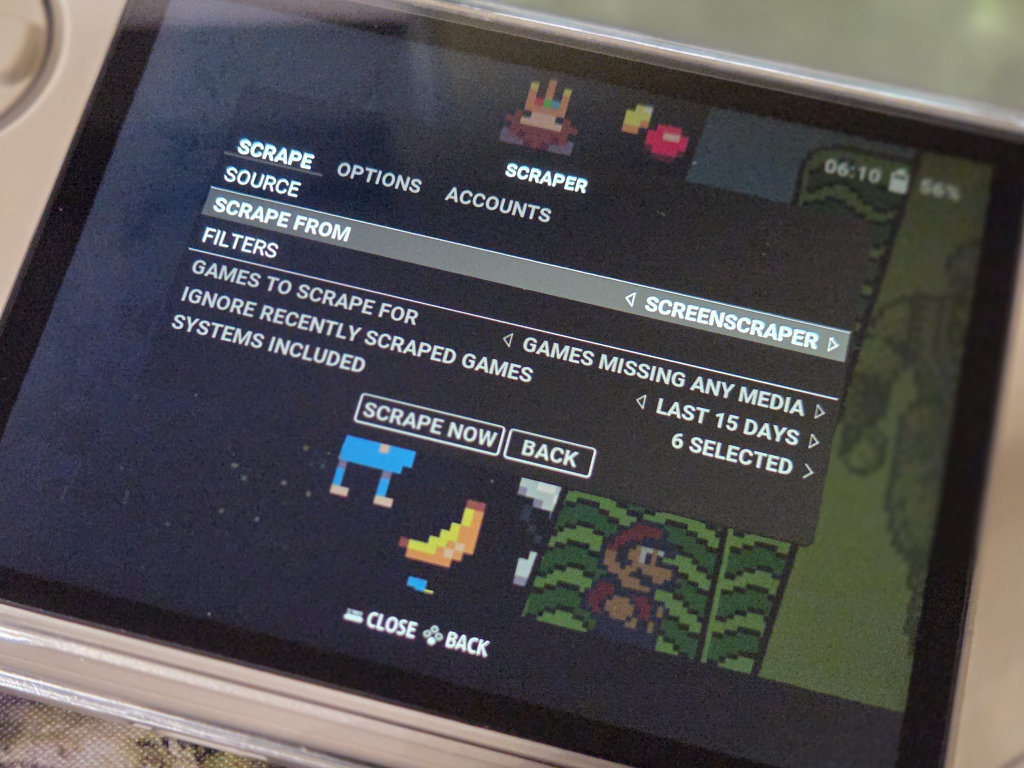
If you aren’t familiar, ROCKNIX has a user-friendly menu system and prides itself on having very well configured Retroarch, power/over locking options, Retroachivement support, online scraping, Portmaster, and Pico-8 support. It’s a great all-in-one solution for emulation for inexperienced users. You can tell that this configuration is better because booting Kirby Super Star for me has zero frame drops and had imperceivable audio lag (32ms!). For a basic ROCKNIX breakdown, see our friend Adin’s coverage here.
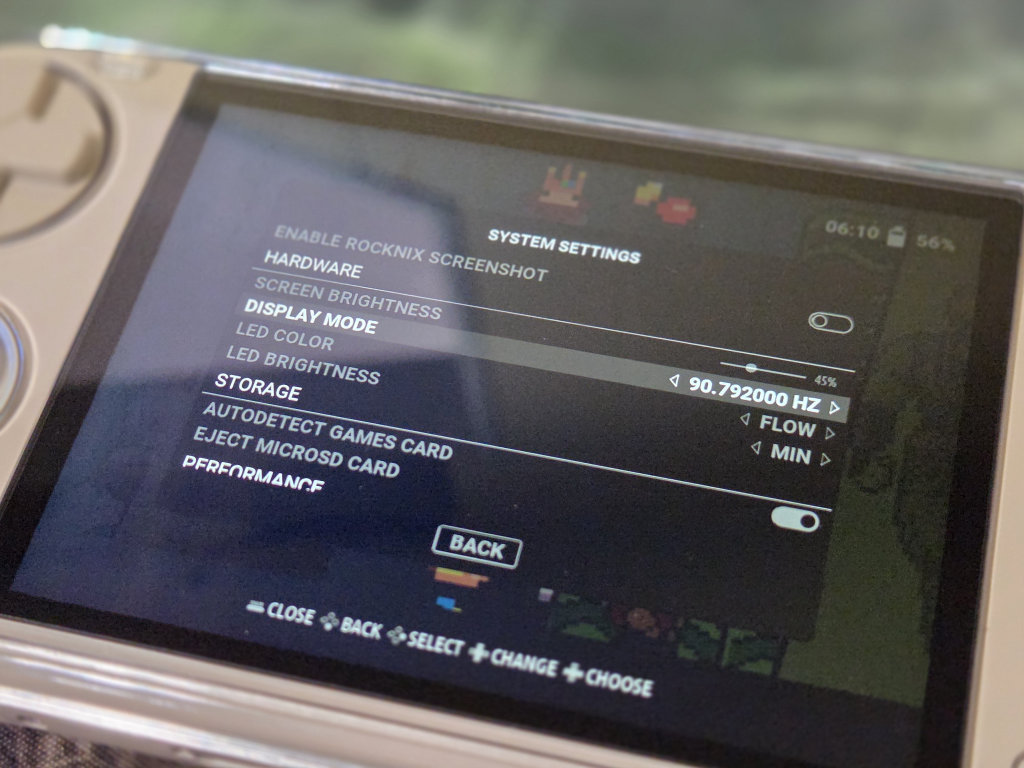
For the Miniloong specifically, you can configure the RGB, brightness, UI sounds, power, display, etc. under System Settings by clicking Start on the home screen. Brightness only seems to have 6 settings and isn’t delegated to a hotkey, so that’s a bit of a blunder here.
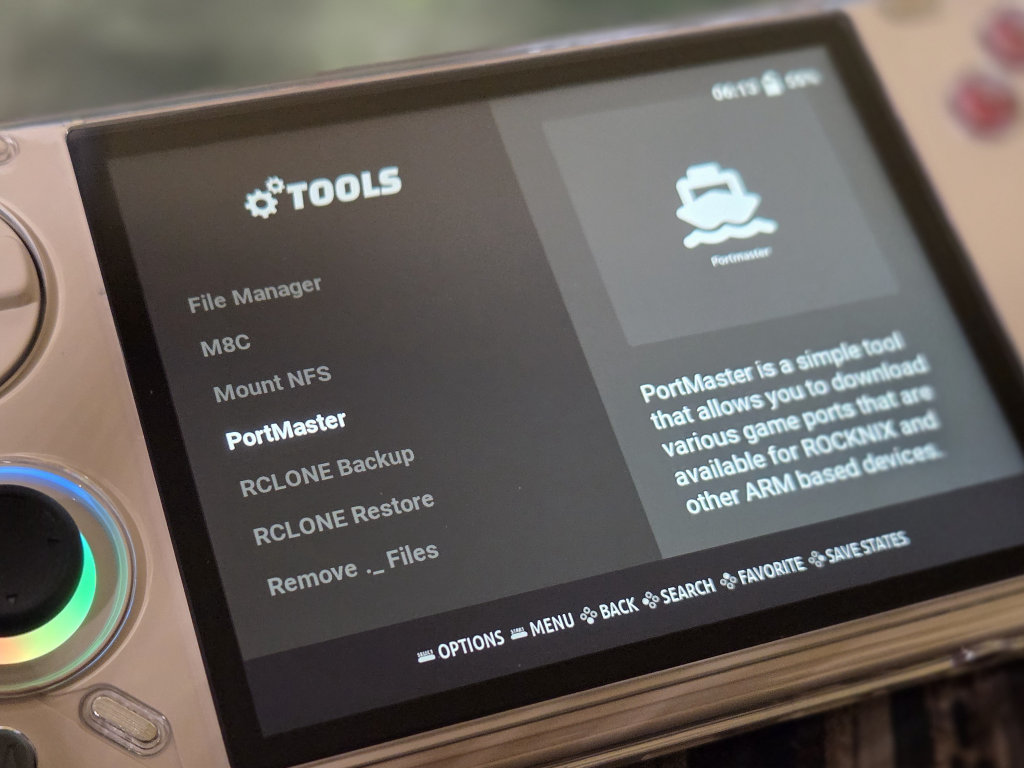
But here the Miniloong is also hiding a secret that takes this from a middling budget device to a budget KING for me: The display actually supports 90hz! Under System Settings > Display, set the display to 90.792000hz globally and be amazed. Menu navigation will be notably smoother, input lag is reduced even further, and refresh rate-based micro stutters will be eliminated. Quality stuff here.
Rocknix isn’t perfect on here quite yet though. Along with the lacking brightness options, I’m also getting a glitchy start screen that doesn’t look pleasant at all. Just wait it out, and your console will power on just fine from sleep, but I’d rather this not be there at all.
Second, games still take slightly too long to boot. On 1GB of RAM, I don’t know how much play we have here, but I would love to see this remedied in an update.
Conclusion
And that’s it! A quick one, but a true game changer for someone who was excited about the look and feel of the Miniloong Pocket 1 but absolutely hated playing games on it. Let me know in the comments if you have trouble getting this going! And a special thanks to Ashez and mhdy32 on our Discord for the assist!
At the time of writing this, you can get a MiniLoong for under $70 with our coupon codes, so check out the link below to get your own!

8 Comments
Placed an order for the console right after hearing this news, thanks for the article, looking forward to seeing more CFWs in the future
Weird thing happened to me. Got my device, got the nightly build, changed the name in the conf file and it would not boot and do the mad vibrate thing…
Then after flashing my microsd card about 5 times and trying previous nightly builds, I finally tried putting “miniloong.dtb” instead of “minilong.dtb” and it finally worked! Don’t know if it’s an issue with my unit specifically, but there you have it..
interesting; just out of curiosity, what is the size of your sd card? I had same issue with my 128gb card, and only got it to boot with a flashed 64gb card. Also, have you been able to login to retro achievements and use the scraper?
you should mention which specific image to download
Its good to have new custom os, but is not working fine. The joystick cant be calibrated also, so is not working fine on n64 and dreamcast. There is no way of exiting flycast emulator so I have to shut down by pressing power. The screen do strange things on the startup. Scrapper is not working (invalid user) , no way of changing brightness only in options menu… And so on… So I hope they create a real custom OS for this handheld because I like it so much. And also I accidentally flashed inside the internal memory, and now I cant find I way to go back to stock os… No vlue of any official web or somewhere to download the original firmware…
The Fork of ROCKNIX is still mainline, i.e. it still have all the battery bugs/issues that Mainline is plauged with for the Rk3566.
so buggy when playing psp game, analog stick is so off center, can’t fix it. kill zone doesn’t work, can’t ply chd. I went back to loong os and it’s so much better for psp and dreamcast, it play ps1 and everything just fine. it just ugly os
So I followed the steps and it worked but all my games disappeared. I’m new to the retro scene. How can I recover my games for it to work on rocknix?
My SD card shows that my card is almost full so the games are still on the card.