

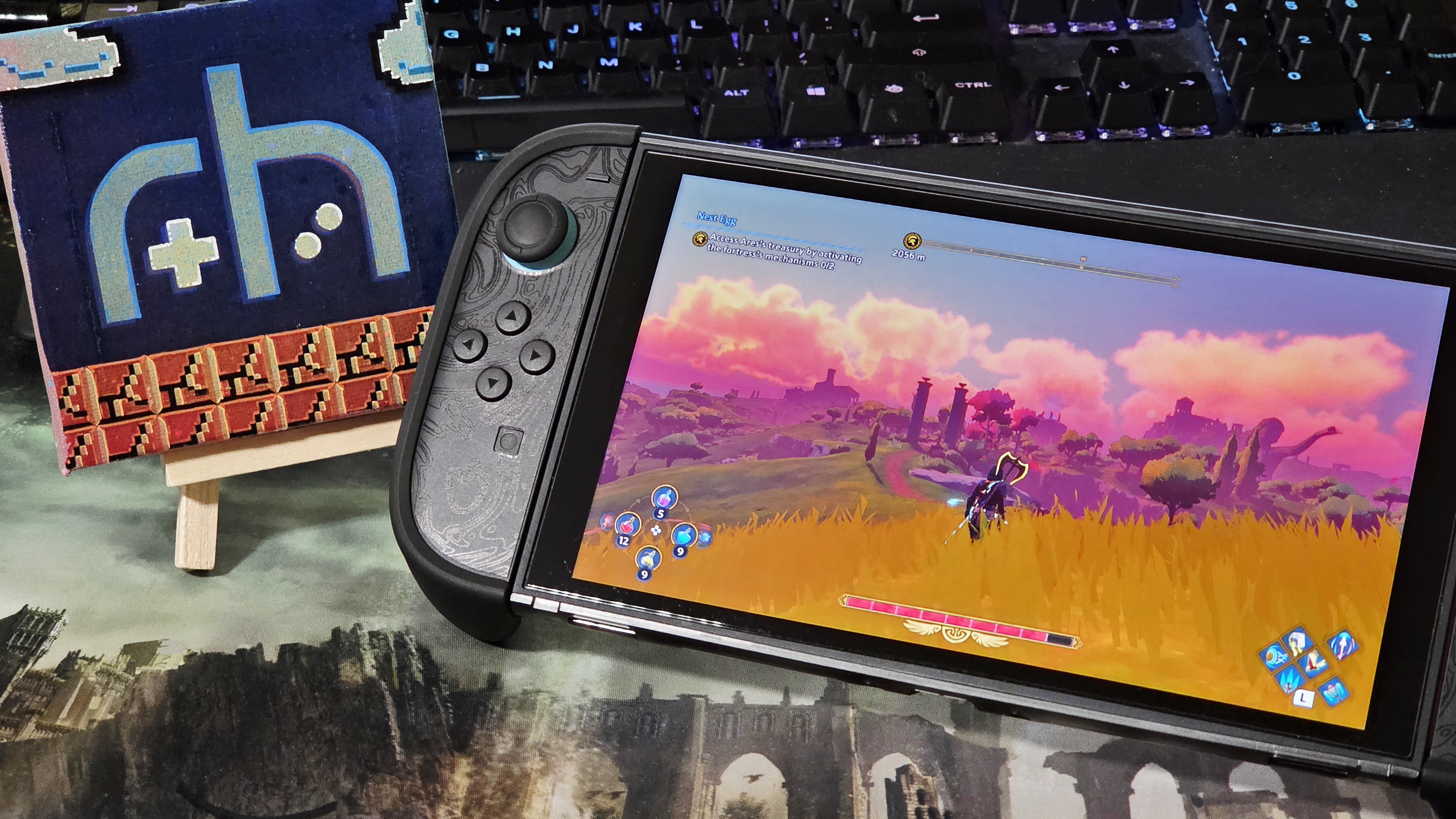
In one of Nintendo’s most Nintendo moves ever, they did the unexpected. Gave us a highly requested feature in the first year of their new console’s lifespan. Handheld Boost Mode came as part of update 22.0.0 and gave us the ability to take our blurry Switch 1 games and render their docked modes on the Switch 2‘s handheld mode. What would have been considered a ‘system selling’ feature on release became a simple, unannounced blessing from above. I’ll take it!
After numerous testing throughout my library and eShop demos, I can confidently say this feature changes the dynamic between Switch 1 games and the hardware they’re played on for the better and leaves some implications for dedicated Switch 2 versions if you are purely a handheld player. To me, there are some great standouts, but also some notably bad ones that show the potential of the Switch 2’s power as well as where we might need more optimization.
Switch 2 and Power Implications
The Switch series of consoles comes in two GPU and RAM clock speeds as a way to balance raw power and heat/battery life in docked and handheld mode. The Nvidia Tegra X1 in the Switch 1 (unmodded) has a max GPU clock of 768Mhz in docked mode and up to 384Mhz in handheld mode. This compares with the T239 on the Switch 2, having a max GPU clock of 1007Mhz in docked mode and 561Mhz in handheld mode.
The goal is to run Switch 1 games in a docked configuration, so we have the X1s 768Mhz clock going against the T239s 561Mhz max clock in handheld mode. This is also coupled with the Switch’s use of an emulation layer to be compatible with Switch 1 titles, but history shows that the Switch 2’s SOC itself can brute force it’s way to maxing out the capabilities of Switch 1 titles, depending on how compatible they are.
There’s no real conclusion here, but it just might give some reasoning as to why some games might perform well enough on the Switch 1 and become worse on the Switch 2. It’s just numbers after all. That being said, let’s get into some bangers!
Boost Mode: Some Great Standouts
These are just games that stood out to me as being transformative in their enhancements (different from other media outlets), and it’s really just my opinion. Across the board, though, you’ll see a significant difference in UI since the Switch 2’s screen is 1080p.
Immortals Phoenix Rising
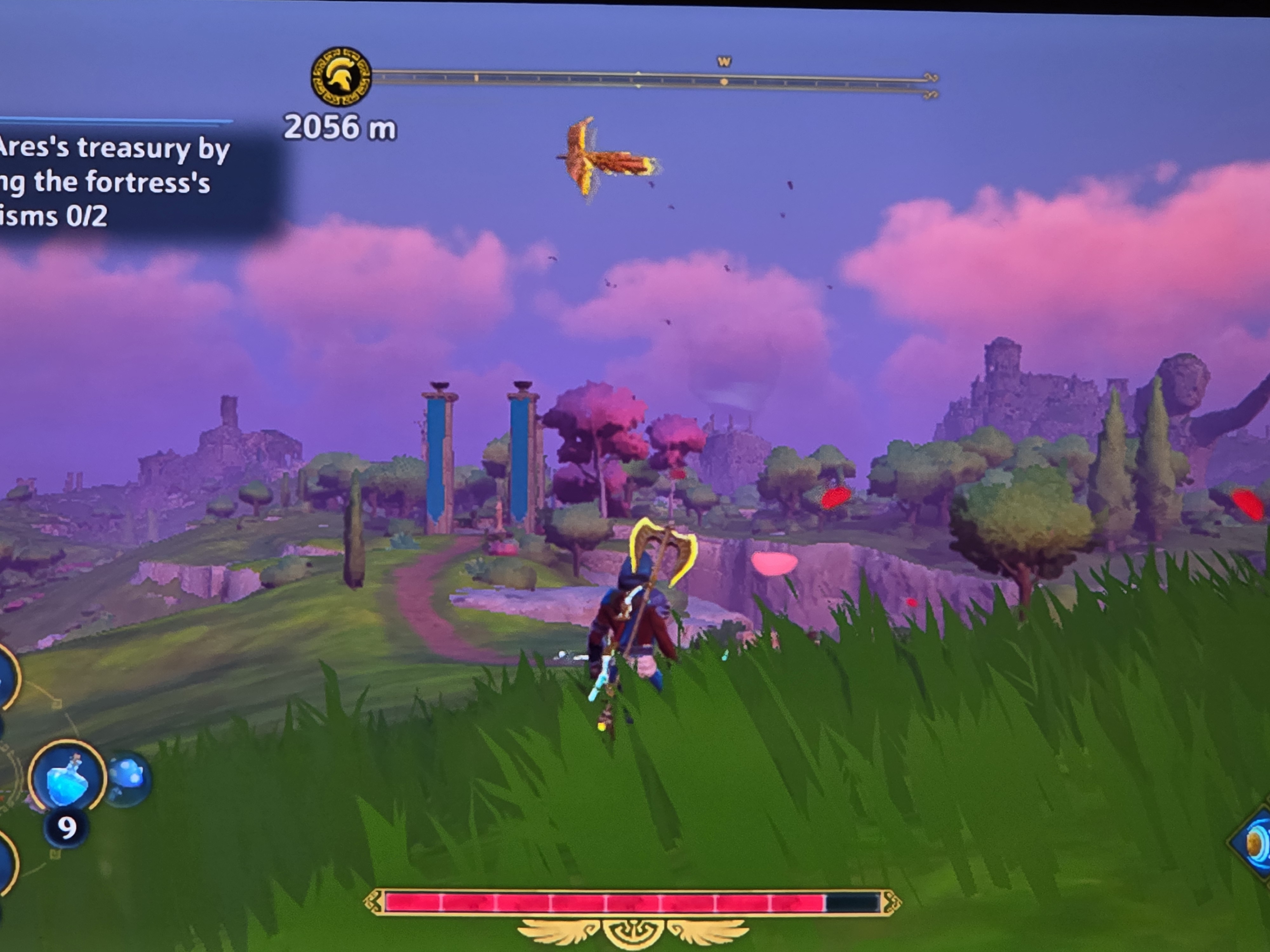
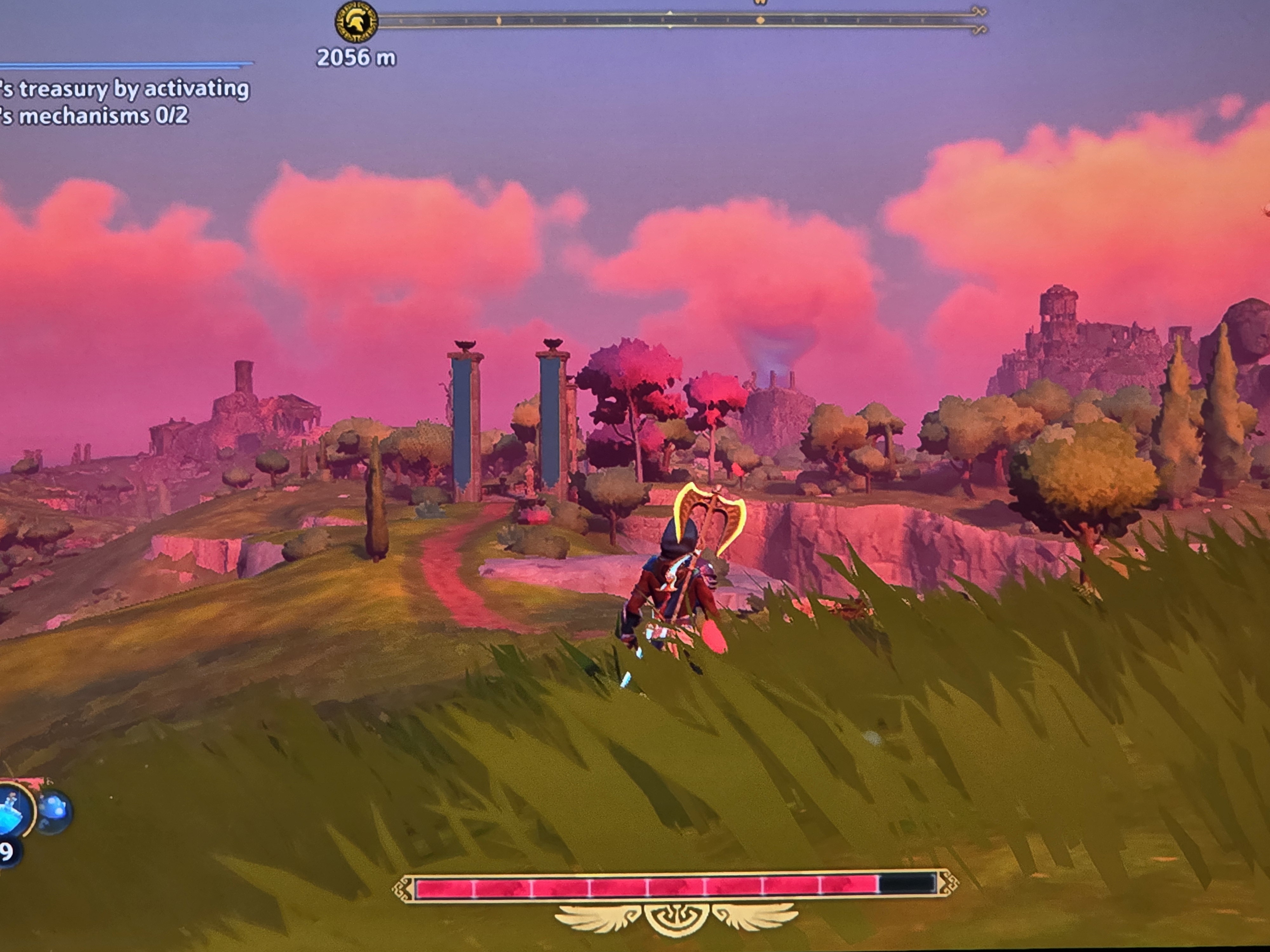
On release, this was a game that completely maxed out the processing power of the Switch to the point where it completely disabled video capture to save on RAM. It’s a very fun Zelda-esque title in Ubisoft’s Anvil Engine. Handheld mode, this game runs at about 504p and a maximum of what appears to be about 720p docked, with resolution scaling and frame drops on original hardware. With boost mode, the resolution maxes out, and the frame rate is locked at 30. This is now a legitimate joy to play through as the charm of the art style can properly be appreciated.
The Ori Series
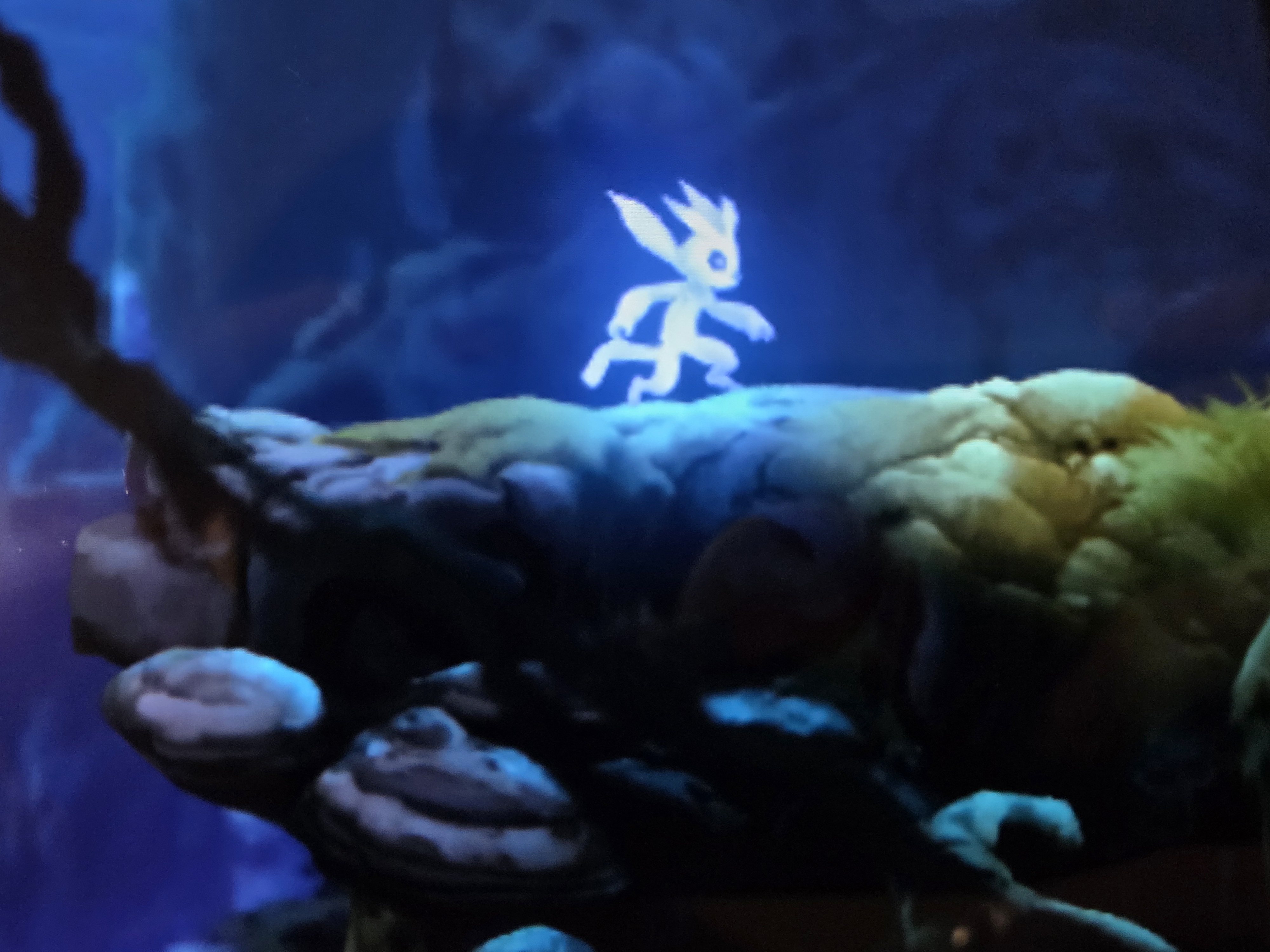
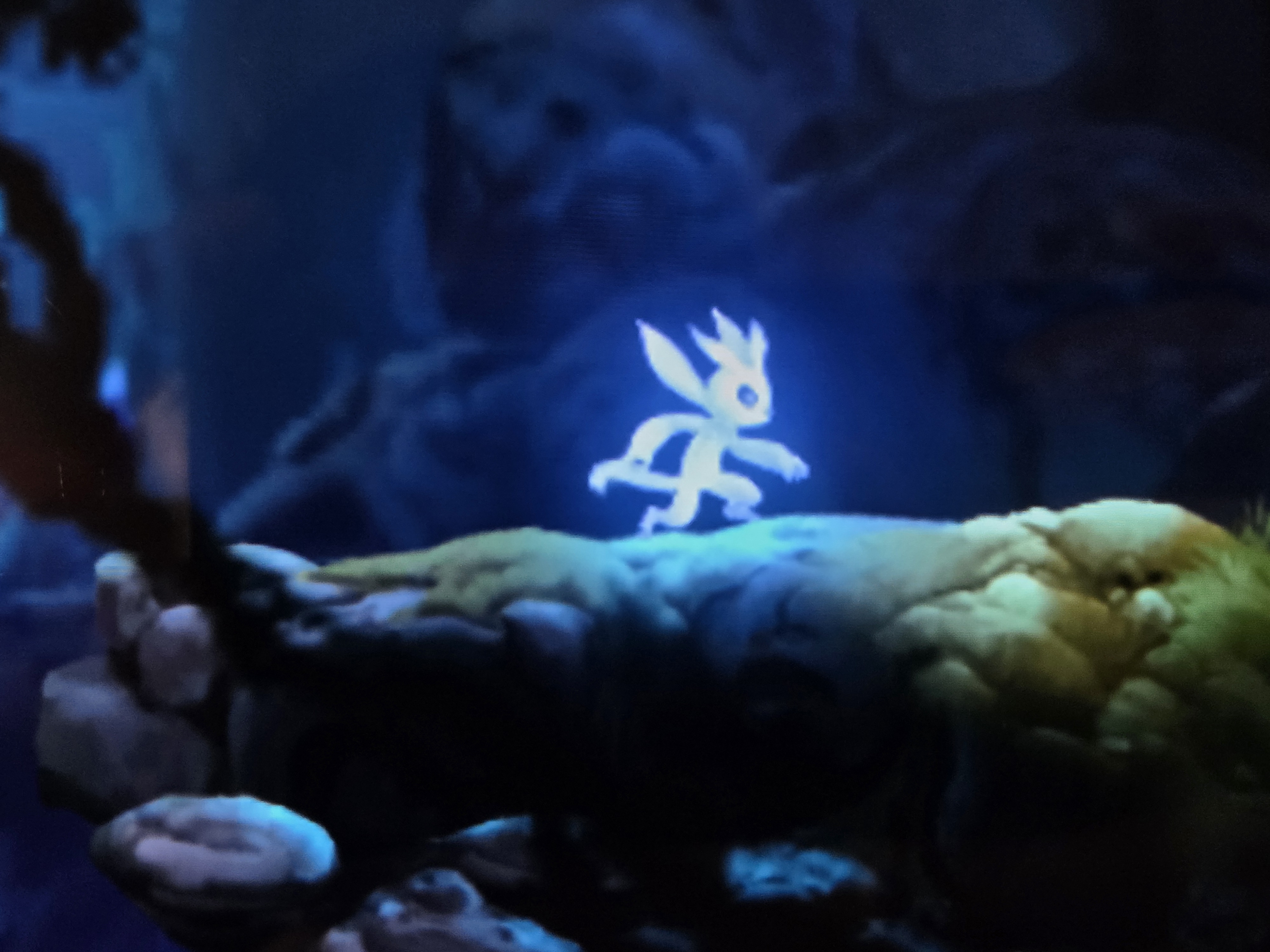
In my opinion, these games are at their best when enjoyed on a handheld and are particularly very good Switch 2 titles because Ori himself can appear pretty small on screens under 7″. The 900-1080p max output resolution for both games, with a stable 60fps frame rate, makes this a great overall way to play through these games.
Crash Bandicoot N’sane Trilogy And Team Racing
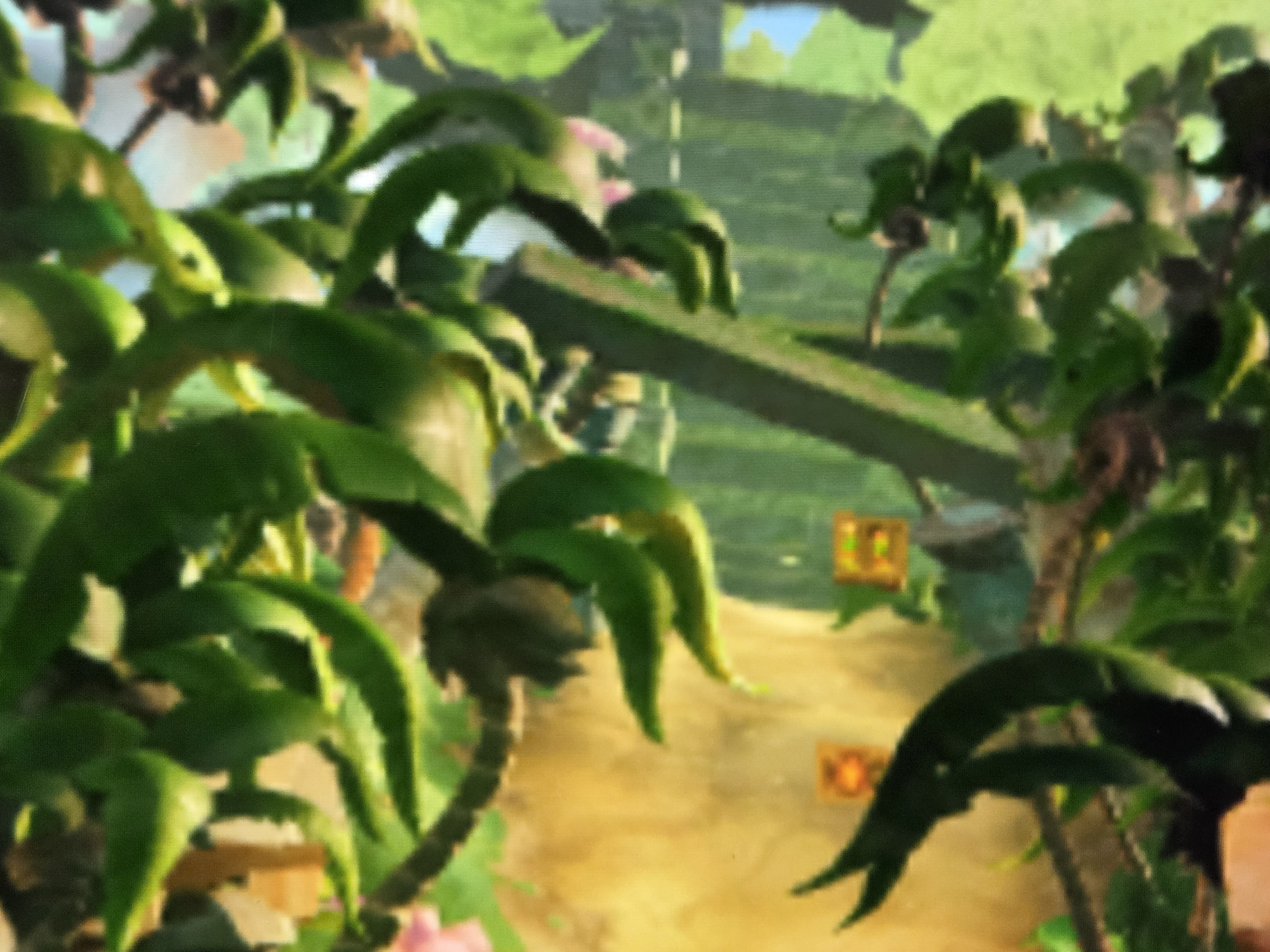
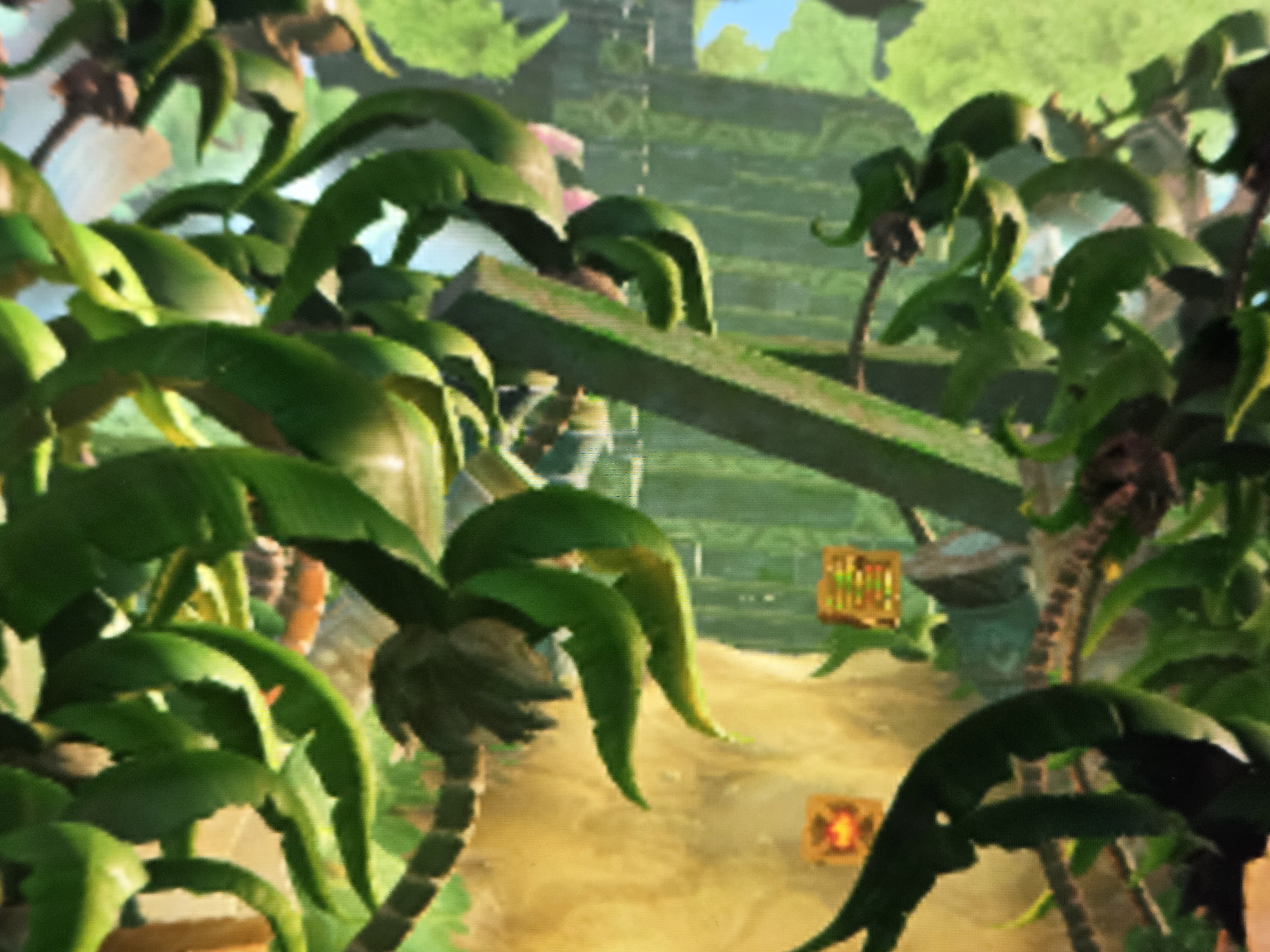
These games were released on the Switch in a near perfectly optimized state at a pretty low resolution. In handheld, these games run at 480p with TAA applied, making it super blurry. At the 720p docked resolution and TAA, these games look significantly better and might be the best way to play them on a console, since those are all still locked to 30fps (Team racing also lacks a PC port)
Boost Mode: Some Good Standouts
These titles have a noticeable, but relatively minor impact on playability in Handheld Boost Mode.
Minecraft
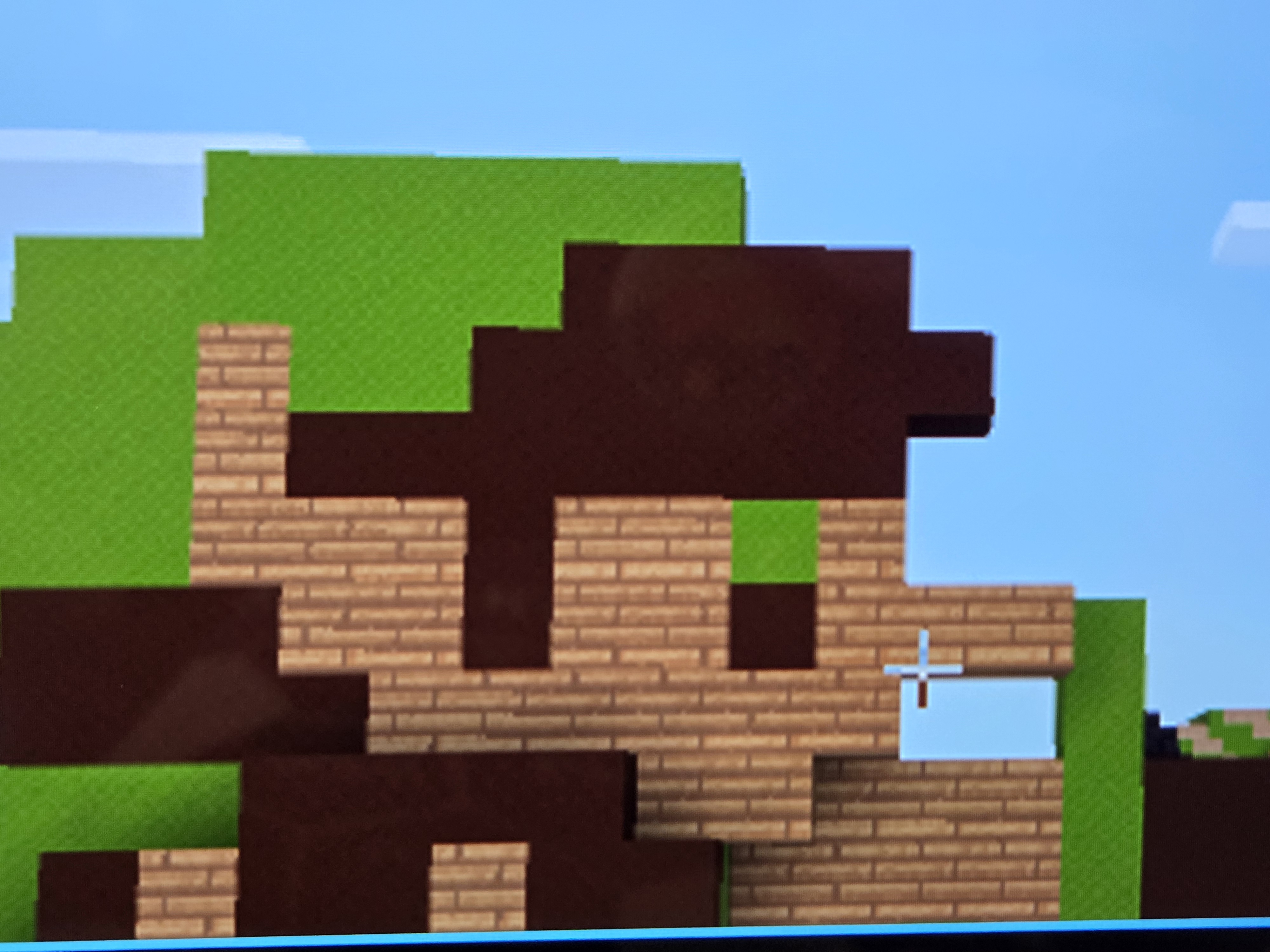
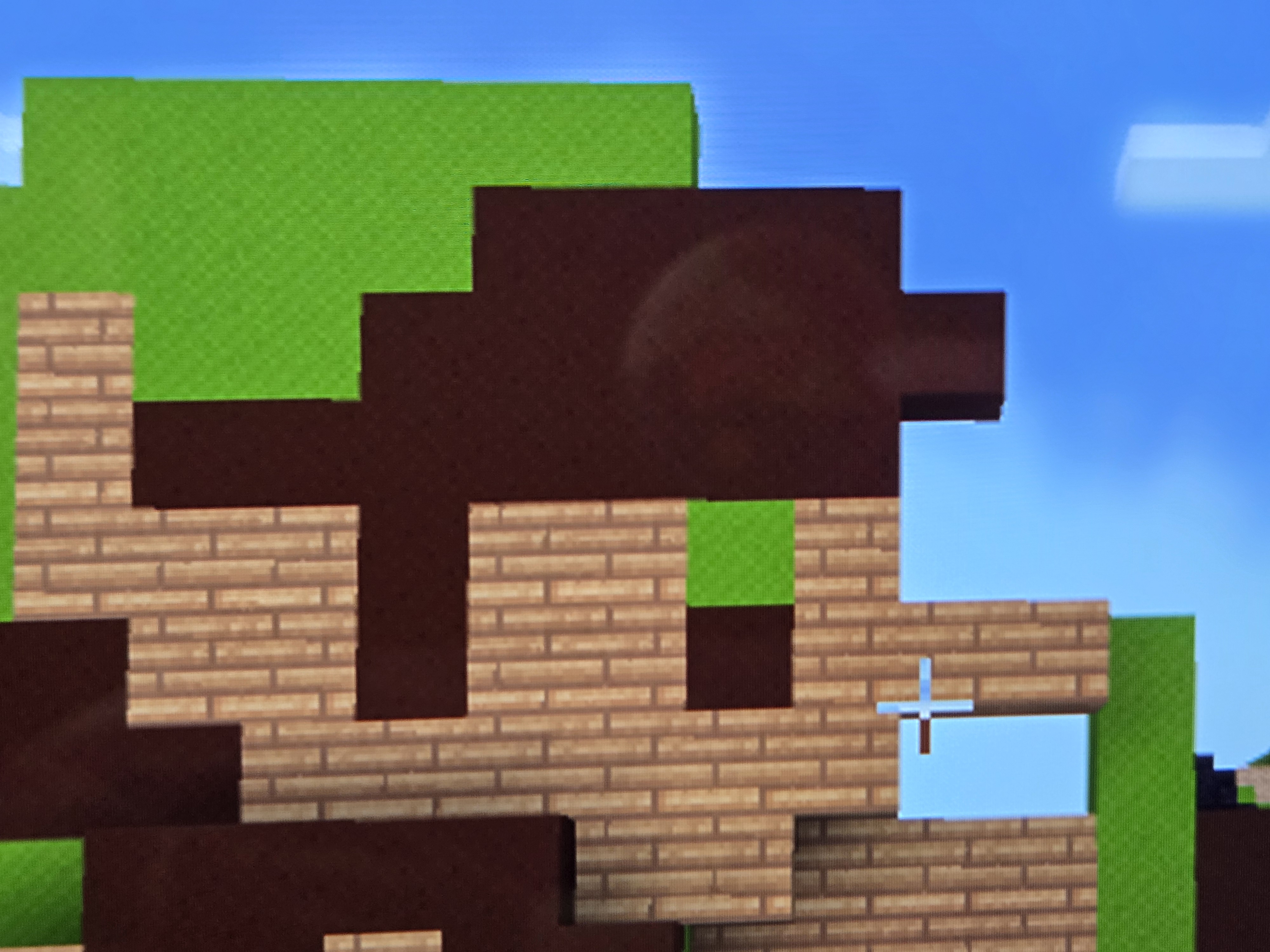
Minecraft lacks a Switch 2 port, and while there’s probably one in the works, you can enjoy this at a full 1080p 60fps. Draw distance is still vanilla, but Realm support and cross-play make this the definitive way to play Minecraft on a sub-$500 handheld.
Any Pixel Art Game
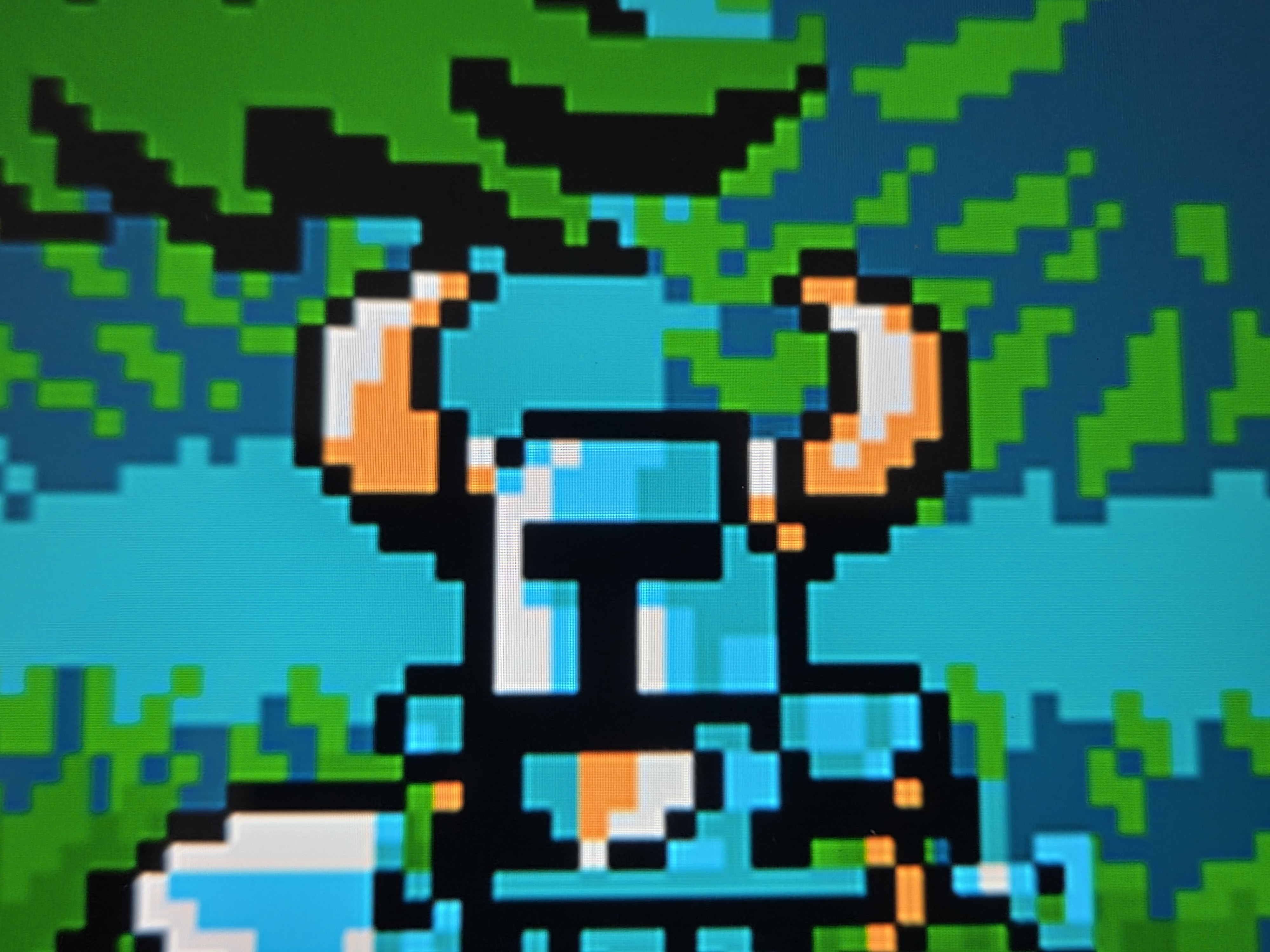
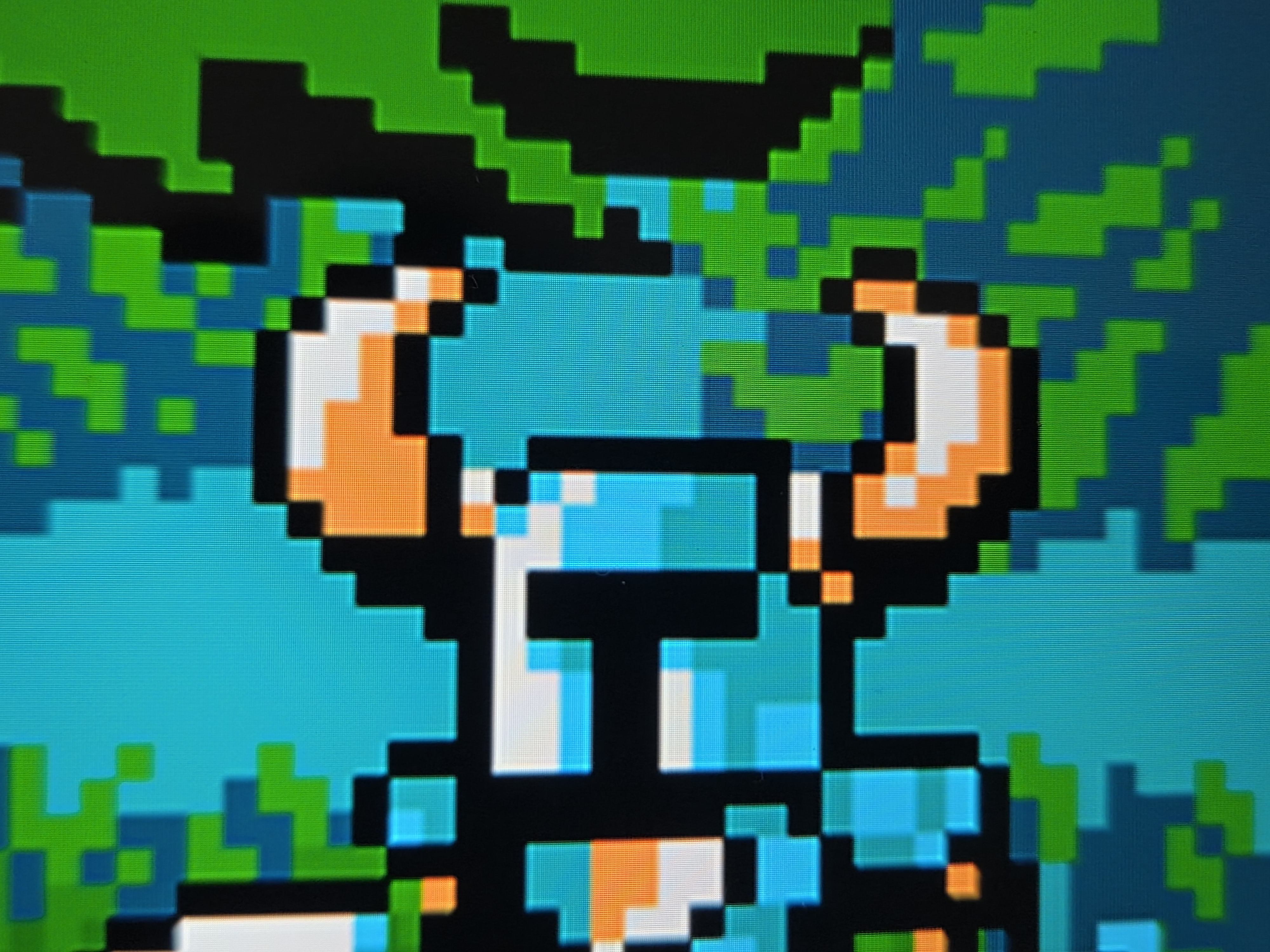
Those in tune with proper integer scaling will know what I’m talking about, but basically any game with properly scaled pixel art will scale properly in 1080p. Some examples of this are Sea of Stars, Moonlighter, Hyperlight Drifter, Undertale, and Shovel Knight. For example, Shovel Knight runs at 240p and scales to 720p by 3x.
Despite the Switch 1 running 720p native in handheld mode, 720p is only 66% the scale of the Switch 2’s 1080p screen, so pixel art on a 7.9″ screen will appear unbalanced. Filling out the entire screen in boost mode gives pixels a 4.5:1 ratio or a pixel-perfect 1:3. This depends on the output resolution of the game, but generally, more pixels = more sharp. This image comparison doesn’t showcase much of a difference, but the edges are noticeably sharper in boost mode.
Most 2D Nintendo Titles
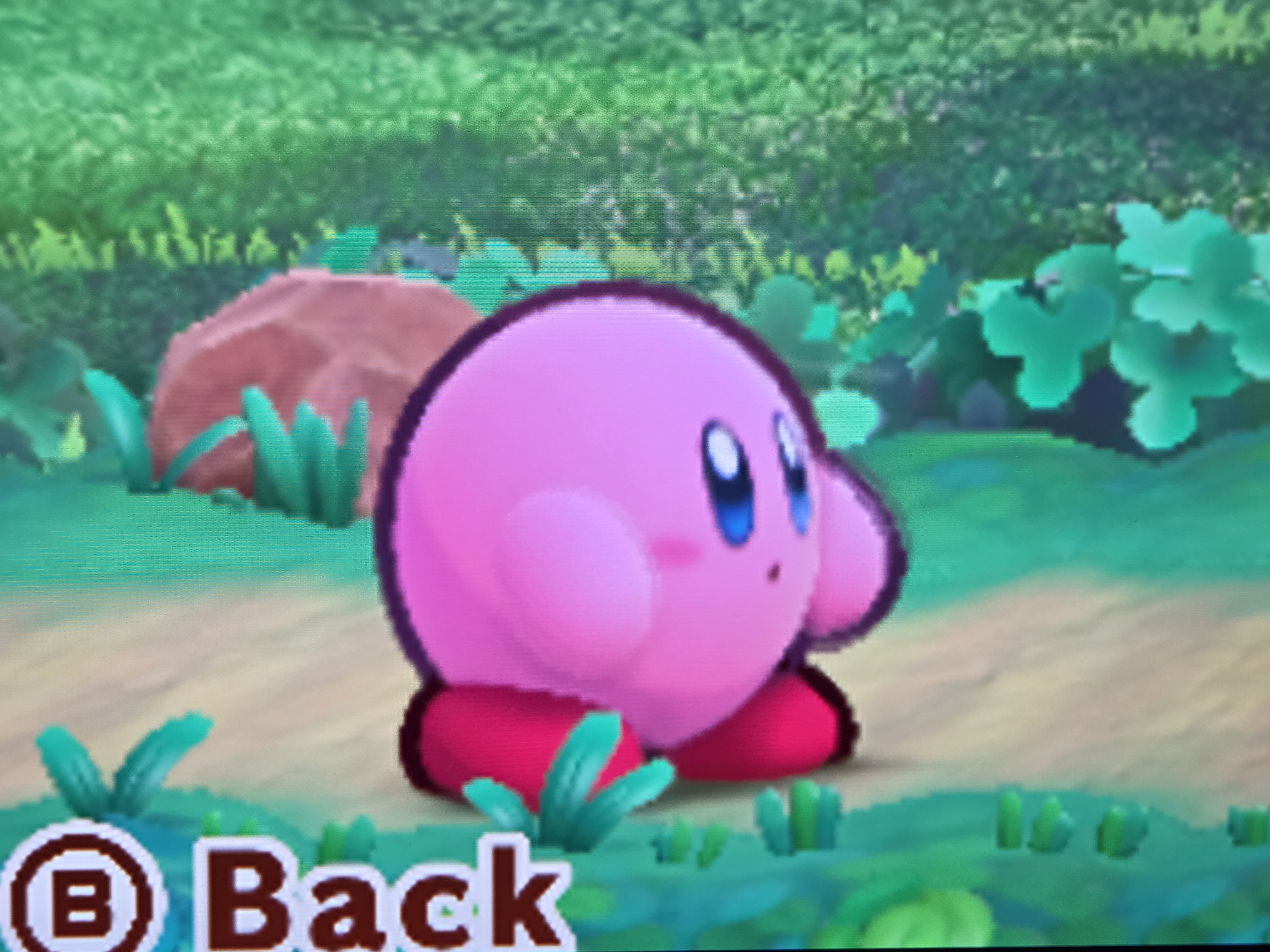
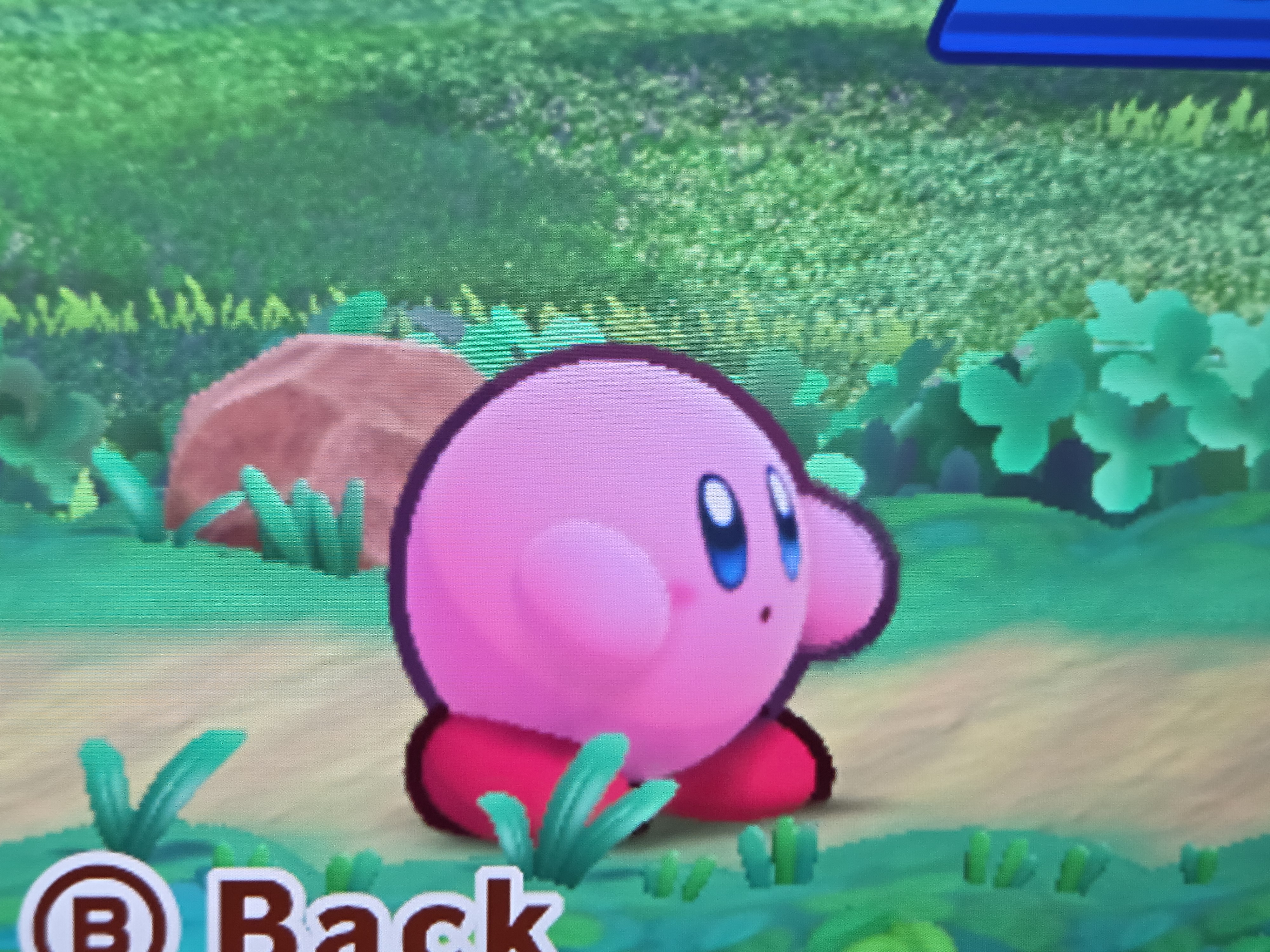
These are games that already run well, but benefit from having their games displayed at a full 1080p, making the need for a dedicated Switch 2 version somewhat moot if you plan on sticking with handheld. Switch 1 titles are notorious for not having antialiasing, so these guys look super crip at 1080p.
Some standouts here are Super Mario Wonder, Kirby’s Return to Dreamland, and Donkey Kong Tropical Freeze. Considering the Switch 2 version of Mario Wonder is behind a $20 paywall (with extra content), I’ll be sticking with boost mode.
Boost Mode: The “Not So Good”
These are games that stood out to me to show some weakness in Boost Modes implementation, with some games running worse, do little to enhance image quality, or leave the game a broken piece of potential.
Spyro Reignited Trilogy
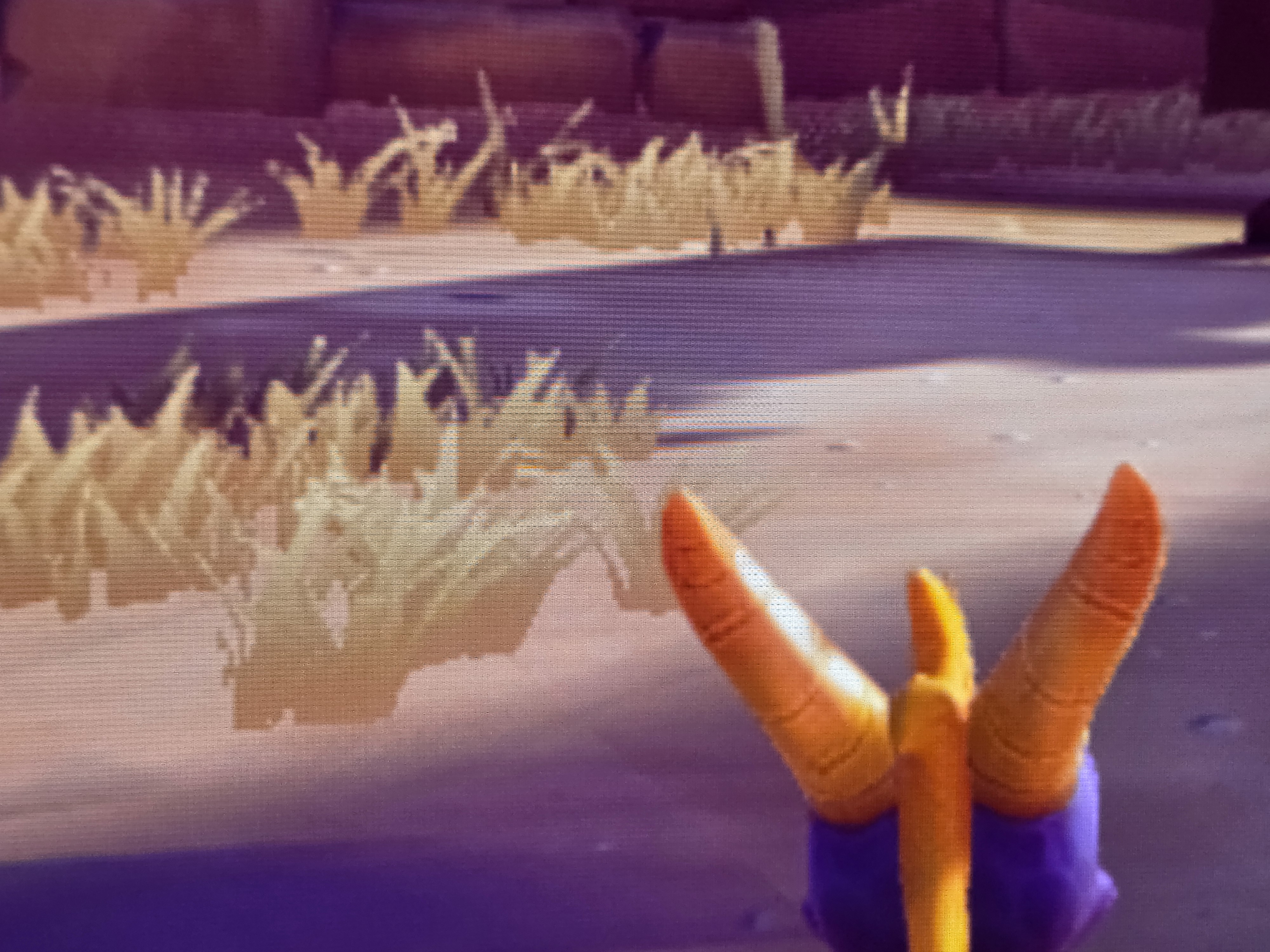
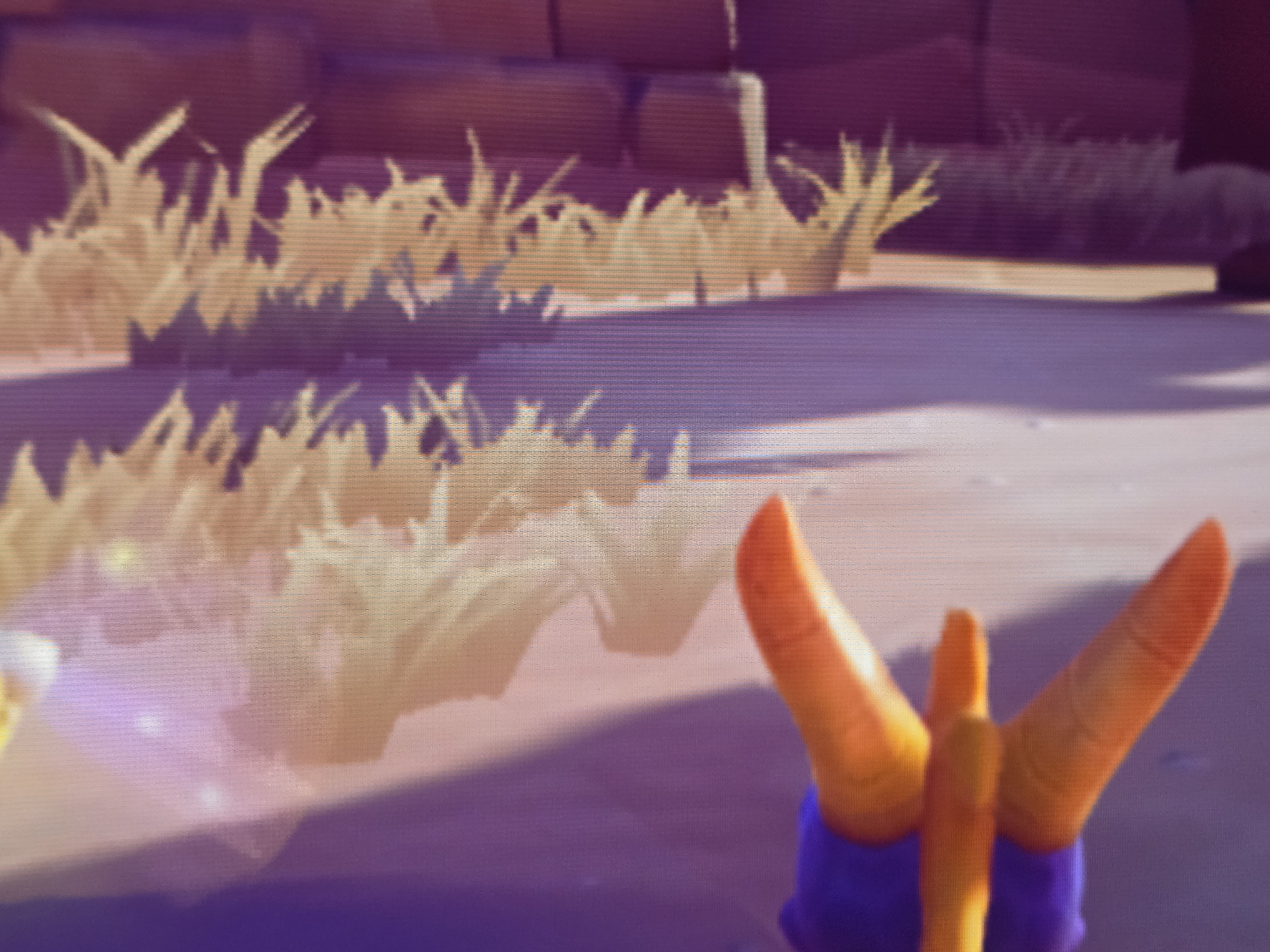
In boost mode, this game is simply a mess. In docked mode, this game runs at 720p and has a healthy dose of TAA, making it a little smeary in docked mode. Coupled with that is the fact that the game can’t hit 30fps, so expect a hangover-esque, smeary, and lag-fueled experience.
Native handheld mode still runs at about 600p with no TAA, so that might be a better option. Crash had a similar output of 720p + TAA, but the fixed camera angle and solid framerate redeem the experience there. This one might be a winner for some, just not for me.
Xenoblade Chronicles 2
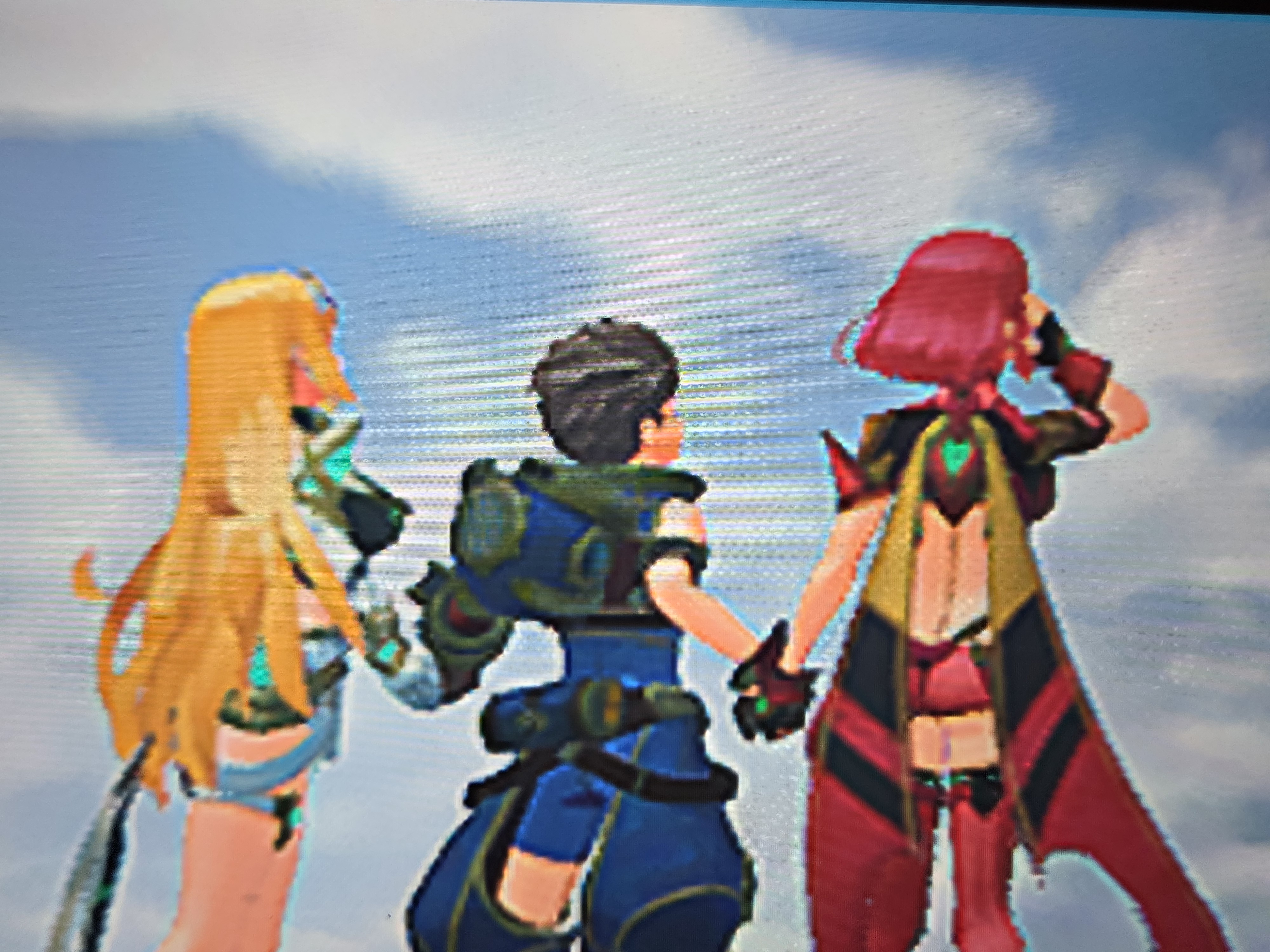
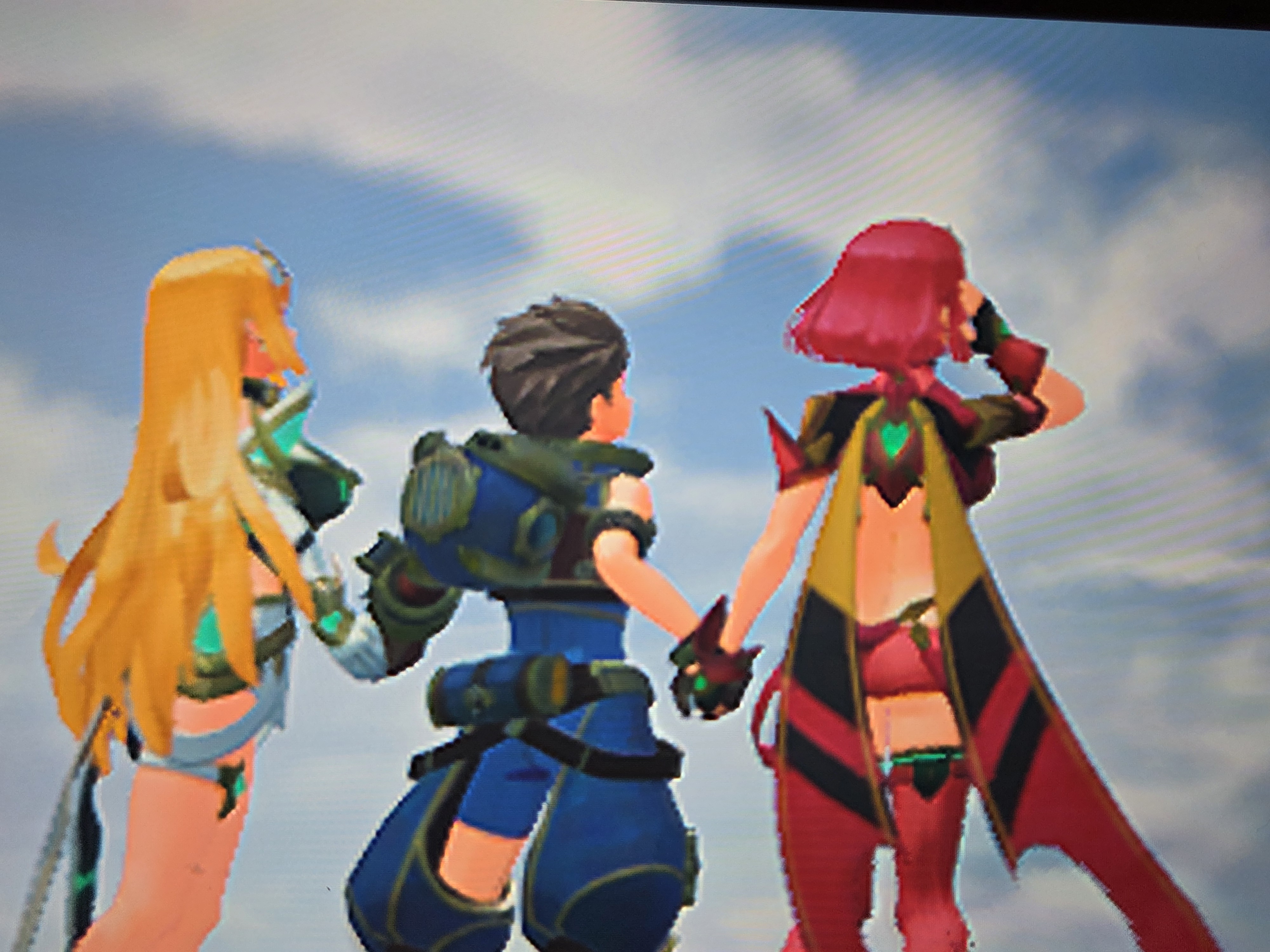
This was every media outlet’s go-to when testing boot mode, and, in my opinion, it’s nearly there. That being said, Xenoblade Chronicles 2 as a whole just doesn’t look good in 2026. There’s a sharpening filter used to smooth out the lower resolutions of handheld (~504p) and docked (~720p), but it creates weird linework around the characters that arguably looks worse than the FSR used in Xenoblade Chronicles 3 or the revamped cell shading in Xenoblade Chronicles Definitive Edition. Additionally, we also start to see frame drops in CPU-heavy towns. It’s definitely playable, but it can be so much better with a Switch 2 update or better post-processing.
Octopath Traveler 1&2
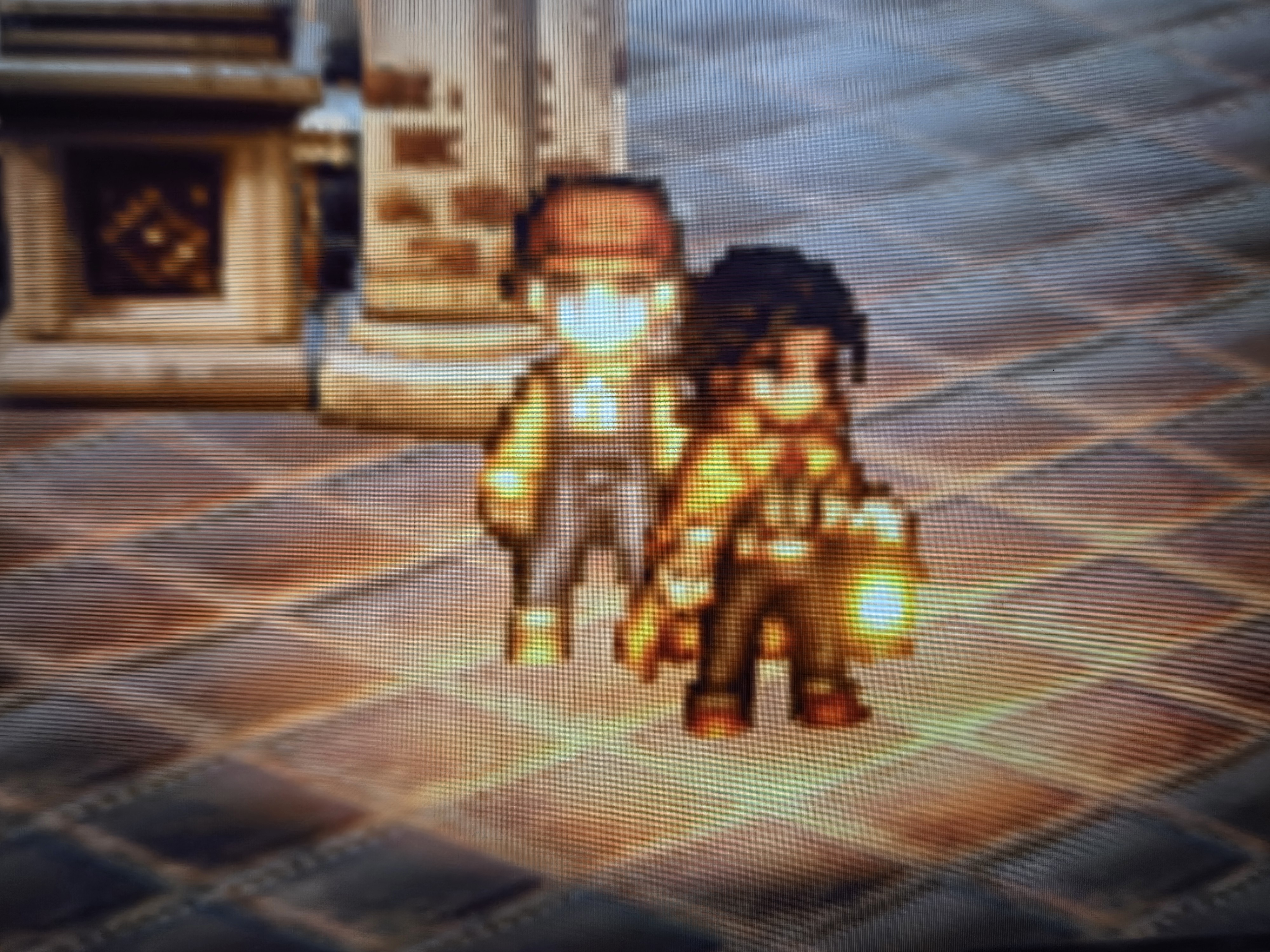
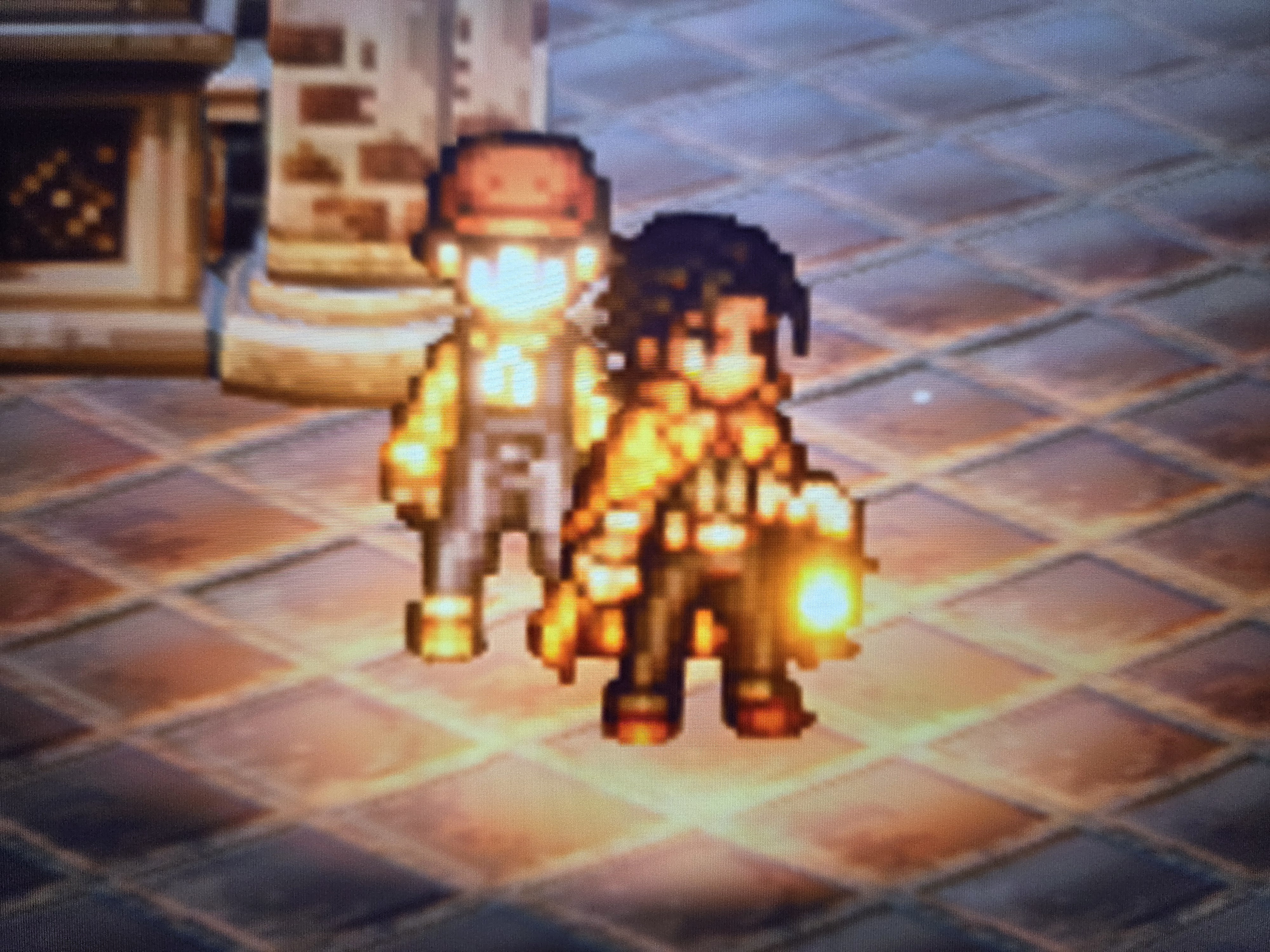
This one is super subjective, and might be a slam dunk for some, but the heavy use of post-processing and TAA applied to the already 720p image doesn’t make the pixel art characters look as good as they can be. Don’t get me wrong, this is much better than the native handheld 576p resolution, but I just wouldn’t call it night and day here.
Kingdoms of Amalur: Reckoning
I wanted to include this one as something that demonstrates the potential of boost mode, but also gets in the way of Switch 1 compatibility as a whole. Reckoning runs at 1080p docked and 30 fps, but you can unlock the framerate by docking and undocking your Switch, OR by flicking between boost mode on and off. So in theory, you can play a very solid and slightly niche fantasy ARPG at 1080p 60fps handheld. But if you look at the photos… yeah, the sky is still completely bugged.
Boost Mode: Optimization Required?
Boost mode as a whole is a phenomenal feature and changes the way you experience Switch 1 games on the Switch 2. The implementation comes with inherent bottlenecks in GPU clocking and battery life, but in its current state, the results can be shockingly good and expectedly slightly flawed. I believe this feature will see further optimizations in the future alongside the growth of Switch 1 compatibility on the platform.
