

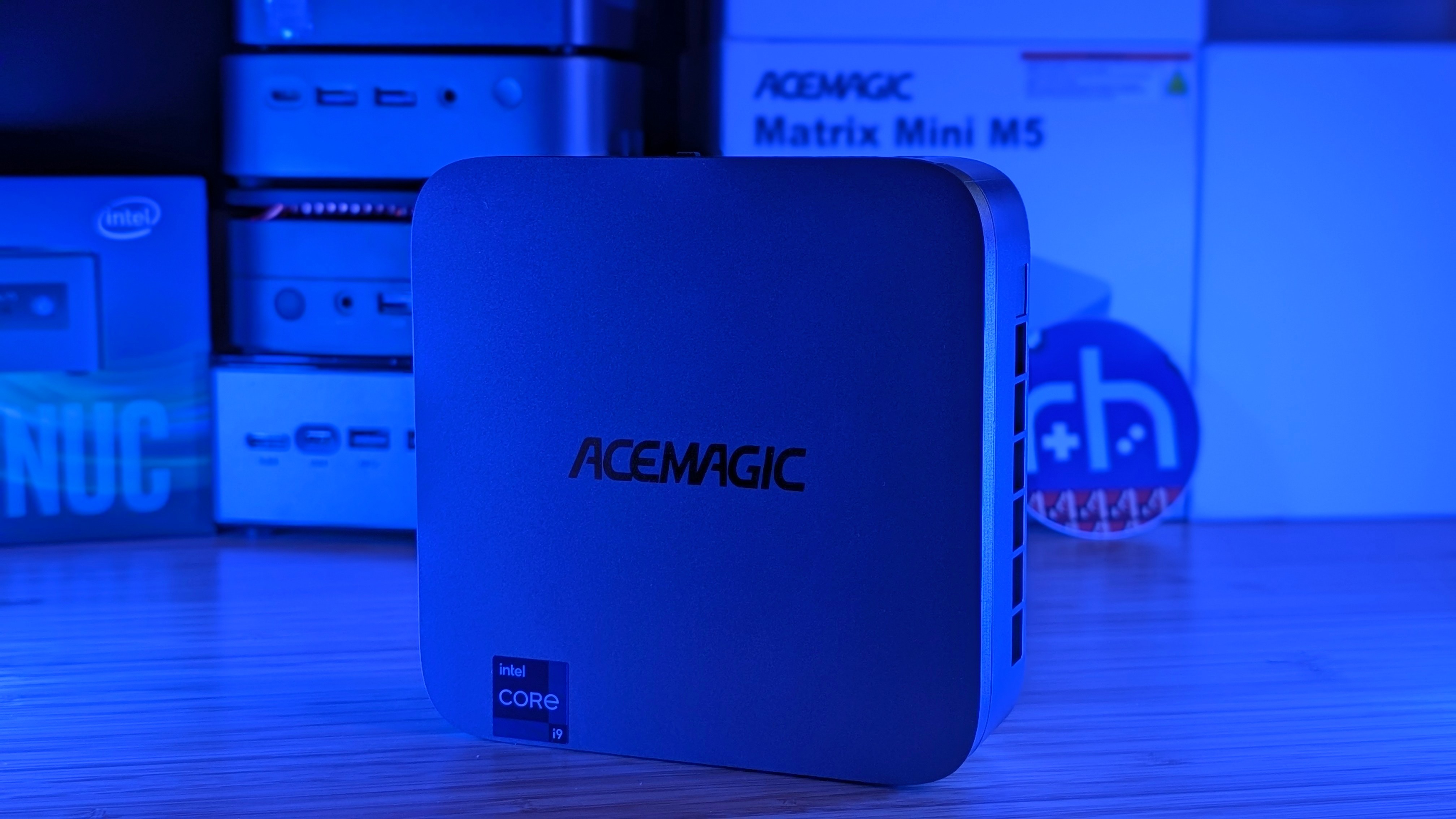
Acemagic is back at it again, following up their last two i9 Mini PC’s with the next step forward. The last two times I’ve taken a look at AceMagic’s M1 Mini PC lineup, I’ve commented that they’re super powerful CPUs, but I’ve also had to ask the question, “Is that all you should be looking at?”
Well, enter their response, the M5. Four numbers larger with way more cores, but is it going to be worth your money, especially in the economy of ever-increasing RAM prices? Now’s the time to find out.
AceMagic M5 Specs
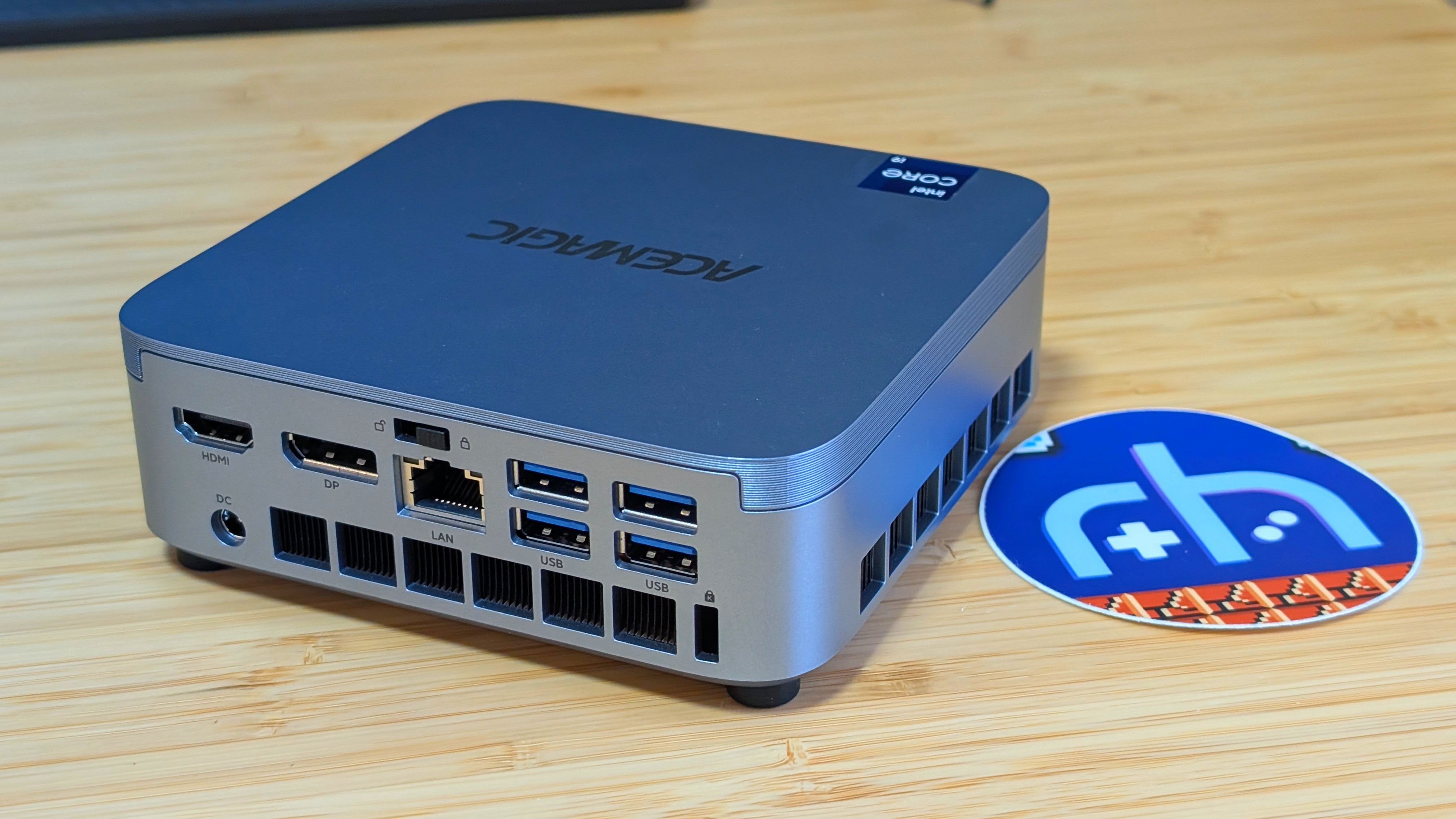
Sitting on Amazon at an eyewatering $750, the AceMagic M5 is stepping even higher up in terms of core performance from past models, but is that going to be your be-all and end-all? Depending on your daily use case, it really could be.
| Hardware | |
| CPU | Intel Core i9-14900HX (24 cores/32 threads) @ 55 watts |
|---|---|
| GPU | Intel UHD Graphics (32EU’s @ 1.65GHz |
| RAM | 32GB DDR4 (3200MHz Dual Channel) |
| Storage | |
| Internal | 1TB M.2 2280 + 1x M.2 2280 Slot |
| Connectivity | |
| Ports | 4x USB 3.2 Gen2 Type-A, 1x USB 3.2 Gen2 Type-C, 1x HDMI 2.0, 1x Displayport 1.4b, 1x Gigabit Ethernet, 1x 3.5mm Jack |
| Wi-Fi | Wi-Fi 6E |
| Bluetooth | Bluetooth 5.2 |
| Physical | |
| Dimensions | 128 x 128 x 41.3mm |

Build and Expandability
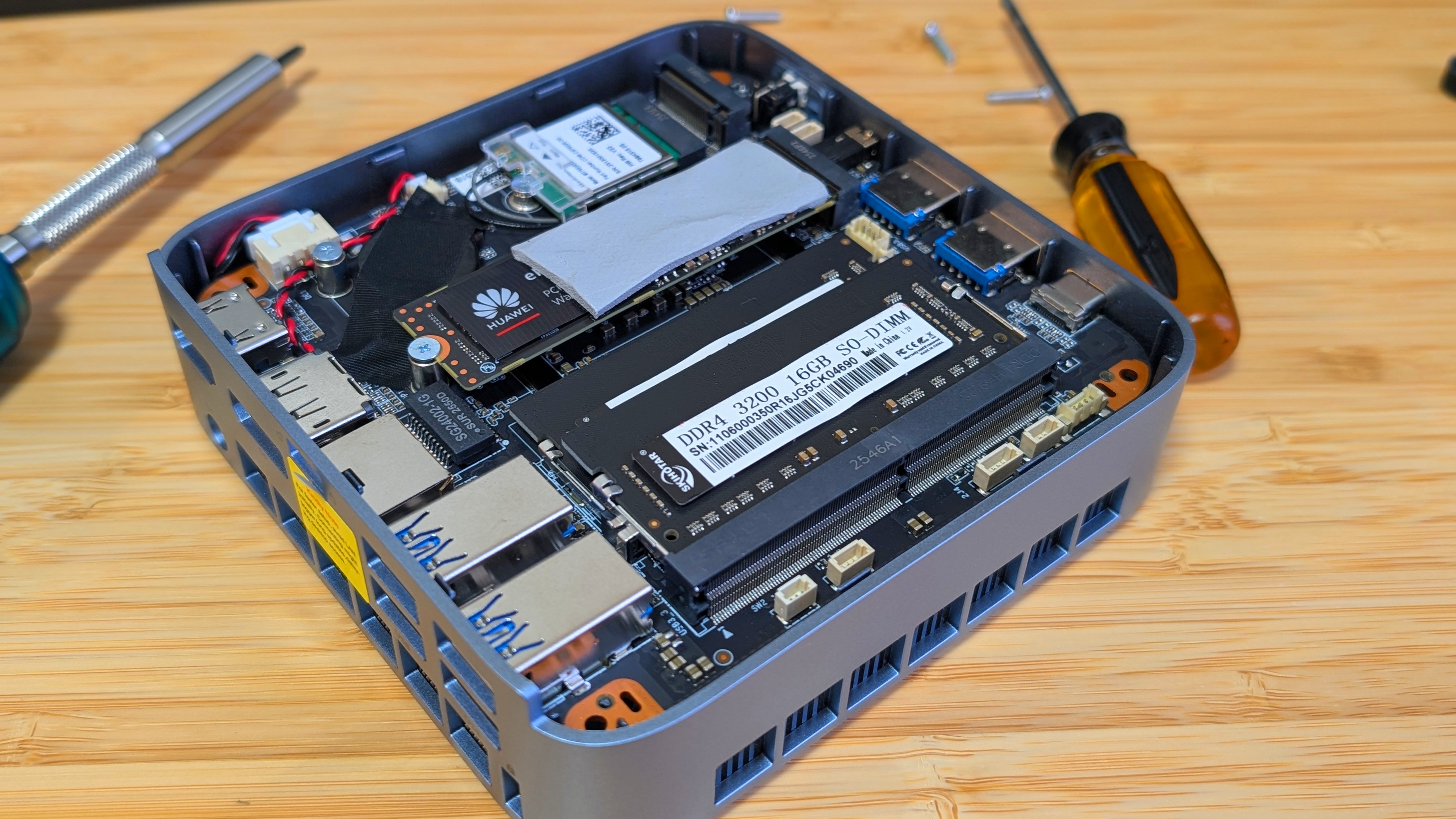
When it comes to build quality and expandability, I want to say that the Acemagic is a solid step up from the older M1 series. It remains an all-plastic PC that’s lightweight but sturdily built. The big differentiation comes from accessing the innards and upgrading your parts. Unlike the older M1, where you have to crack the clips open harder than my joints crack in the morning, four screws and a lock switch on the back separate you from the insides of the M5.
Where it gets a little odd is that you have to turn over the Mini PC, remove the glued-on rubber feet, and unscrew the tiny screws first. After that, you have to turn the M5 back upright before you can flip the switch on the back of the PC. But once you do that, you’re inside with access to two DDR4 So-DIMM slots, 2x 2280 slots, your CMOS battery, and a replaceable wifi card. Because of that, it’s one of the easier PC’s to access that I’ve covered in a while now.
Performance
Synthetics
When it comes to performance, the Acemagic M5 takes a clean victory in CPU performance. In my comparison, I’m taking a look at the M5 versus its two predecessors as well as a pair of AMD-based Mini PC’s running the Ryzen 7 6850H and 7735HS. Running Geekbench 6, the 14900HX takes a small jump over the 13900HK and a much larger bump over the 11900H and AMD options. Multicore performance looks similar as well, running anywhere from 2-3,000 points higher thanks to the inclusion of extra cores.
Moving into GPU performance, things seem to take a downturn. In both Vulkan and OpenCL benchmarks, the 14900HX falls behind everything but the 11900H. Landing at only 50-60% the total score of the 13900HK. These familiar numbers seem to continue into 3DMark scores, where the M5 lands between the 11900H and 13900HX the entire time. All of which get stomped by AMD’s superior integrated graphics. I don’t know what Intel did, but they definitely scaled back the GPU in favor of the CPU.
Game Benchmarks
After hearing those numbers for the GPU benchmarks, you’d likely consider that the Gaming performance is going to be a bit lackluster. And while it’s still passable, I would say it’s not as good as some of the competition in terms of numbers. Three out of the four tested CPUs managed to match each other in Bioshock, but in other tests, the 14900HX once again finds itself falling behind.
The Add-Ons
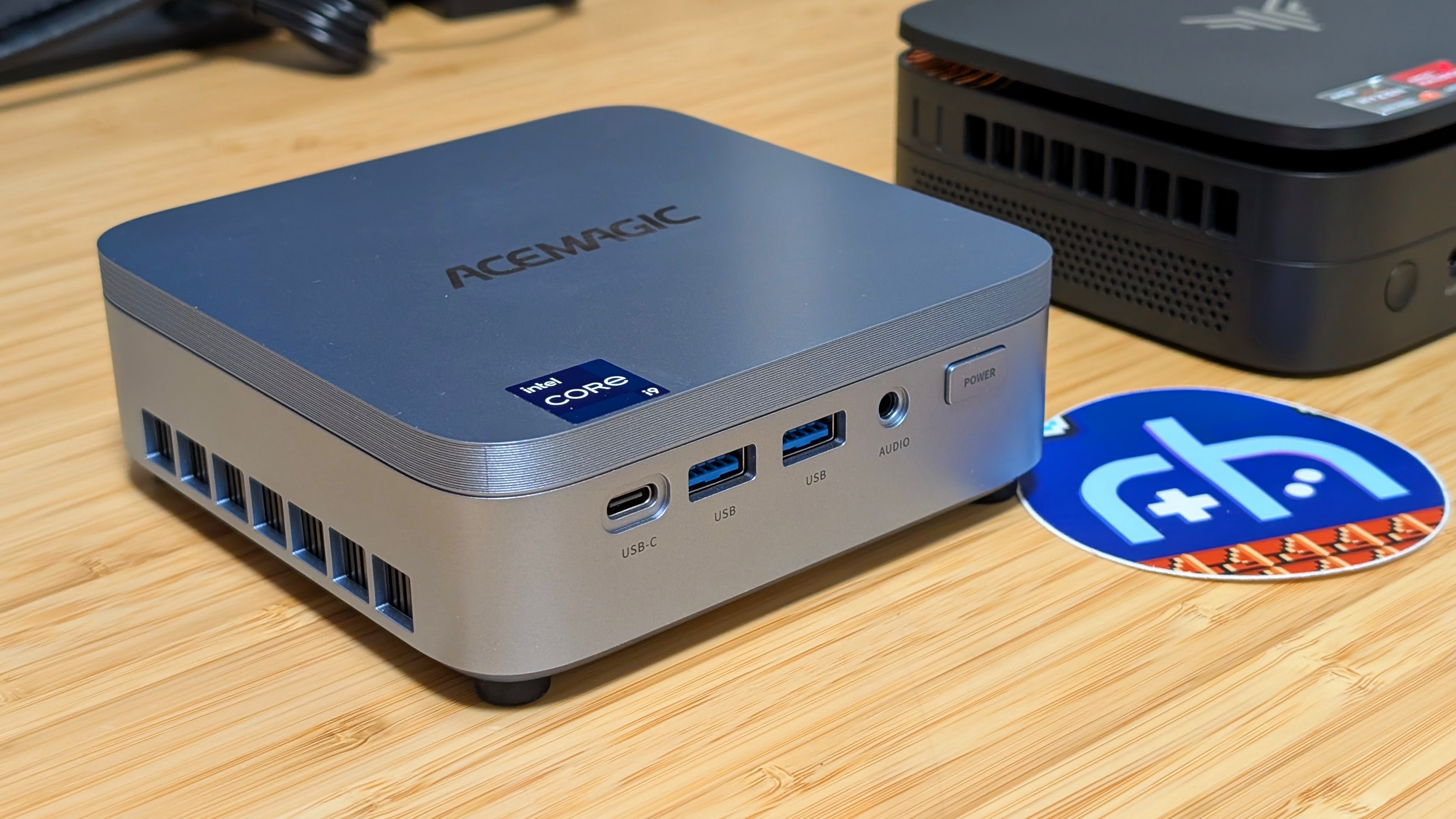
Here’s something that I wanted to place in the “not quite as big as the other categories but still worth mentioning”. The fan on this thing is fine in most normal use, but in testing, it would get pretty audible when it was pushed harder than usual. Normally, I don’t put too much into this, as it’s usually either “fine” or “it was screaming at me like half the people at my day job do”. And while this wasn’t quite one or the other, it felt worth noting as the fan would kick into high gear pretty regularly.
The other note may just be on my unit, but the front USB ports on mine were seriously tight. I found myself having to do the old wiggle and tug just to yank them out. I unfortunately pulled the head off of one of my really cheap usb dongles in the process of testing, and felt this was the most important mention from me. Be sure to check your ports.
Final Thoughts
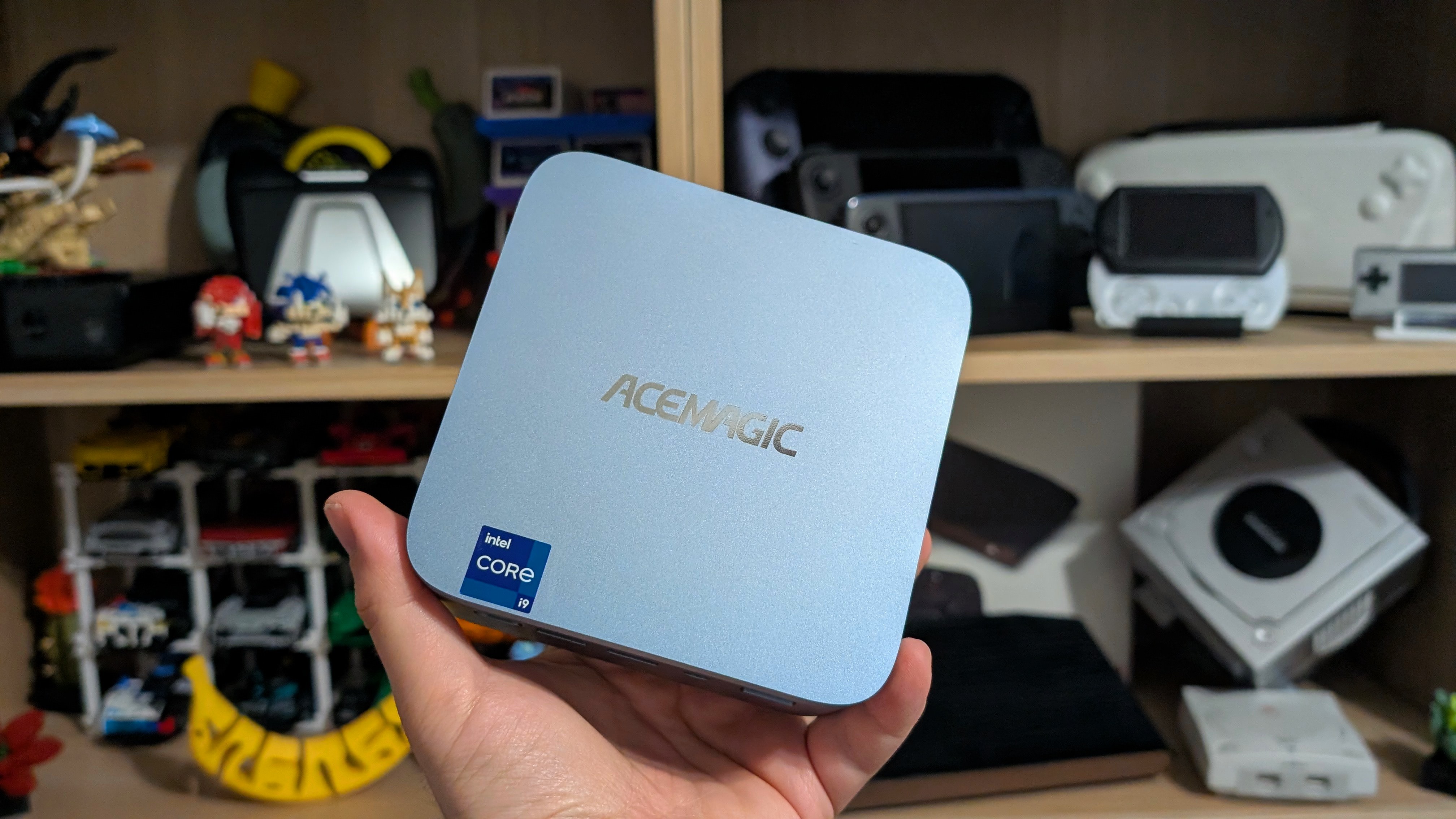
For $750, what do I think? Don’t get this if your goal is to game. Intel clearly chose to focus on CPU performance with the 14900HX, and Acemagic wanted to lean into that with this. At 55 watts with 24 cores to pick from, the M5 would make a monstrous choice in any CPU-intensive applications like video editing, file compression, or video encoding.
Alternatively, I can make the same recommendation that I did with the AceMagic M1 11900H. Install Proxmox onto this and run a homelab all in a single device. You can dedicate your efficiency cores to things like Pi-Hole, Immich, or running your VPNs, and push those performance cores to running game servers.
If you’re looking for better all-around value, I think something from AMD with a 680M or 780M GPU will offer a better user experience and GPU performance in a smaller package that even has a lower TDP. But really, it comes down to your needs. I think I’ll keep the M5 set aside and use it for my new homelab after my move. But you might want to save your money and get something cheaper.
