

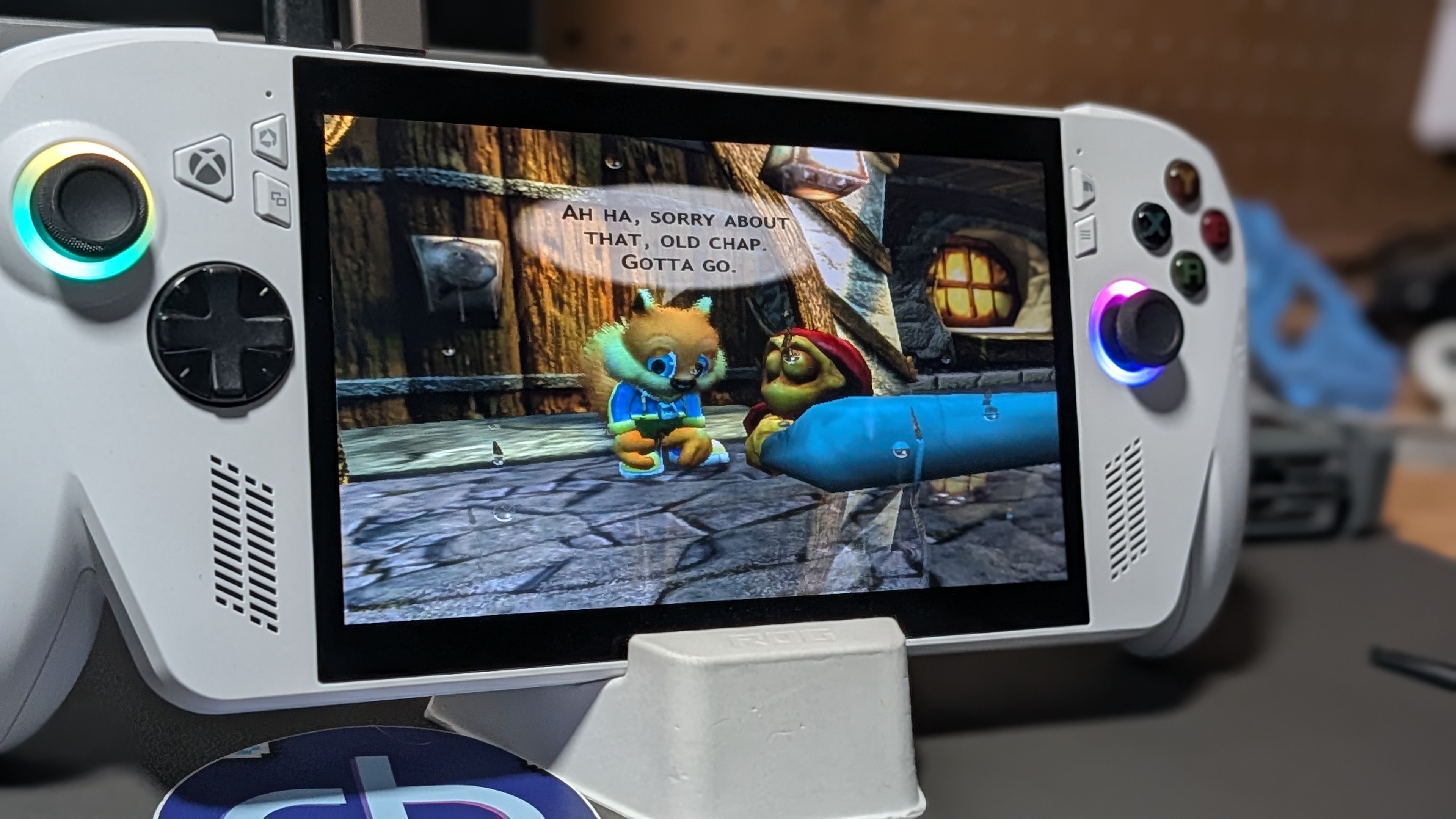
The ASUS ROG Xbox Ally is my first foray into the world of portable Windows. I picked up a Steam Deck back in 2022, and since then, I’ve never really felt like I’ve needed anything more.
I enjoy following along with the community and watching all the latest handheld PCs enter the market, but this is all still very early tech, and Windows is, well, Windows.
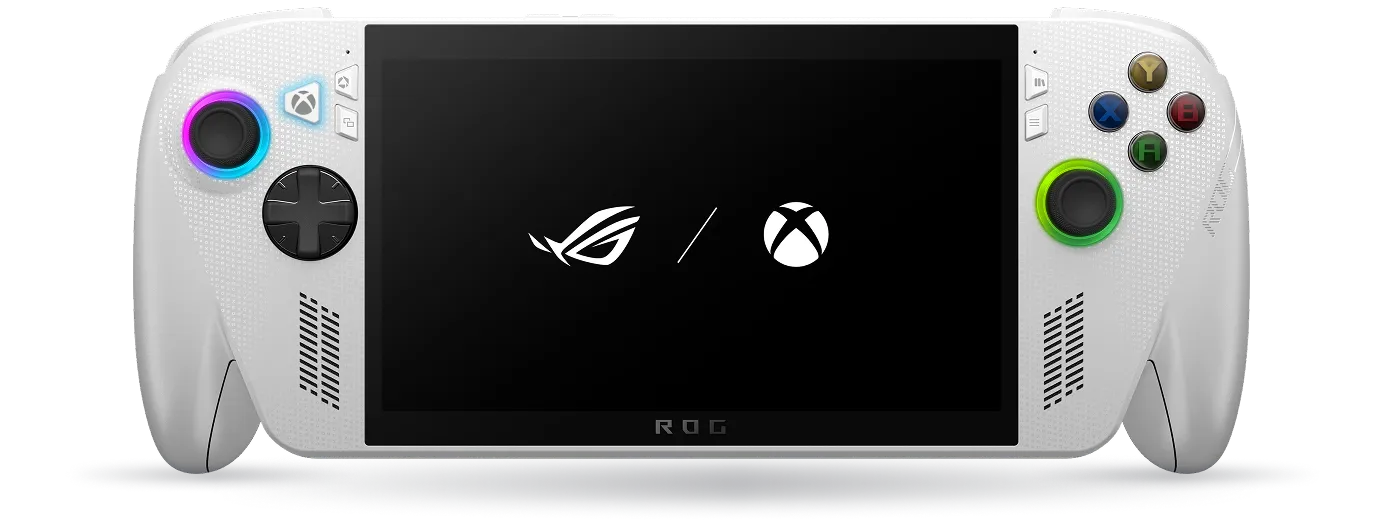
The Insomniac Handheld
The Xbox Full Screen Experience is something of a stopgap fix for some of the underlying engine problems, but it does provide a nice user experience. Users can easily bounce between launchers without ever needing to back out to a Windows desktop environment.
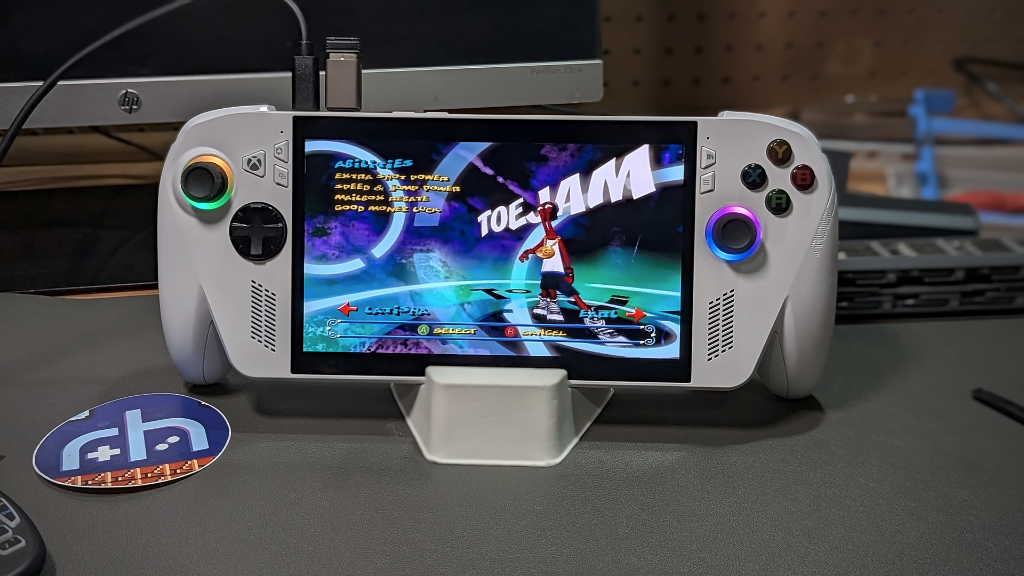
My console lives its life on a JSAUX Dock meant especially for this unit. When I want to play on my TV, I can pick up a controller and go. When I want a handheld session on the couch, I take it with me. You know the drill. The Switch way.
The act of using my ROG Xbox Ally isn’t the problem; it’s everything Windows has the handheld doing when I’m not using it that drives me nuts. Whether it’s supposedly asleep on my table, in my bag, or on the dock, it seemingly never actually is asleep. This is a handheld. I want to be able to put it to sleep by pressing a button and pick right back up where I was a few hours later.
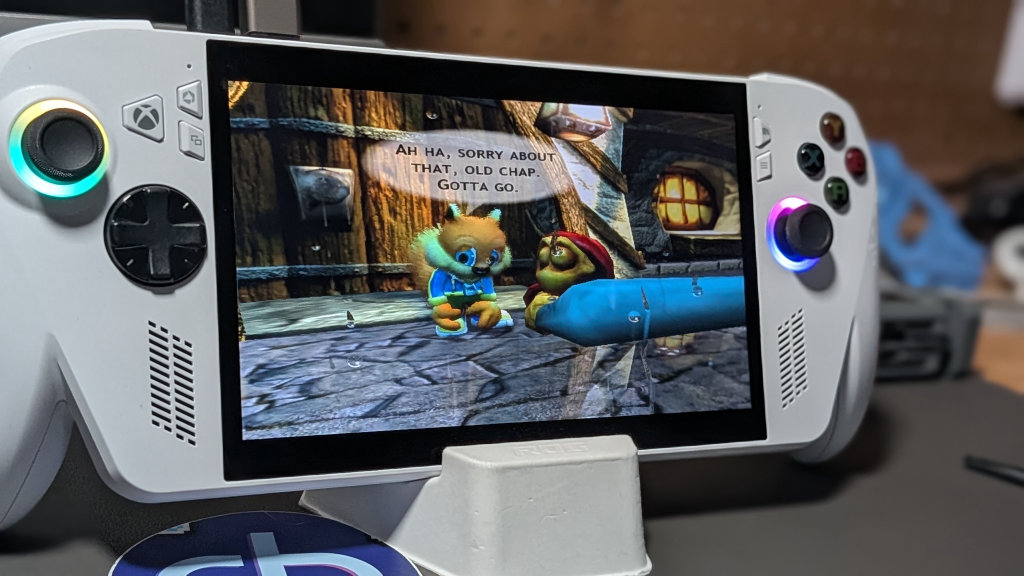
My Xbox Series X console goes to sleep just fine. It even has a very useful WoL feature that allows me to fire it up remotely from low-power standby for streaming use. The Xbox ROG Ally, on the other hand, feels like an evening at bedtime when my son was younger, fussy about going to sleep, and even worse at staying asleep.
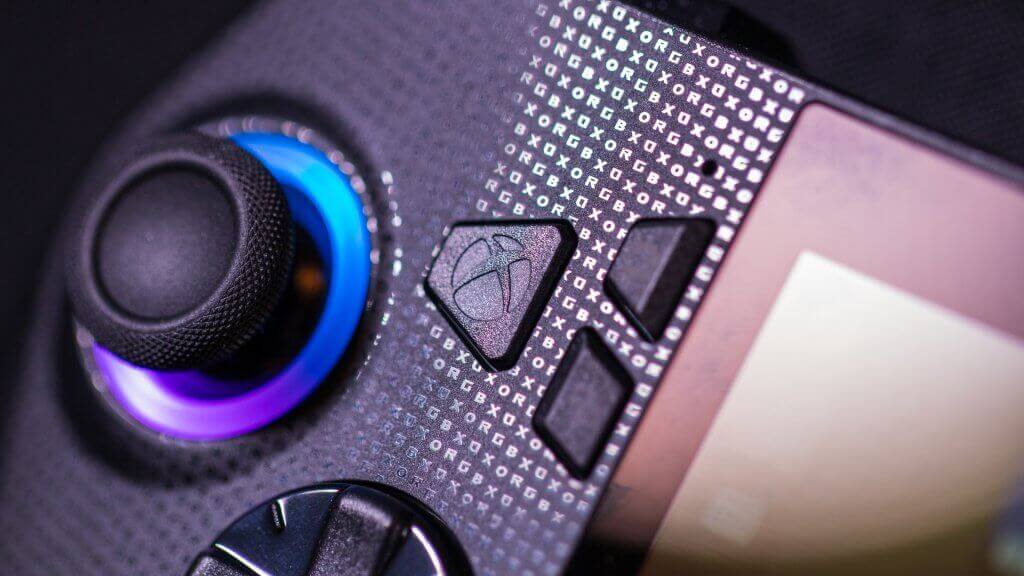
The ROG Ally is a toddler that’s jumping up and down at 3 AM while holding onto the rails of its crib. The never-ending waves of analog stick RGBs are a constant reminder that this kid is never going to sleep. This is your life now.
The modern Microsoft Windows experience is often one that can feel genuinely hostile to the end user. There have been more occasions than I can count in recent years where a Windows machine has decided to update itself in the night without my want or permission. Whether it’s a mild annoyance like finding Co-Pilot running in my taskbar all of a sudden, or the ultimate in OS subterfuge – the overnight Windows 11 upgrade.
This may feel like something of a digression from the console at hand, but I point it out because the ROG Xbox Ally isn’t running any sort of custom Xbox version of Windows. It’s skinned with a frontend, sure, but it’s still the same wacky Windows 11 underneath, seemingly doing whatever the heck it wants.
No More Night Lights
Poking around the web revealed I was in no way alone. Lots of people have the same issues. Modern Windows Sleep-Mode keeps the device’s USB ports powered and the Wi-Fi radio on all the time. Timely updates are one thing, but the ROG Xbox Ally absolutely hemorrhages battery life while it’s meant to be asleep in my bag. Even if it’s docked, I’m not thrilled at keeping it drawing power to phone home or ping WiFi constantly.
- Open Armoury Crate
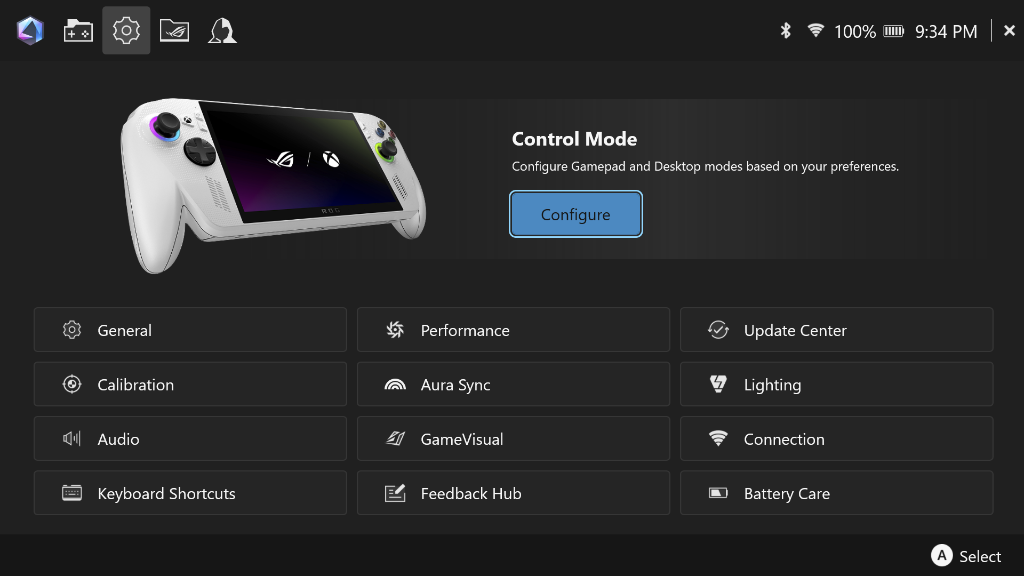
- Navigate to Settings —> Lighting
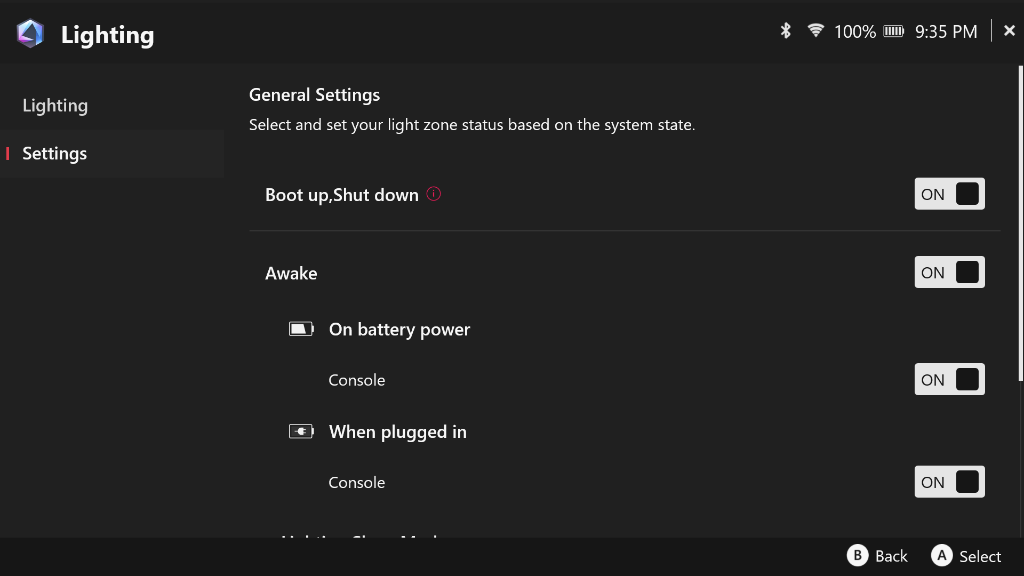
- In the Top Left Corner, click again on Settings
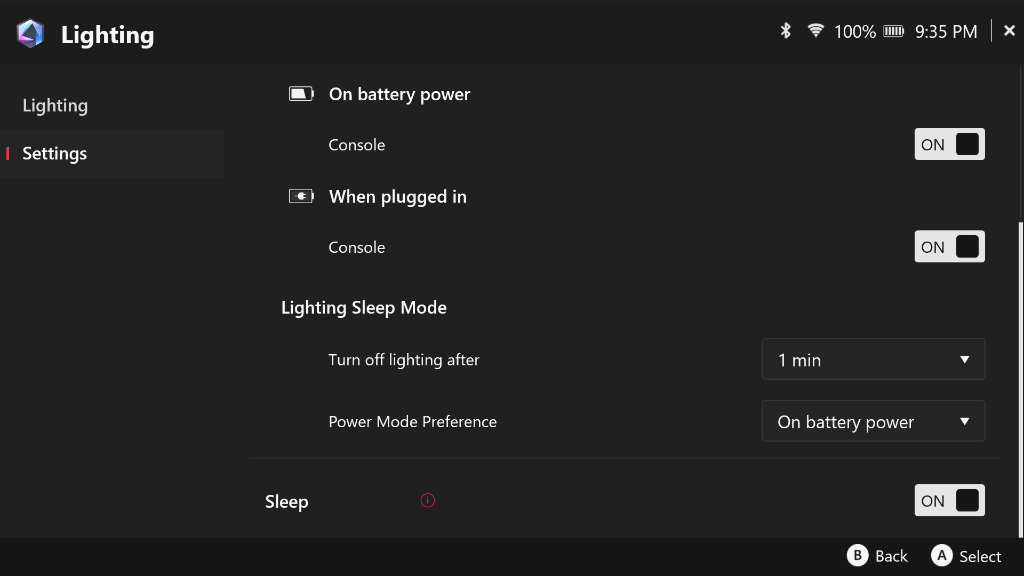
- Scroll all the way down to turn the lights off while the device is in Sleep Mode
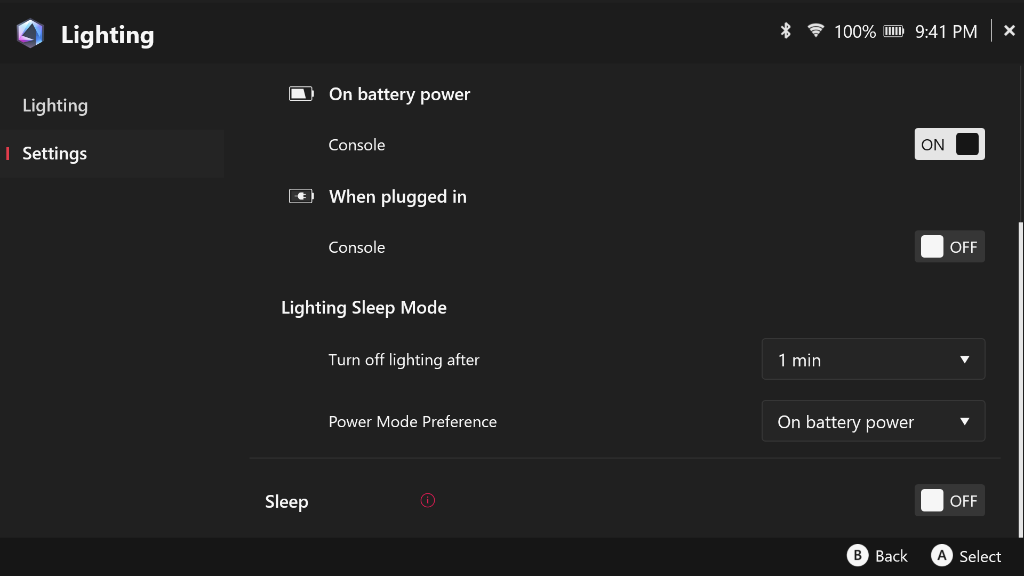
As was the case with the recent controls debacle, Windows Update and Armoury Crate don’t always get along. One updates and throws the other out of whack. Unfortunately, much like the phantom Windows 11 update on my desktop, the sleep setting on the lights has turned itself back on more than once after what I assume have been background updates.
I took the liberty of disabling lighting entirely while the console is plugged in as well. The lights are meant to die off after a short period of inactivity, but it’s a testament to how much Windows is sleeping with one eye open, because the RGB reactivates regularly.
The quirks of the LED lighting are just a byproduct of the main problem with the ROG Xbox Ally. The fact that the device is constantly chewing through precious battery life when it’s meant to be asleep has become a deal breaker for me. Some battery loss is expected, but when compared to something like the Steam Deck, it feels like a step backwards.
Taking Matters Into My Own Hands
The solution I’ve opted for is to drug the toddler (the Ally, not my actual kid) and force it to go down when I say it’s bedtime. Enter the classic Windows Hibernation mode. Unlike Modern Sleep, Windows Hibernation will dump the current device state from the RAM to temporary storage on the SSD. This should remove almost all power draw from the Ally.
- Head to the Windows Desktop Mode and navigate to Control Panel
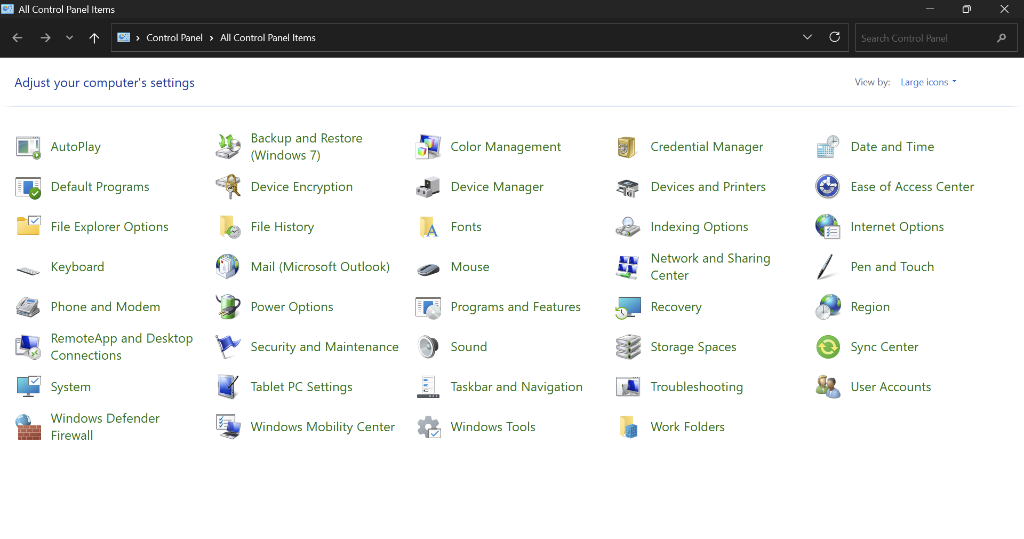
- Navigate to All Control Panel Items —-> Power Options
- On the left side of the window, click on Choose What the Power Button Does
- Click Change Settings That Are Currently Unavailable
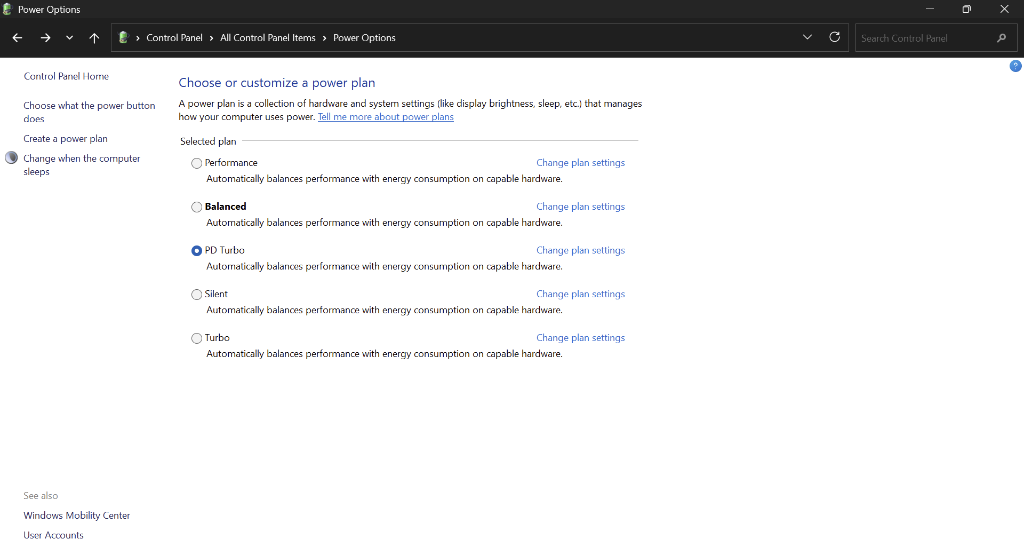
Check the button to include Hibernation in the shutdown options and/or tell Windows to send the device into Hibernate when you press the Ally Power Button
The tradeoff with Hibernation is a longer wake period of about 15 seconds. I’ll take it for the battery life until a future update or fix hopefully arrives. It’s easy enough to switch back if you decide you’re not liking the hibernation life, so I’d say it’s worth giving it a shot if you’re on the fence. I haven’t done any formal battery life tests, but I can say I haven’t picked it up off the coffee table to find it’s dying or already dead. That was a regular occurrence before, so I’ll call it progress.
Great Hardware and Design Get You Only So Far
The ASUS ROG Xbox Ally is an awesome piece of hardware, and despite its size, I find it a good deal more comfortable in longer sessions vs my Steam Deck. My annoyances stem almost entirely from having to put up with the modern Windows experience. And before you go yelling at me that I should “just install Bazzite”, I hear you. I plan on dual-booting the Linux variant alongside Windows in the near future, but this is still an Xbox-branded device, and I want all the functionality that comes with that integration. Plus, I still have some time left on my Game Pass Ultimate subscription, and I want to make the most of it.
It’s ironic to think that it was Microsoft’s latest console generation that made me fall in love with the idea of Quick Resume, and 5+ years later, the same company delivers a handheld experience with the same badge that can’t muster the art of a simple nap. A real shame in an otherwise brilliant device, but as we know here in the emulation community, all the great hardware in the world can’t fix a broken OS.
For more tips on getting the best experience out of your ROG Xbox Ally, check out Zu’s Starter Guide.

2 Comments
Yeah, Windows handhelds aren’t great with sleep compared to Steam Deck and especially to Android devices. I hope that emulation for higher end systems like PS3 keep progressing on Android. If there was ever an Android Steam Deck, I would get it instantly.
I have the same with my Legion Go, I love it to bits, but it’s not a quick pick up and go and the battery will just die in sleep mode, especially if I’m playing something needing performance mode. Yet to give the Xbox FSE a go, as I’m not sure how well it plays with the controllers and quick buttons. At least things seem to be moving in the right direction, even though the prices have now gone crazy!