

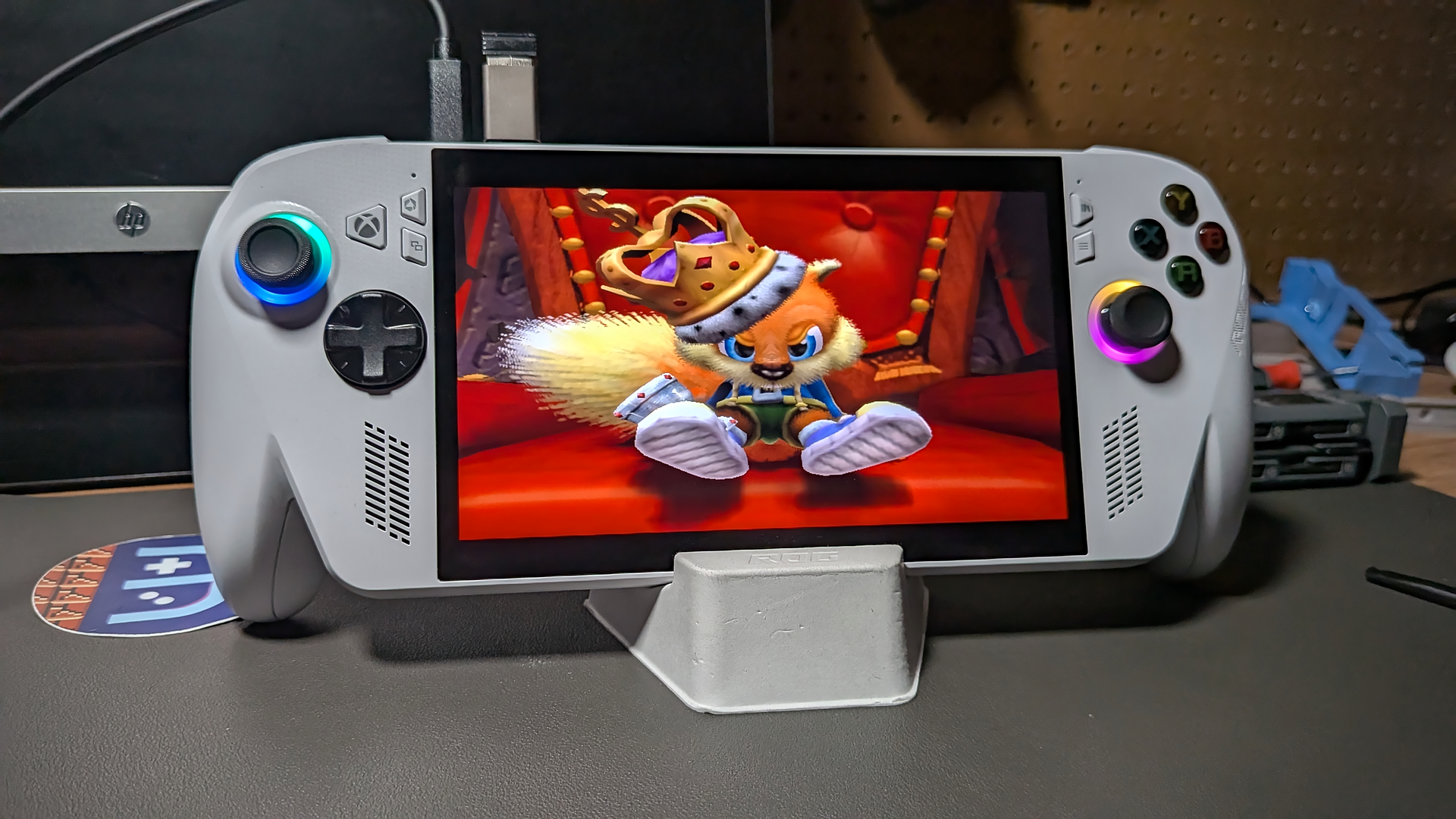
Microsoft’s whole “This is an Xbox” campaign is a bit of a misnomer. As much as I think the ROG Xbox Ally is a great device and a legitimate competitor to Valve’s Steam Deck, it’s still not an Xbox. If I have a digital library full of games that are unplayable on a console that the makers have branded as their own, then is it fair to call it an Xbox?
We live in interesting times. Physical media is on the way out, possibly forever, and without getting into a whole other can of worms about the nature of ownership in digital libraries, I think I should be able to play my Xbox games on a device that is advertised as being an Xbox. Being limited to titles available on Game Pass is a compromise. If this is an Xbox, I want access to all the titles I’ve already bought over the years.
Thankfully, we don’t need Microsoft to deliver on their own promises, for we are emulation enthusiasts! I know that I could simply stream these games from my actual Xbox console to the Xbox Ally (or any number of other devices), but where’s the fun in that?
The ROG Xbox Ally is my first Windows handheld, and as such, I thought it appropriate to use the device to check out the state of modern Xbox emulation in Windows. Let’s go!
The OG Xbox
The original Microsoft Xbox console came out when I was in college. Halo was a cool local multiplayer experience with some friends sitting on the dorm commons floor, but I was still hoping my Dreamcast was going to work out. It wasn’t until a few years into the console’s life cycle, when I was working at the local Circuit City and had access to employee discounts and merch returns, that I wanted an Xbox of my own. What really sold the console to me, though, was the emergence of modchips.
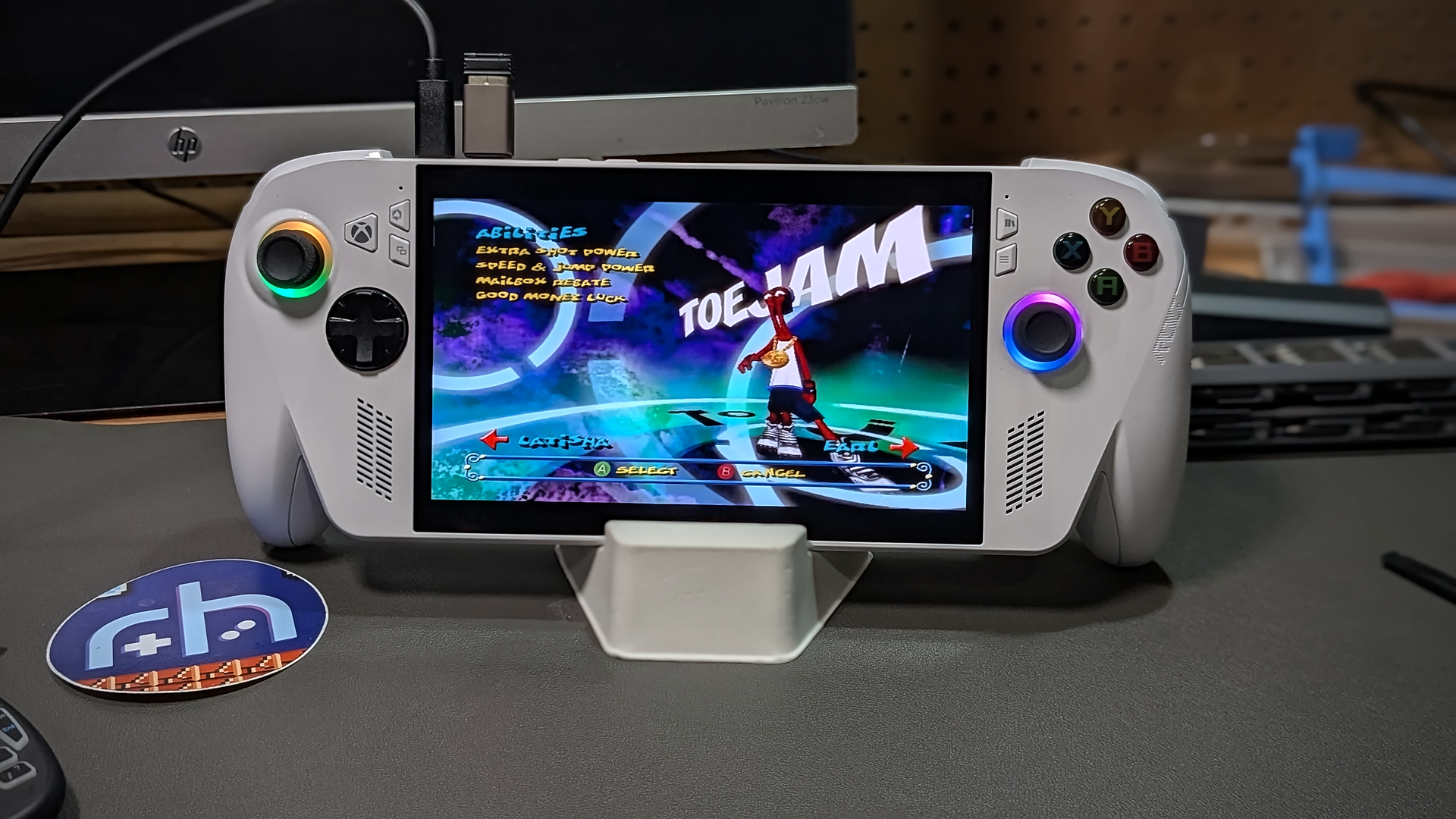
I’d played around with desktop PC based emulators, but it wasn’t until I had a modded Xbox that emulation really took off in my life. My roommate and I at the time spent a large part of the summer of 2003 playing through the classic games of our youth. It seems only fitting that here we are 20+ years later, talking about emulating the very system that I once used to emulate other systems. Emulatinception?
Xemu
A long-standing emulation project for the OG Xbox, Xemu has really come a long way in the years since I last checked in on the program. As a native Windows application, you can install it as you would any other app.
While Xbox emulation has no doubt improved by leaps and bounds in recent years, it is still something of a work in progress. If you’re curious about a specific title and how it might run, you can always check out the Xemu Compatibility List. About 80% of released titles for the Xbox are listed as Playable.
BIOS – The original Xbox requires several BIOS files, and you will be prompted to point Xemu to them during initial launch. While we can’t link to where to find these files, the Xemu FAQ does offer some helpful guidance.
Your MCPX and BIOS dump should be for a 1.0 Xbox. It’s suggested that your MCPX dump be 1.0 and that a compatible BIOS image be used (users have reported success with “COMPLEX 4627”).
One quirk with Xemu, which some scouring of web boards seemed to confirm, was that after loading the .iso or .xiso image, you may see nothing happen and still be prompted to “insert an Xbox disc…..”. For whatever reason, after loading the game image, you then have to hit Reset in the file menu, and the game will then boot. I’m currently trying to figure out a way around this for easy launch access of individual games.
360 Era
The Xbox 360 era was a major generational change. The emergence of XBLA was a game-changer that forever altered the landscape of console gaming. The traditional roadblocks of game production had suddenly vanished overnight, and it was possible for literally anyone to make a game and sell it on the Xbox Live Marketplace.

This new freedom brought with it unparalleled explosions in indie creativity and offerings. And it wasn’t just indie developers. Major studios now saw the value in making smaller, low-cost offerings for consumers who may already love their existing IP.
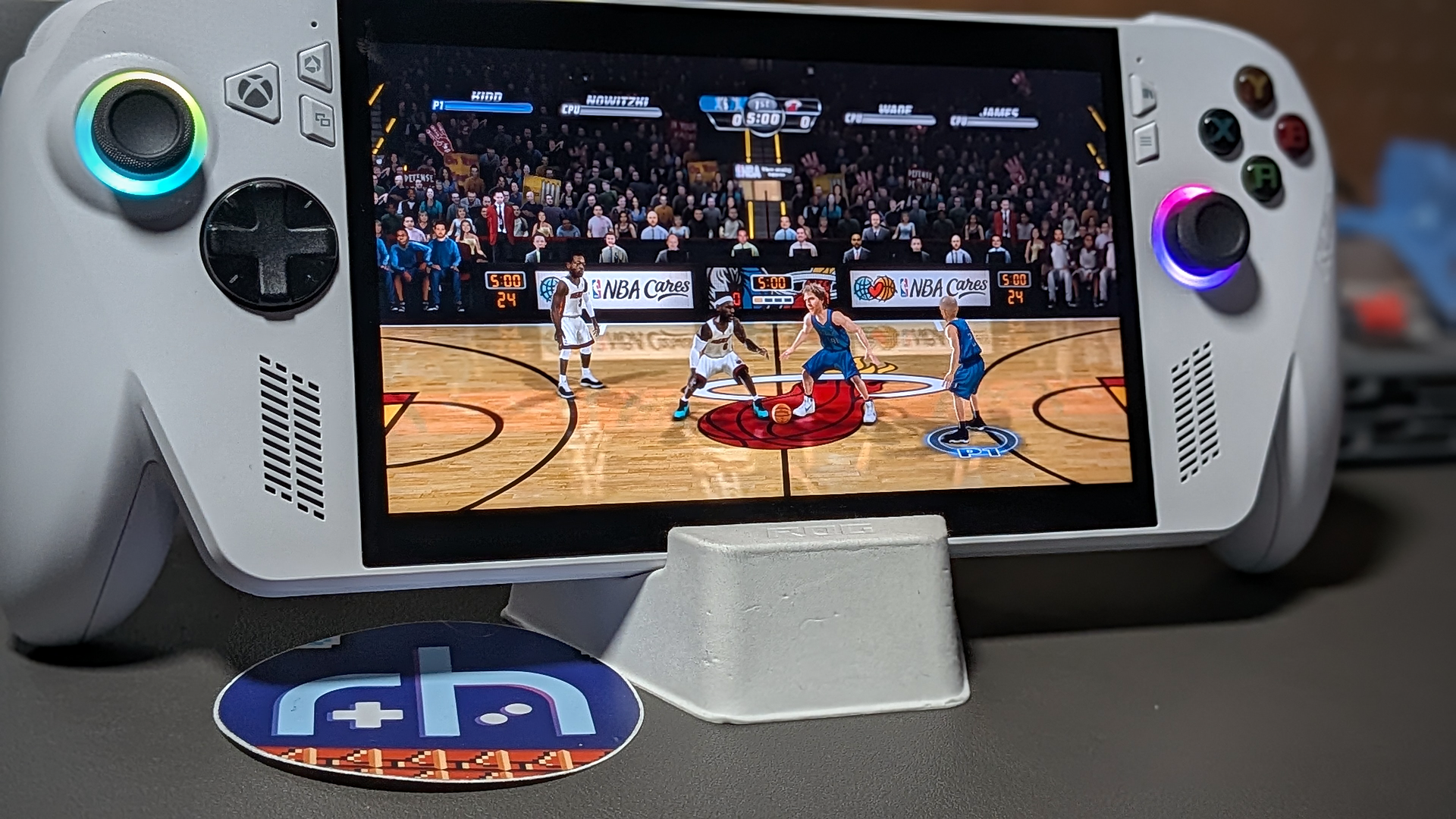
Some of my favorite games were available for download on Xbox Live, sure, but Live also exclusively had some of my favorite versions of games. The 360 era saw full HD remakes of classic titles regularly, and some of them remain my favorite ways to play classic formulas.
Xenia
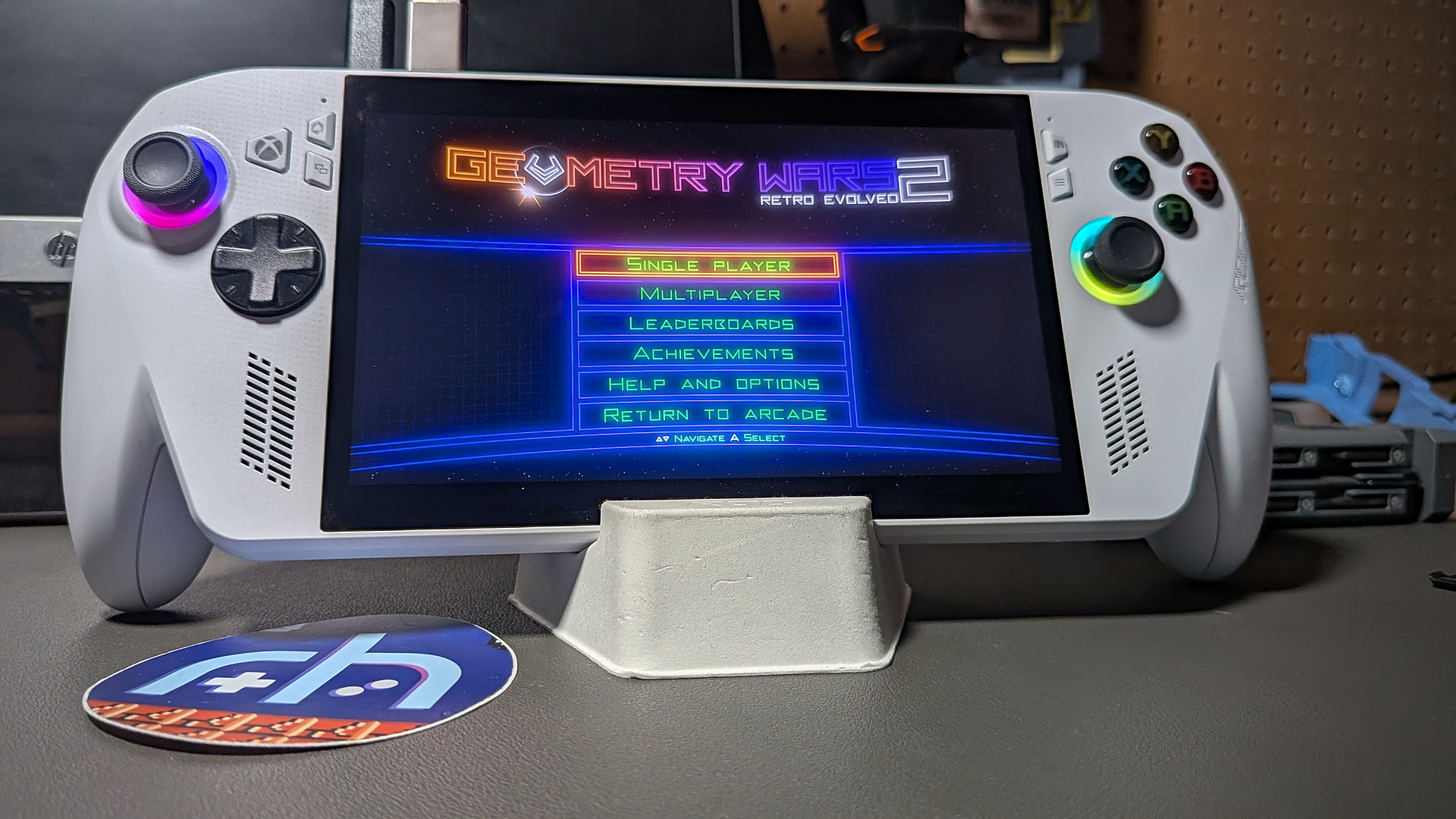
If I was surprised at how far original Xbox emulation has come in recent years, I was blown away at the state of Xbox 360 emulation. While it isn’t perfect, and some games do have hiccups here and there, it’s a pretty smooth ride overall. The hardware in the Xbox Ally seemed more than up to the task on everything I threw its way.
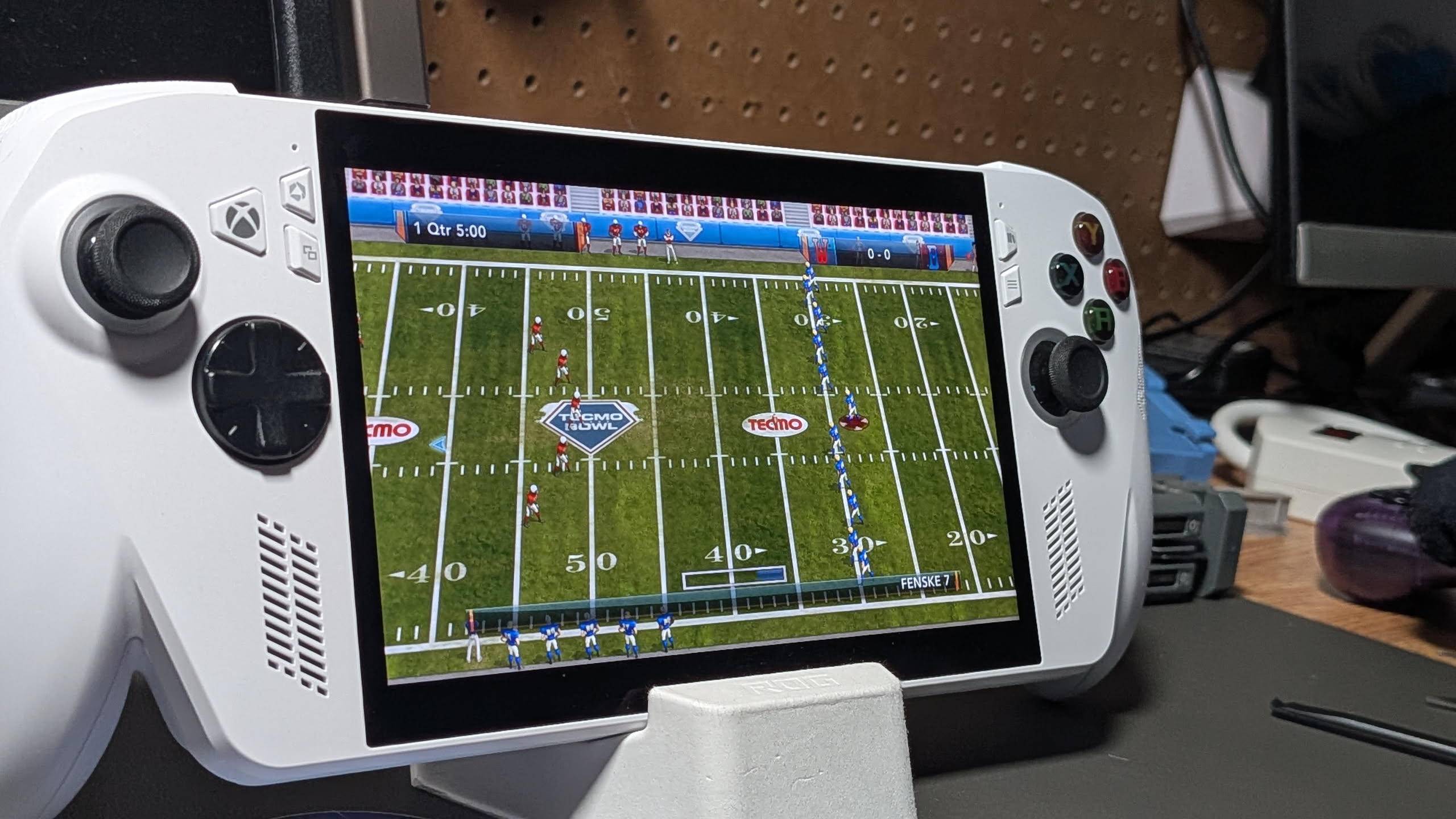
The best part about 360 emulation is that you don’t need to download any BIOS or system files to get things running. You need a game and the emulator. It’s an entirely plug-and-play experience (you can dial things in if you so choose). I’d recommend going with the Xenia Canary release as it includes all the fun little community tweaks you might want to mess around with in certain games.
Worth Emulating?
The Xbox ecosystem and its new ventures out into the hardware wilds are an interesting move, and now that I truly have access to all the Xbox titles that I might want to play on a single device, I’m pretty happy.
While there are awkward parts of owning a Windows 11-based handheld, it’s nice to be able take advantage of places where the Windows environment is a benefit. The ability to lean on years of compatibility support and development is a big advantage.
I’d encourage anyone who has an interest in the backlogs of Xbox history to do some experimenting of their own. While the original Xbox titles were more of an “it’s neat that I can do it” experience, I know for a fact that there are several titles from my XBLA library that are about to live second lives on my ASUS ROG Xbox Ally, and that’s what emulation is all about!
Just pick up the ASUS ROG Xbox Ally? Check out our starter guide to get up and running. Did you decide that you need more space? Check out our guide on how to upgrade ROG Xbox Ally’s internal storage.
Do you have a favorite title from the original Xbox or 360? Let us know in the comments below, and chat with us in our Discord!
This page may contain affiliate links, by purchasing something through a link, Retro Handhelds may earn a small commission on the sale at no additional cost to you.

1 Comment
Now this is the review of the ROG Xbox Ally that I’ve been waiting for.
It’s just not an Xbox console if it can’t even play Xbox games. Although I never considered putting on an Xbox emulator. But it begs the question as to why Microsoft doesn’t do that themselves.