

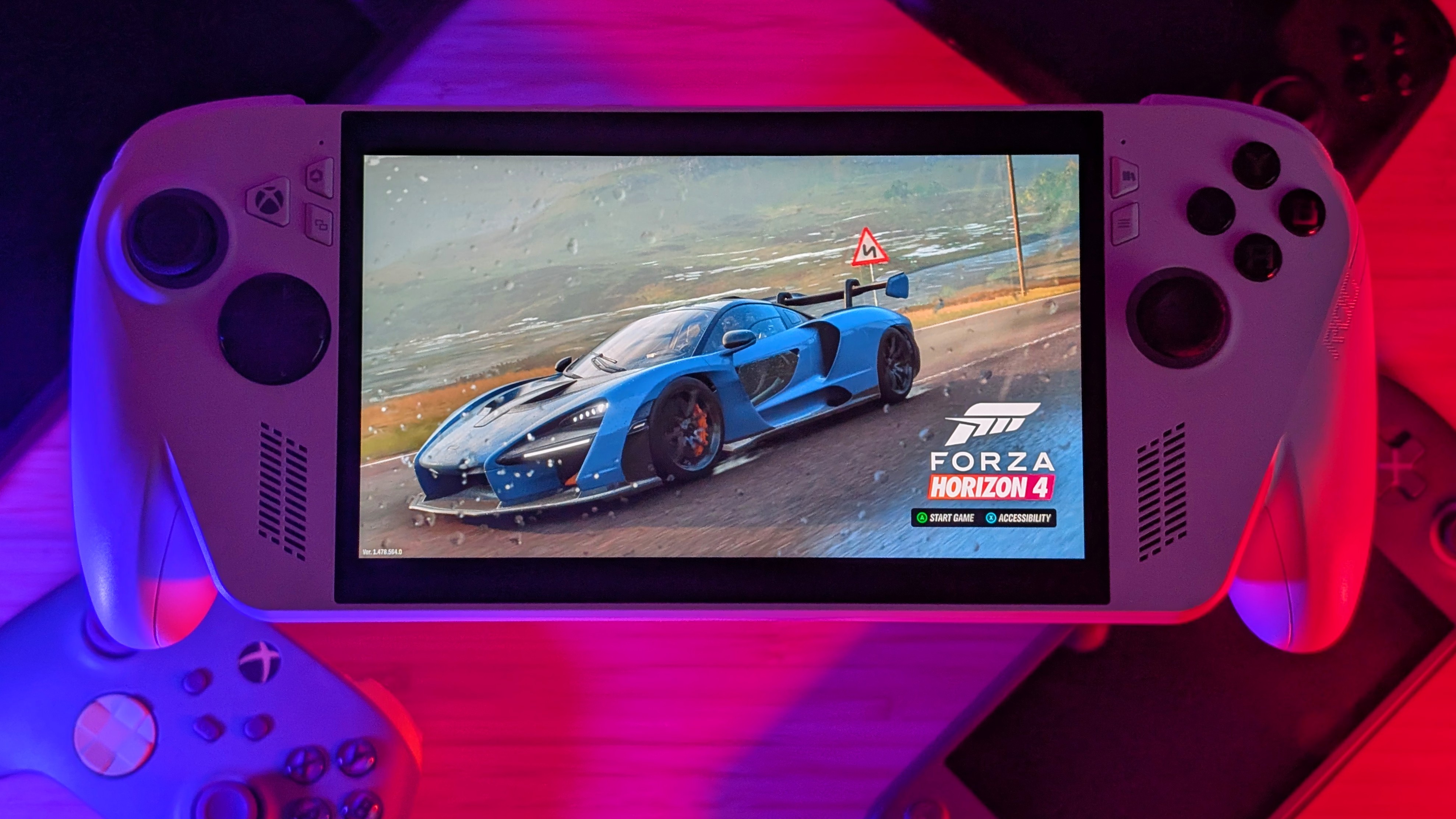
X86 Handhelds have been getting expensive. The Legion Go 2 is over $1,000, the MSI Claw is pushing that price point too, and AYANEO is doing AYANEO things. Trying to see just how much money they can claw out of each of their 78 backers. Now, what I’m about to talk about isn’t inexpensive; rather, less expensive than the alternatives.
The base model ASUS Xbox ROG Ally is a $600 chonker of a handheld, and while less powerful than its contemporaries, it offers enough of a gaming experience that might still justify its price. If you know what you want out of it. ASUS was kind enough to send this to Stubbs, who decided I should probably look at this one. And at this point, my only question is if it can replace my AYN Loki. And you know what, maybe it can.
ASUS ROG Xbox Ally: Specs
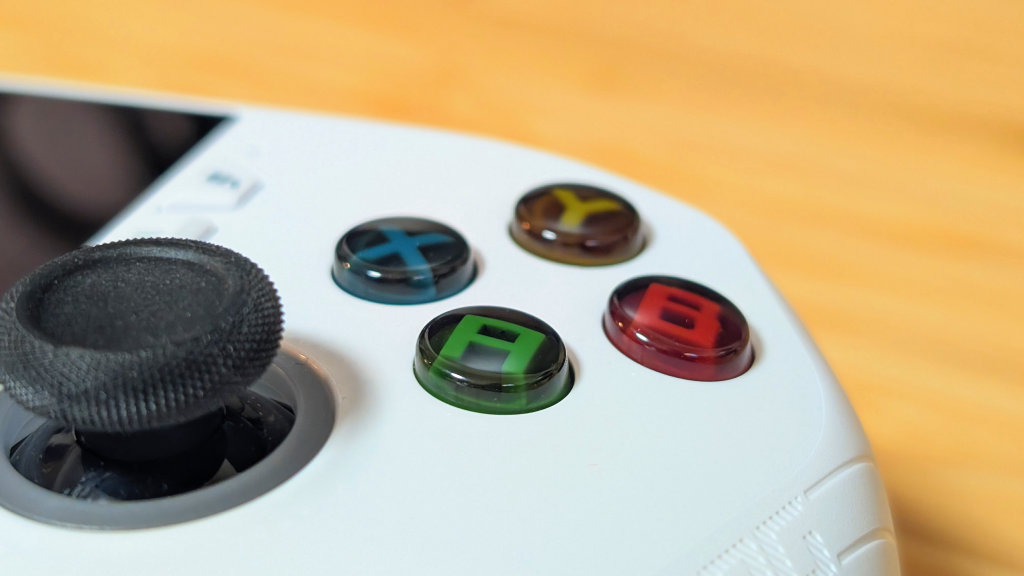
The first thing worth noting is that the ASUS ROG Xbox Ally starts at just $599. This pricing already puts it pretty high up there in terms of pricing, surpassing both console Xboxes. Xbox’s?
And pushing against things like the Lenovo Legion Go S. Surpassing used handheld pricing or even older Z1 Extreme handhelds like the original ROG Ally. But with the rising cost of PC components, RAM, and SSDs, this may still be worth it.
- CPU: AMD Ryzen Z2A (4c/8t Zen 2)
- GPU: RDNA 2 w/ 8cu
- RAM: 16GB LPDDR5
- Storage: 512GB (M.2 2280) + microSD
- Screen: 7” IPS 1920×1080 w/ 120hz Refresh Rate
- Battery: 60Wh
- Connectivity: Wi-Fi 6E/BT 5.2, 2x USB-C. 1x 3.5mm
- OS: Windows 11 + Xbox Full-Screen Experience
- Dimensions: 290 x 121 x 28mm
- Weight: 670grams
[button link=”https://rh-go.link/ASUS-ROG-Xbox-Ally_Amzn” color=”red” newwindow=”yes”] ASUS ROG Xbox Ally at Amazon[/button][button link=”https://rh-go.link/ASUS-ROG-Xbox-Ally_BB” color=”red” newwindow=”yes”] ASUS ROG Xbox Ally at Best Buy[/button][button link=”https://rh-go.link/ASUS-ROG-Xbox-Ally_WM” color=”red” newwindow=”yes”] ASUS ROG Xbox Ally at Walmart[/button]
Controls
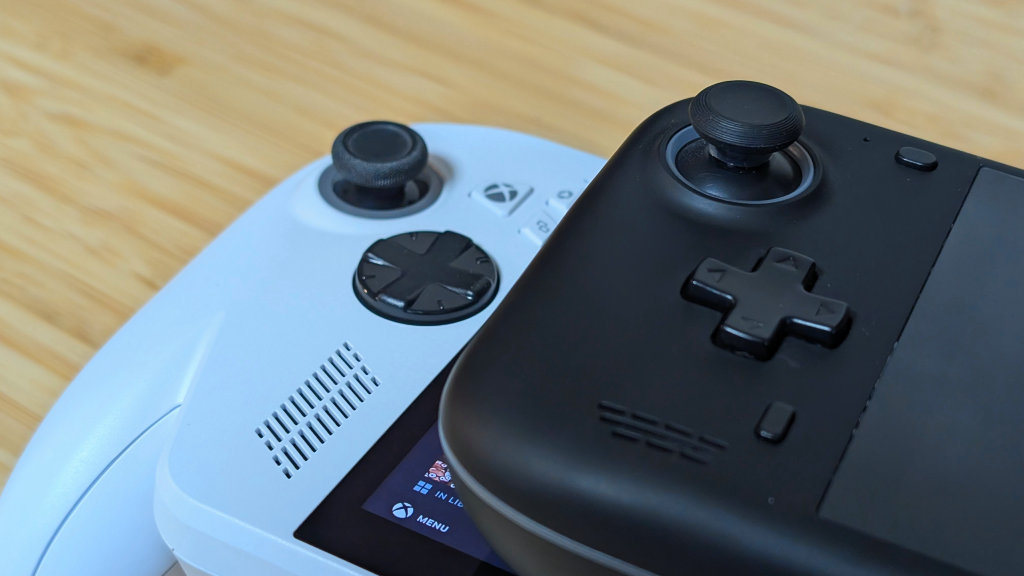
Because the AYN Loki is my most used x86 at this point, a lot of comparisons are going to be made towards it in this review, and it starts with the controls. You’re looking at big fat full-sized sticks, which are about right against everything else in late 2025, would have been leagues better than most alternatives in Late 22’/Early 23’. The Loki was one of the few that went full-sized, and even Ayaneo kept using Switch sticks for a while later.
The triggers and face buttons are similar to those of what you’d see in something like an Xbox controller, and honestly? They’re still just as solid here. The weak point in the controls comes from the D-pad. While mine isn’t crunchy, its pivot feels off, and it’s not the most obvious actuation in the world for my liking. It’s fine, but I’d have preferred a standard-shaped d-pad, or they could have made this one clicky like the Xbox Series controller. AYN did the D-pad better.
Ergonomics
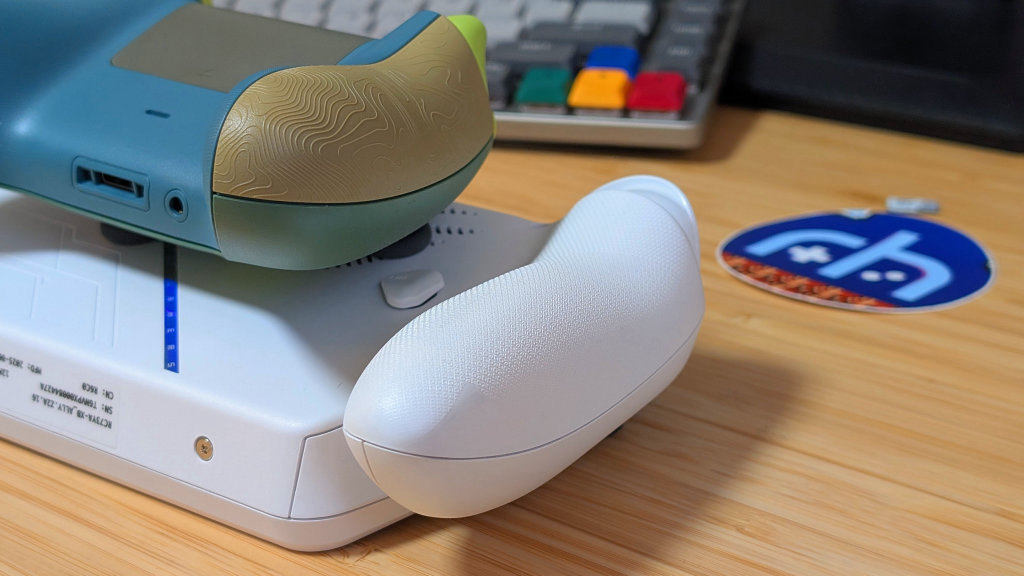
What I’d call the shining star of this handheld, the ergonomics of the Xbox Ally are great. Big, Fat, and Meaty…grips. Something you’re not going to see often on a handheld, Asus went all out on making this the most comfortable X86, and it shows. Following the design pattern of an Xbox controller, I was fine using this for longer gaming sessions, despite the 100 grams of extra mass over an AYN Loki.
Pairing that with the XORG texturing of the grips and triggers, the Xbox Ally is probably going to be a go for me going forward, off that alone. Everything is easy to reach, and it’s not giving my weaker right wrist issues like the Legion Go S or even the Steam Deck have in the past for me.
Software & Opening
Windows
It sucks on handhelds. There’s too much requirement for mouse modes using the joysticks, and half the time I end up using the touch screen because it’s easier than trying to use it as a console. Both ASUS and Microsoft have tried to address that with the use of Armoury Crate and Xbox Full Screen experience, and while they do make the experience better, it’s not going to be the be-all and end-all.
Armoury Crate was fine overall; however, it still feels like it’s behind in full usability over its contemporaries. It works, and if you didn’t want much more, I’d recommend it. Xbox Full Screen Experience is in its early stages, and I could tell. During my week of Windows gameplay, I ended up running across a few issues with stability, though since switching my OS out, I’ve been keeping an eye on further updates. I may end up going back for more testing, but only time will tell.
Opening
Getting to the SSD was mostly easier than expected. Unscrew the 6 screws on the back, unplug the battery, and pop out the full-sized SSD before putting your new one in. Just make sure the protective cover of the pre-installed SSD comes out easily, as mine gave me a little bit of trouble, but did eventually go back in.
If you’re looking to just do an SSD swap, the Xbox Ally is a surprisingly easy device to get into, and thanks to the full-sized SSD slot, it’s going to be a big cheaper to upgrade in the long term. Helpfully so with SSD prices on the rise.
Linux
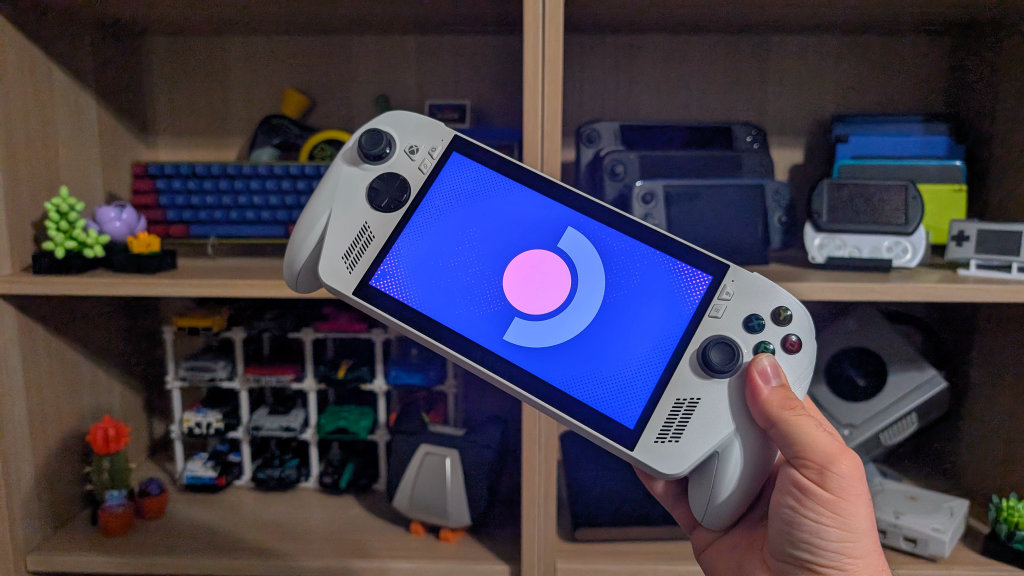
I mean. Was there any doubt I wouldn’t try Bazzite? With how Linux has helped performance on other handhelds versus Windows, it was only fair to toss it on an extra drive, pop it in the All,y and just run. The Bazzite experience is as tailored as it can be.
Utilizing the ROG Ally build, all of the buttons are pre-mapped and work right out of the box with Handheld Daemon and Steam BPM. A bit of Decky, a sprinkle of CSS loader, and a dash of SteamGridDB later, and I’ve got a setup that just works perfectly. Though I didn’t really need to do any of that for a good experience.
Just know those kernel-level anti-cheat games won’t work here.
Performance
The Ryzen Discrepancy
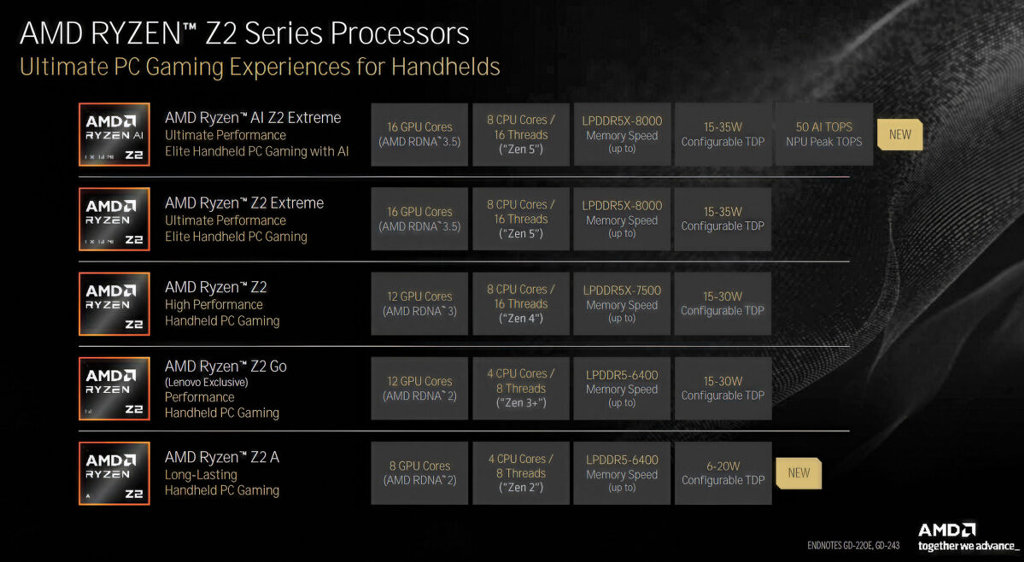
I place this here because it sucks. AMD’s Z2 line consists of 5 chips, ranging from the Z2A at the bottom, all the way up to the Z2 Extreme in the Xbox Ally X and Legion Go 2. If you want Zen 2, Zen 3, or Zen 5, you can look at the Z2 line. With RDNA 2, 3, and 3.5 being your GPU options. It’s so spread out and needlessly expensive that no one is going to properly understand it all.
But for those curious, the Z2A is pretty much on par with the Van Gogh chip in the Steam Deck. Which compared to the $549 Deck OLED pricing, $599 isn’t too far off the mark.
Gameplay
Performance is fine. Despite the 1080p panel, this is definitely a 720p handheld for anything that requires more juice. With 4 cores and 8CU cores for graphics, this is weaker than the AYN Loki and its 6800U. Slotting right in between a 660M and a 680M, the Z2A ran most of my games pretty alright.
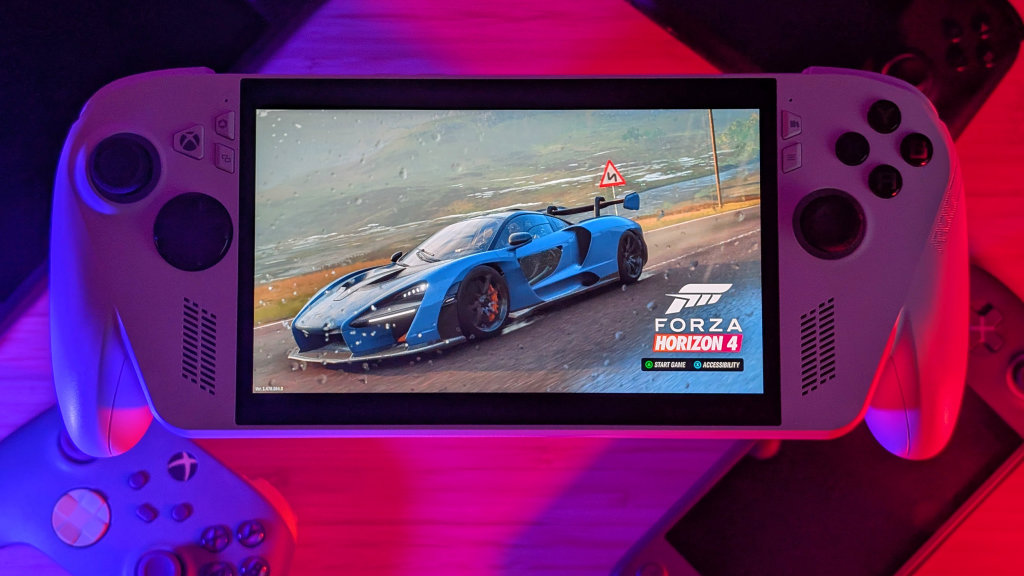
Forza Horizon 4 tuned to 900p ran a consistent 60fps, and Forza Horizon 5 needed a bit more tuning and a drop to 720p to reach that threshold. Admittedly, this is looking more like an Indie games machine than anything, but at that point, I could turn down the TDP and turn up the FPS to take advantage of the 120hz refresh rate. AK-xolotl, Celeste, New Star GP, and Megabonk all run solidly on the Xbox Ally, but they’d also run well on even weaker, cheaper hardware. You’re just paying for the Xbox name and grip.
Competition
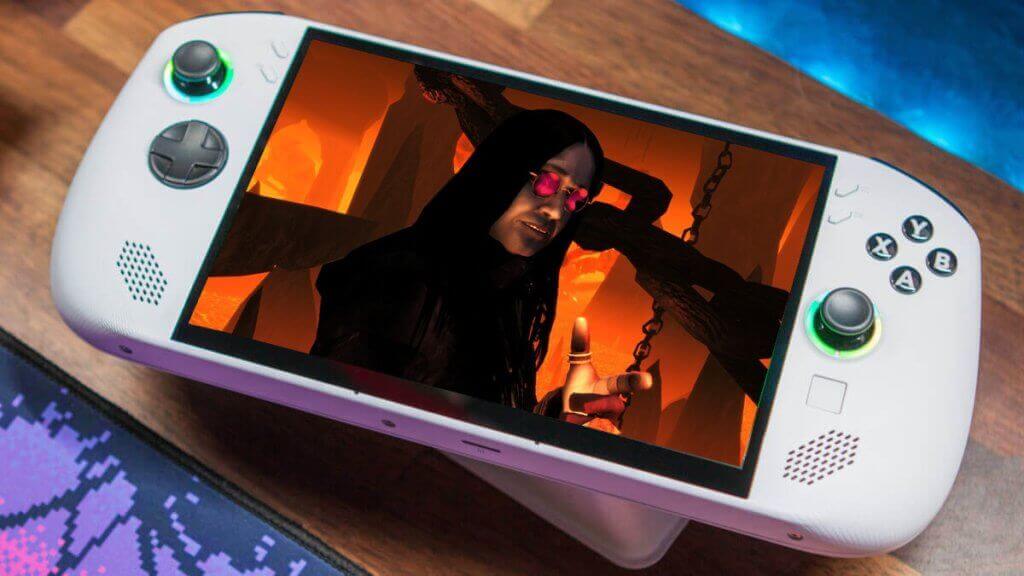
The biggest competition in the new market comes from two devices. The Steam Deck OLED and the Lenovo Legion Go S (Z2 Go). With Steam Deck performance, you pay for additional comfort, a higher resolution and refresh rate screen, and you pay for that Windows license in the handheld, regardless of whether you use it. Against the Go S, you get less performance and a smaller battery, especially considering the price. The Z2 Go with SteamOS comes in cheaper despite having the same Ram and Storage.
In the used market, the Xbox Ally is more expensive than basically any 6800U handheld. The Loki, Win 4, and Ayaneo Next, among others, all have their own downsides. Weaker screens, smaller batteries, AYANEO, among other concerns. But if that’s the performance tier you want, you can save some money for something less expensive.
Final Thoughts
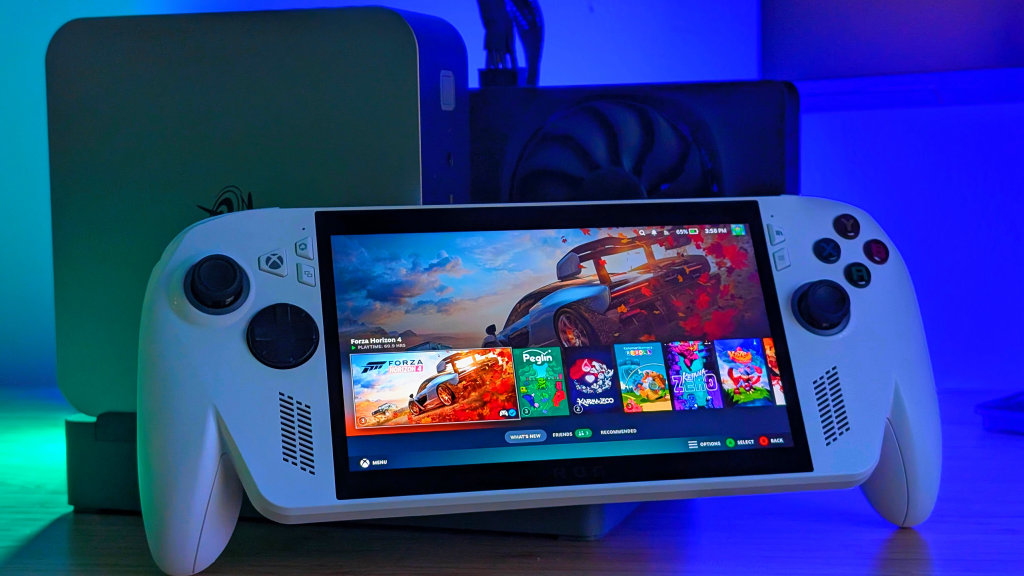
The ROG Xbox Ally is a good handheld, especially in the new market. With the Xbox Full Screen experience regularly improving, it’s likely you’re going to see the entire Windows on Handheld feeling get better with time. Despite that, you’re also unfortunately looking at a victim of the time and pricing. Both Ally’s fall into awkward pricing categories that I’m not really going to recommend to a lot of people. Lenovo and ASUS both offer better values with Z2 Go, or Z1 Extreme handhelds that’ll perform better for similar or less.
Personally, I think I’m going to finally retire my AYN Loki Max, but that’s because it’s getting replaced with two devices. For comfort, I’m keeping the ROG Ally, but for performance, I’ve had an AYANEO Air 1S sitting in the wings that could use some more love. Even with its minuscule 5.5-inch OLED panel. 2.5 years later, and I’ve finally got a successor. Or at least a pair of them. Get an Xbox Ally if you want; it’s a solid handheld, but it’s far from perfect.
[button link=”https://rh-go.link/ASUS-ROG-Xbox-Ally_Amzn” color=”red” newwindow=”yes”] ASUS ROG Xbox Ally at Amazon[/button][button link=”https://rh-go.link/ASUS-ROG-Xbox-Ally_BB” color=”red” newwindow=”yes”] ASUS ROG Xbox Ally at Best Buy[/button][button link=”https://rh-go.link/ASUS-ROG-Xbox-Ally_WM” color=”red” newwindow=”yes”] ASUS ROG Xbox Ally at Walmart[/button]
What did you think of this article? Let us know in the comments below, and chat with us in our Discord!
This page may contain affiliate links, by purchasing something through a link, Retro Handhelds may earn a small commission on the sale at no additional cost to you.

3 Comments
The Ally seems to have been reduced in price across the board at most retailers (at least temporarily for the holiday season) to $490-$500 USD. I managed to get an open box one from Best Buy for $440 a couple weeks ago (FedEx finally delivered today). I think that makes it more in line with what people in the know would pay for such a device. Tho, people not familiar with the whole PC as a handheld quirks are going are probably going to be frustrated (hence pretty good availability of Open Box items)
Great write up
Actually even steam deck lcd had bigger screen than this device, lenovo legion go s is the true new steam deck