

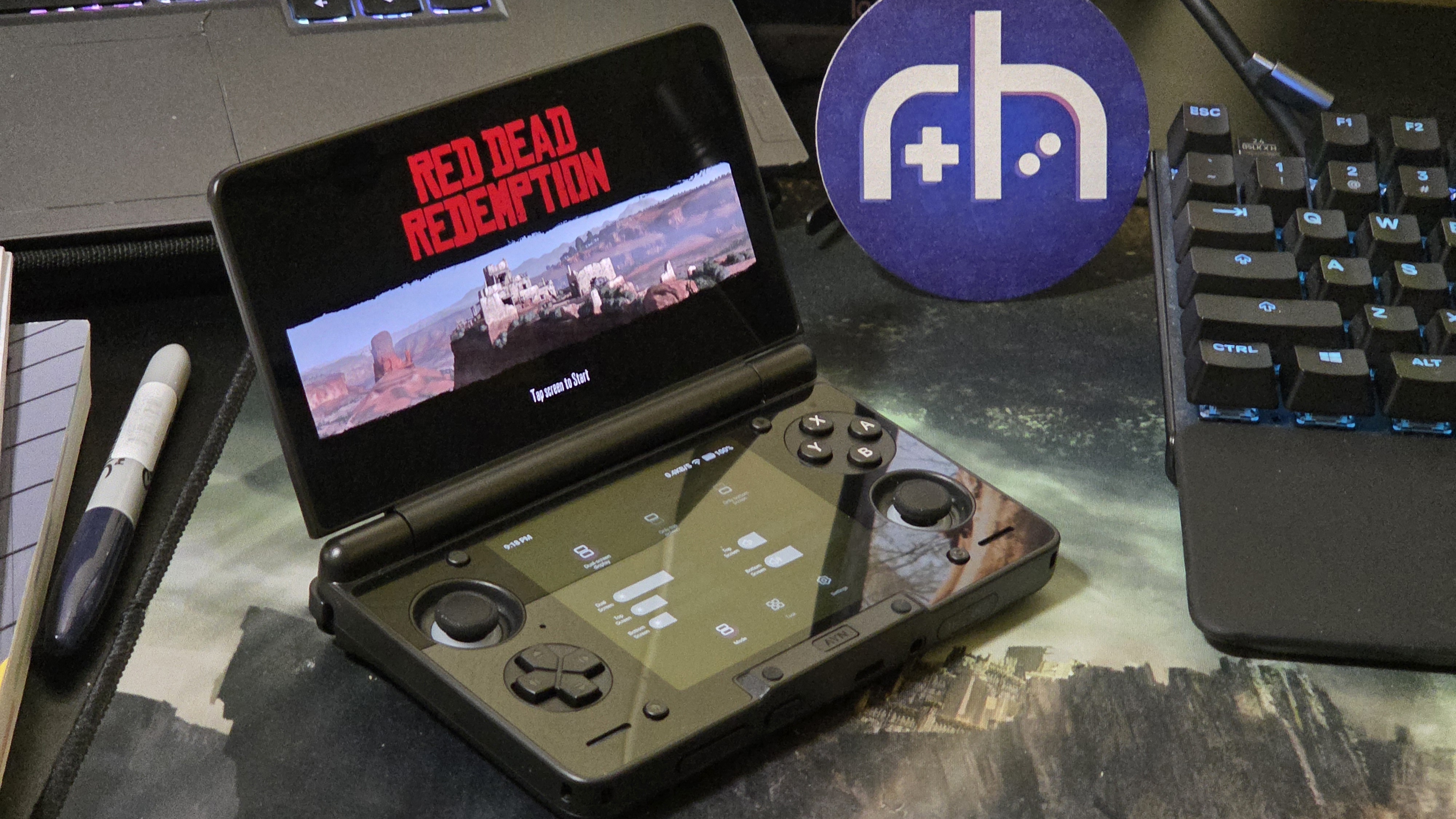
What was once a marvel of its time, perpetually trapped in the seventh generation of home consoles, is now just… everywhere. A game that needs no explanation or rationale for its excitement: Red Dead Redemption. A timeless cowboy sim-action and a truly epic, yet tragic story.
And just as epic, we have an Android port! So now we can enjoy it on our personal microwave emitting bars in our pocket AND on the assortment of high-quality Android handhelds out there. Yet…tragically, this isn’t a cut-and-dry solution. At least not yet. The port is good for some devices, weird on others, and straight up missing on even more. What’s going on here?
[button link=”https://play.google.com/store/apps/details?id=com.netflix.NGP.Kamo” color=”red” newwindow=”yes”] Red Dead Redemption | Google Play[/button]
Red Dead Redemption: The Best Case Scenario
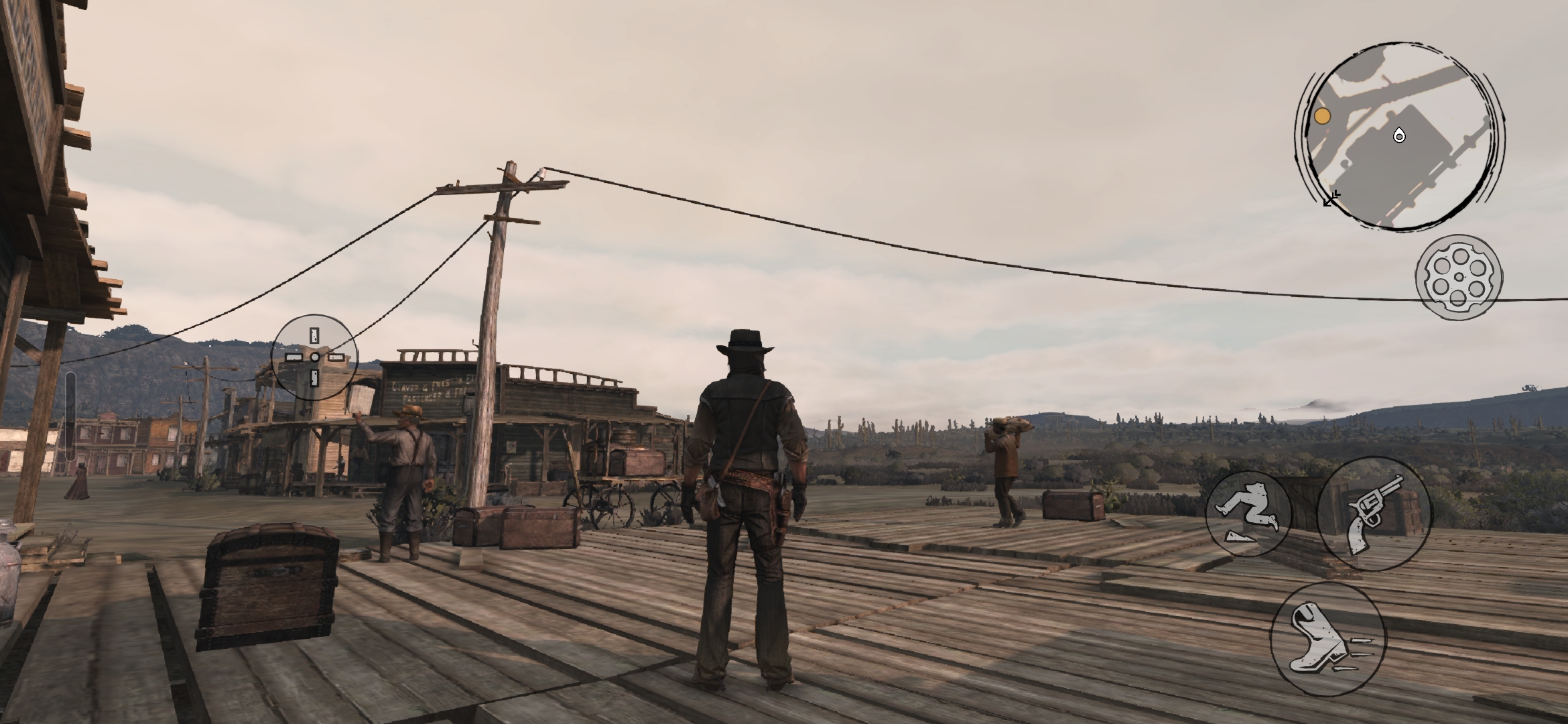
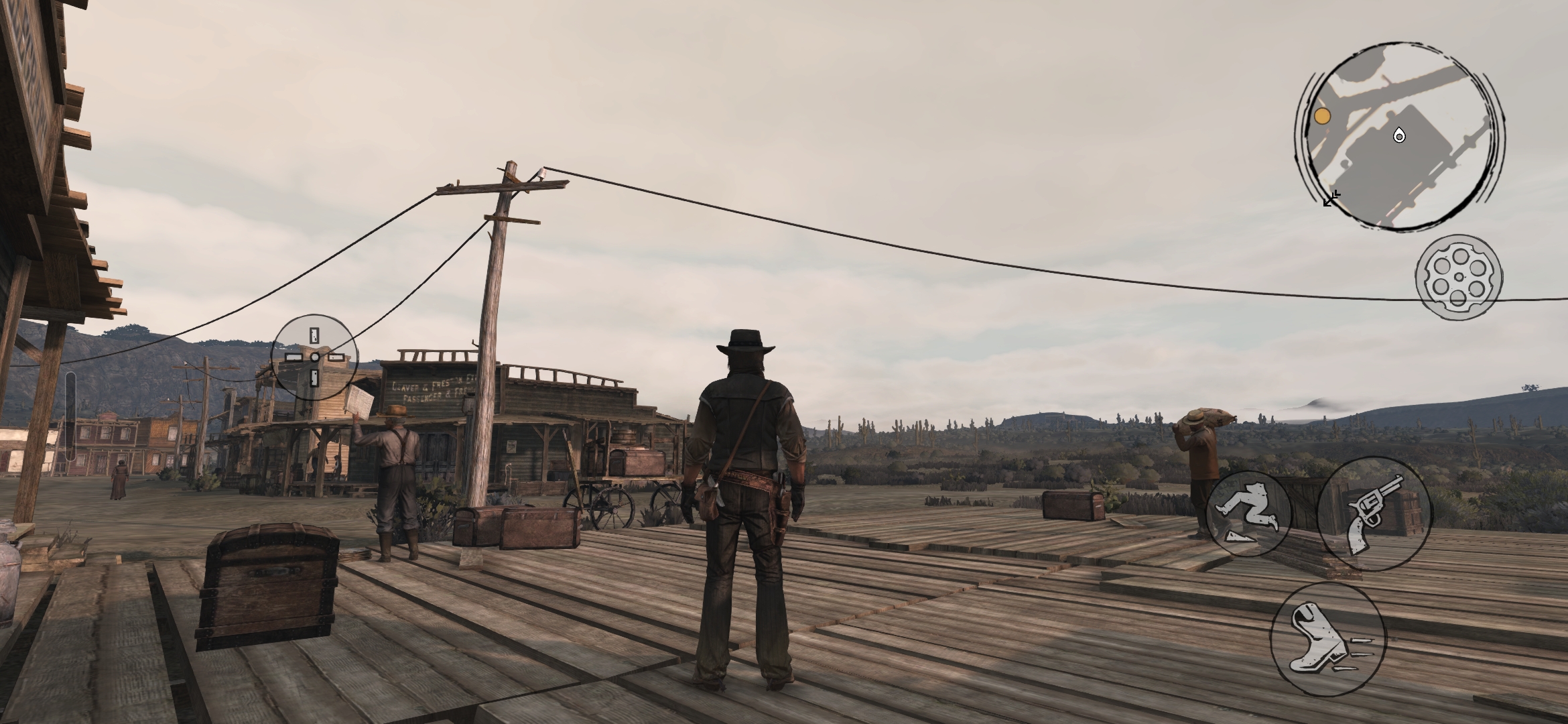
Scenario 1: You have a top-of-the-line phone with a Snapdragon processor. This is great! The port visually looks similar to the Switch 1 port with no antialiasing (or FXAA at best) and no noticeable shadow enhancements, but we have a toggle for fidelity and performance, giving us up to 60fps.
My Galaxy S25+ with a Snapdragon 8 Elite gives us a nearly locked 60fps and runs fairly efficiently, with relatively low heat and battery use. This is a sign that the port is optimized for this chip and runs efficiently. You’ll have no issues downloading it through Netflix and installing it
Scenario 2: You have the KONKR Pocket Fit, which has a Snapdragon 8 Gen 3. Controller configuration works out of the gate, and you are flying high. Performance is great (like above), and you shouldn’t have issues downloading through Netflix. Gaming bliss.
Red Dead Redemption: Where It’s Weird
Red Dead seems to have compatibility issues with devices that run on a Mali GPU, so just about every handheld with a Dimensity chip (IE, Anbernic’s 6 and 7 series handhelds like the RG477M or RG476H) will experience texture loading issues, model glitches, and relatively poor performance.
At least, this is what I’m seeing from personal anecdotes online, so feel free to respond below if your device is running this game well. It appears that the game is installable through Netflix, so maybe a patch in the future will fix this. For now, I would just stick to emulating the Switch version on Dimensity-based devices.
Red Dead Redemption: Where It Doesn’t Work (Or Does It?)
Scenario 3: You have a nice AYN Thor Pro that would make it an excellent candidate for an Android port like RDR, but when you visit Netflix and go to install it, you get slapped with a “your device is not capable of running this app” bubkis, and now you are left confused, sad, but not alone.
Just about every AYN and Retroid device gets this error, and there’s a clear villain here: Google Play Protect Certification. In Handheld Settings, there’s an option to validate Google Play Services and make your console “Valid” according to Google, but that doesn’t seem to work in a way Netflix recognizes. Maybe it is tied to AYN/Retroids’ flavor of Android for these devices? Don’t know. But in its current state, you have one real option: Side loading.
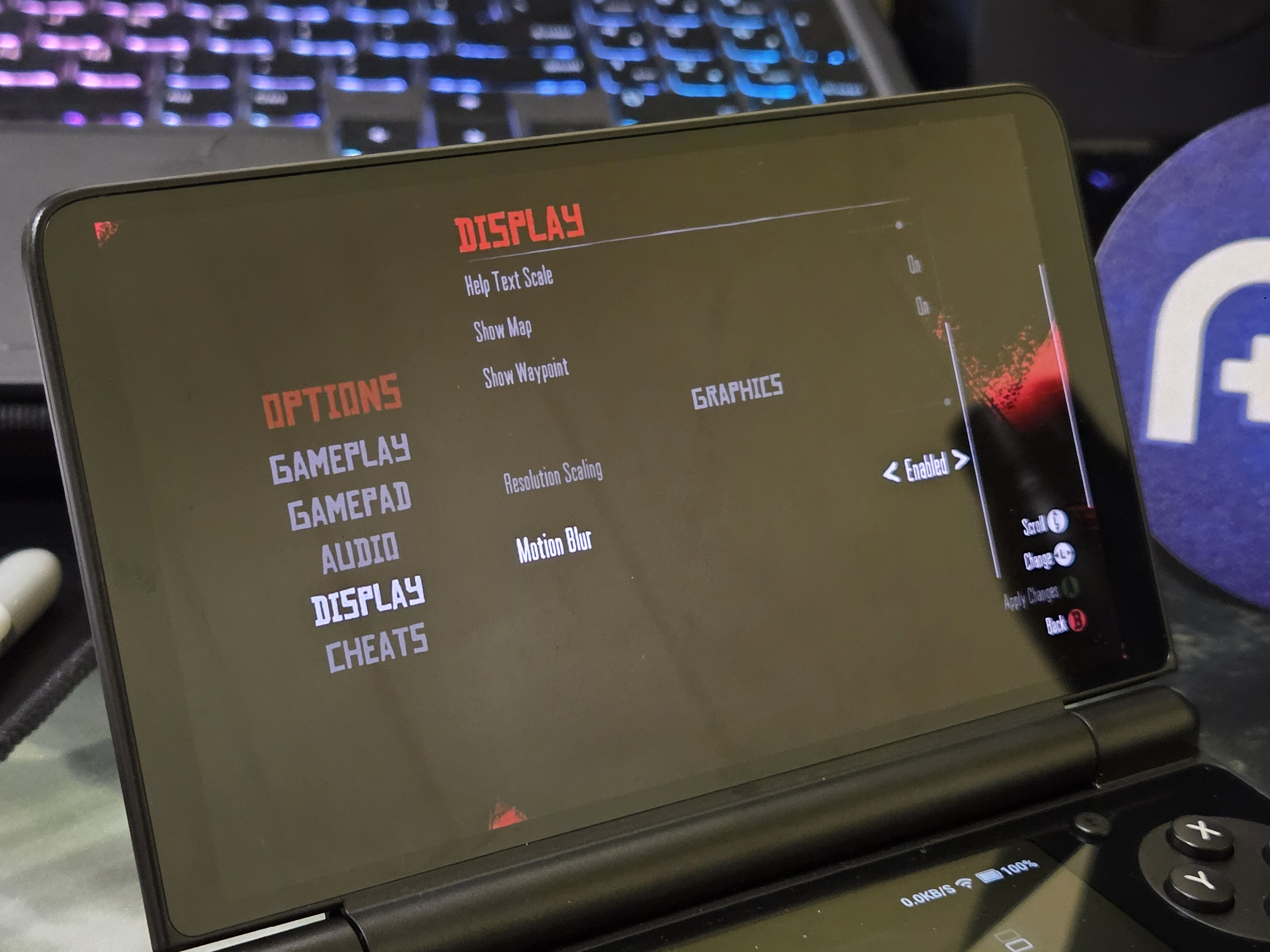
I’ll explain to you in the next section how to side-load RDR, but first, let me set your expectations for performance: It’s locked to 30fps. The file that might stumble into your downloads folder (somehow) seems to be an earlier version of the game, before it had fidelity and performance modes. Meaning that your only graphical settings are resolution scaling and motion blur.
You still get the benefit of better battery life over Switch emulation, so this might still be of interest to you, but note that this game is already not that responsive, and 30 FPS only adds to the input latency. If that’s fine for you, see the next section.
Note: All of this information might be outdated soon, as this issue is investigated further, so I will update this article once better methods come to light.
Red Dead Redemption: How to Sideload It
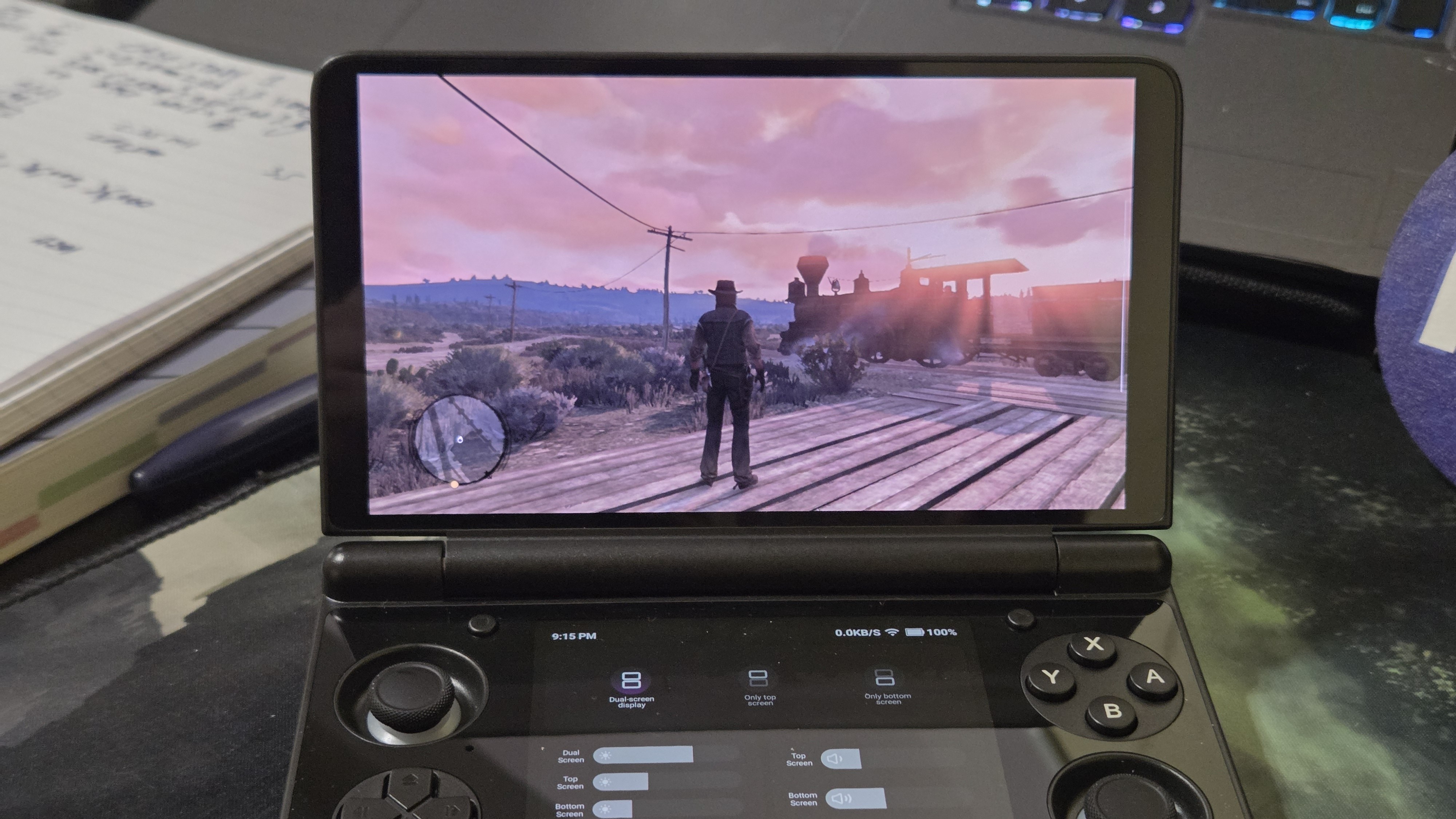
I can’t tell you where to get it, but there is a single .apk file floating around on the internet that can’t legally be distributed. Shame on them. Stealing from a small Indie studio like Rockstar and Take-Two Interactive.
Anyways, once it magically manifests itself into your Downloads folder, it will be a .apk file. These are standard APK files broken up into chunks that can’t be installed the regular way and require an APK splicer as a medium to install them.
Set up a Splicer App
For splicing, you can use your PC, but I’d just use a splicing app to consolidate the APK files in the APKS. SAI and XAPKS are the more popular ones, but I could only get mine to work on SAI without crashing. Installation is touchy, so be patient.
[button link=”https://play.google.com/store/apps/details?id=com.mtv.sai” color=”red” newwindow=”yes”] SAI: Split APKs Installer[/button][button link=”https://play.google.com/store/apps/details?id=com.wuliang.xapkinstaller&hl=en_US” color=”red” newwindow=”yes”] XAPK Installer[/button]
Splice Your APK
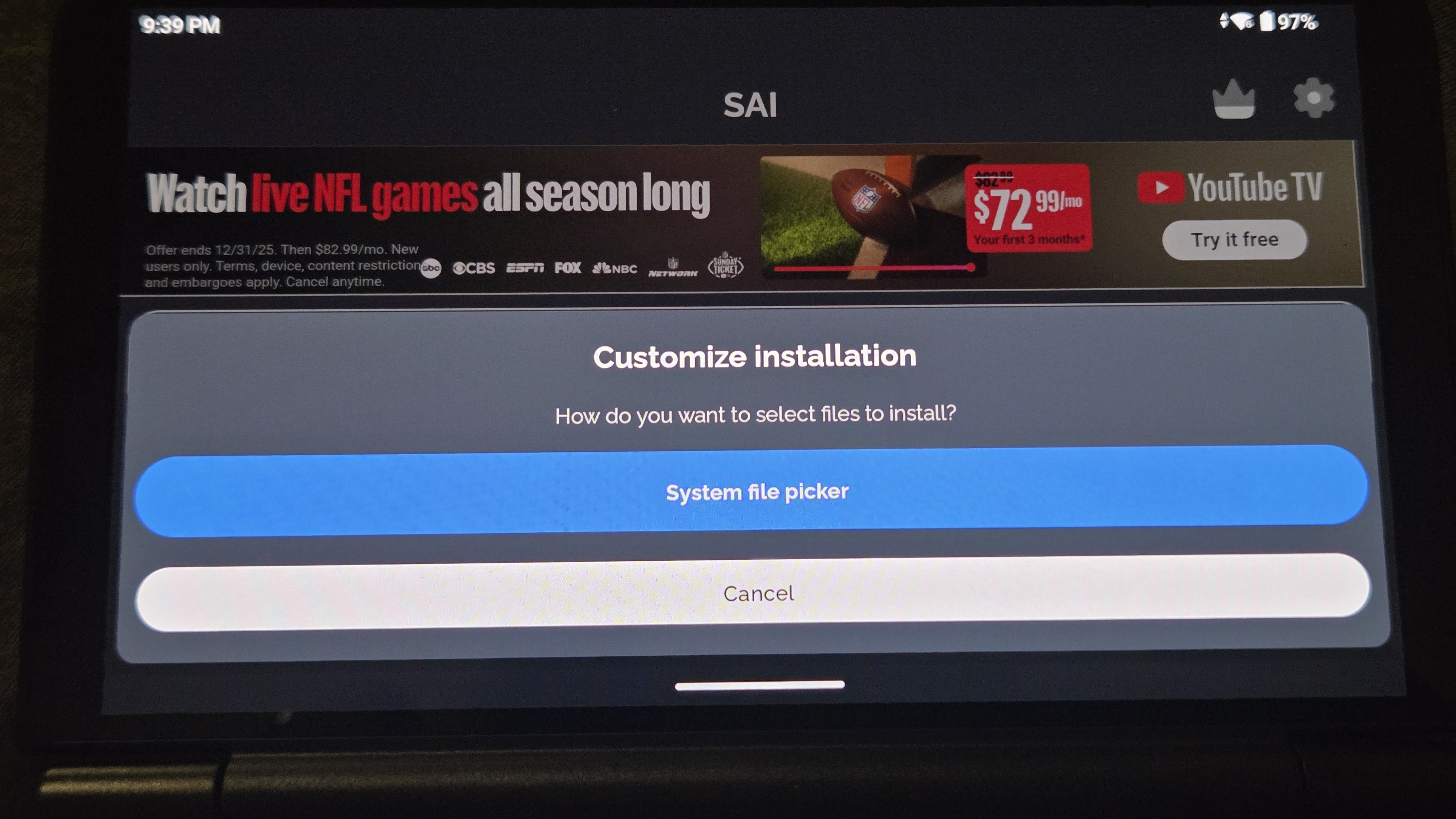
Once the splicing app is downloaded, grant it all the necessary permissions so it can access your files. It might slap you with an ad or two, oops. Boot into the home screen and immediately select “Select Files” and watch the worst ad you’ve ever seen.
After selecting “System File Picker”, select the entire APK file in your files. This will execute a parsing command. Leave it and say a short prayer. When the next window pops up, leave everything checked and hit “Install.” These are the embedded APK files in your APKS file.
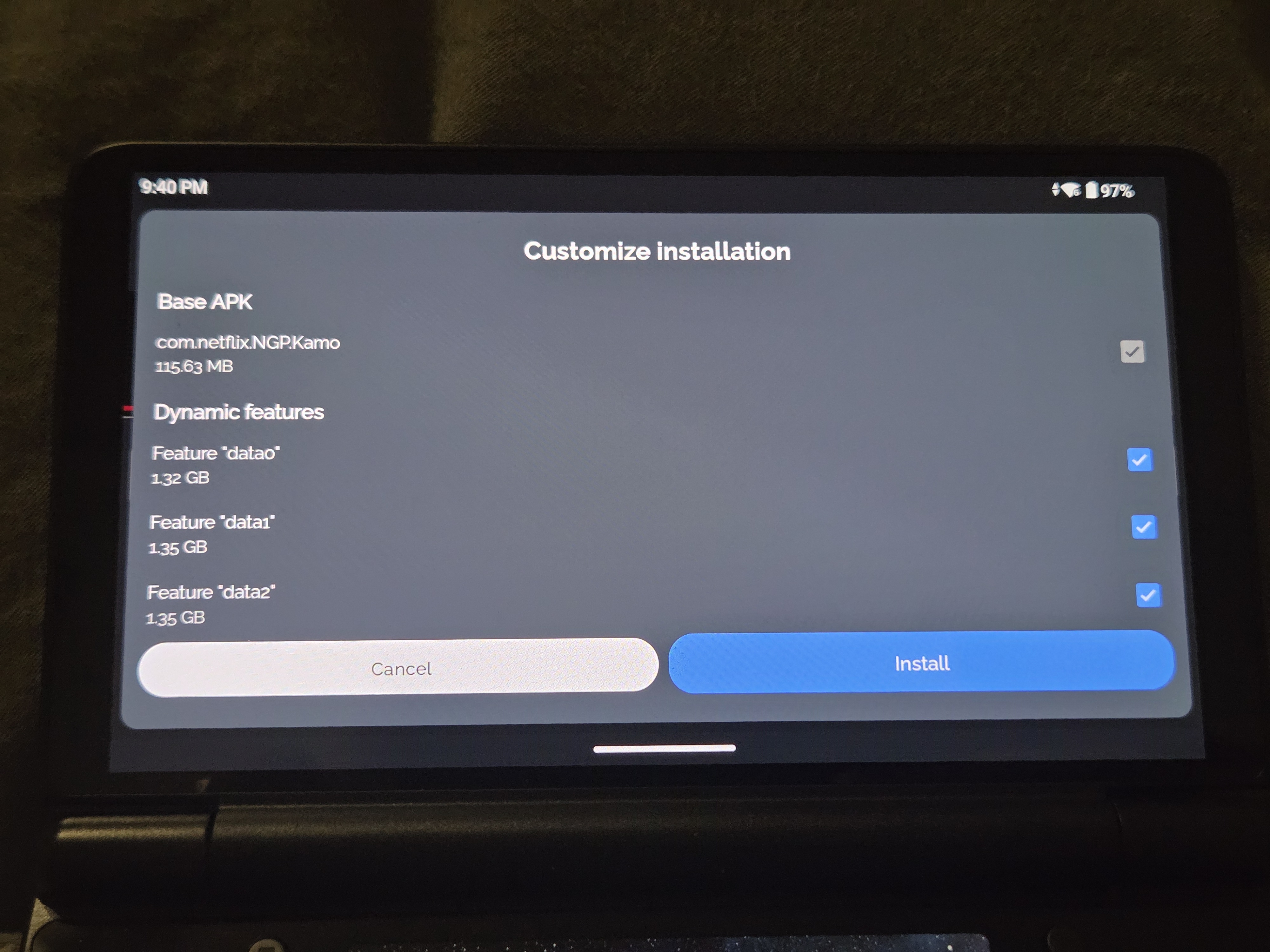
This will probably crash. Do it again, but this time pray harder. When it finally installs, good job! It should work now as an app simply called “RDR,” and now we can enjoy disappointment together (or at least until we can get 60fps figured out)
What did you think of this article? Let us know in the comments below, and chat with us in our Discord!
This page may contain affiliate links, by purchasing something through a link, Retro Handhelds may earn a small commission on the sale at no additional cost to you.

3 Comments
How about the non netflix version of Red Dead Redemption where you have to pay for it? Will it have issues on devices like AYN THOR and Retroid?
Note to author: Most people mix up IE with EG, as you have above. I don’t remember the latin from which they derive, but my tip to remembering is IE = “in other words” whereas EG = “for example”. I haven’t mixed them up after discovering this mnemonic. Also, not sure if bubkis is used right, typically it connotes “zero” where I think you might be better served by “mumbo jumbo” or “hullabaloo”.
Hello y’all! Good news. I just installed it on my Odin Portal from Netflix. Seems like a fix came fast, or I just got lucky.