

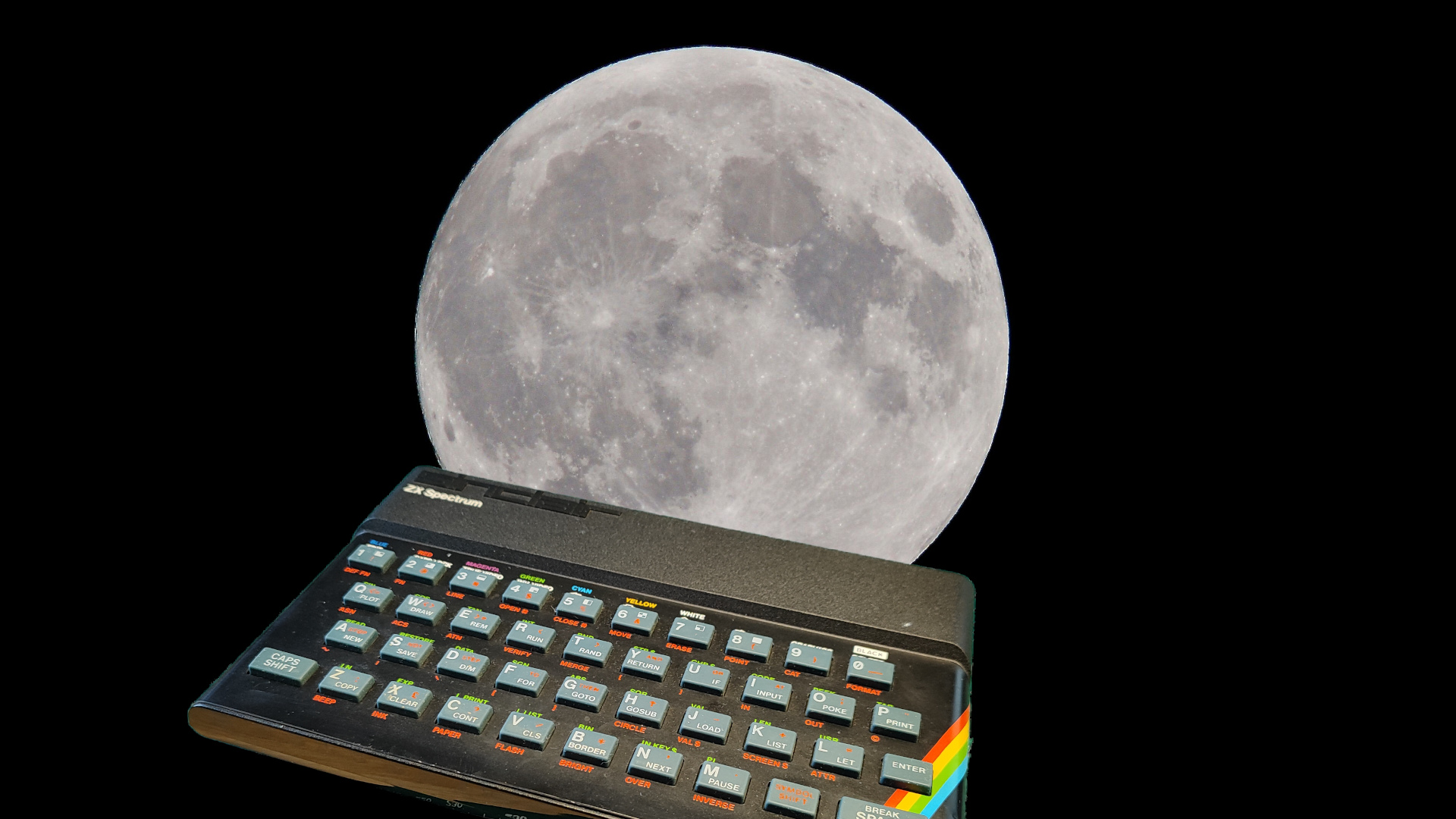
Kerbal Space Program is already a pretty good way to realize you shouldn’t be anywhere near real spacecraft, but YouTuber Scott Manley just raised the bar by putting a ZX Spectrum in charge of his lunar lander. In a new project, he uses Sinclair BASIC, serial communication, and some Python code to let 1980s hardware fly a simulated descent in KSP.
The basic idea is that the Spectrum talks over a serial link, reads out real-time telemetry, and sends control inputs back to Kerbal via a Python script using the kRPC interface. Because the original Speccy never had native serial, Manley leans on the classic ZX Interface 1 hardware (represented here as a virtual add-on inside the Fuse emulator) to push data at up to 19,200 bits per second. On the Spectrum side, a BASIC program parses the incoming numbers and lets Manley manage his landing burn from a machine that predates Windows 95 by more than a decade.
Flying a simulated spacecraft controlled by a ZX Spectrum and Sinclair BASIC my first computer and programming language.
Terribly inefficient right now because the serial port is so slow and the CPU spends lots of cycles bit banging to talk to it.
There’s a Python program in… pic.twitter.com/LUywMLnYFG— Scott Manley (@DJSnM) February 2, 2026
He’s upfront that the BASIC code is wildly inefficient and that the serial link is a serious bottleneck. The Z80 is busy bit-banging just to keep the connection alive, and any modern microcontroller could do this with cycles to spare. But that’s not really the point: this is about seeing how far you can stretch the exact kind of 8‑bit home computer a lot of folks first learned to program on.
Tom’s Hardware notes that the whole thing could be moved to physical hardware with a USB–RS‑232 adapter and real Spectrum kit, and even ported to other ’80s machines like the Commodore 64 with some clever BASIC and serial tinkering. Given the right bridge code and a lot of patience, those old 8‑bit workhorses can still help land a “spacecraft,” even if it’s made of polygons.
Source: Scott Manley’s YouTube via Tom’s Hardware
What did you think of this article? Let us know in the comments below, and chat with us in our Discord!
This page may contain affiliate links, by purchasing something through a link, Retro Handhelds may earn a small commission on the sale at no additional cost to you.
