

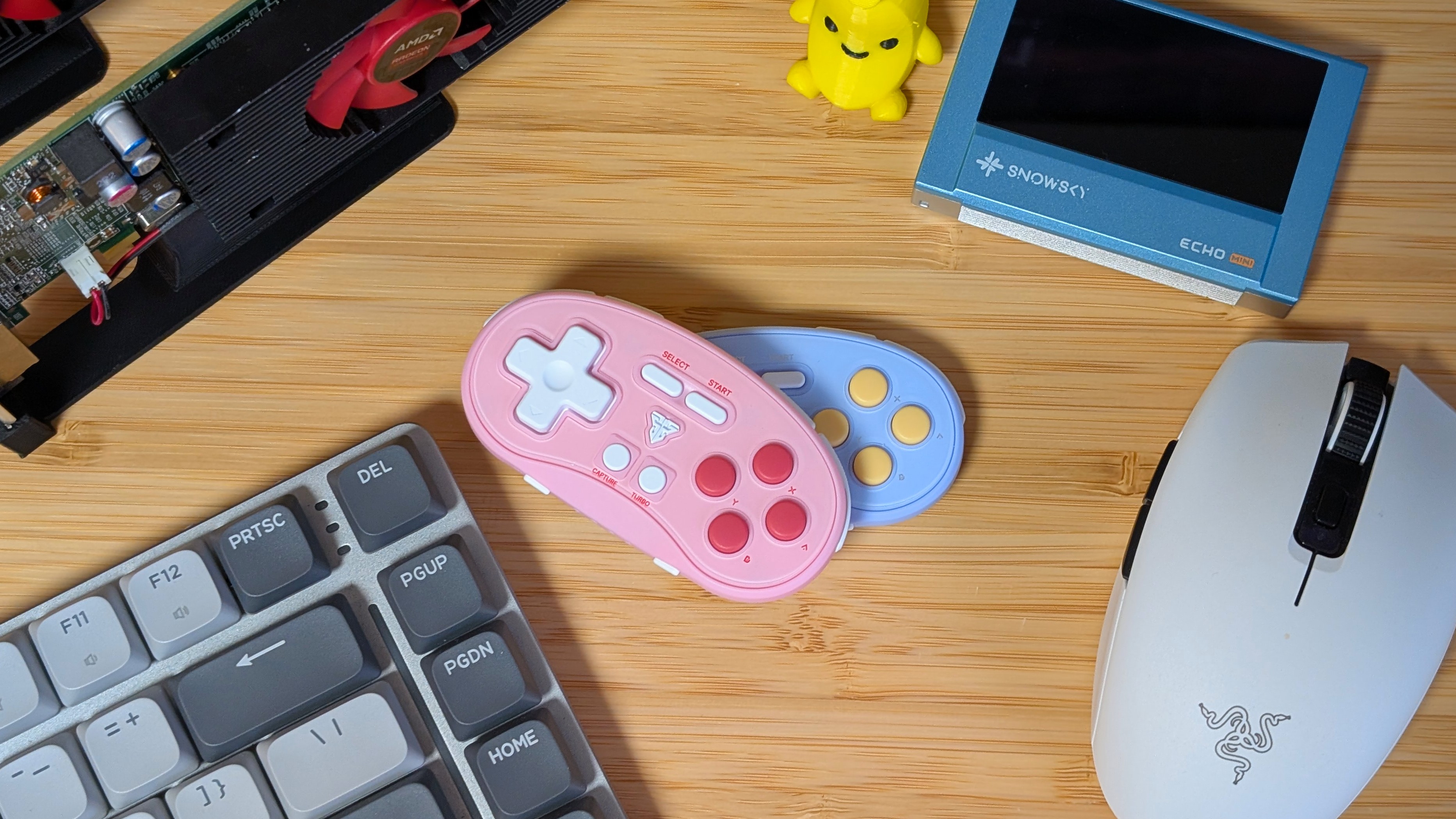
Controllers are getting pricey. At least for the full-sized options out there. I’ve covered everything from $20 to $250 and everything from bare bones to feature-packed. But the one thing I haven’t gotten into is tiny controllers. So while today, I’m taking a look at the Fantech EOS Mini, I’ve also got a selection of tiny controllers to compare it to.
Between $10 and $20, you can grab the Fantech EOS Mini, 8BitDo Micro, IINE Mini Retro, or Aolion AL-N5. But which should you grab? And is the EOS Mini all it’s stacked up to be? Let’s find out.
Fantech EOS Mini Specs
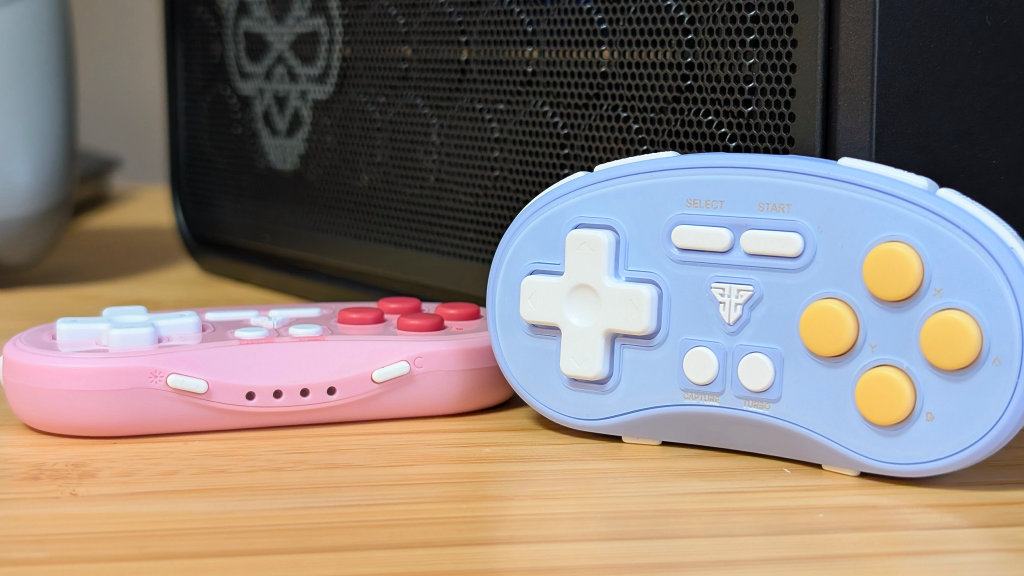
For $12.80 plus shipping, you get a decent amount bundled into a tiny controller. But what exactly are you getting? And is it something you should really be looking into?
- Face Buttons: Membrane
- Shoulder Buttons: Digital, Clicky
- Connectivity: USB-C Wired, and Bluetooth 5.0
- Battery Life: “Up to 20 Hours”
- Compatibility: iOS/Android/x86/Nintendo Switch
- Weight: 30 grams
- Colors: Blue, Pink, Black, “Retro” (It’s just NES Colored)
[button link=”https://rh-go.link/Fantech-EOS-Mini” color=”red” newwindow=”yes”] Fantech EOS Mini[/button]
Shoulders
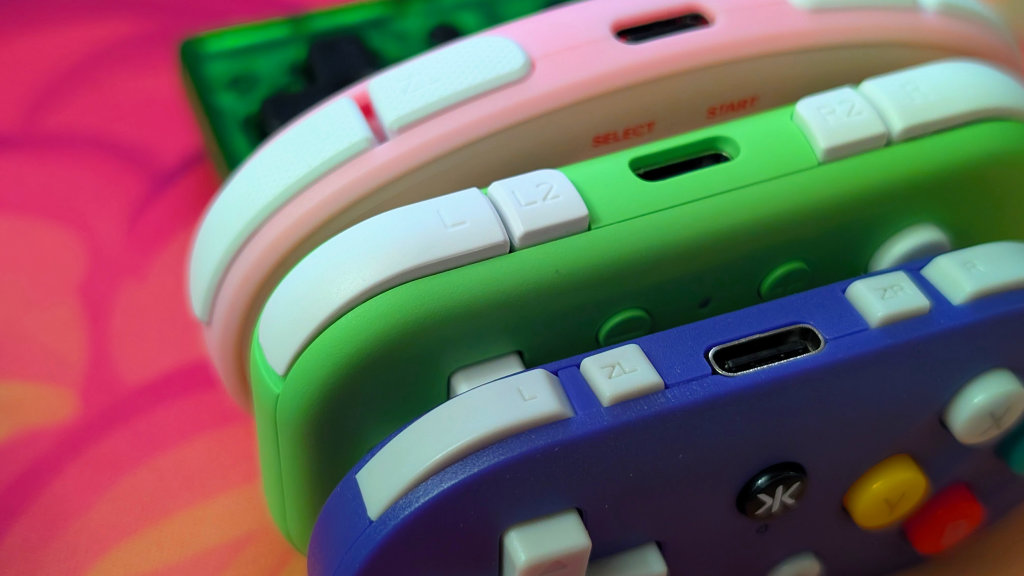
Admittedly, on a small controller, I’ve found that I’m not attempting to use the shoulder buttons as much as some of the others; however, of the batch, the EOS Mini makes its shoulders the most usable. They’re light and clicky, and it doesn’t feel like I’m pressing the controller through my hands just to press them. They get a decent pass from me so far.
The competition, though, is a bit more mixed. The 8BitDo Micro has great L and R buttons, but literal tic tacs of L2/R2. The IINE is next with evenly spaced buttons that have a similar light clickiness to the EOS Mini, but are also pretty small across the board. Last is the Aolion. With its animal face-shaped body, the ears, I mean shoulders, are much harder to press, and the curves made it a bit too hard for me to regularly use.
Face Buttons
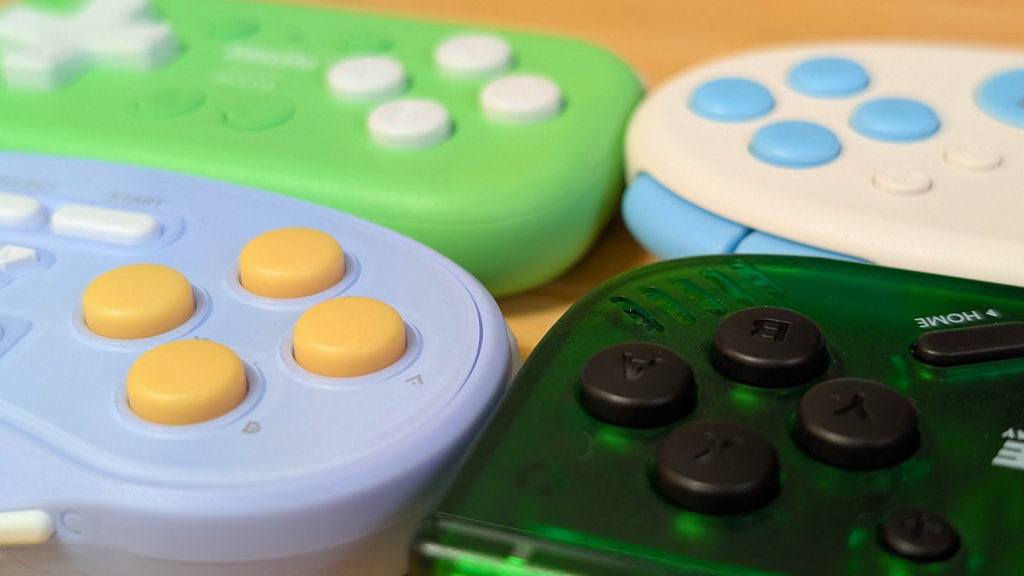
Of the batch, the EOS Mini doesn’t have the best face buttons. While they’re quiet and membrane, they have a tension to them that makes them feel like they’ll end up getting fatigued over time. So if you’re playing something that requires a lot of button spamming, you might get tired of hitting those buttons constantly.
My favorite are the IINE buttons, nice and mushy with an easy-to-press feeling. They’re not fatiguing and do well over time. The 8BitDo Micro is membrane but with a stiffer press than the IINE but less than the EOS Mini. It’s a decent middle ground, but not perfect. Last again is the Aolion with buttons that are simply just clicky buttons, almost. You press down, and you immediately bottom out with a click. They feel nice, but they’re even smaller than the others.
D-pad
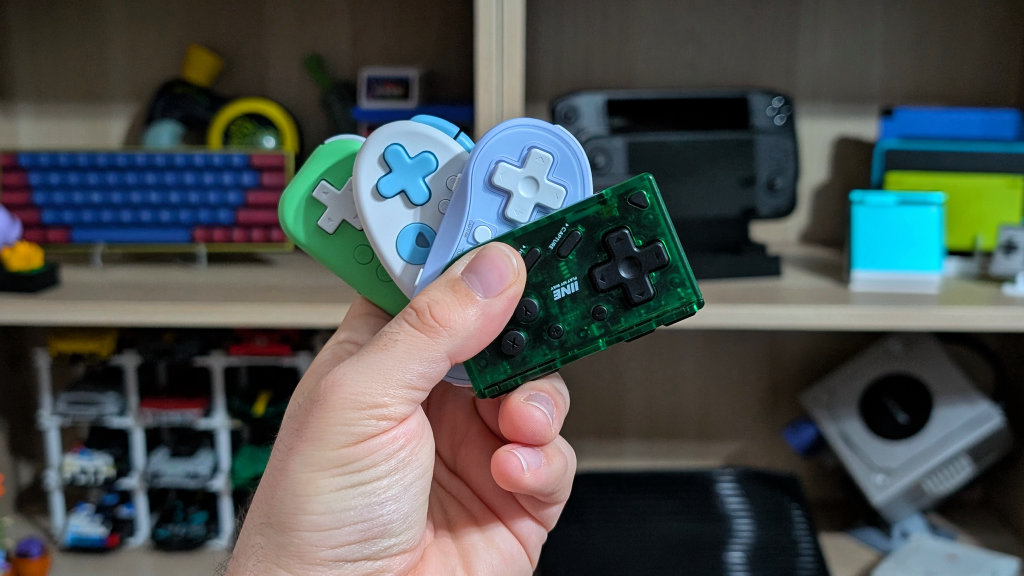
Of the batch, three of these micro controllers have super similar feeling dpads, while the last one is way different. The EOS Mini and IINE both have that classic feeling dpad. It’s light to press, and both of them pivot quite well. Neither controller gave me issues with diagonals, and both felt accurate to any pivots I made while playing both Celeste and Tetris DX.
The 8BitDo Micro dpad feels almost identical; however, it’s just a bit smaller. The Aolion, on the other hand, is small, awkwardly rounded, and clicky exactly like the face buttons. It won’t give you any issues with diagonals or how quickly it activates, but the fact that it’s almost the opposite of the others in feel and shape is just a bit interesting.
Bonus Features
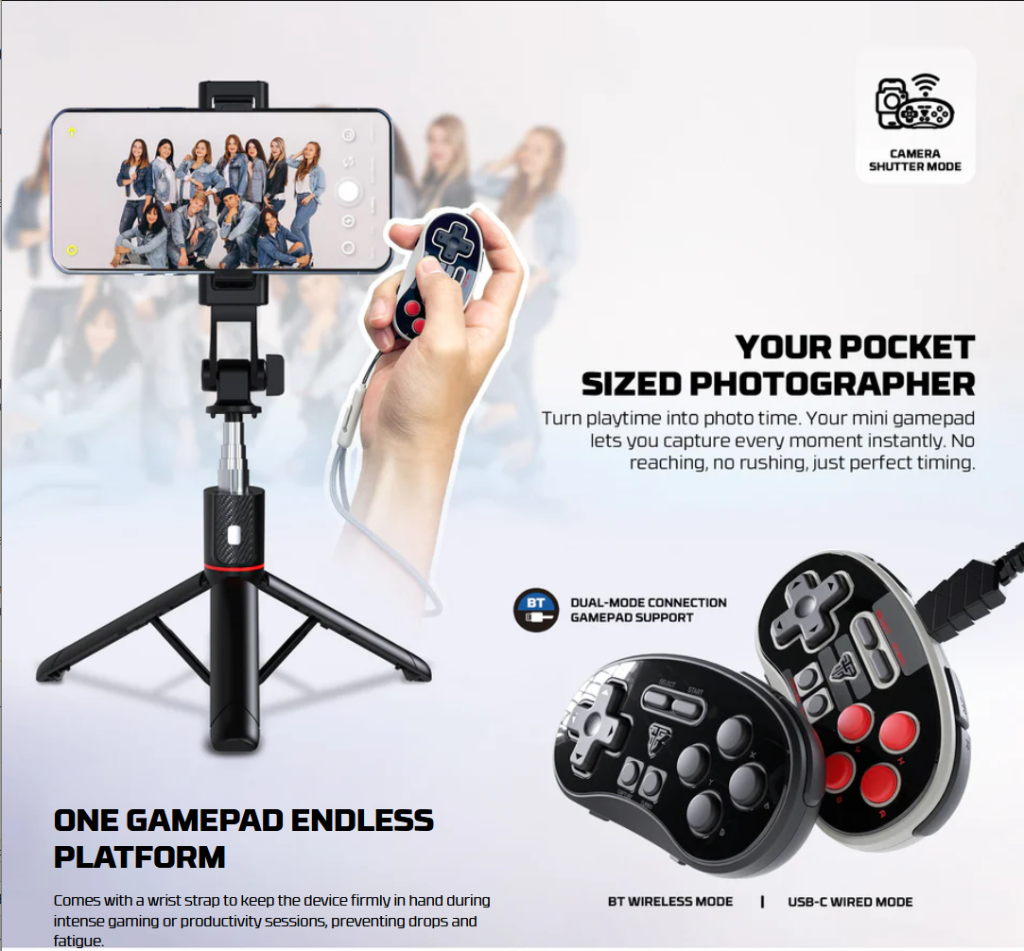
When it comes to additional features, most of these have a few. The EOS Mini and the 8BitDo feature camera shutter capability, meaning you’ll be able to take your pictures without setting a timer. All of the controllers have the capability to be used as clickers for PowerPoint or slide shows. But that’s only important if you’re the type of guy to run your spreadsheets through an Anbernic Win600.
Other neat additions are that all but the 8BitDo Micro advertise the ability to make the D-pad act as the left joystick instead. That way, you can use this tiny controller for more than just D-pad-centric games. That being said, the 8BitDo Micro stands out for having dedicated software for remapping your controls. It absolutely makes it a win if you’re fine with having to use extra software for things like this.
Final Thoughts
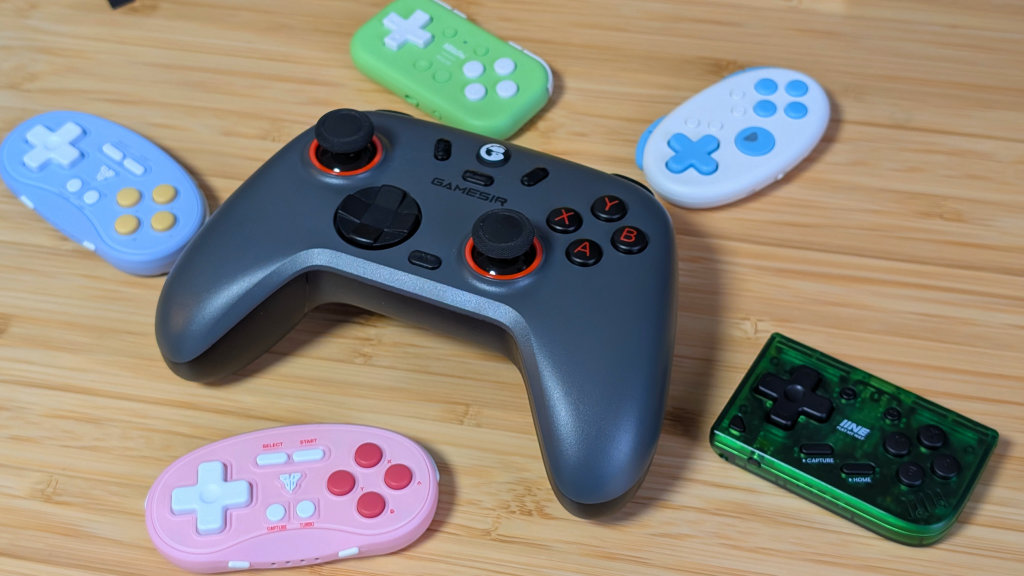
Of the batch, if you like clicky at all, get the Aolion. Otherwise, the Fantech EOS Mini, 8BitDo Micro, and IINE Retro are all incredibly solid options for the price point. If you can get any of them between $10 and $20, they’re recommendations from me. I know there are more mini controllers out there, like the CRKD Atom; however, I haven’t had the chance to grab absolutely every last one of these tiny things… yet.
One tiny controller I did grab but didn’t mention was the ~$9 IINE Gamebrick Mini. They literally just took an NES controller and smooshed it down as small as it would go. It doesn’t compete with these, but it’s the goofiest thing to look at, and I love it. 8BitDo, IINE, and Fantech are all winners in the mini controller category.
The Gamebrick Mini is the winner in my heart.
[button link=”https://rh-go.link/Fantech-EOS-Mini” color=”red” newwindow=”yes”] Fantech EOS Mini[/button]
What did you think of this article? Let us know in the comments below, and chat with us in our Discord!
This page may contain affiliate links, by purchasing something through a link, Retro Handhelds may earn a small commission on the sale at no additional cost to you.
