

Thanks to dual-screen handhelds like the AYN Thor and AYANEO Pocket DS, we’ve seen a wave of new launchers hit the scene in the past few months. Cocoon is just one example, and with Cocoon Shell Beta 2.1, it could very well end up being the de facto choice for many.
Much like the Beta 2.0 release, Beta 2.1 was accompanied by a trailer video. Funnily enough, the video is less than a minute and a half long, but since it was released as a “Premiere”, many had to wait almost as long for the countdown to conclude first.
Nevertheless, the video shows off just a handful of the new additions and changes with Beta 2.1. Arguably most importantly, Cocoon now features the “Silk Pod,” which is described as “Cocoon’s community theme and asset store.”
Previously, you would have to download different assets from the Cocoon Discord and then manually add them to the correct folders on your handheld. This goes a long way to reducing the potential friction that some might have felt when trying to set up the launcher.
Here are a few more of the highlights:
- Now Playing: When you launch a game on a dual-screen device, your second screen is no longer just sitting there doing nothing. You get a full Now Playing view with your game art, session info, and quick access to your dock.
- Game Jingles: You can now set audio files on your games that play when you hover over them, just like the 3DS banner jingles.
- Flutterkey: An all-in-one keyboard, trackpad, and trackball for your bottom screen.
- Game Sessions & Tracking: Game tracking has been completely rebuilt. When you launch a game, Cocoon starts a session and tracks your playtime down to the second. If Cocoon loses focus of the game, the session pauses. When the game comes back into focus it picks right back up automatically, whether you’re coming from Android’s task switcher or the Now Playing bar.
As mentioned previously, this really is a massive update, so you’ll want to head over to the dedicated releases page to check out the changelog in its entirety. The update itself was officially dropped right after the video was released, and you can download it for free over at GitHub.
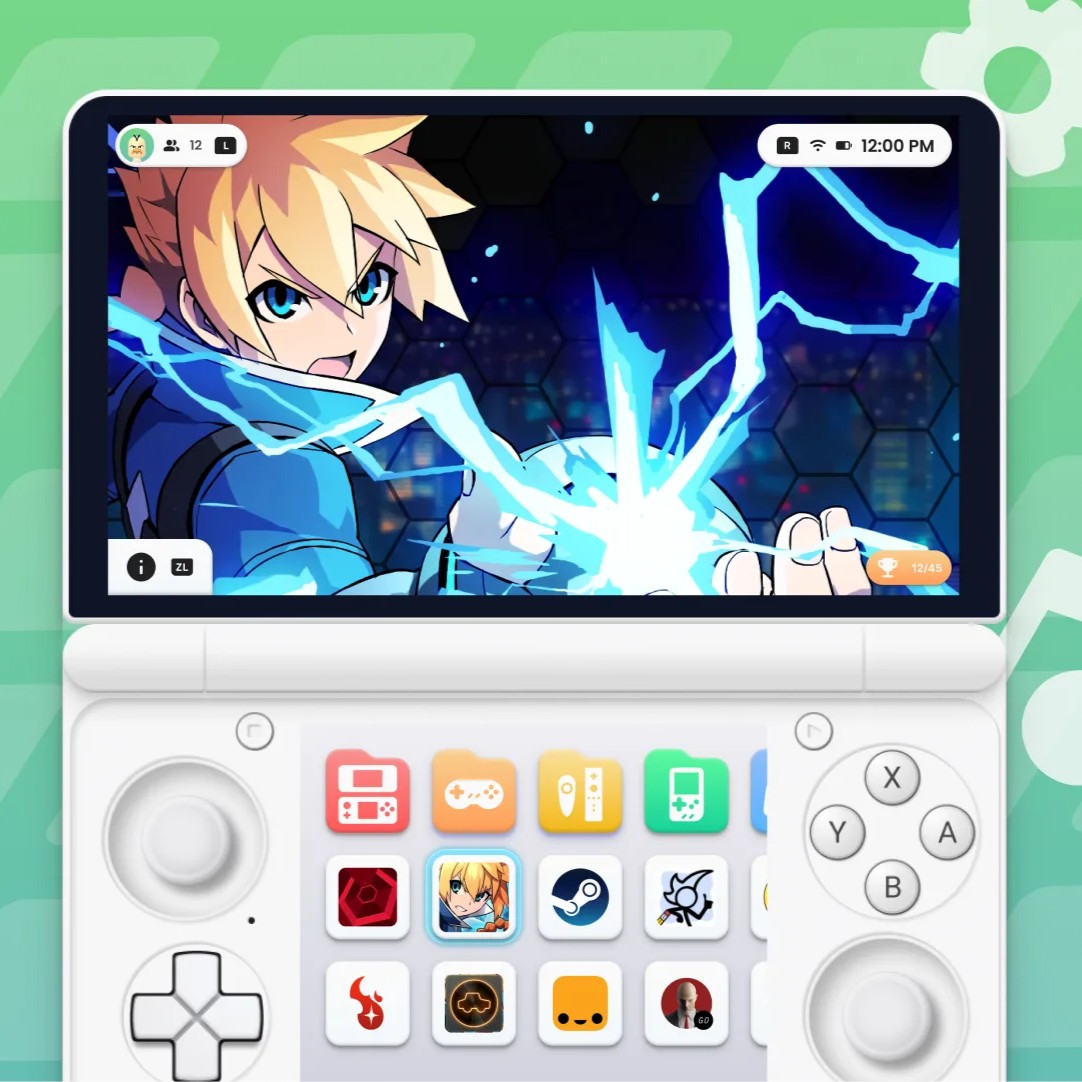
Cocoon Frontend
An emulation frontend inspired by the 3DS UI built for single and dual screen Android devices
