

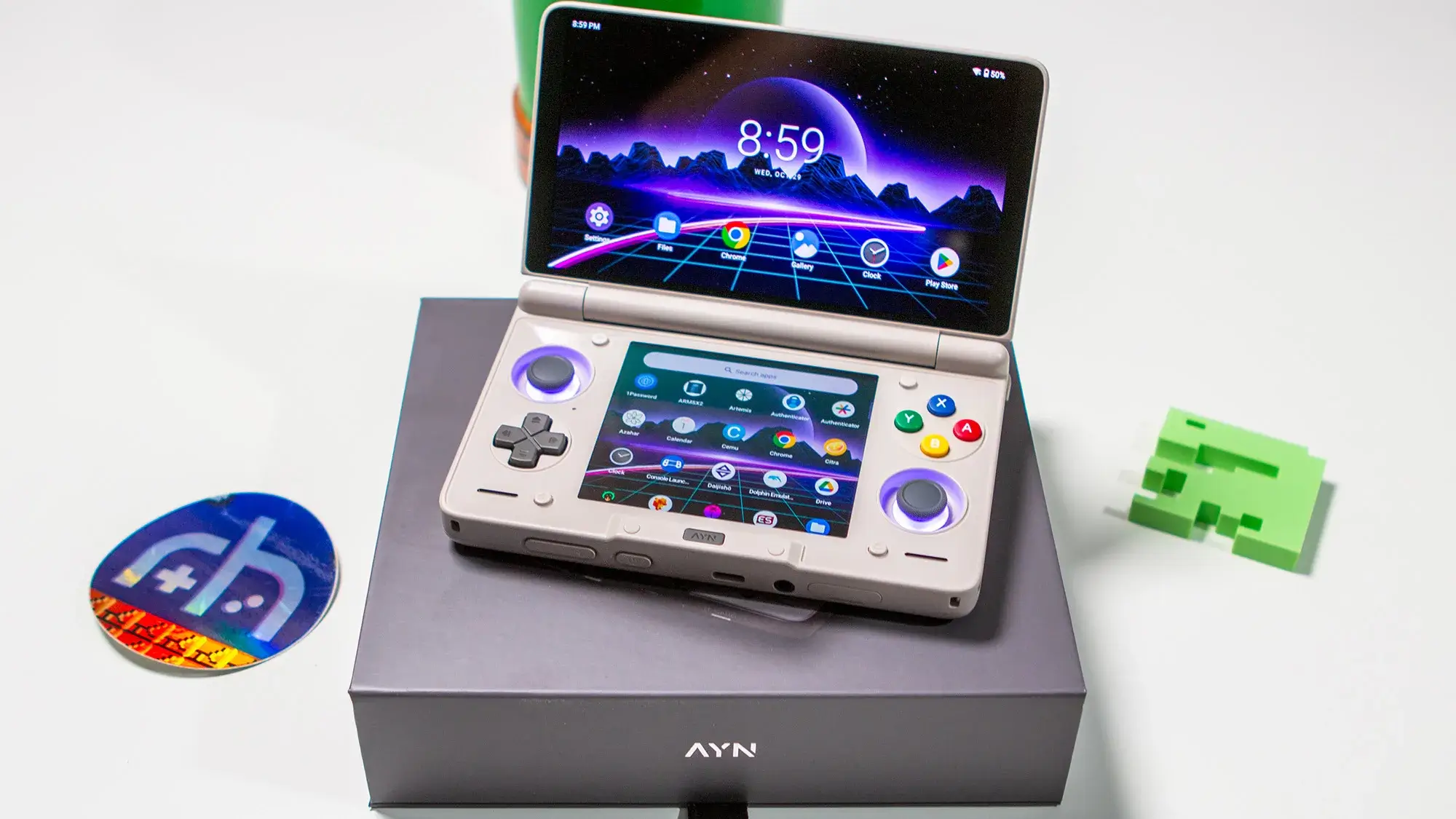
It’s been about a month or so since AYN Thor pre-orders began arriving on doorsteps. Since then, the community has found a bunch of annoyances and various software features that were simply broken. Announced earlier tonight, an OTA update is rolling out that is comprised of a total of 11 different fixes.
Nicole from AYN shared the entire changelog for the upcoming update, which carries a build number of 1.0.0.293. Here’s everything you can expect once your Thor receives the update:
- Solved the broken app-switcher/task-manager when an alternative launcher is applied.
- Added support to pin the On Screen Keyboard on the bottom screen.
- Added support to enable DP output when docked.
- Fixed the issue that Thor would freeze during the first screen mirroring attempt after a factory reset when connected to a Wi-Fi 7 network.
- Added support to hide Android soft keys bar (Navigation buttons) from the bottom screen.
- Enabled maximum fan speed setting when in custom fan mode.
- Fixed the unexpected random lines on the edge of the screen when launching JScreenfix.
- Added boot animation.
- Added support to disable the power button when the device is closed to prevent the reported issue where it keeps turning on by itself and heating up to unsafe levels while its charging or in the pocket.
- Added support to prevent system from waking up on the charging cable plug event when lid is closed.
- Added support to use AYN key to wake up screen.
For many, the biggest issue has been the inability to properly use third-party launchers such as ES-DE, Console Launcher, or basically anything other than AYN’s offering. Before the update, the entire mulit-tasking experience was completely borked, making it impossible to quickly jump between apps.
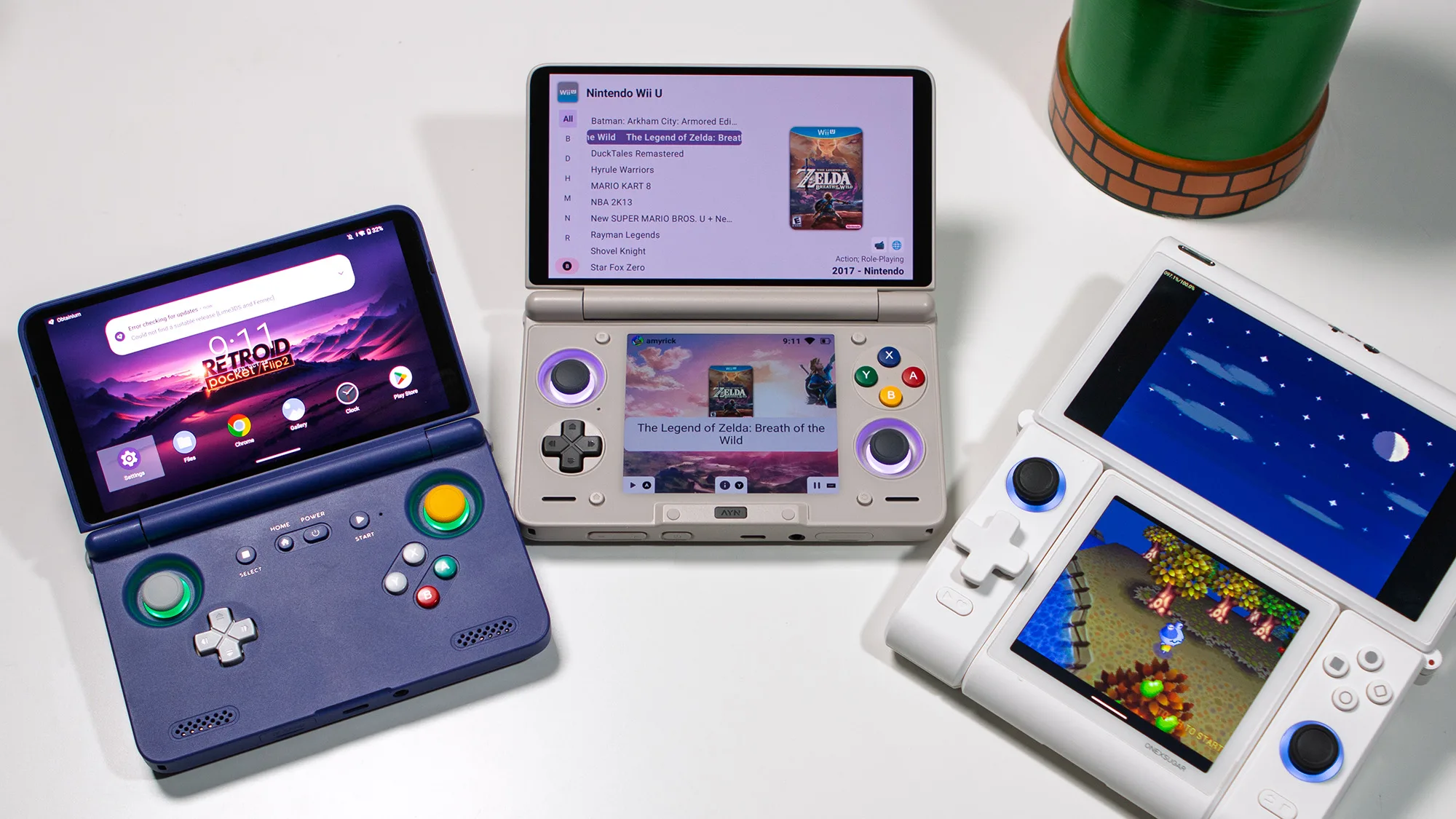
In addition to the various bug fixes, AYN is also introducing a bunch of new features. These include trivial changes, such as adding a boot animation or being able to use the AYN key to wake the Thor. However, the update brings with it features that take better advantage of the dual-screen handheld.
It turns out that the update was released around 10PM ET, so you should be able to head into the Settings app and get it installed. Be sure to drop us a line, or head over to the AYN Discord, or the Thor channel in the RH Discord, and let the team know if you come across any issues.
[button link=”https://rh-go.link/AYN-Thor” color=”red” newwindow=”yes”] AYN Thor[/button]
What did you think of this article? Let us know in the comments below, and chat with us in our Discord!
This page may contain affiliate links, by purchasing something through a link, Retro Handhelds may earn a small commission on the sale at no additional cost to you.

7 Comments
By biggest annoyance is the auto rotate feature, i cant seem to turn it off.
In the pull down menu there is an option that says “force landscape mode” that should fix it for apps that don’t obey the default global setting.
Thank you, didnt thought of that. Still youtube for example doesnt like it, cant minimize videos now.
The hinge Basel the hinge!
Please fix the wifi6 issue the thor can not detect any wifi near my house.
Would be nice if they fixed the inconsistent frame rate on the top screen when set to 120 hz. Mine is constantly getting choppy frame rates when set to 120 hz and there’s no way to fix it. I’ve been leaving it at 60 hz until they fix it
It seems these are things that shouldn’t have been bugs in the first place. They should have left it in the oven a little longer.