

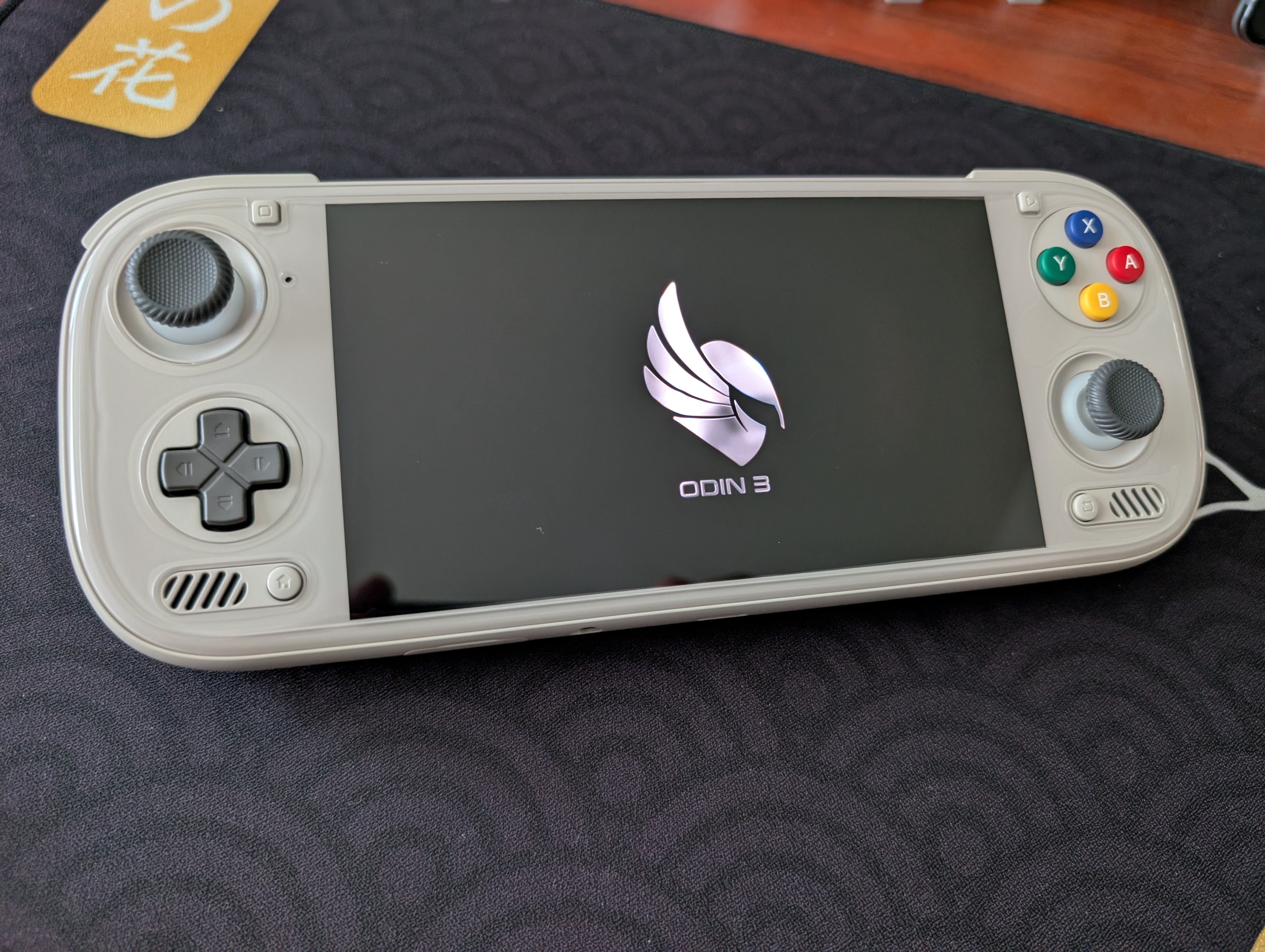
I had a soft spot for the Odin 2; I thought it was well-made, extremely comfortable, and if there were any ghosting or image issues on my particular model, I never noticed them. I probably played more games on my Odin 2 than any other device I’ve owned (except maybe the RG CubeXX), and I somewhat regretted selling it to move on to the Odin 2 Portal.
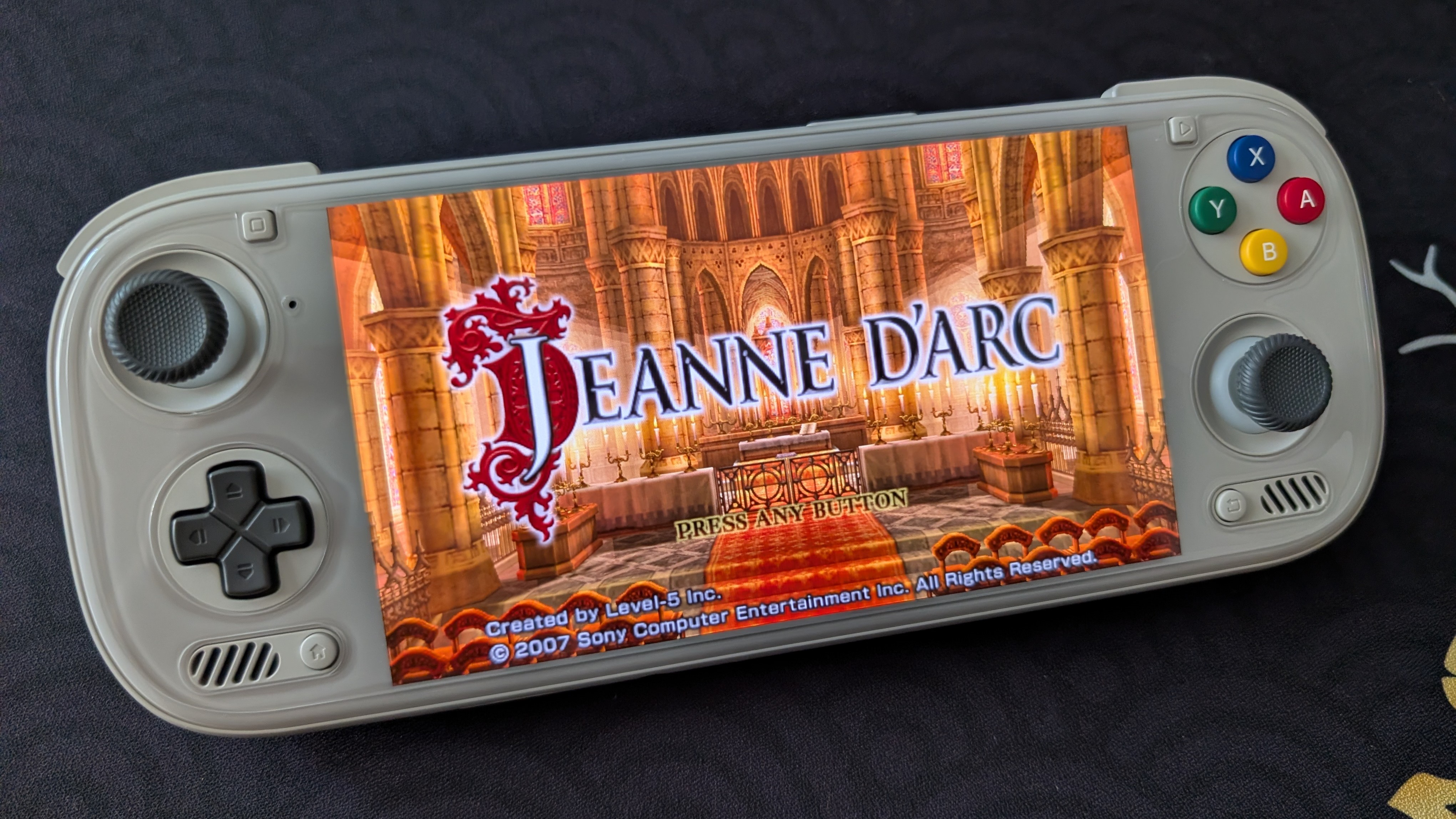
The latter was larger and more performant, but the former was more comfortable with better controls. Lo and behold, AYN brought me a holiday surprise.
Controls
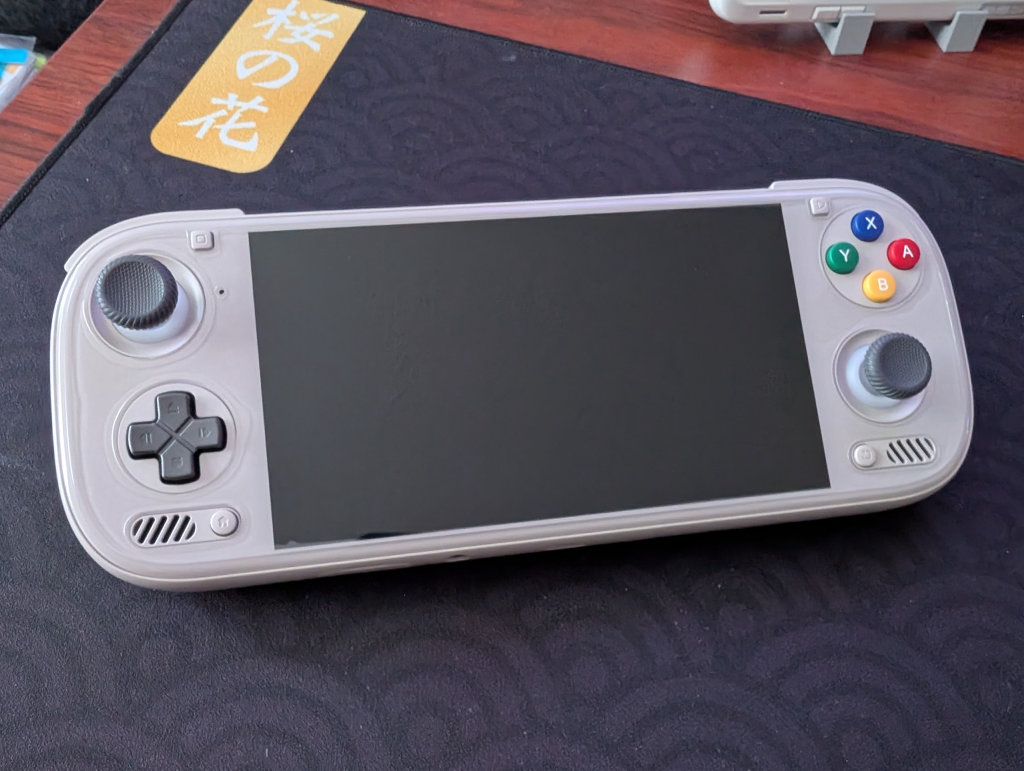
What’s a first impression without discussing how the controls feel? AYN threw the larger analogue sticks on as a default here, instead of including them with pre-orders as they did with the AYN Odin 2 Portal. I threw those on my Odin 2 Portal immediately, as the sticks that came with that device felt way too small, so it’s nice to see them included as the default with the Odin 3. This, coupled with arguably the quietest and best-feeling ABXY buttons AYN has put out to date, has made for a great first impression.
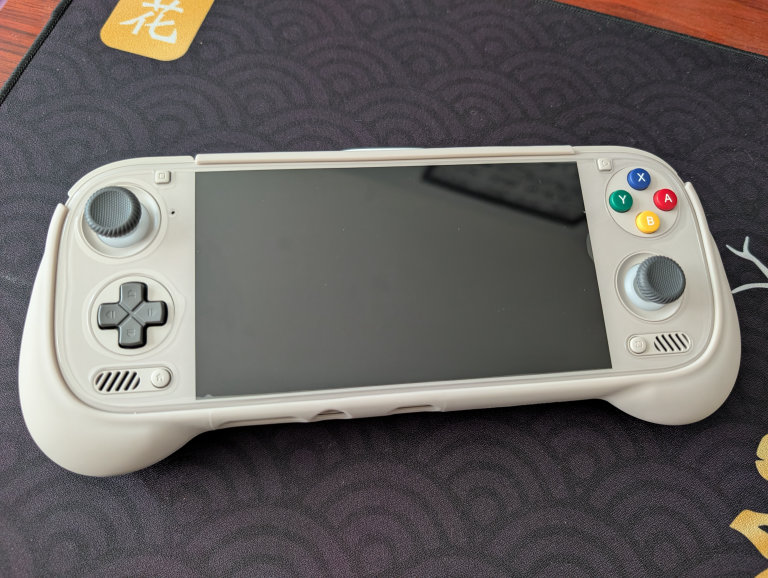
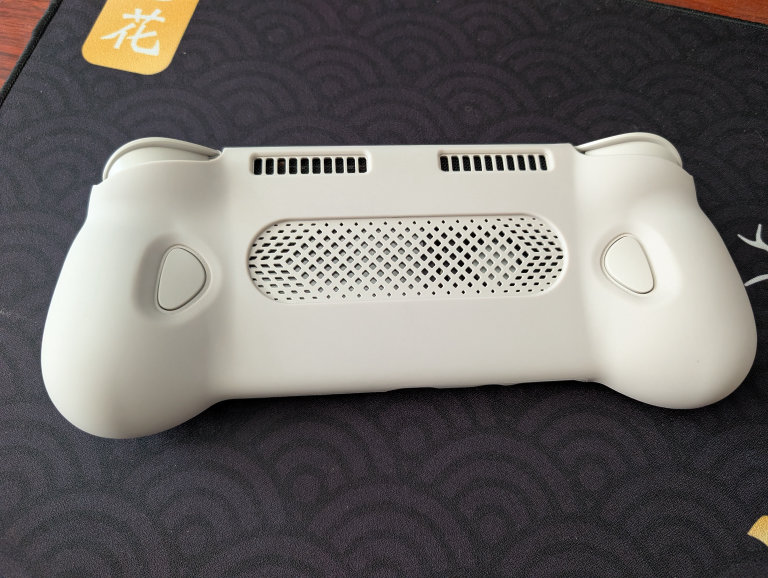
The L1/R1 shoulders and the M1/M2 back buttons are all quite clicky, but the D-Pad movement is smooth, the analogue stick rotations feel great, and the ABXY buttons are soft without feeling mushy. This feels like the best attempt at these AYN has made.
The bumps on the back are also very comfortable; I also bought the TPU grip, and while it does add some additional girth, I actually don’t think the device merits needing a grip. My hands are on the smaller side, so take this with a grain of salt, but I’ve no desire to throw a grip on this one like I did the Odin 2 Portal (which was immediate).
Size and Screen
That 6″ 120hz AMOLED pops; it’s the same screen as used in the AYN Thor, which is a really vibrant OLED screen that people have been enjoying. The Odin 3 is noticeably smaller than the Odin 2 Portal at first glance, although its weight doesn’t feel all that different. As mentioned before, the Odin 3 has a more comfortable backside than the Odin 2 Portal, so even with the Odin 2 Portal sporting a grip, the Odin 3 feels better to hold.
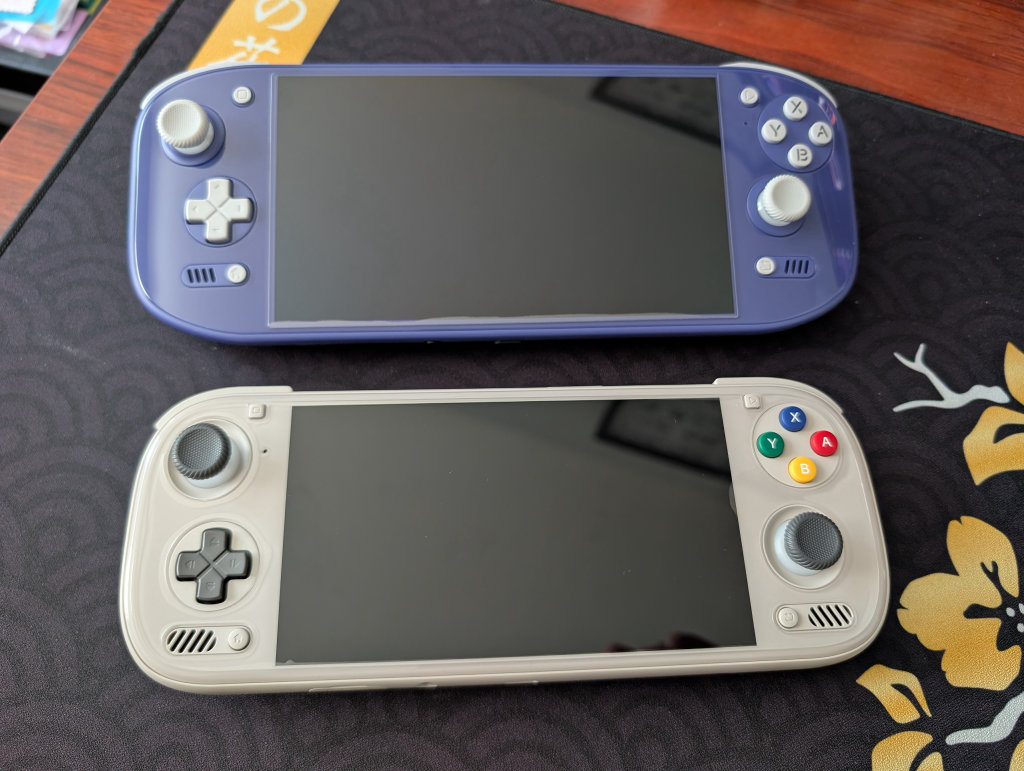
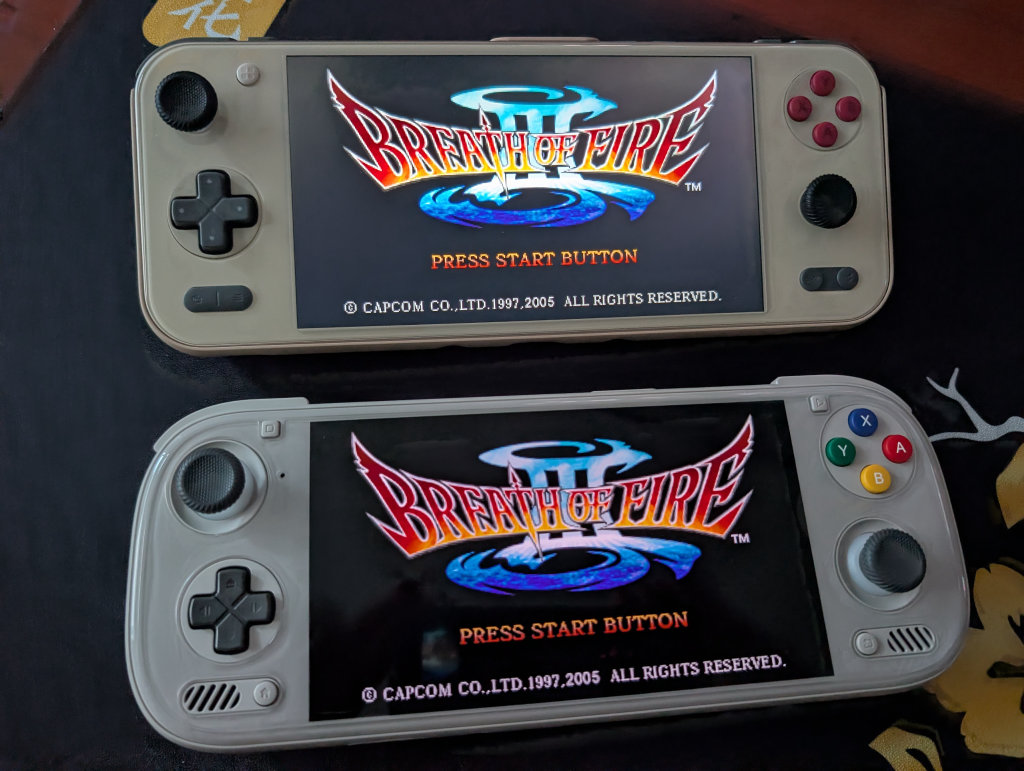
The Odin 3 was also a smidge smaller than the AYANEO Pocket S2, although the latter felt much heavier due to that aluminum construction. These two are likely to be in competition for my high-end Android handheld needs, though the Odin 3 already feels more comfortable right out of the box. Even with that great 1440p screen on the Pocket S2, OLED just hits different, and it shows on the Odin 3.
 The Pixel Refresher that made its appearance recently on the AYN Thor has been included as a default with the AYN Odin 3. When the screen is on and idle for too long, a black screen pops up, and a white static bar starts moving down the screen from top-to-bottom, with the words “Auto-image-retention pixel refresh in progress, tap to exit” with an indicator of how many seconds until it auto-exits.
This is notable, as the AYN Thor suffered from some noticeable image retention (albeit temporarily), and the AYN Odin 3 shares the same screen as the AYN Thor.
Accessories
I did manage to grab the whole kit and caboodle, which came with a screen protector, a case, the aforementioned TPU grip, a TPU sleeve, and a bag.
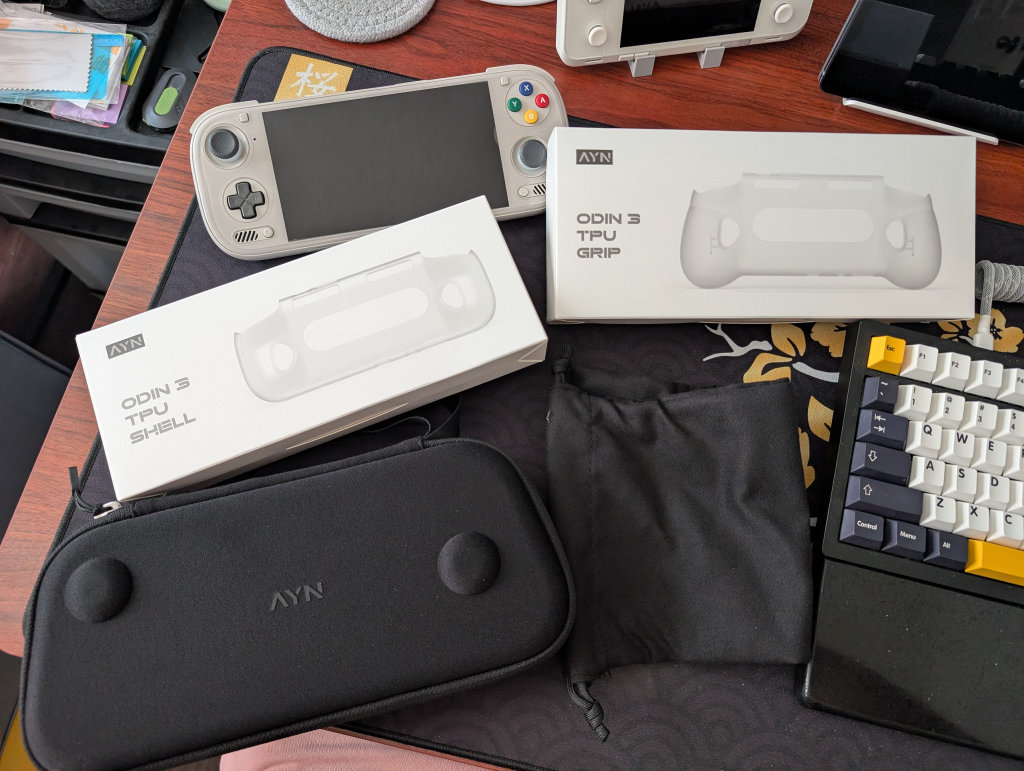
I don’t like the screen protector, as it covers the entire device, not just the screen, and so I’m constantly chasing air bubbles and escaping seams. I’ll likely trade it out for one that just covers the screen. As mentioned previously, the TPU grip currently feels unnecessary for my needs, as does the TPU sleeve.
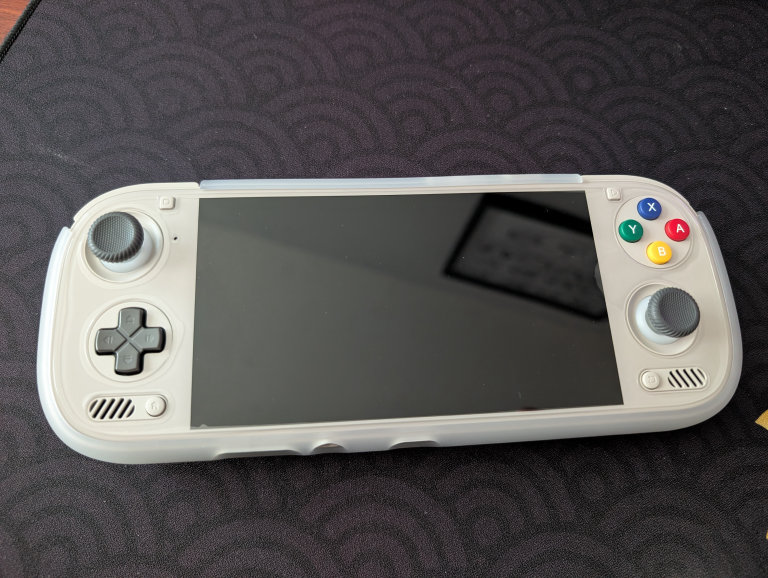
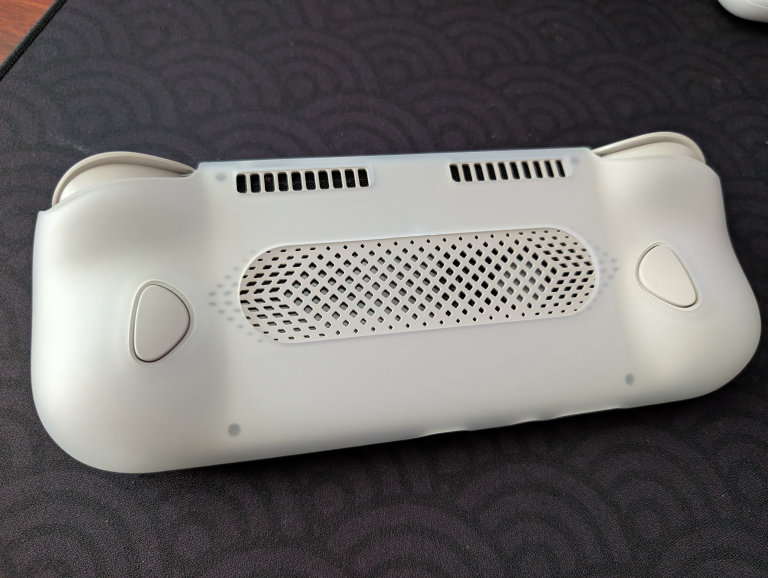
They both fit noticeably better than the ones that came with the Odin 2 Portal (any of you early adopters of that Odin 2 Portal grip know), and the material feels good, but the Odin 3 just feels great lying naked on the desk.
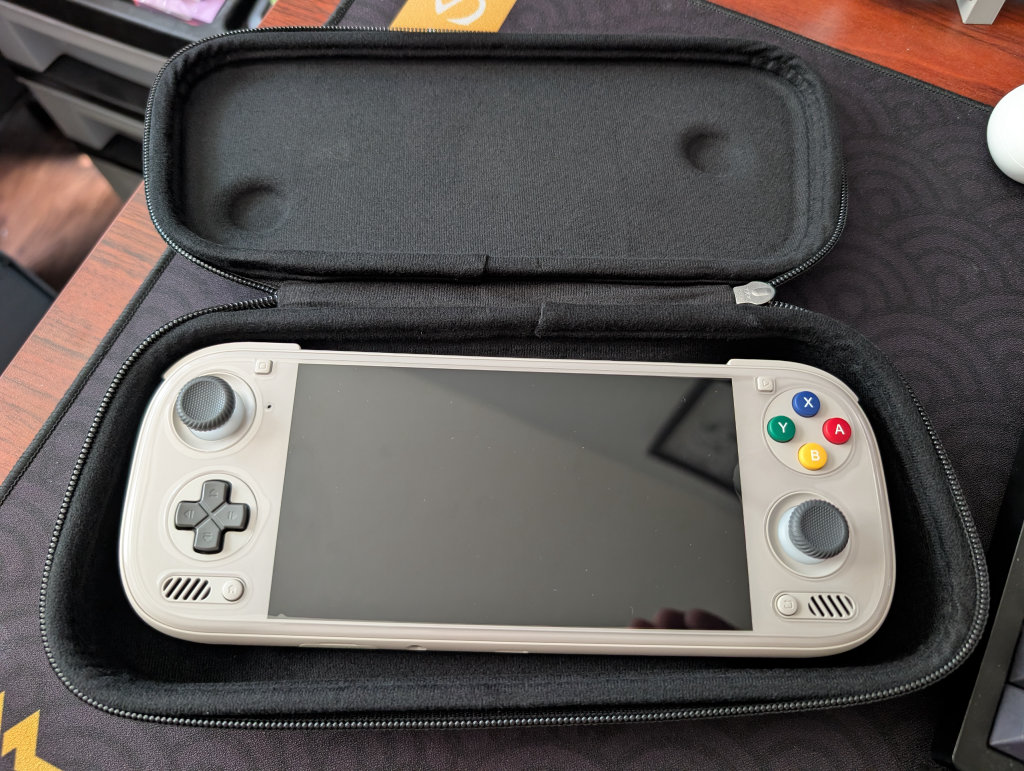
The bag/sleeve is big and doesn’t feel like it’s going to protect much or provide much, but the material is nice. The case, however, looks and feels great. It fits the device both with and without the grip, though with some noticeable wiggle room without the grip.
Moving Forward
Right off the bat, trying to toy with Eden is giving me some trouble, so the incompatibility issues with that Elite 8 core rear their ugly heads almost immediately. As more of us get more of these devices in our hands, and as we get more time with them, we will share what we find with the software.
However, as far as the first impressions of the hardware go, just holding the Odin 3 in my hands brings a smile to my face. It’s that same joy I got with the Odin 2, just now with even better technology, convenience, and comfort packed inside.
[button link=”https://rh-go.link/AYN-Odin-3″ color=”red” newwindow=”yes”] AYN Odin 3[/button]
What did you think of this article? Let us know in the comments below, and chat with us in our Discord!
This page may contain affiliate links, by purchasing something through a link, Retro Handhelds may earn a small commission on the sale at no additional cost to you.

2 Comments
I own a Ayn Odin 2 Portal and it’s amazing! This Odin 3 looks very good but I doesn’t seems so much of a difference in size.
Great review!
I’ve also got an Odin 2 Portal, and when you *really boil it down*, the difference is negligible enough to determine not to upgrade. However, it’s quite a bit more compact, it feels better in the hands, and it does everything the Odin 2 Portal does, but better and more efficiently. I can easily say I’ll never pick my Odin 2 Portal up again.