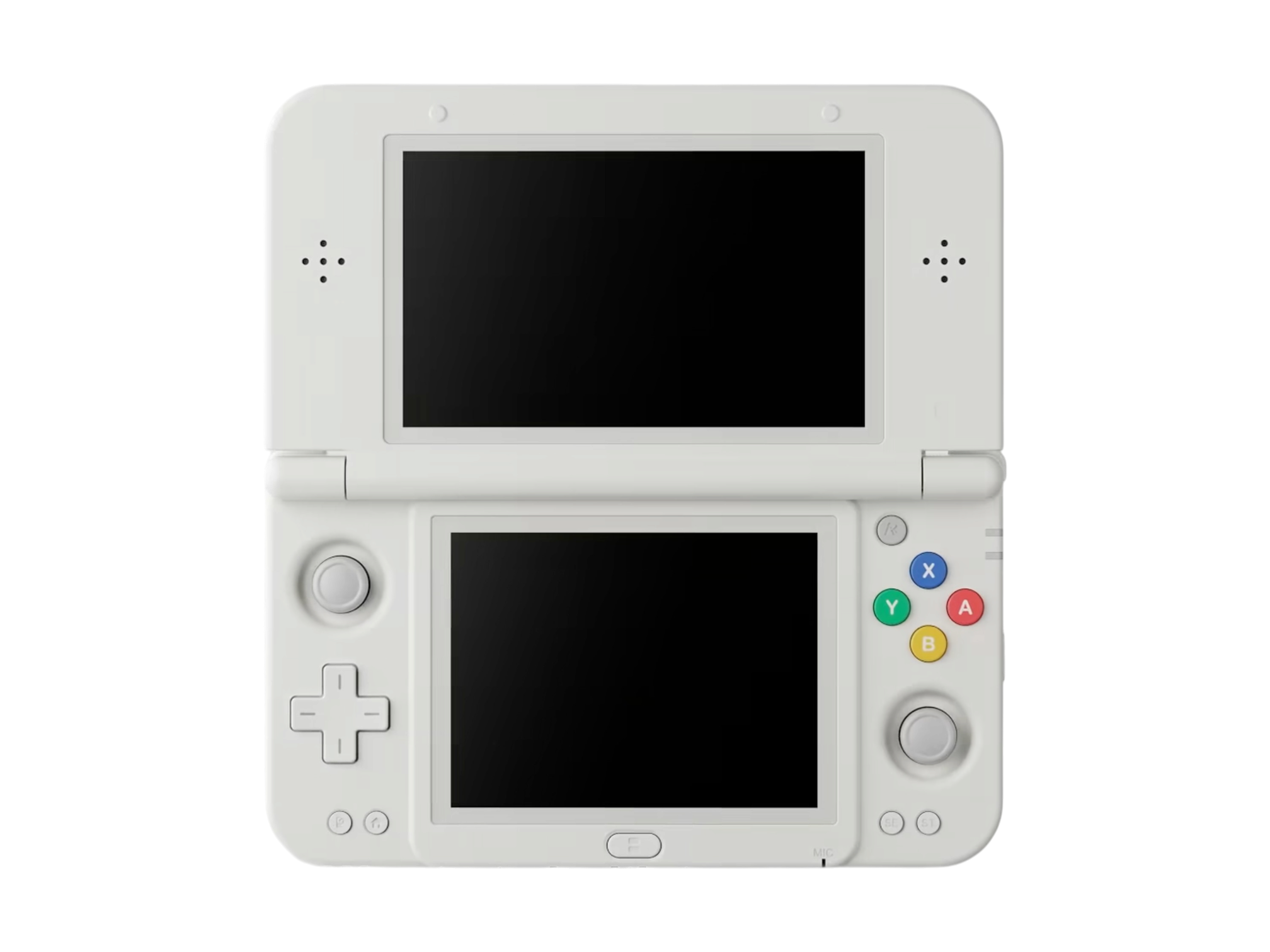

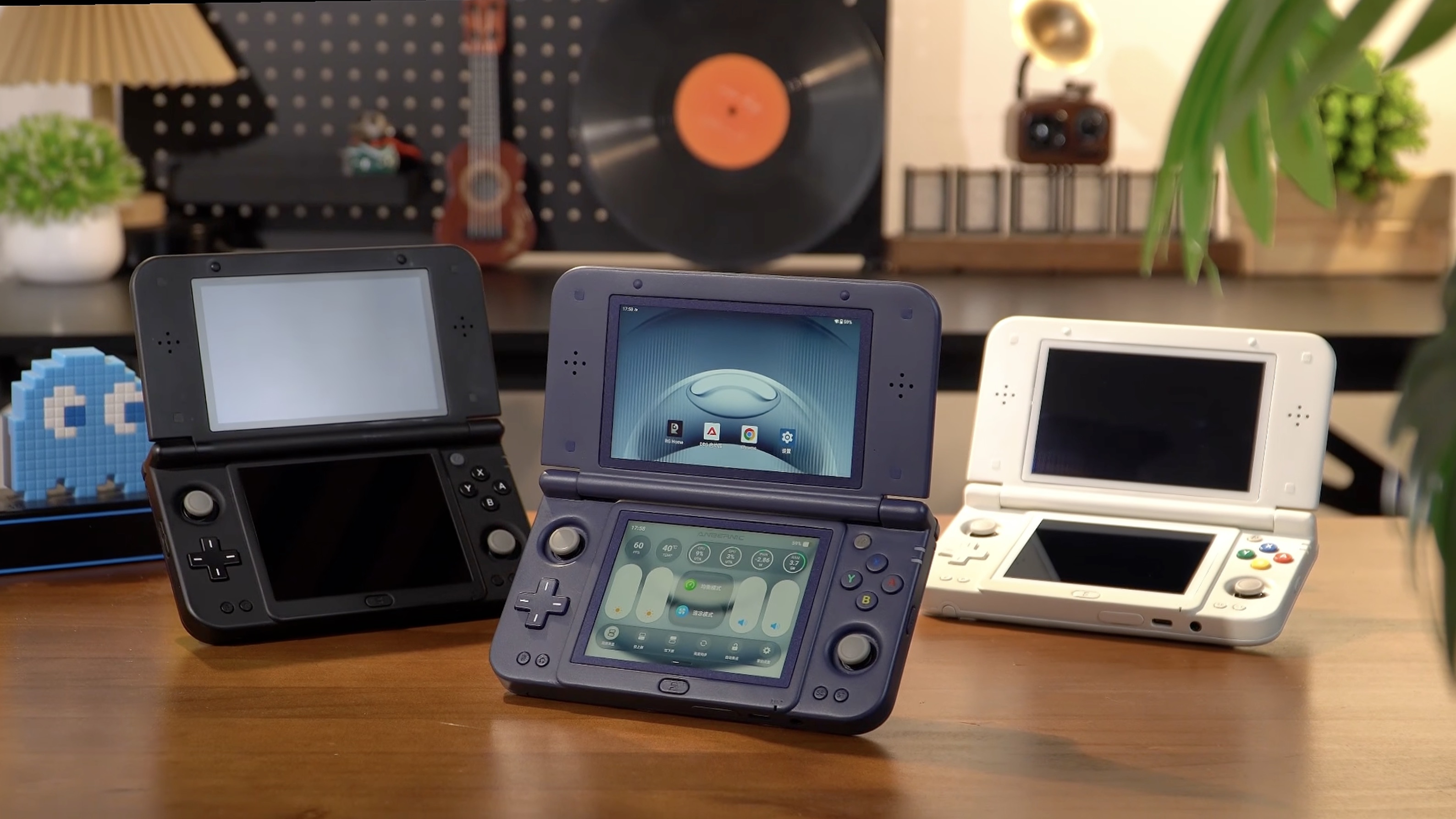
We’re still about a month away before the Anbernic RG DDS is slated to begin shipping, which gives the company plenty of time to share new teaser videos. The latest of which comes as a bit of a surprise, as it mostly focuses on the AI functionality that is being built into the handheld.
It all starts with the dedicated Anbernic AI button, which garnered a bit of backlash when the RG DDS was first revealed. In an effort to try and prove its usefulness, this video from Anbernic takes us through a bunch of the various features that we can expect to see. It also gives us a better look at the “Dual-Screen Control Center,” which has some added functionality in-tow.
It’s one thing being able to have all of your handheld settings at the ready on the bottom screen, but Anbernic is taking it a step further. The bottom screen can be transformed into a massive trackpad, with you being able to use gestures to navigate the top screen, or control a mouse pointer for more precision. Not only that, but the trackpad can even be used in games, as is shown in the video to slice and dice up some fruit in Fruit Ninja.
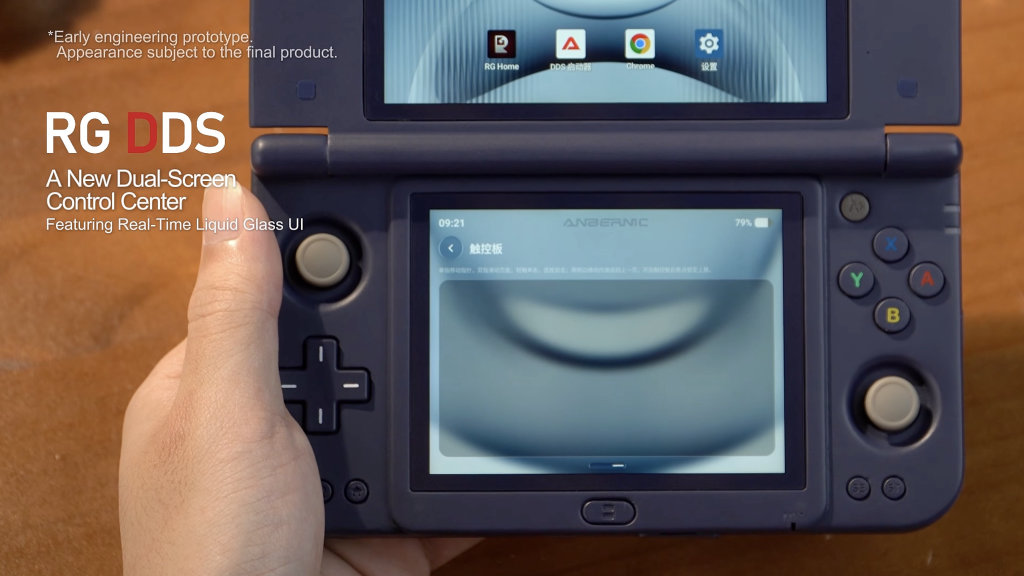
From there, Anbernic also shows off some of the customization options that will be available. Namely, it appears that we will be able to customize both the Anbernic AI and RG buttons from the Settings app on the RG DDS. This will definitely be a welcome inclusion for some, who would rather prefer to use the dedicated AI button as a quick shortcut to open another app.
Here’s where things get a little wild, as the video proceeds to showcase the AI Game Studio and Voice Companion. Basically, you’ll be able to activate the built-in AI to control different aspect of the RG DDS, without ever touching either screens or the controls. It will even let you adjust switch between the different performance modes, turn off the lower screen, adjust the brightness, and more.
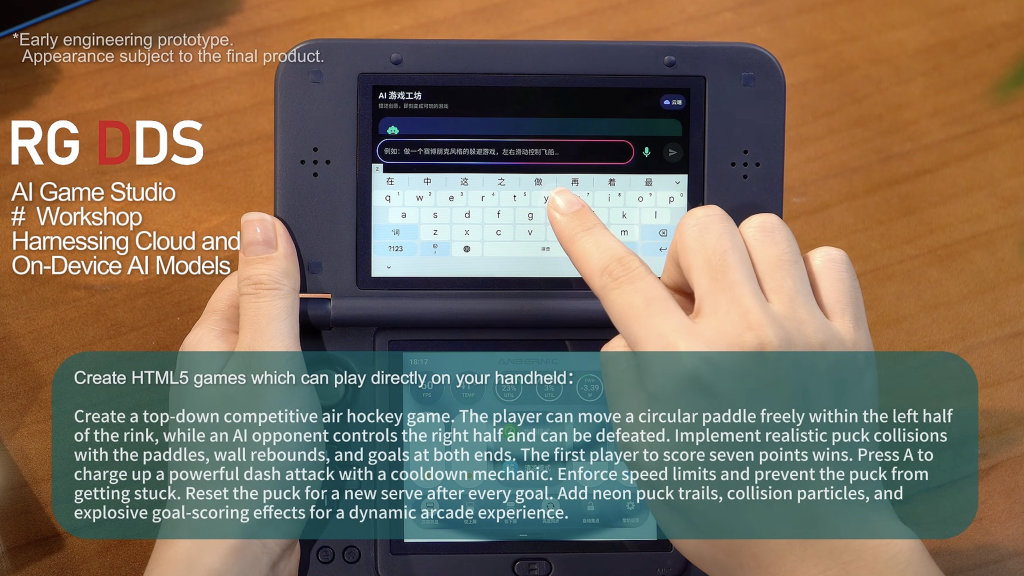
The last crazy feature of the RG DDS comes from AI Game Studio, which will use “cloud and on-device AI models” in order to actually build games that can then be played on the RG DDS. In the example shown, the person asks the AI to build a “top-down competitive air hockey game.” They provide a rather detailed prompt, in order to give the AI as much information as possible, and then a few moments later, the game is shown being played on the top screen.
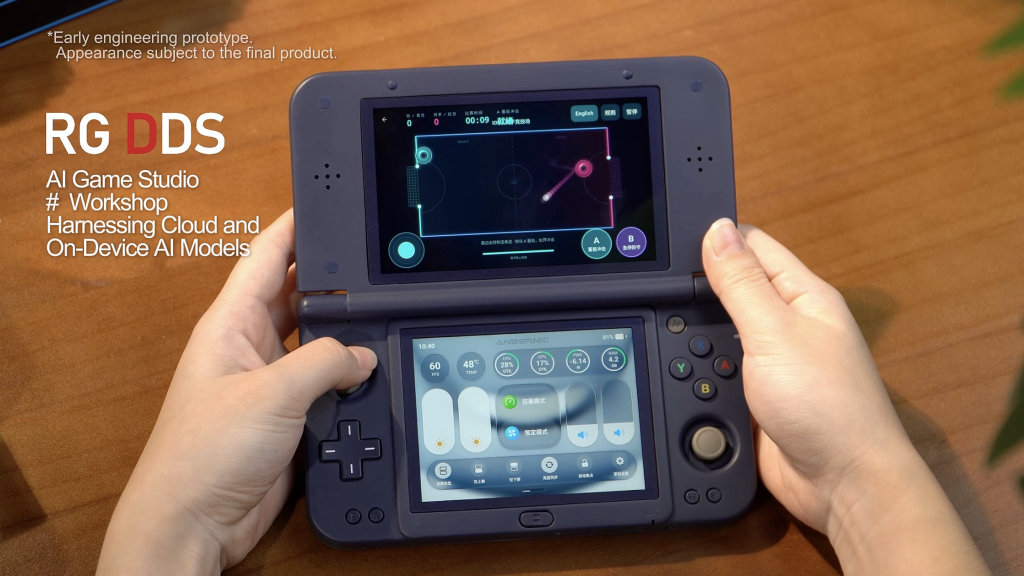
Sure, this is something that you can use Gemini, Claude, or ChatGPT for already, but it’s pretty interesting to see Anbernic attempting to offer this functionality as a built-in feature. We’ll definitely be putting this to the test, not just to see how well the AI generation performs, but also to see just how long it takes to go from entering the prompt to actually playing a game.
If you’ve been holding off on pre-ordering the Anbernic RG DDS, now’s a good time to get your orders in. The pre-sale discount is still in effect over at Anbernic’s website, but you can save even more thanks to the AliExpress 11.11 Sale that’s currently taking place.