

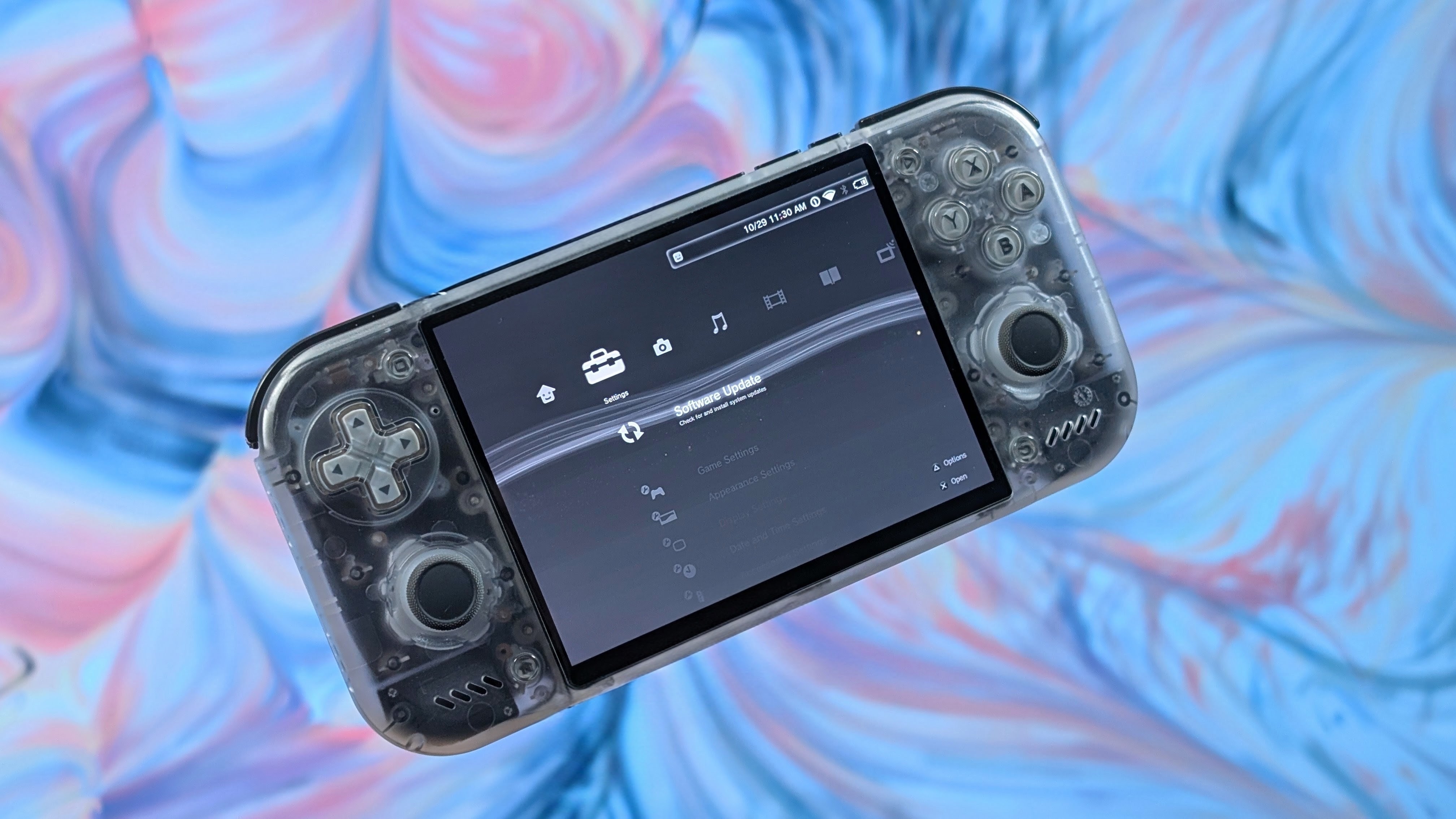
Retroid handhelds have always been polarizing for better or for worse. Starting all the way back with the original Retroid Pocket and its cheese block appearance to the Retroid Pocket 3 and 3+ release timeline debacle. Whether it’s loose magnets in the Retroid Pocket 4, or the “4:3” screen in the Retroid Pocket Mini. Just about every Retroid handheld has launched to mostly fanfare, with a fair amount of scrutiny. With the exception of the Retroid Pocket 2S, where its biggest complaint was “should’ve had a bigger screen”…at least to me.
Enter the Retroid Pocket Nova. A return to form in my opinion. Plastic front, 4:3 display, and a lot of the same Retroid controls we’ve come to know and love, or tolerate if you don’t like the Vita D-pad.
I’ve been managing my RP Nova for the last 2 months really, and I think it’s finally time to get into the talk about if it’s still worth it, or if it deserved to be overshadowed by the absolute Clustertruck that is the Retroid Pocket Duo lineup.
Retroid Pocket Nova Specs
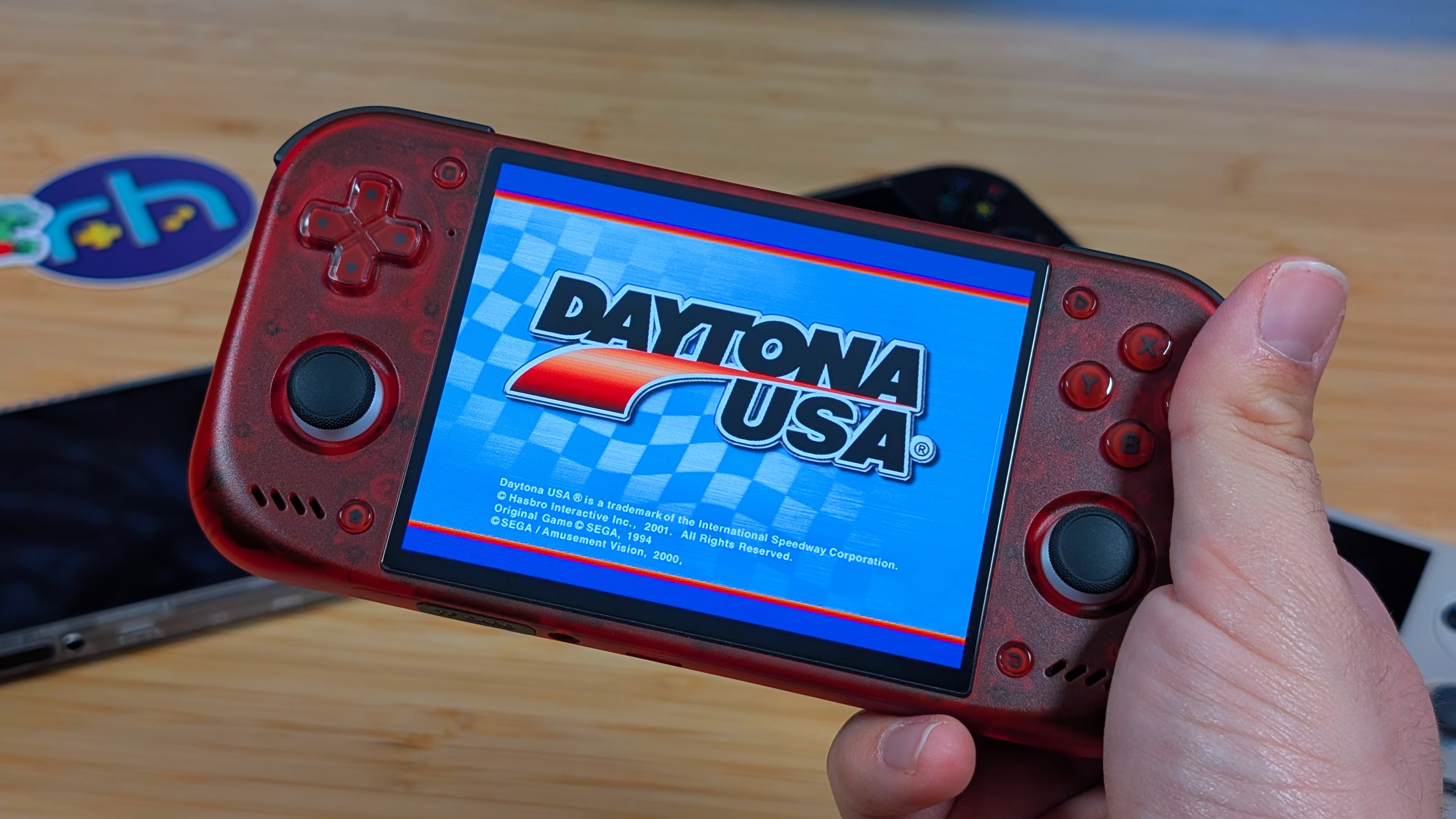
It’s a bit of a talkative review, but that’s because I’m taking the time to talk and spreadout over what’s been happening. I’ve had two months with the device, I have stuff to say.
As for pricing, you’re spending $239 for the 8GB model, and $269 for the 12GB model of the Nova, but add another $5 to each if you want it to be crystal clear. Alongside that, you can spend $15 for a grip, $10 for a case, $5 for replacement buttons or a replacement back shell. They really want to upsell you on stuff this time, and I think for the most part it’s cool. Except the $5 Nova Egg Back. Just skip that.
Personally I went with the $244 Watermelon Nova, and a $10 case. So $254, plus $25 shipping. Now though I’d also recommend the worry free shipping with the GOFO concerns in Chicago as of recent. As for specs, let me know what you think.
| Specifications | |
|---|---|
| Hardware | |
| CPU | Qualcomm QCS8550 |
| GPU | Qualcomm Adreno 740 |
| RAM | 8GB LPDDR5X, 12GB LPDDR5X |
| Cooling | ✅ |
| Display | |
| Screen Size | 4.5-inch |
| Resolution | 1280 x 960 |
| Aspect Ratio | 4:3 |
| Refresh Rate | 120Hz |
| PPI | 355.56 |
| Storage | |
| Internal Storage | 128GB UFS 3.1 |
| External Storage | microSD |
| Battery | |
| Battery Capacity | 5000mAh |
| Charging Speed | 27W |
| Connectivity | |
| Wi-Fi | Wi-Fi 7 |
| Bluetooth | Bluetooth 5.3 |
| Ports | 3.5mm Audio Jack, microSD, USB-C |
| Video Out | Yes |
| Controls | |
| Sticks | Hall Effect |
| Triggers | Analog |
| Shoulder Layout | Stacked |
| D-Pad | Top Left |
| Audio | |
| Speakers | Stereo |
| Speaker Location | Front-facing |
| Headphone Jack | Yes |
| Physical | |
| Dimensions | 169.9 x 84.1 x 15.6mm |
| Weight | 255g |
| Form Factor | Horizontal |
| Software | |
| Operating System | Android 13 |
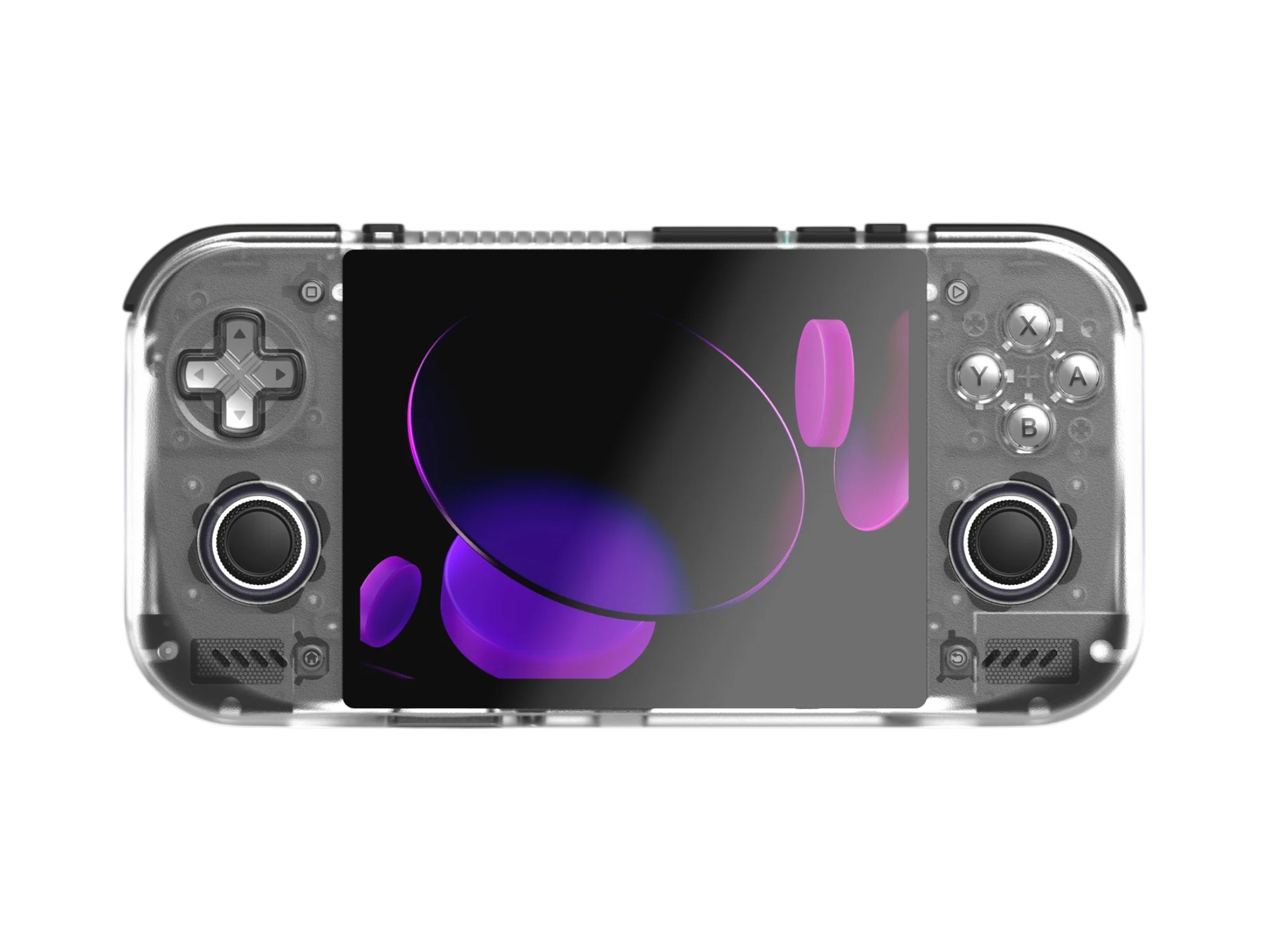
Retroid Pocket Nova
RetroidUSAFF50
USAFF55
RH15
RH15
RH15
RH15
Ergonomics & Build Quality
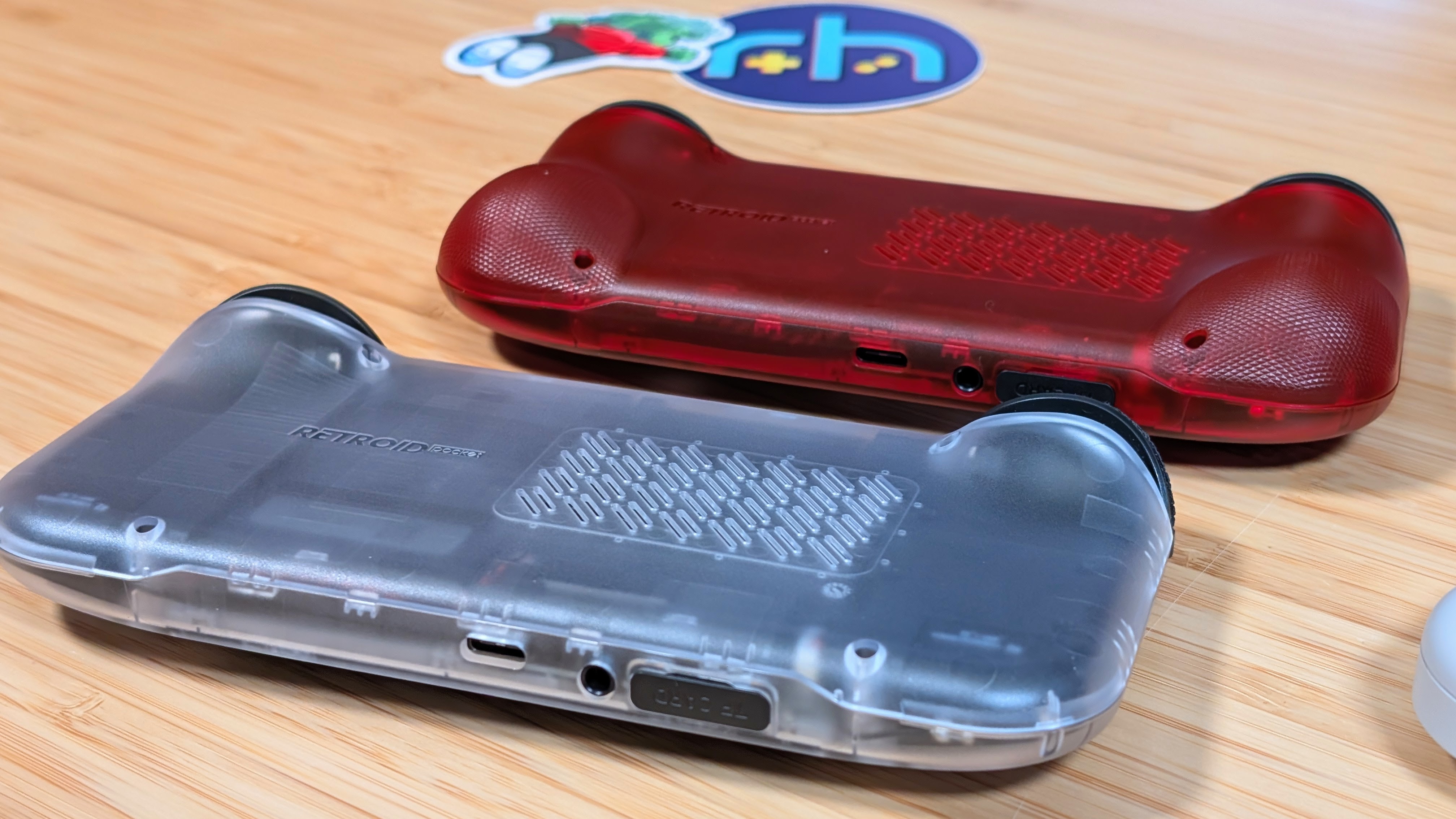
Starting off with the general build quality of the Retroid Pocket 6, I can firmly and unequivocally say that this handheld is built to the standard Retroid Qualities. It’s well built, there’s decent texturing to the back grips, and it doesn’t feel like it’s going to fall apart or explode the first time you push it.
That being said, I have to QC grips with this device. The first being the tightness of the screws on the back. I’ve seen pictures of stripped screws, and shattered backplates because of how tightly they’ve put these things on. With a bit of time, and help from my precision screwdrivers, I could get it off. But not everyone has been too lucky.
As for the other gripe? It should be fixed by now, but earlier units have the “clacky dpad” issue. And while not a long-term issue for me, I know a few people who mod literally every handheld they own to be silent, and this would drive them mad.
As for ergonomics, because I’ve waited to put out this review, I’ve had a chance to try both the flat back and the gripped back. While the flat backside reminds me of the Retroid Pocket 4 Pro, the narrower width of the device has somehow made it less comfortable to hold because of it. With that in mind the gripped backplate is my winner. Not only does it give me something better to grab, it also just fills my hands better like my beloved Retroid Pocket Mini. As for control ergonomics?
Controls
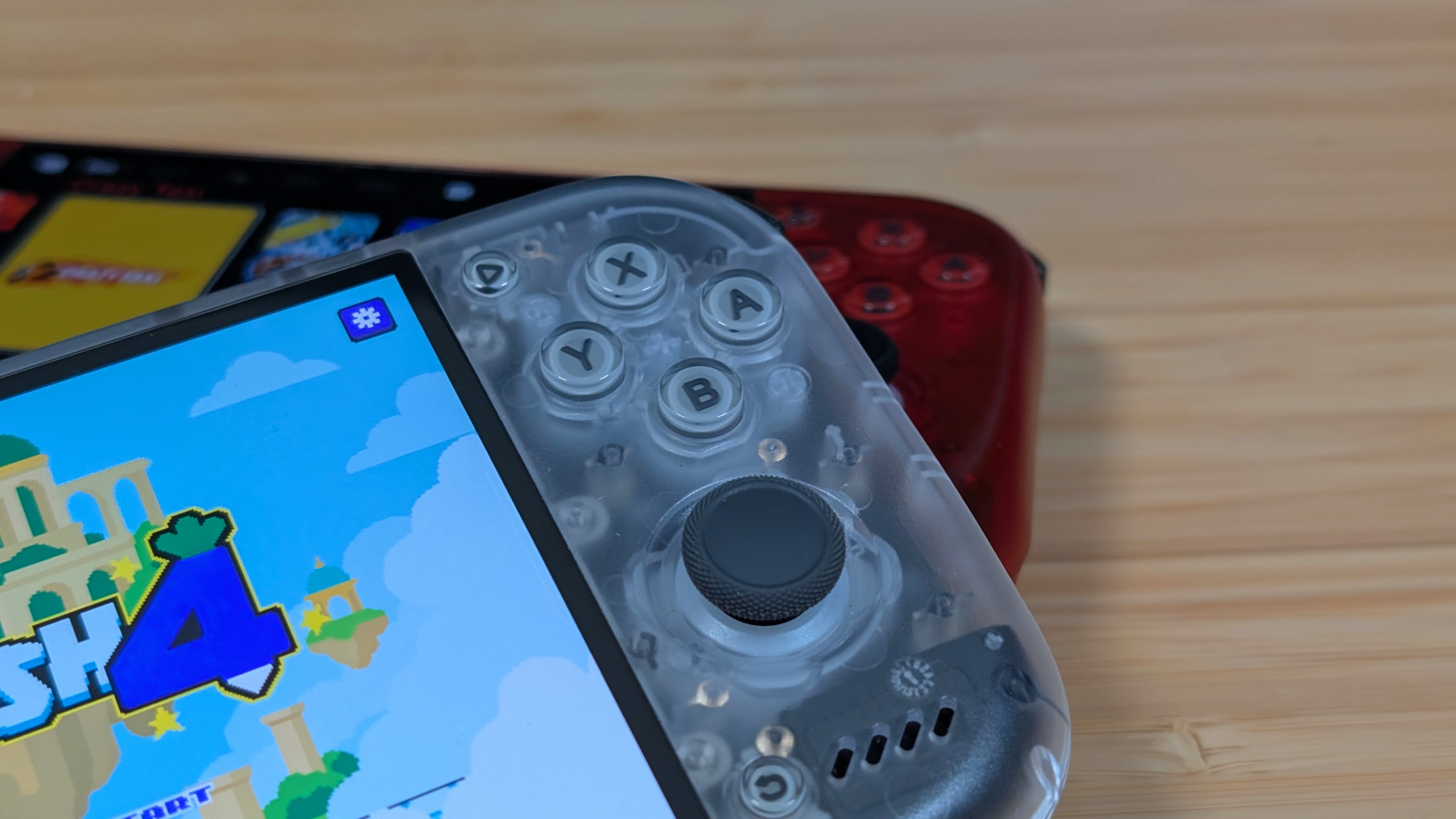
Starting with the controls themselves, they’re a lot of what you’d expect from Retroid. That Vita-styled D-pad with a slight click to it, those Ginful sticks with solid travel that we’ve been seeing since the Retroid Pocket 2S, and the general quality within it all. The triggers are smooth Hall Effects while the shoulders have a soft click to them.
The D-pad does have that awkward clack to it, but in general use with the speakers on it wasn’t something I’d get caught up by. And last, the face buttons have a nice clack to them that’s a lot quieter than the Retroid Pocket 6, and especially the Retroid Pocket Mini.
The gripes come down to the clicky M1 and M2 buttons up top. I’ve found them to be a bit uncomfortable to reach without fully adjusting my grip to get them. Because of that, all of those weird super slim mods out there would be utterly lost on me. The other gripe is just with the distance between your sticks and triggers. This isn’t a “long term” handheld for racing games in particular, so for me it likely wouldn’t be “PS2 Perfection.” For D-pad-centric gaming, though? It’s like a 4:3 King.
Display
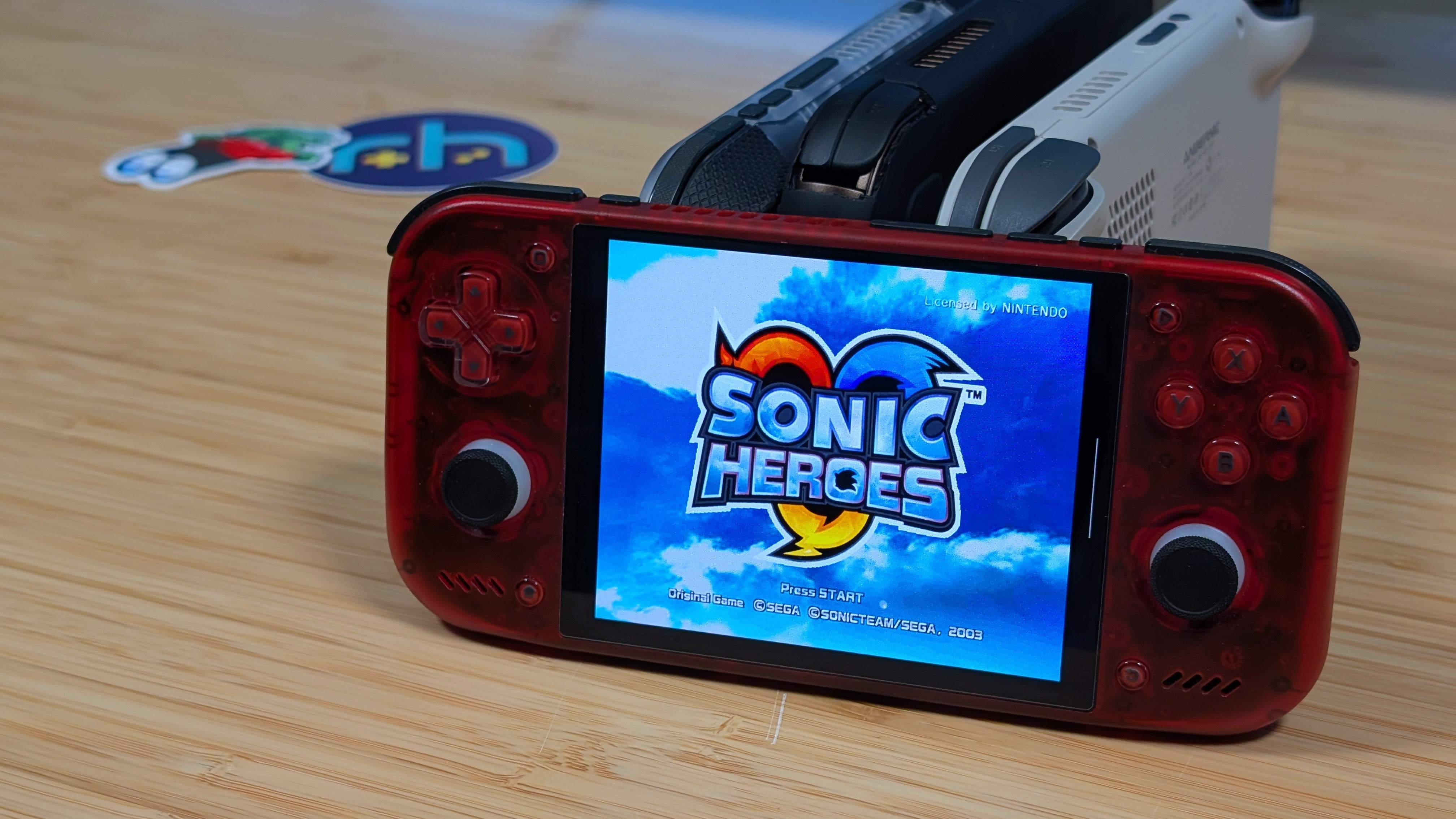
Just for a moment, imagine placing the sparkle emoji’s around the following phrase: “The Mortgage Screen.”
Did you see it too? Man, I hope so.
This screen is gorgeous. 4.5”, 960p, 120hz, AMOLED. This is basically the perfect panel for those OLED snobs out in the world, and for those looking to upscale their games, it’s going to be pretty damn good for that as well. Up until this point, my favorite 4:3 panel has been the one in the Anbernic RG Slide, 476H, and 477M.
While those are great panels, the RP Nova is just better. Not by a lot mind you, but enough that it’s something I just want to dump my 4:3 content onto. It’s not as perfect for 16:9 and 3:2 content, but for what it’s offering, this could be a one and done design for a lot of people.
One thing to note is that there is a bit of oversaturation in the panel for some users, and while something like Nova Callibration could fix the color calibration, I never really found it to cause me a problem. Because of that, I mostly left things as is.
Software
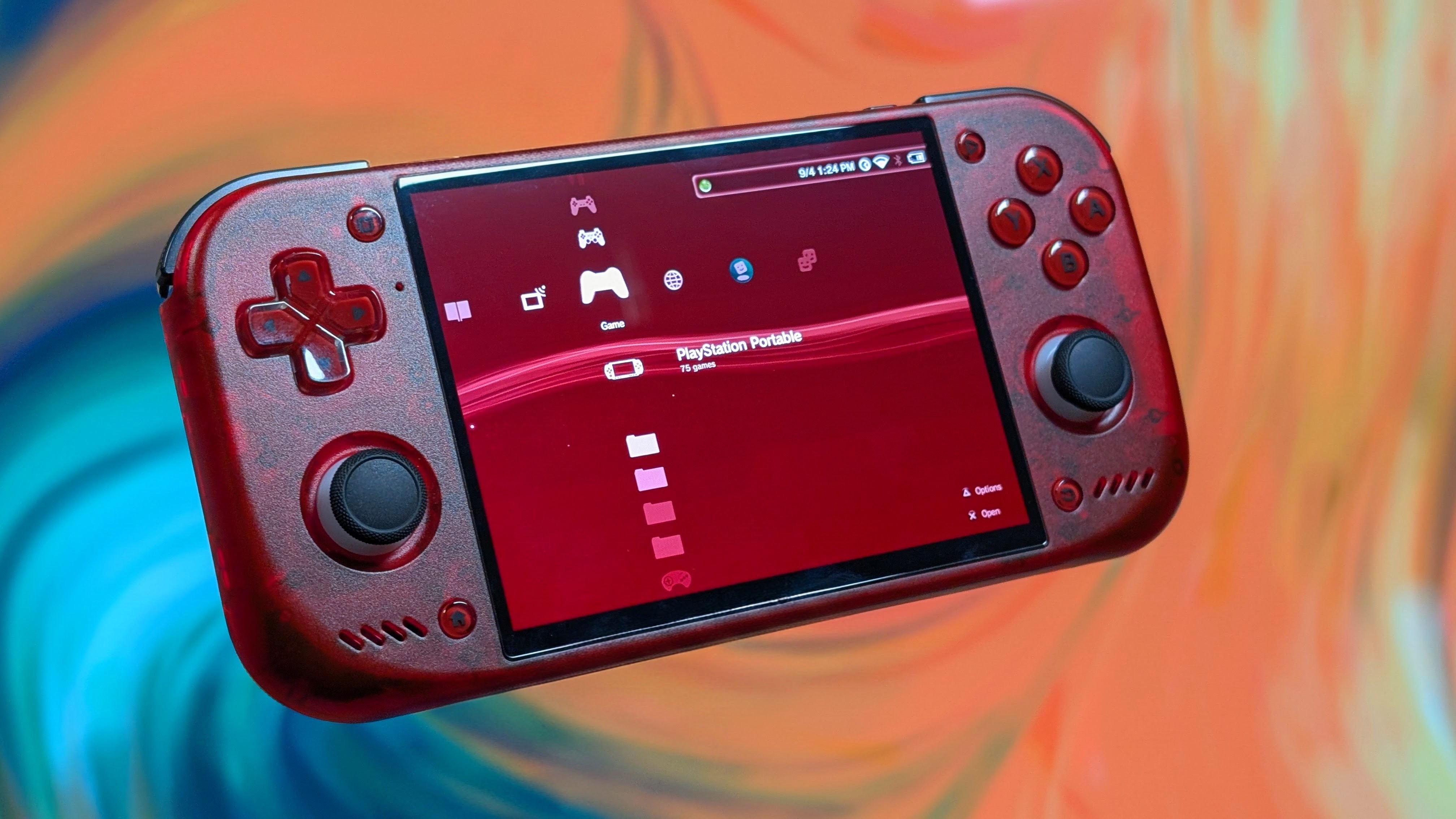
Best way to start this? The Retroid Launcher just kinda sucks? It’s the least visually appealing front end to me that I’ve seen from any of the major handheld launchers since the older Anbernic frontend. It feels awkward and cludgy to use, and feels like a far cry from the rest of the Retroid Software Experience. Featuring menu options for performance, fan control, and turning off the RGB lights are all done so easily but the front end? Meh.
As for what I used? I bounced around front-ends for the first month. Wave Launcher, NeoStation, ES-DE, and Cocoon were all pickups for me for that first little bit of time. However, I ended up coming back around on one of my favorite launchers; Beacon. I paid $2.99 for it a long time ago, but Beacon has always been a super easy “set and forget” launcher that’s always worth coming back to.
Especially since I don’t have to use the default ES-DE folders, though I’ve been informed there is an update for that. Because of how many devices I’m jumping hoops through on, having an easy to setup and go frontend is great.
Plus I can colormatch the red.
Performance
“Synthetics”
Rather than go full bore on the synthetic benchmarks for the Retroid Pocket Nova, I just wanted to share that if you’ve seen any of the Snapdragon 8 Gen 2 handhelds released in the past 2 years, you’ll understand what performance level you’re looking at. The “QCS8550” is just a LTE-less side step to the classic 8 Gen 2, so despite the name change you’re looking for the same performance.
The one thing during my synthetic testing worth mentioning though, is that while the left side of the device would get warmer during benchmarking, it was less prevalent with the bumped back plate. Do with that what you will.
Emulation and Gameplay
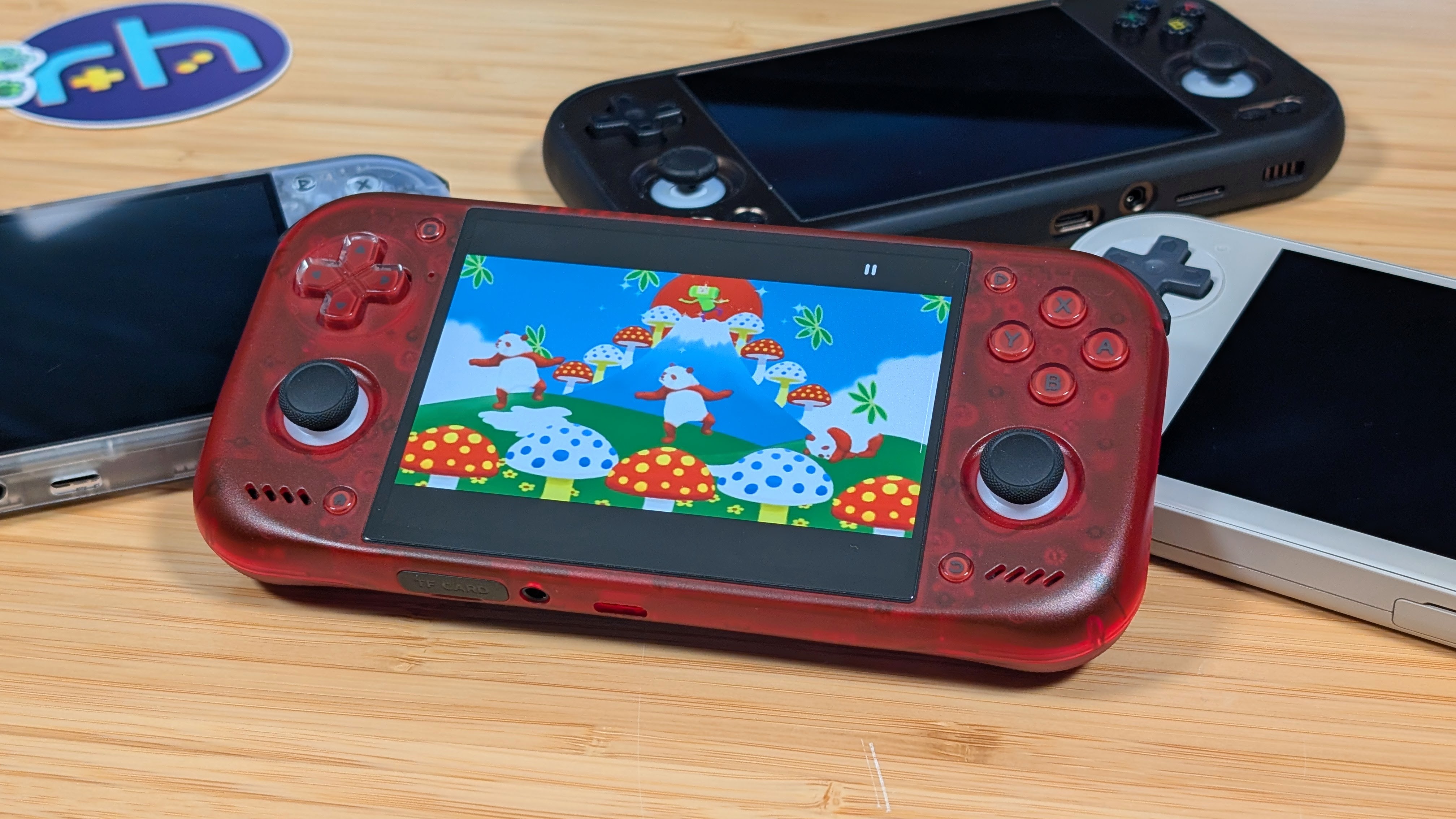
As for gameplay it’s more of the same, but now I have a few new emulators since the last time I reviewed an 8 Gen 2 handheld. Everything through GameCube and PlayStation 2 are running practically flawlessly. Using upscaling to get things to match the 960p resolution is a breeze, and I’ve given a few shaders a try just to see how they came out. Honestly? I’ll stick to the pure OLED screen goodness.
Most of my PS2 testing this time around was done with ARMSX2 rather than any of the NetherSX2 updates or variants. Aside from that, you know that the 8 Gen 2 will handle both DS and 3DS quite well, though I’m saving more gameplay for the Retroid Pocket Duo. Nintendo Switch runs well through Eden, though I’m not a fan of the 16:9 black bars. And of course, Android gaming runs well too as most of my favorites like Grid Autosport, Dadish, and Wreckfest all ended up booting fine.
Aside from those, GameNative was booting up games just fine for me, though I’ll have to dig more into the “Does it 4:3” list of Steam Games to really get a small library built up on this device. XBOX related emulation is…coming along, and personally I’d wait for further developments. Overall though? Man, it’s impressive.
Extra Gubbins
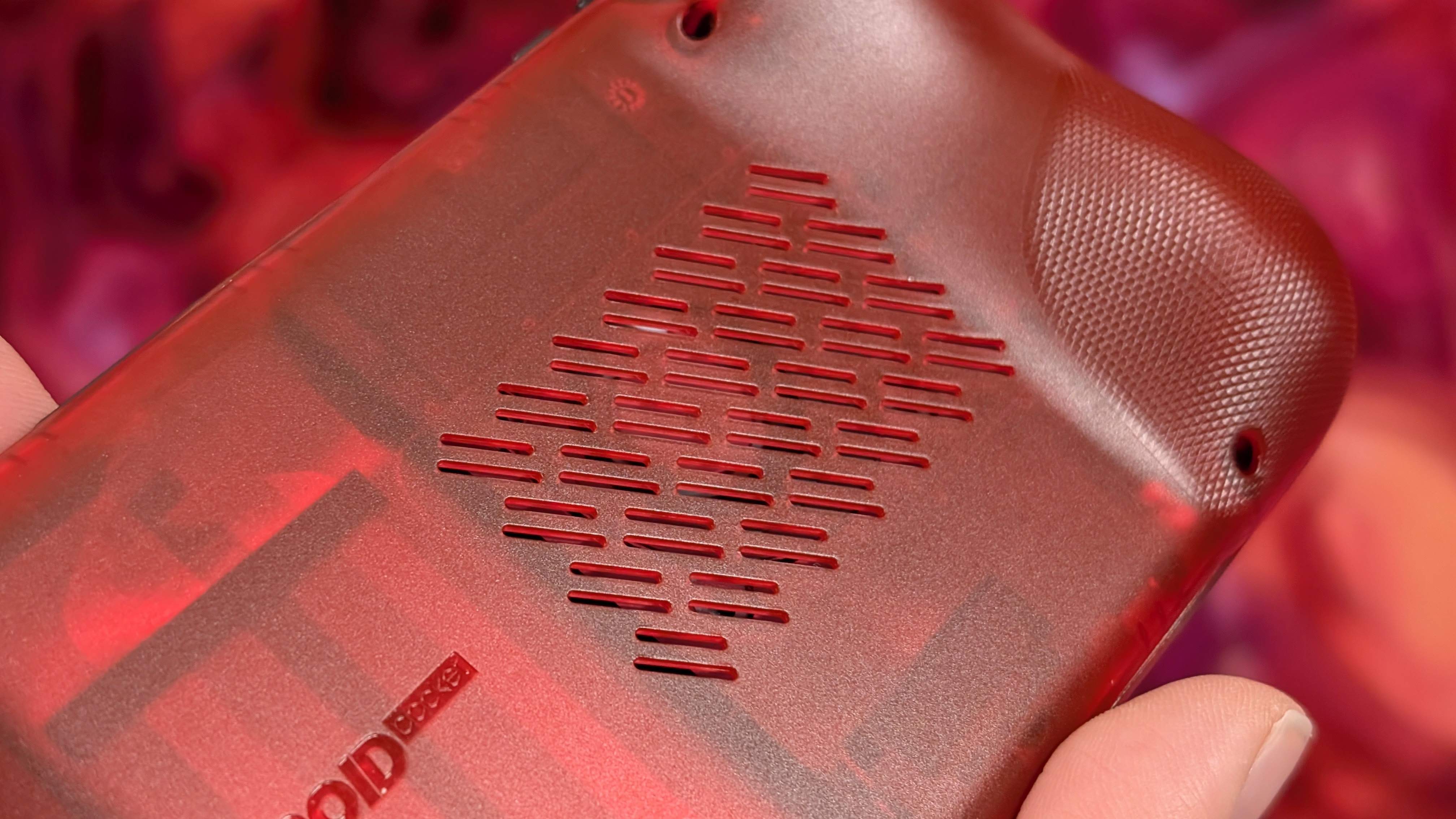
The gubbins come with two main components for you. The first being a quick mention of the fan noise. When running in quiet or smart mode, it keeps the fan relatively tame, but when it kicks in, or it’s set to sport I can hear this high pitched annoying whine that just won’t quite go away. The fan isn’t perfect, but in the lower power tiers I use it in, it’ll be fine.
As for the extra part; custom firmware. This is a big deal that it’s here, because you have two other operating systems you can run on your Retroid Pocket Nova. ArmadaOS if you want a little OLED SteamOS device. The guys on Saturday Morning Handhelds have been raving on this for a while now, but it’s worth listening in and or checking out. The other option is going to be ROCKNIX.
This is one I’m more excited about as it ends up taking your Nova and turning it into a full frontal assault of emulation capability. From PortMaster to PS2, if you want to play a retro game, ROCKNIX will have you. I used this for a while on my Retroid Pocket Flip 2, but could easily see making the jump over to the Nova with ROCKNIX as well.
Final Thoughts
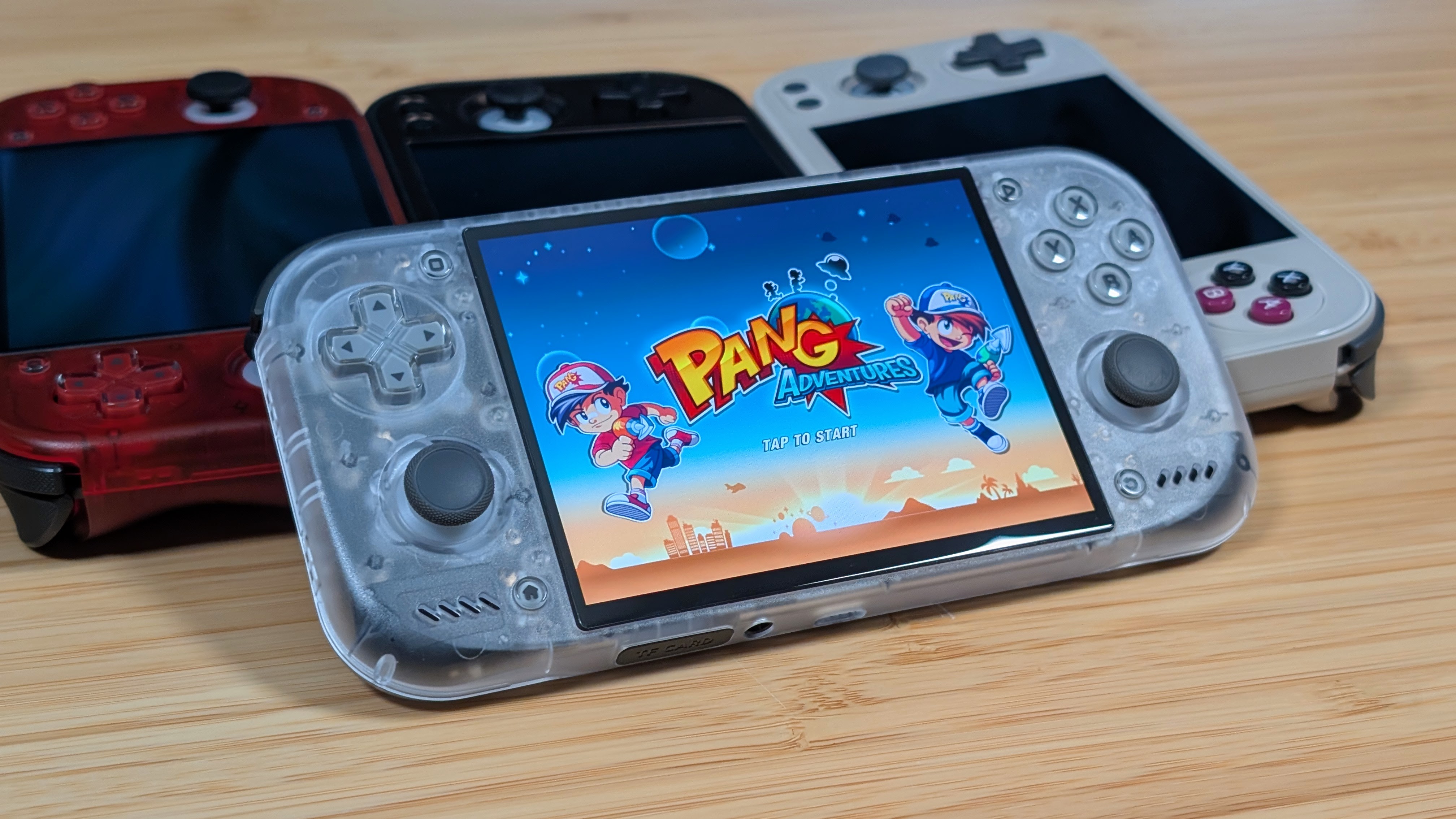
“4:3 King”, “Out of this world” “The One.” These are a lot of titles given to the Retroid Pocket Nova through various Youtube videos that have popped up in my feed. And while I haven’t watched them due to this review. Seeing those titles made the consensus very clear to me. And yeah; the Nova is arguably one of the best 4:3 options you can get on the market right now.
The Nova is about 95% greatness, and 5% why? There’s a lot going for it, from the great display, the loud speakers, and the perfect amount of performance for the average user. The Nova is so good there’s only a few reasons why you shouldn’t buy it.
- You want a dualscreen device
- You want to play more widescreen content
- You want to spend less money.
Those are pretty simple reasons why not to, and if you fall into any of those categories you’ll already know what your options are, and that this isn’t one of them. I bought this Nova with my own hands and you can pry it out of them when I can no longer hold this thing properly. In the end; the Retroid Pocket Nova is worth your money.
Just don’t feel like you need to upgrade because you have something similar. Now if you excuse me I’m gonna get back to my GBA library.
Retroid Pocket Nova
RetroidUSAFF50
USAFF55
RH15
RH15
RH15
RH15

1 Comment
If I didn’t already own an Odin 3, I would’ve definitely picked this up.