

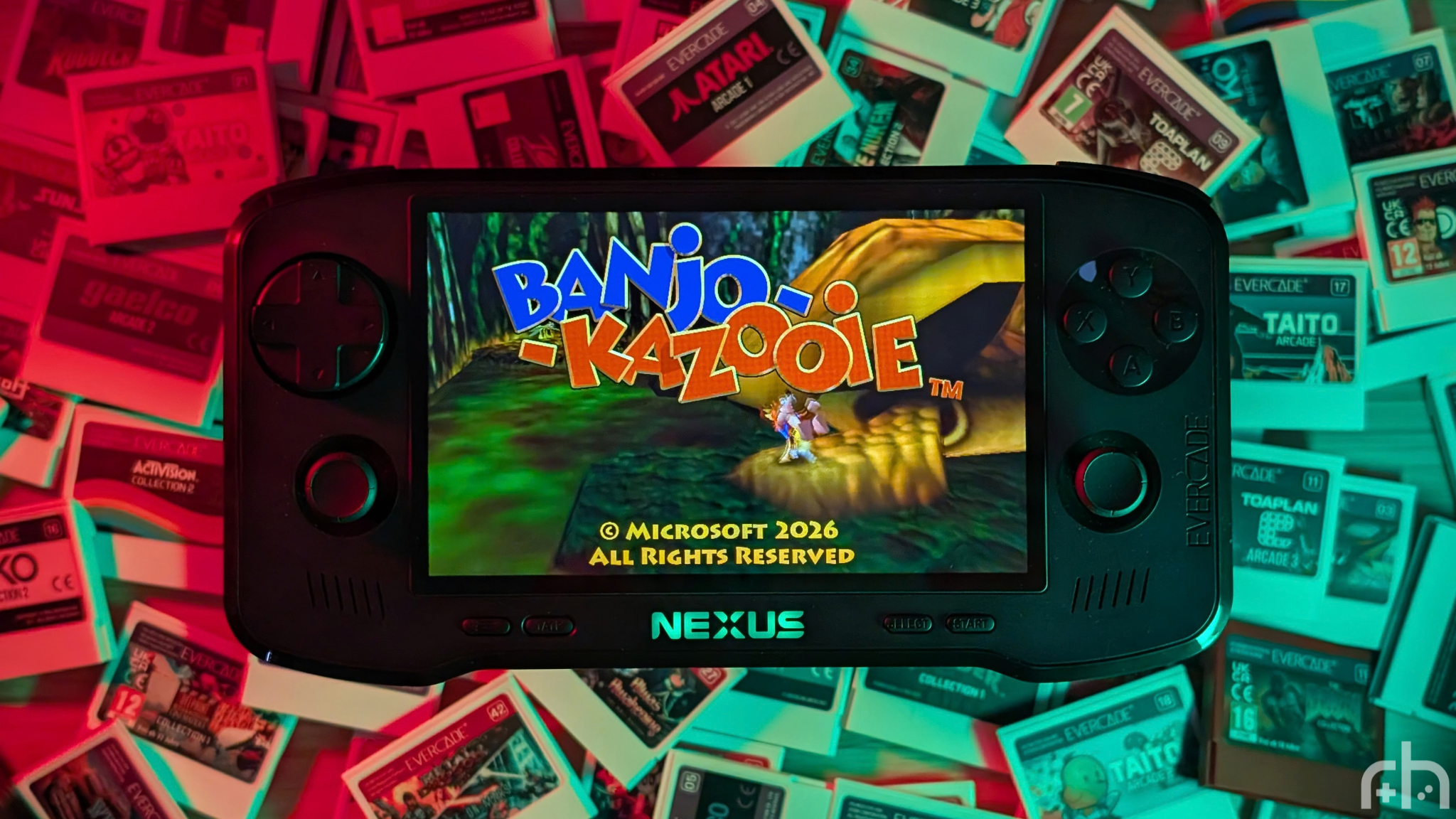
I have been following Evercade for a long time. When I say long, I mean the beginning. I have an original launch model Evercade that came with the first Atari, Interplay and Data East collections. That thing was cheap feeling, but I loved the novelty of having a brand new way to play cartridges. In the years that followed, I’d idly pick up carts.
But when emulation handhelds picked way up, so did my investment in the Evercade collection. As of now, I’ve got an OG, an EXP, an Alpha, the Neo Geo Super Pocket, and now the Nexus. So how’s it holding up? Is it as big of an upgrade as it seems? Well, that’s what I’m here to find out, thanks to Blaze Entertainment.
Disclosure:
The device reviewed was provided as a review sample by Blaze Entertainment. This had no bearing on the conclusion of the review, nor did Blaze Entertainment have the opportunity to make edits or changes to the review before publishing.
Affiliate links might be present where applicable, and we may earn a commission on product purchases using those links at no extra cost to you.
Evercade Nexus Specs
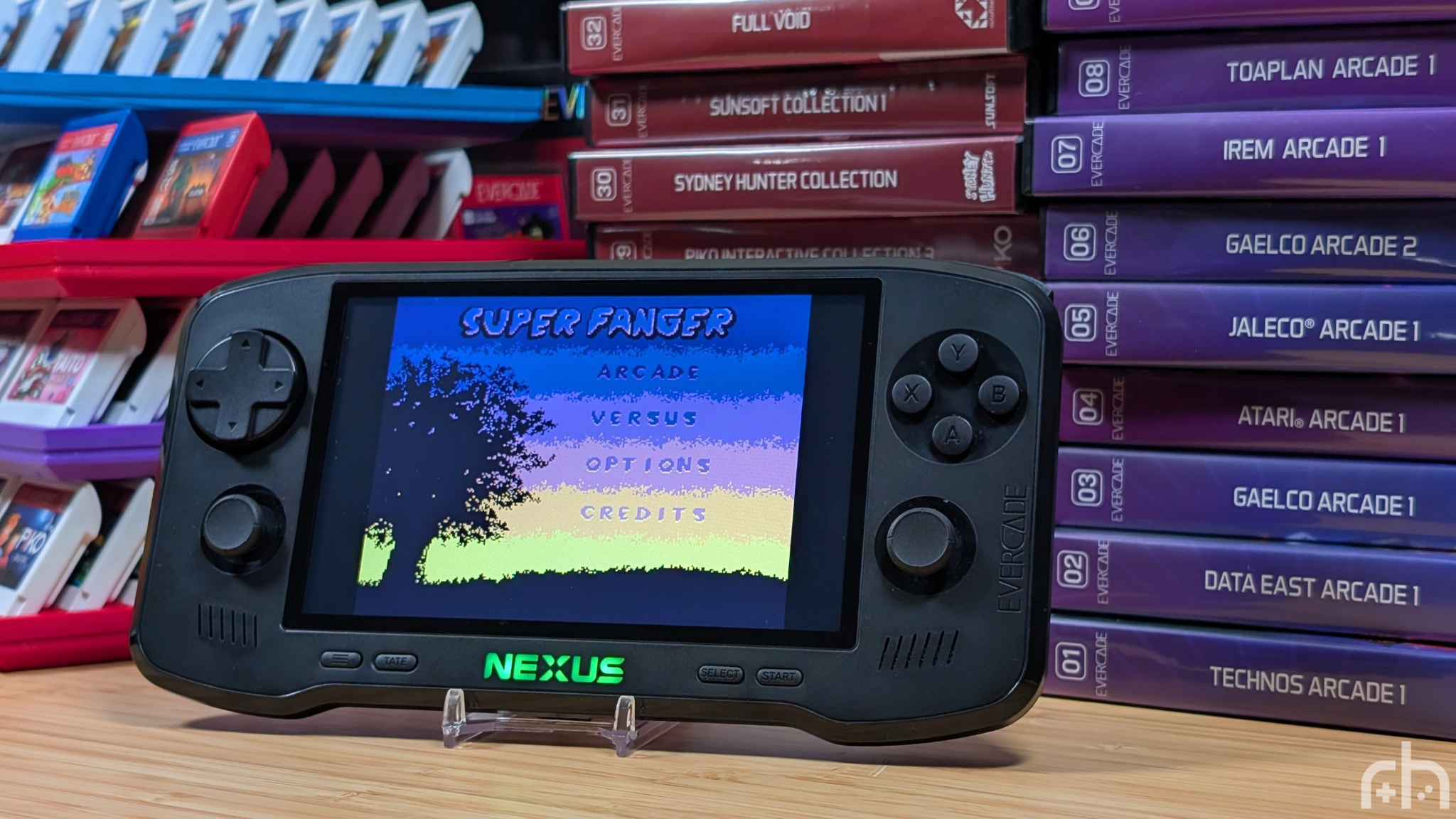
When it comes to specs, this isn’t your normal handheld from Anbernic where everything will be put out on display for you to gawk at and judge. This lines up moreso with something like a Nintendo Switch, or an iPad where a lot of specs are there, but some things may be missing. Because of that, all I want to say before giving you the specs we have, is that this is a $200 handheld that plays cartridges. Keep that in mind. A number of sites have listed the 4gb eMMC as ram, however, considering the updates that need to be made to the handheld thanks to the inclusion of wifi, the assumption is that is actually the storage.
| Hardware | |
| CPU | Quad-Core @ 1.5GHz |
|---|---|
| RAM | 512MB DDR |
| Display | |
| Screen Size | 5.98-inch |
| Resolution | 840 x 512 |
| Aspect Ratio | 5:3 |
| PPI | 167.02 |
| Additional Details | 500+ Nit Brightness |
| Storage | |
| Internal Storage | 4GB eMMC |
| Battery | |
| Battery Capacity | 5000mAh |
| Est. Battery Life | 5+ Hours |
| Charging Speed | 5V/2A |
| Connectivity | |
| Wi-Fi | Wi-Fi 6 |
| Ports | 3.5mm Audio Jack, Cartridge Slot, USB-C |
| Additional Details | Wireless headphone support, EverSync connectivity |
| Controls | |
| Sticks | 2x, Analog |
| Triggers | Digital |
| Shoulder Layout | Stacked |
| D-Pad | Top Left |
| Audio | |
| Speakers | Stereo |
| Speaker Location | Front-facing |
| Headphone Jack | Yes |
| Physical | |
| Dimensions | 215 x 111 x 34mm |
| Weight | 407g |
| Form Factor | Horizontal |
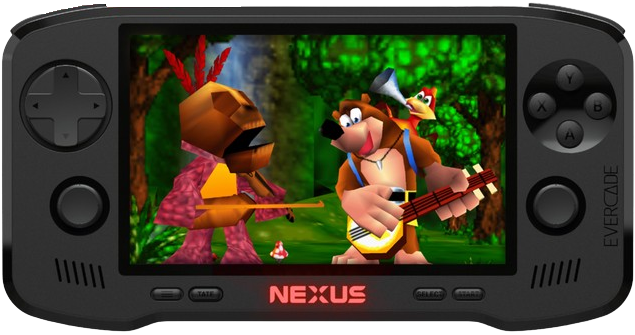
Build Quality and Ergonomics
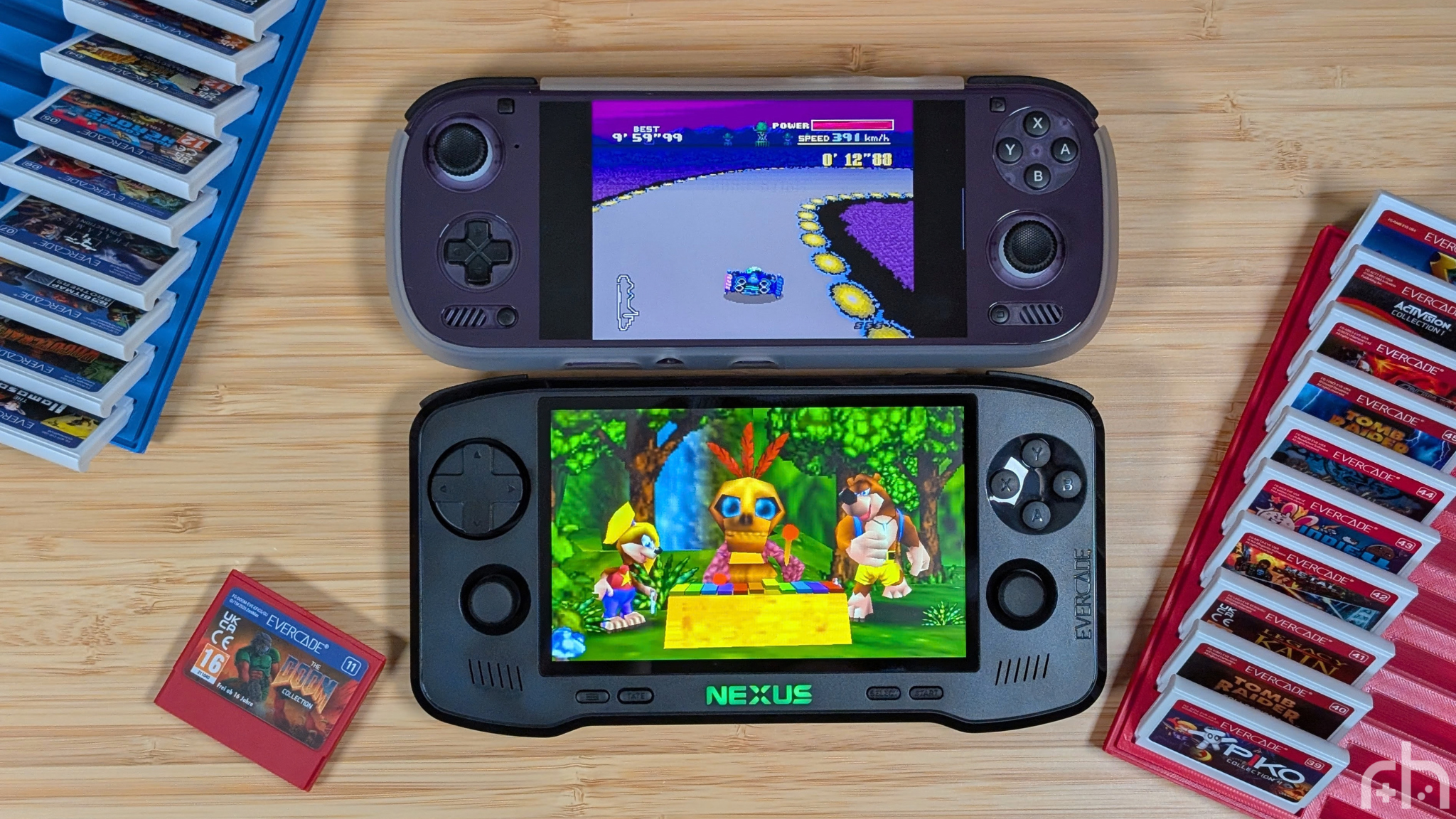
Starting off with the Ergonomics of the Evercade Nexus. This thing is a CHONKER. Compared to my favorite, the Evercade EXP, the Nexus is around 10-15% wider and around 50% taller thanks to its nearly 87% larger screen real estate (thanks Displaywars for the calculation). If I wanted to compare the Nexus to a handheld you may know, like the Odin 3, it’s about the same width, while remaining taller still. It’s big, and beefy.
While I’d love to say the ergonomics are perfect, I have a few small qualms. Dual stick bottom means you get to enjoy the awkward claw motion needed for 360 degrees of movement. On a device like this, that will more than likely be fine for 95% of users, but for those stick lover. I’m sorry.
My other qualm is with the bottom left and right corners of the Nexus. Despite the shiny plastic chamfer, they still will dig into my palms a bit more during longer gameplay sessions. I really like the Nexus as a whole, but even with its size it may not be the best option out there for ergonomics.
And as a note for the build quality. The Nexus is a well built Evercade machine. In the world of glass front Android handhelds, people will make the comparison. And while personally, I think some higher end Anbernic device may feel better built than this, the Nexus still outdoes a majority of cheaper options. Which makes sense given the price tag. Also, what is with the glossy black plastic strip around the front? Why?
Controls
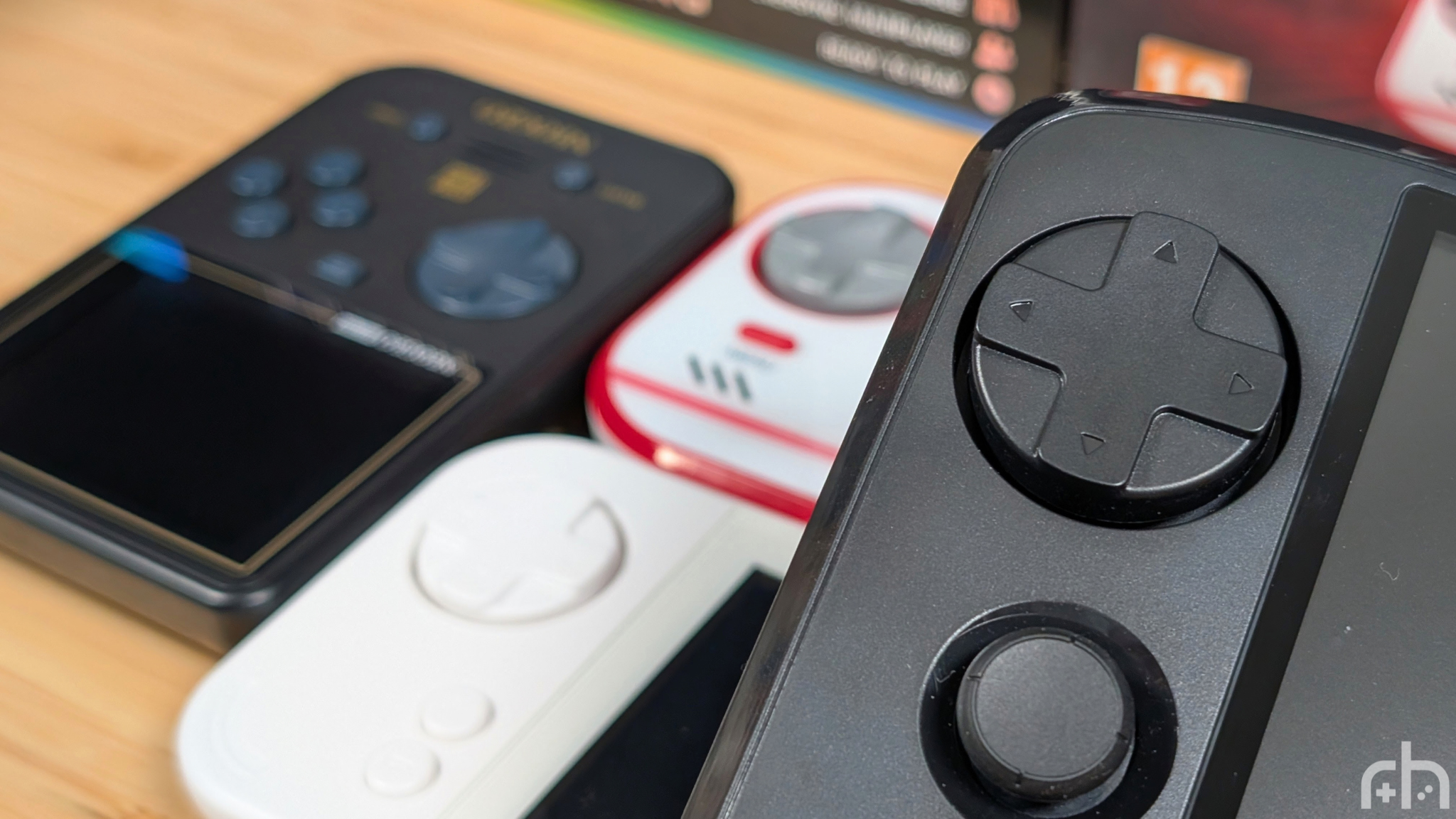
When it comes to controls, I’ve got plenty of things to compare as I have one of each of their handhelds at this point. Starting with face buttons, the Nexus requires more effort to press than the original EXP, on par with my Super Pocket, and is slightly lighter than the original. I think it’s a great middle ground, though I do miss that big goofy glossy look of the original Evercade face buttons.
Moving down to the sticks, the Nexus wins automatically for having them. They do feature L3 and R3 capability, but they feel more akin to Switch styled sticks than the newer Ginful hall-effect sticks we’ve seen recently in most handhelds. I’d prefer something with a bit more travel, but in a handheld where you likely won’t use them too much, it’s fine for now.
The shoulder buttons are next! The Super Pocket loses for having them on their flat back, the OG is next with their cheap clicky shoulders, and then the EXP and Nexus basically tie, as it feels like the Nexus shoulders are the same, but enlarged in every way. L1/R1 are still a slim clicky piece of plastic that can be hard to line your fingers on, and L2/R2 are larger, digital paddles that stay click as well. They also bring up the noise, being the loudest shoulders of the bunch.
Last is that D-pad. Blaze has been stuck on Shield D-pads with their Evercade lineup and I love it. The Nexus has a super light pad that slides with ease. My unit at least has small indentations when you make directional changes, and feels really nice in use. I think this is genuinely their best dpad yet.
Display
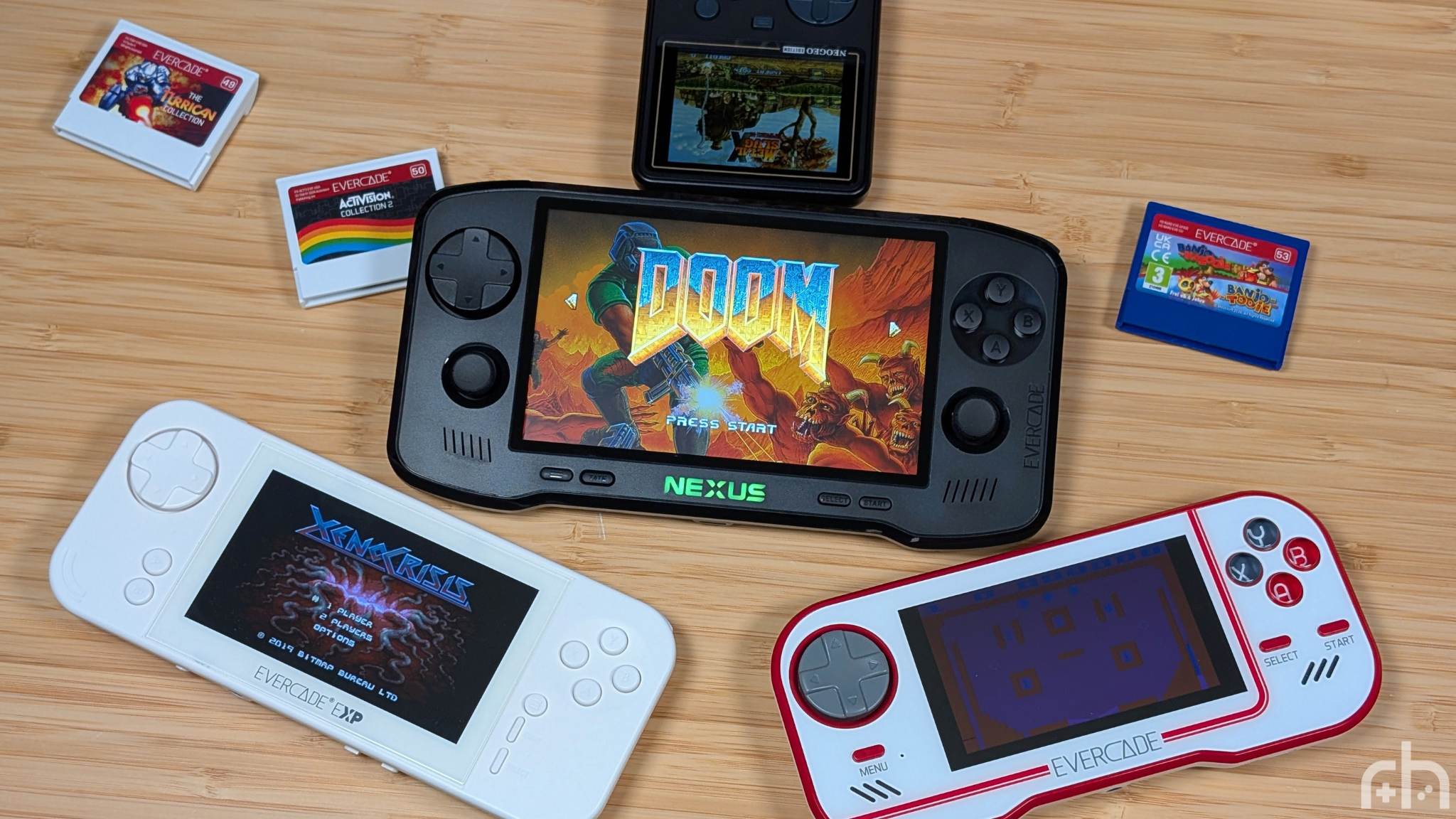
Let me get the obvious out of the way first. The Evercade Nexus does not have a high resolution display. At 5.89” the 840×512 display has a pixel density of just 167. Utilizing the Odin 3 from earlier, that 6” panel has a PPI of 367, over double that of the Nexus. The EXP models were 216 PPI, and the only loser being the Super Pocket’s 240p, 142 PPI display, and the OG with its 128 PPI. But I don’t think that tells the full story.
Most games on the Evercade platform will fill out the entire display, and while yeah it’s not high resolution, neither are the games you’re playing. The big, bright panel looks surprisingly good, and within 10 minutes of me booting up a game, I find myself getting lost in the gameplay more than I am thinking about the resolution or how the screen really looks.
Is it as good of a screen as a traditional $200 handheld? No. But is it still a good panel for the retro games that are on the Evercade platform? Yeah I’d like to think so. It’s a corner thats been cut just enough to still make sense while not being terrible.
Oh, and its OCA laminated for those of you on older Evercade handhelds.
Software
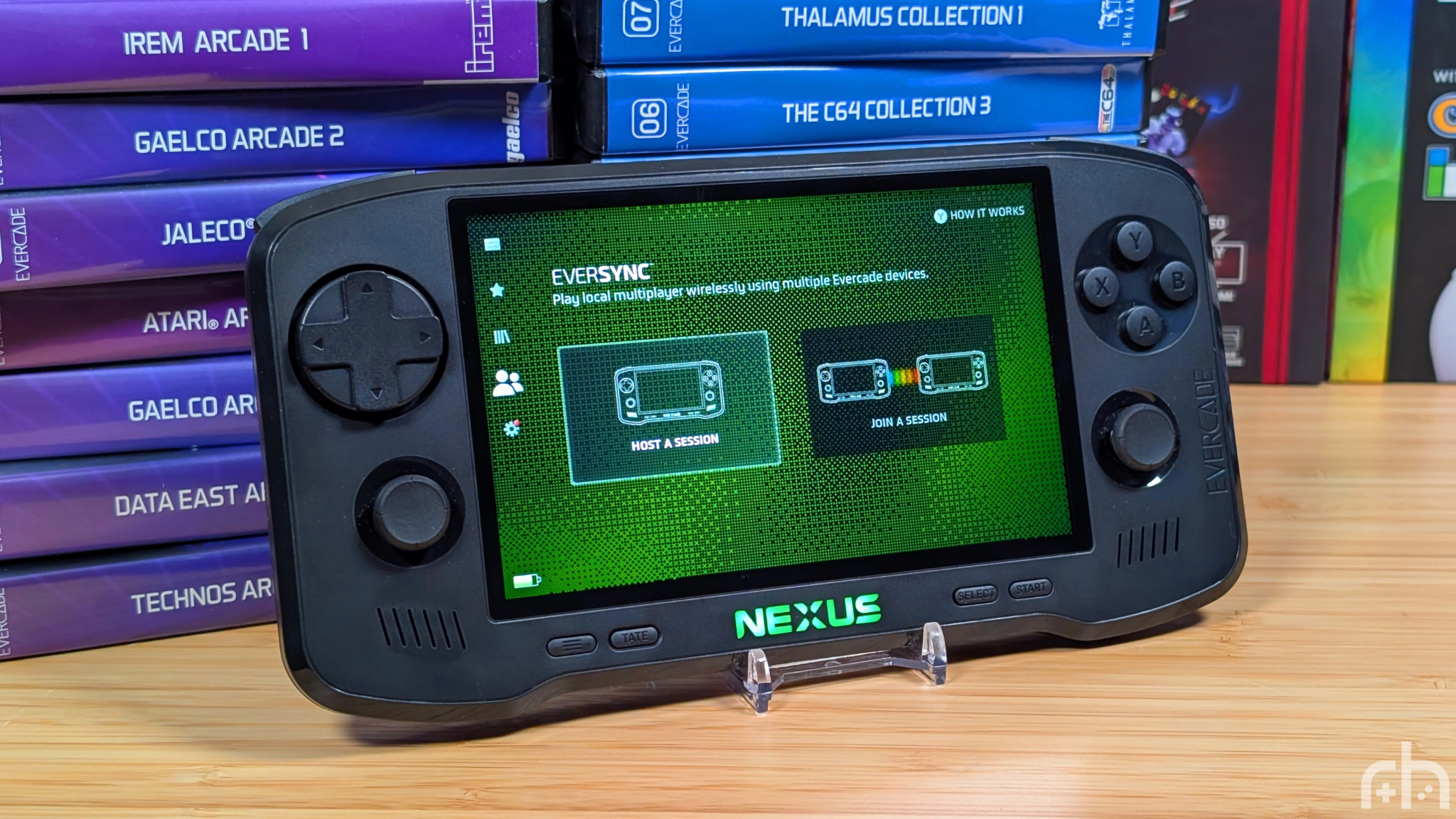
So for the most part, you won’t usually interact with the software as you’re normally just booting up your carts, but in the case of the Nexus there’s a few bonus features to talk about as well. With the introduction of the Nexus, Blaze is also introducing a new feature called “Eversync” which allows you to play wireless multiplayer with another Nexus owner. Unfortunately, I don’t have a second Nexus to test with, but that is something I’d like to try, as Rob the Retro Tech Dad, does have a unit as well.
In the rest of the software, you can find things to be pretty snappy. Customizable RGB light on the front, and color matched menu. Settings Menu that is reminiscent of something like MinUI, and easy to access tabs. Most of the software is straightforward, with neat features like secret games for your system and “Games of the Month” to download and give a try.
All-in-all my only real gripe with the software are things like the delays in power. When I talk this power button delay, I mean that on the Nexus, when you press and hold the power button to turn it off, the screen will shut off first, and the game audio will run just a few more seconds before turning off. Not a big deal, but makes you question if the game is still properly running at that point.
Extra Gubbins
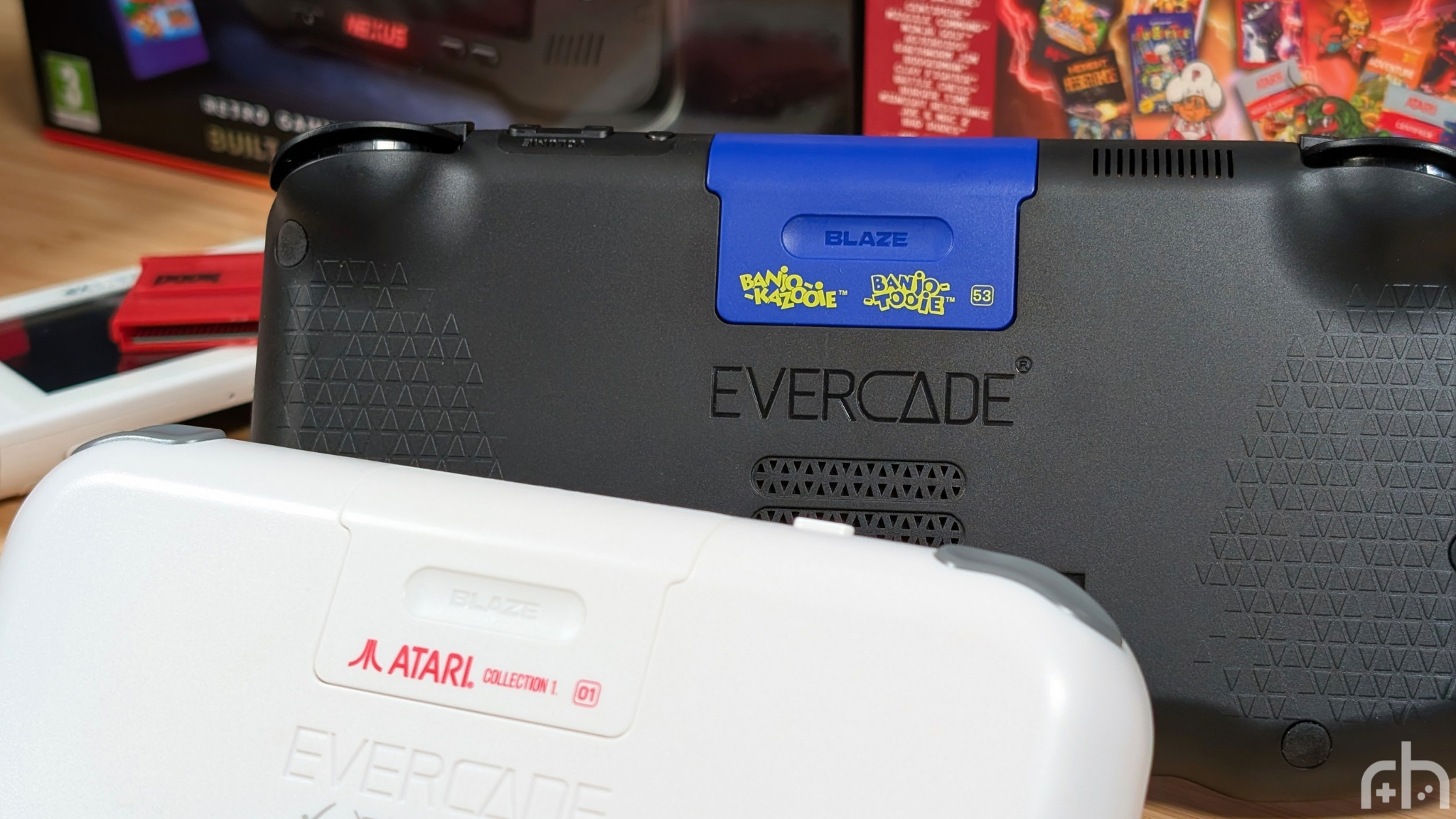
Here’s the last part before I talk about the actual experience of Evercade, and that’s two extra bits I think are worth mentioning. The battery and the speakers. The dual, front-facing speakers on the Evercade Nexus get nice and loud while retaining a level of crispness that feels good for retro games like this. They’re inset enough that even when using the sticks at the bottom, I was never blocking them when playing.
As for the battery, it’s 5,000mAh and it seems to last a solid bit of time before needing to recharge. Even with how bright the screen gets, the lower resolution panel just seems to be a bit easier to drive. And since you’re not pushing the 1.5GHz Quad-Core chip to its limits, battery life continues to do well. Though their “5 hour” life rating should still be a reminder that long to some may not be long to others.
The Cartridge Experience
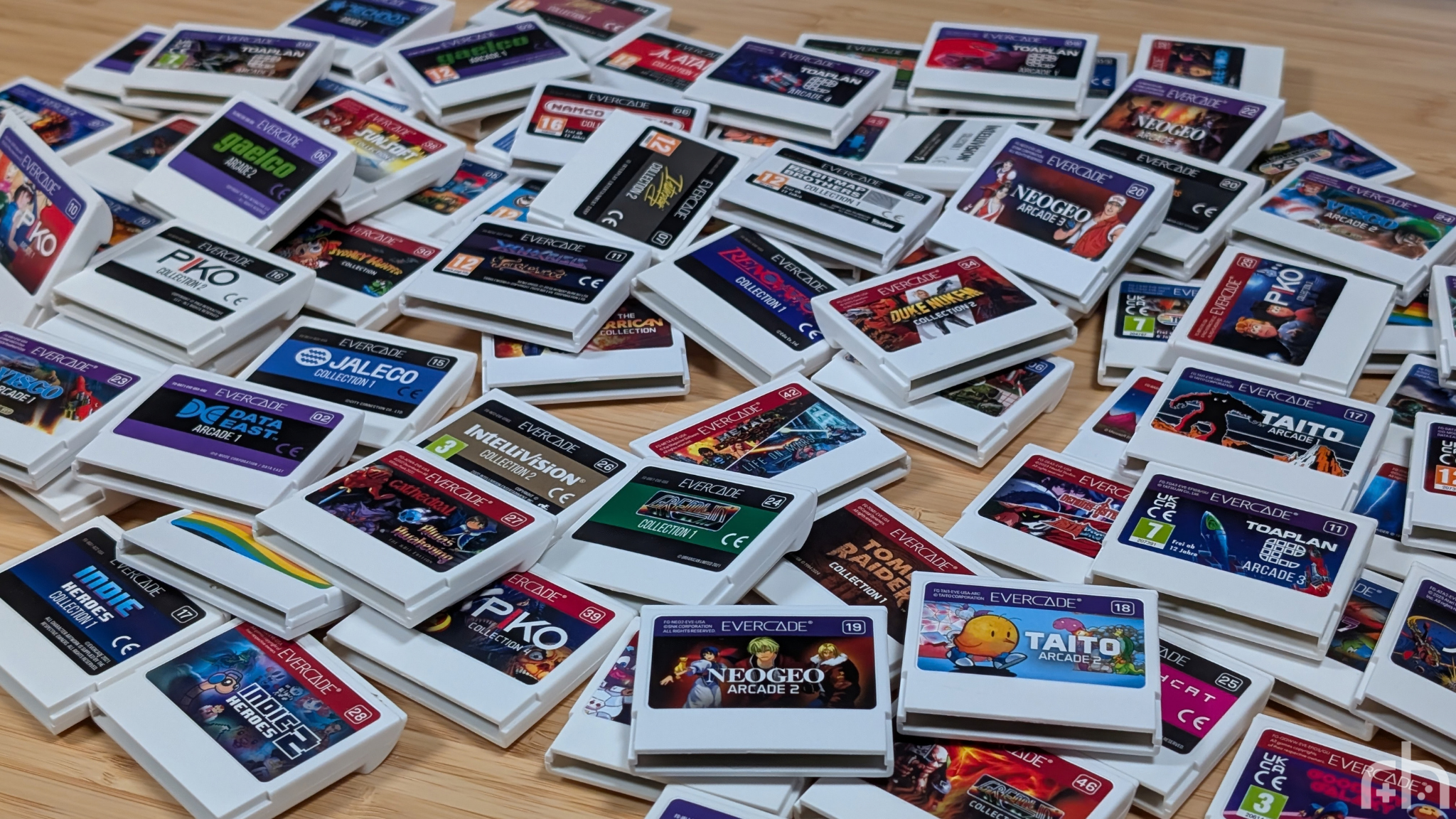
Last up is the experience. Evercade likes to boast that they’ve got over 80 cartridges released for their platform, and while that’s not a lot compared to the thousands on the Switch, it’s important to remember that’s not really what they’re competing against. Evercade as a whole is making a smaller, curated selection of games that should have something for “retro gamers” of just about any genre.
Admittedly, a good chunk of early Evercade releases were a bit more duds than the new ones. Atari Collection 1 was really mid in my opinion. By now that they’ve been grabbing more common, or modern IPs I feel as though the quality of the games has stepped up. Even the Banjo Kazooie and Tooie transition to Nexus has given us a new way to play the old game, and it runs great.
In an era where companies are removing all the ways for you to own your games, there’s something warming about being able to just own those, to pop them into your system physically, and to just; Play. Having one or two cartridges on me has always reduced the choice paralysis I get from an emulation handheld with 100+ games on a dozen different systems. And while yes, you could argue “just put less games on those” the point is to be able to put as much as you want on those. This is just meant to be that nice, curated selection that you need to pick from.
Final Thoughts
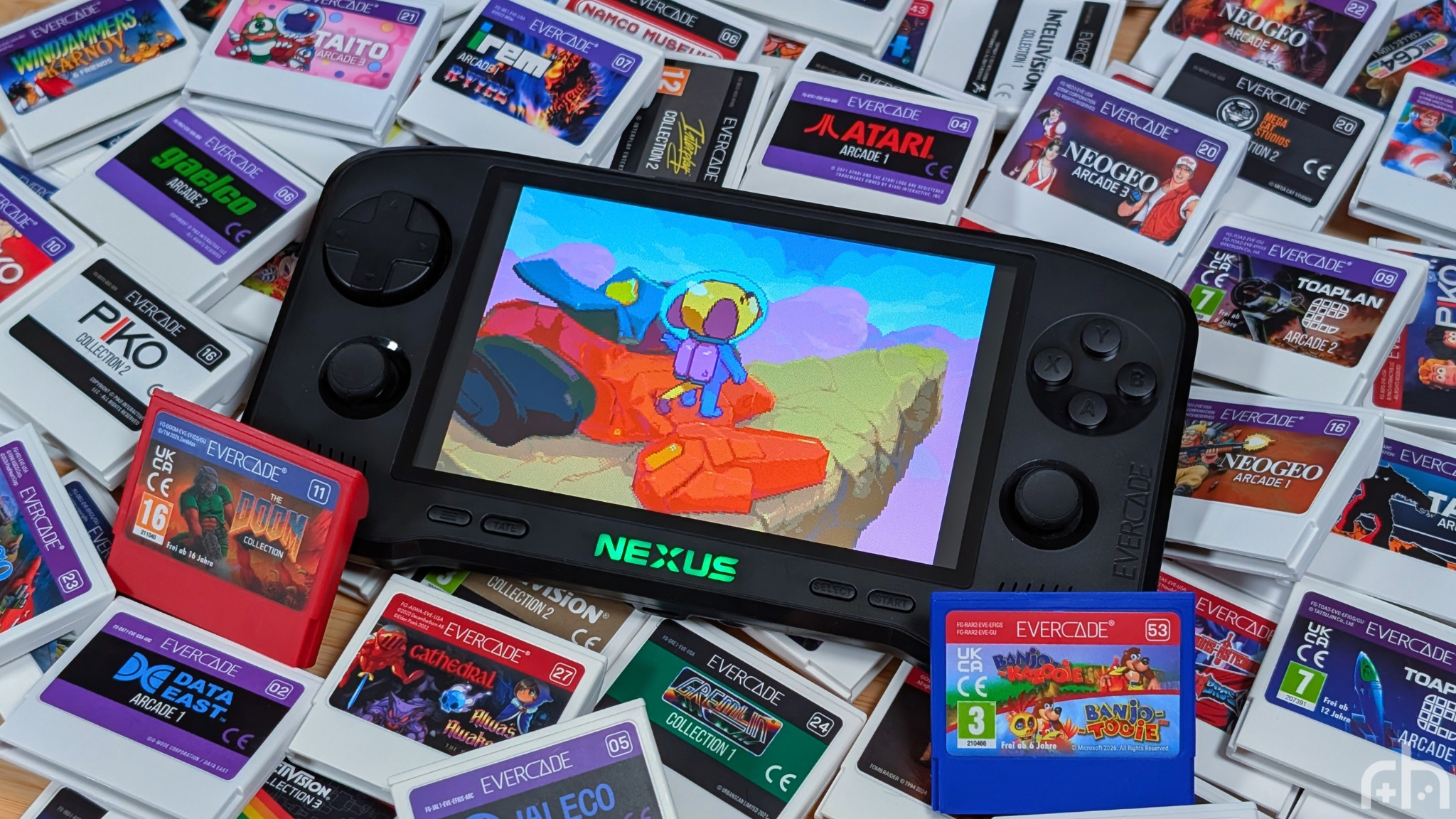
$200 is not a cheap handheld. Even in todays market where prices are constantly going up for everything across the board, $200 still isn’t very cheap for something like this. A lot of the hardware choices feel entry level if you’re in the emulation scene, but I personally feel like that misses the point.
Blaze Entertainment isn’t just making a handheld. They’re also managing licensing for who knows how many active games, running publication for who knows how many different cartridges, and cultivating a community around a proper handheld ecosystem. This may not be a Switch that you can load Mario Kart 70 World Karting Tour Pro onto, but it provides an experience that you’re not going to get many other places.
For those of you deadset on emulation handhelds, this is like arguing for FPGA consoles like the FPGBC, Analogue Pocket, Game Bub, or ModRetro Chromatic. Those play the cartridges, and not much else unless you really mess with them. That’s what the Evercade is. It’s a niche in a niche, and if it’s something that’s for you, it’s absolutely going to be something you enjoy. But maybe give it a try at a cheaper entry point to see if its for you. The Super Pockets are only $60-$70.
But I like this one way more.
