

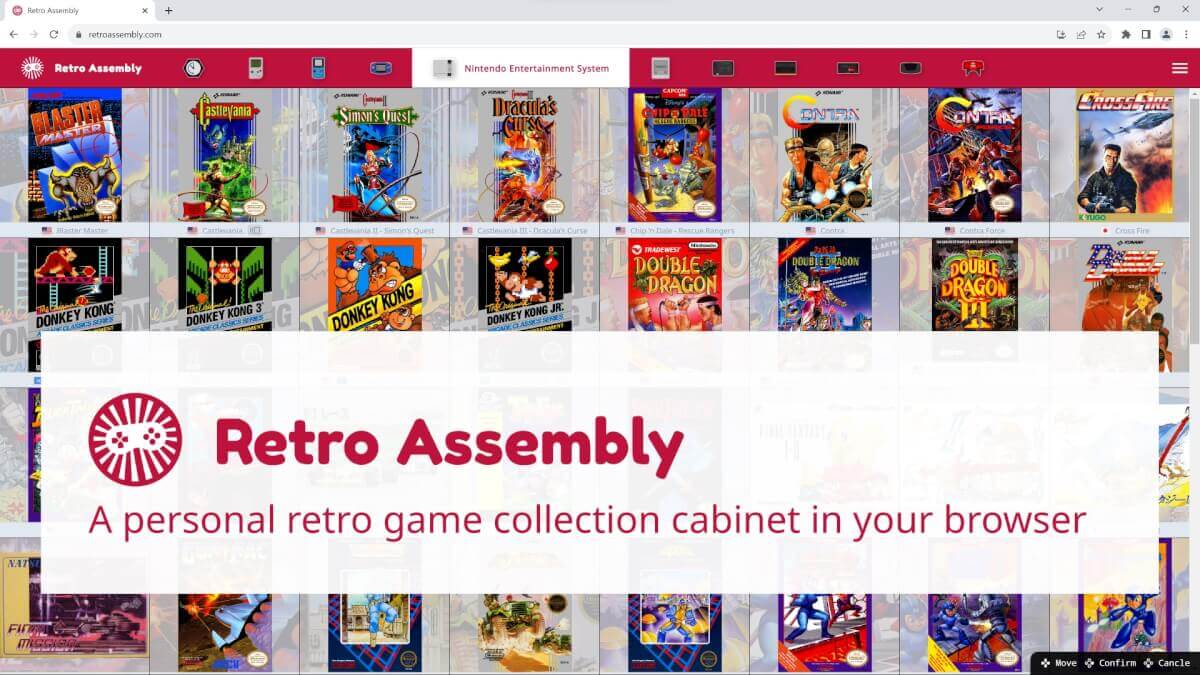
RetroAssembly just hit v5, and this one’s pretty substantial. The browser-based frontend for your library now autosaves, gets a bunch of new shaders, and finally lets self-hosters carve out separate user profiles without retrofitting extra tools on top.
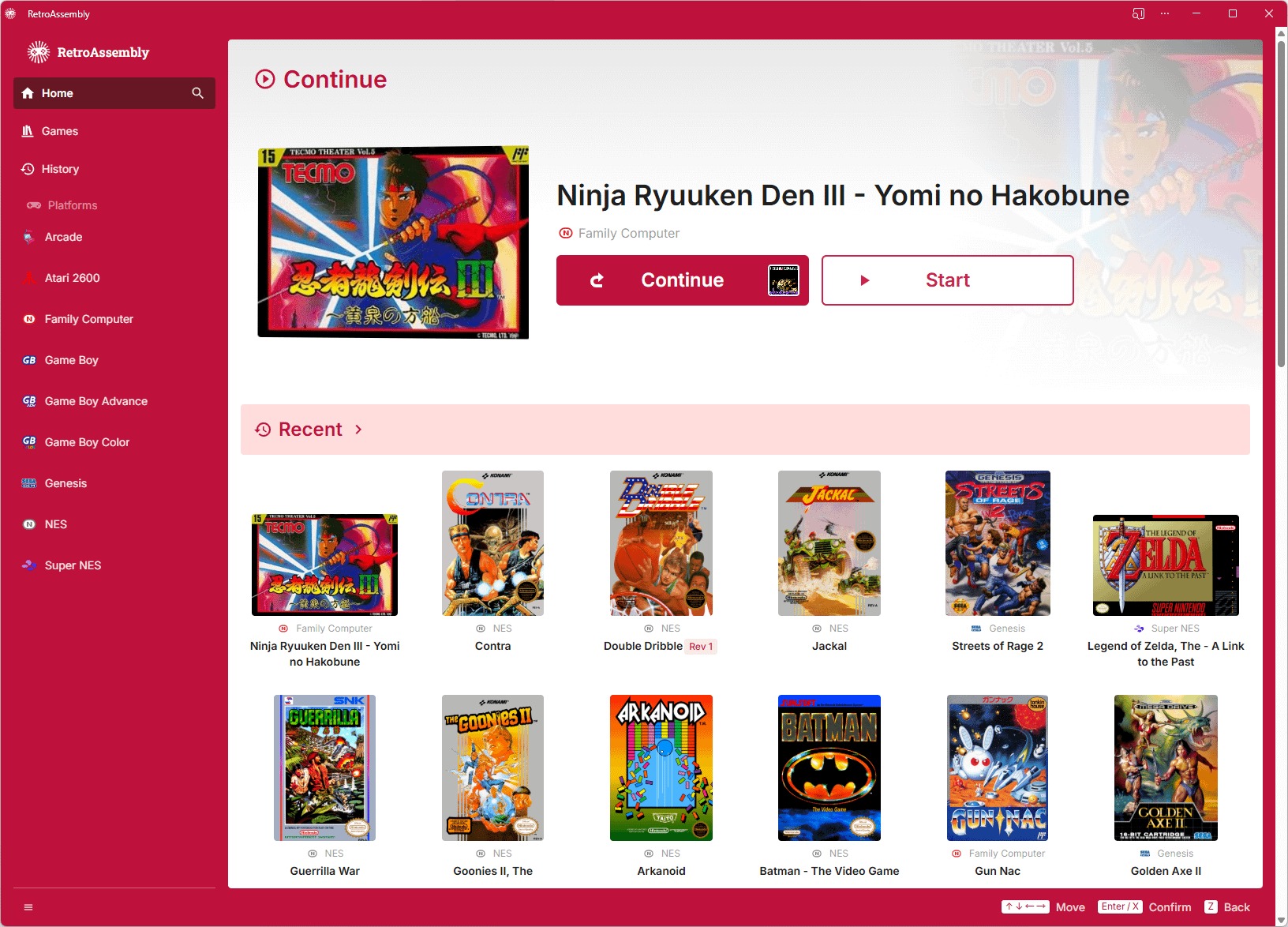
If you missed earlier versions, RetroAssembly is an open-source web app where you upload your own ROMs, play them directly in a browser, and have saves synced across devices. You can either dump them on the official hosted service or your own Docker box. Think Plex, but for your games, with features like rewind, cloud saves, and an elegant UI.
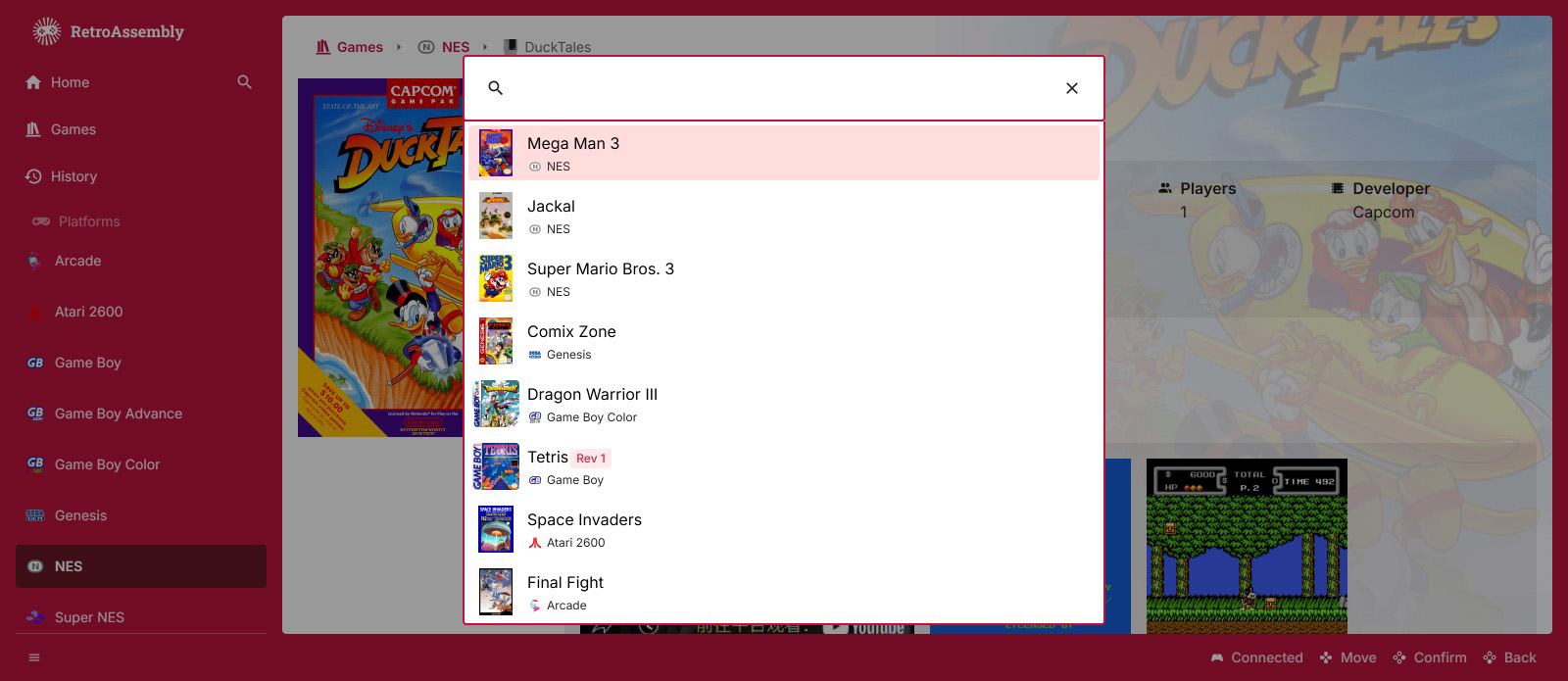
The big addition here is auto-save, with the app now silently saving your progress at intervals so a Chrome crash doesn’t ruin a session. Notably, it’s disabled by default and can be toggled in settings. The search bar also got smarter, suggesting recently played titles so your comfort games are one keypress away.
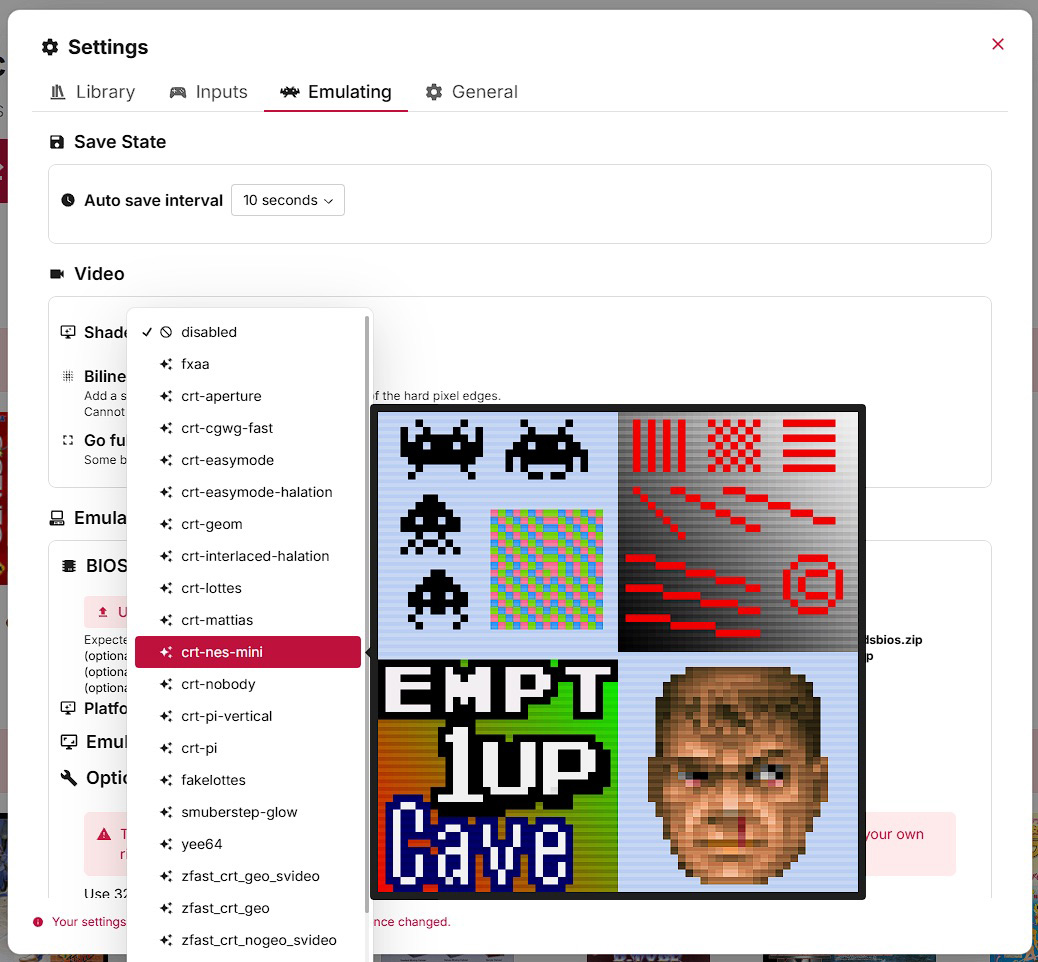
Shader fans get a nice upgrade, too. Version 5 adds 29 new visual shaders and lets you set different shaders per platform, in case you were worried you wouldn’t have an excuse to tinker.
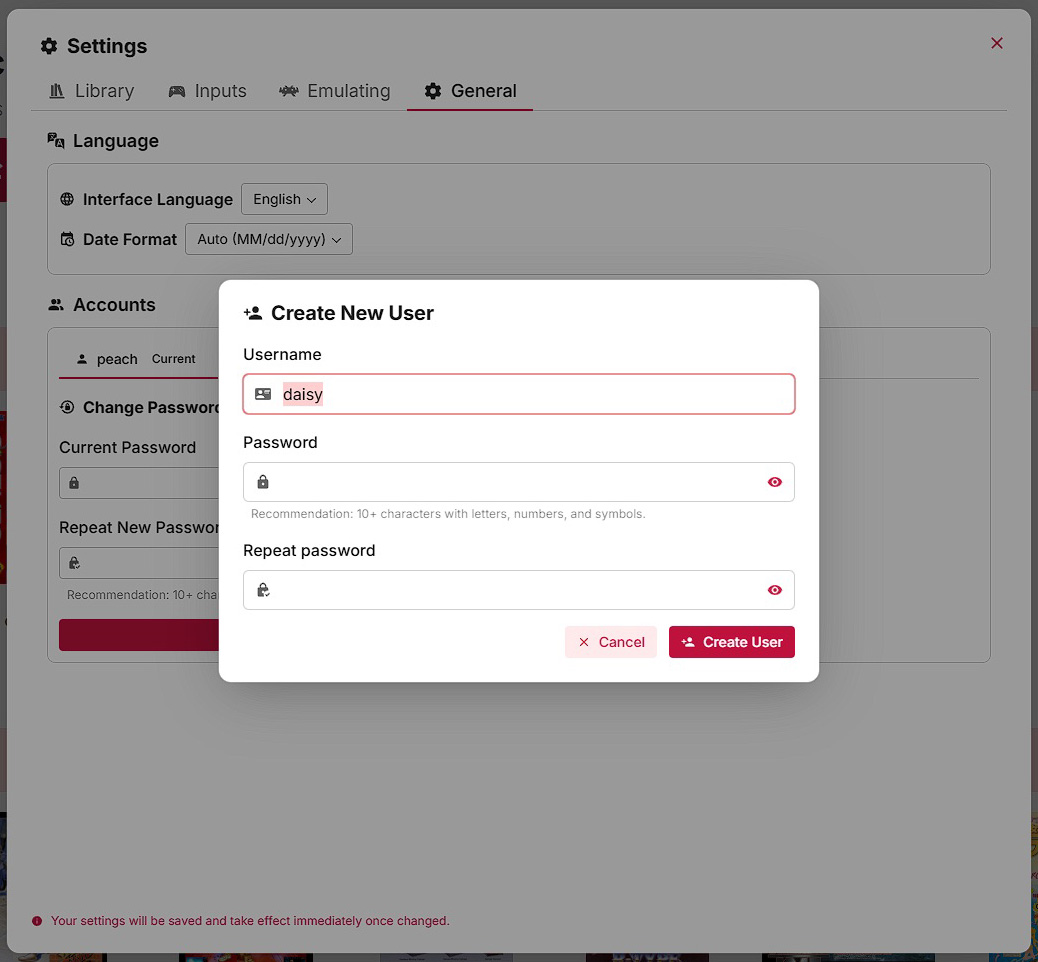
Self-hosted instances now support multiple users on a single server, with each user getting their own library, saves, and settings area. This turns one Docker container into a whole household cabinet instead of a single-user shrine on your NAS.
You can spin up v5 via Docker or just use the official hosted instance if you’d rather not babysit containers. Either way, autosave plus multi-user support make this the first RetroAssembly release that really feels ready to live on the family server.
Find out how to set up RetroAssembly at their official website.
What did you think of this article? Let us know in the comments below, and chat with us in our Discord!
This page may contain affiliate links, by purchasing something through a link, Retro Handhelds may earn a small commission on the sale at no additional cost to you.
