

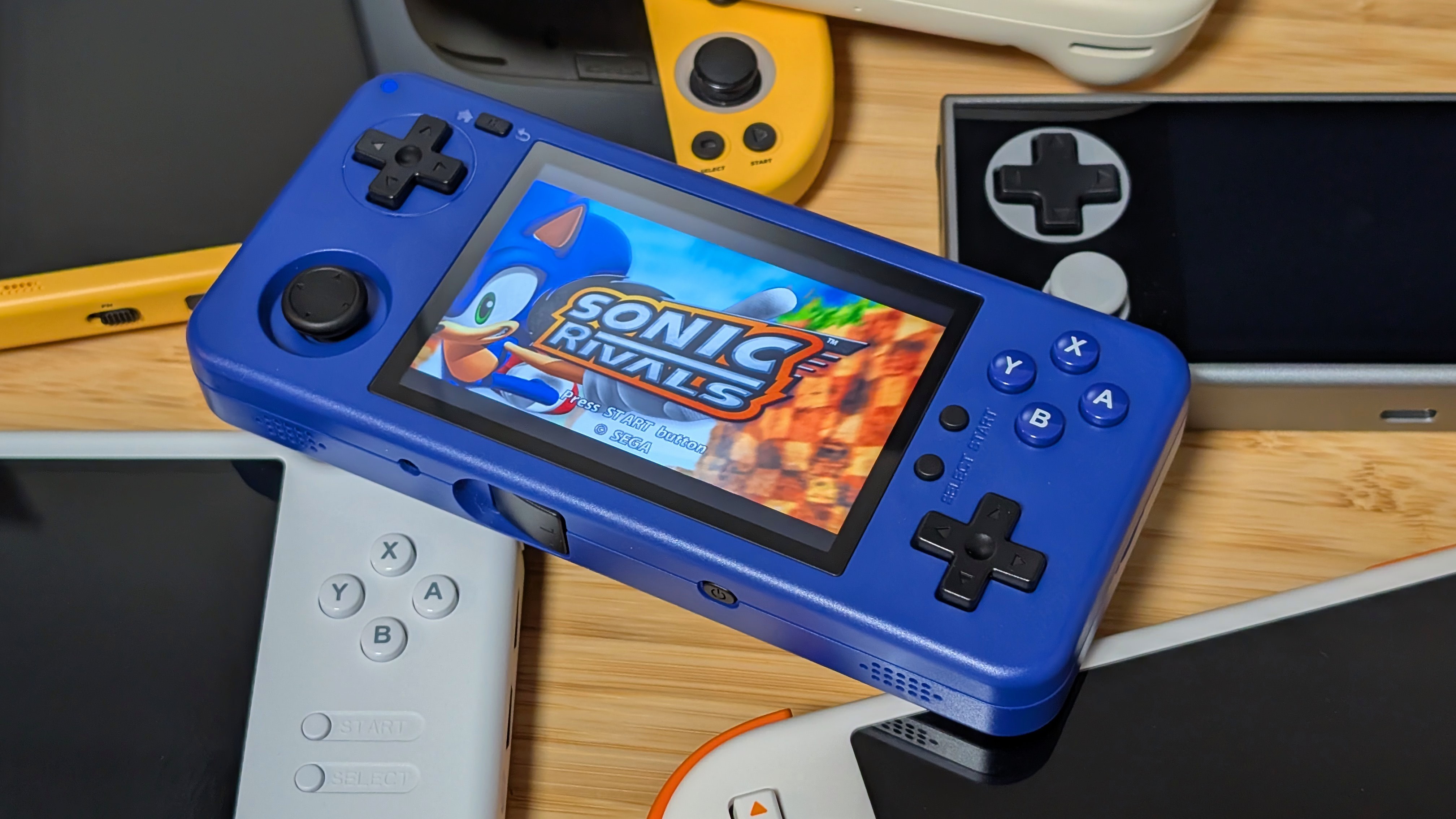
How many times do you look at a handheld and think to yourself “man this would be so much better if it was vertical.” Or maybe you’ve looked at an 8BitDo Lite and thought “put THAT on a handheld”.
If either of these thoughts have passed through your mind I recommend two things; Help, and the MagicX One 35. That’s at least what I hope I can recommend to you. After various delays in production as well as competition from the likes of Mangmi, TrimUI, or AYANEO, is the One 35 right on the mark? Or just too late.
MagicX One 35 Specs
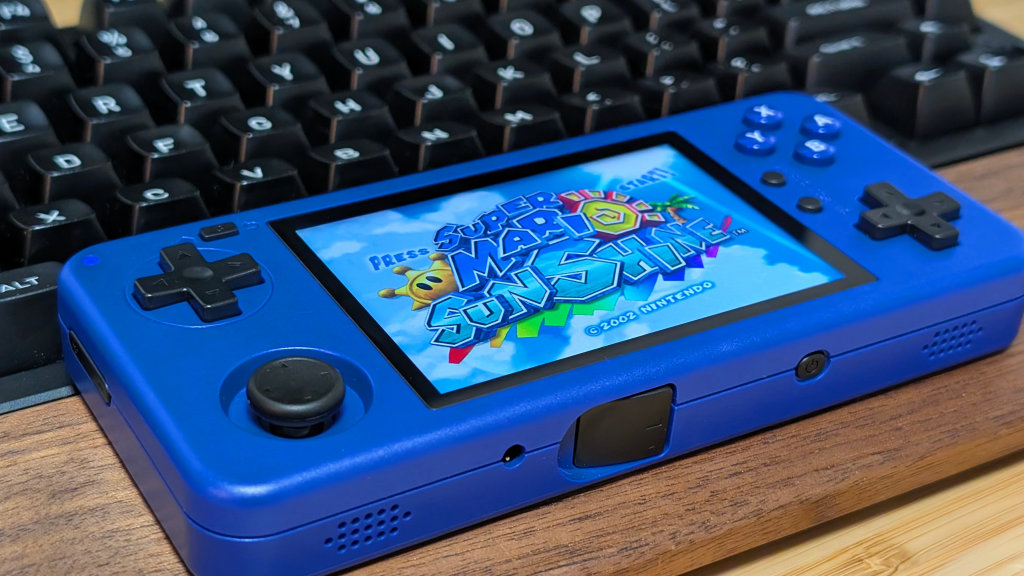
Starting at $55 for the 3GB model, or $85 for the 4GB model before shipping, the One 35 lands in the sub-$100 niche of Android handhelds that have been making the rounds in 2025. But the real question is, if that’s going to be worth it for you.
- CPU: MediaTek Helio G85
- GPU: Mali G52-MC2
- RAM: 3GB/4GB LPDDR4X
- Storage: 32/64gb eMMC 5.1 + Micro SD
- Display: 3.5-inch 960×640 (3:2) IPS
- Battery: 4300mAh
- OS: Android 12
- I/O: USB-C, microSD, 3.5mm Audio Jack, Bluetooth 5.0, Wi-Fi 5
- Dimensions: 153 x 70 x 19mm
- Weight: 189g
What I Like
Performance
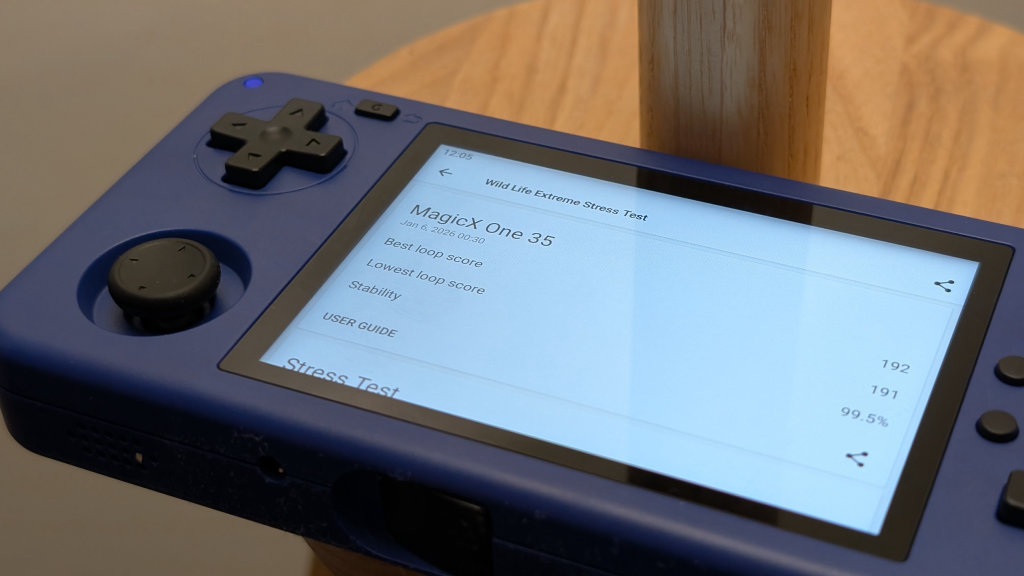
For the price, the One 35 packs a solid amount of performance into it. Just to help aid my first impressions, I ran a couple of benchmarks just to see where things land. With a Single and Multi-core Geekbench score of 415 and 1475 the One 35 trounces the Anbernic RG DS, and lands within spitting distance of something like the Logitech G Cloud (648/1559).
Graphics continue to do well with a 717 in 3D Mark Wild Life, and a stability score of 99.5% in Wild Life Extreme. This is a sub $100 that can handle essentially everything you can throw at it up to and including light GameCube and PS2. If you’re down to experiment, the One 35 could be an interesting option if you want to see how much PS2 you can pack onto a 3.5-inch display.
And just for reference, the Helio G99 in something like an AYANEO Pocket Micro lands around 729/1979 for the CPU and 1322 for the GPU compared to the One 35’s 1056 in Geekbench.
Screen
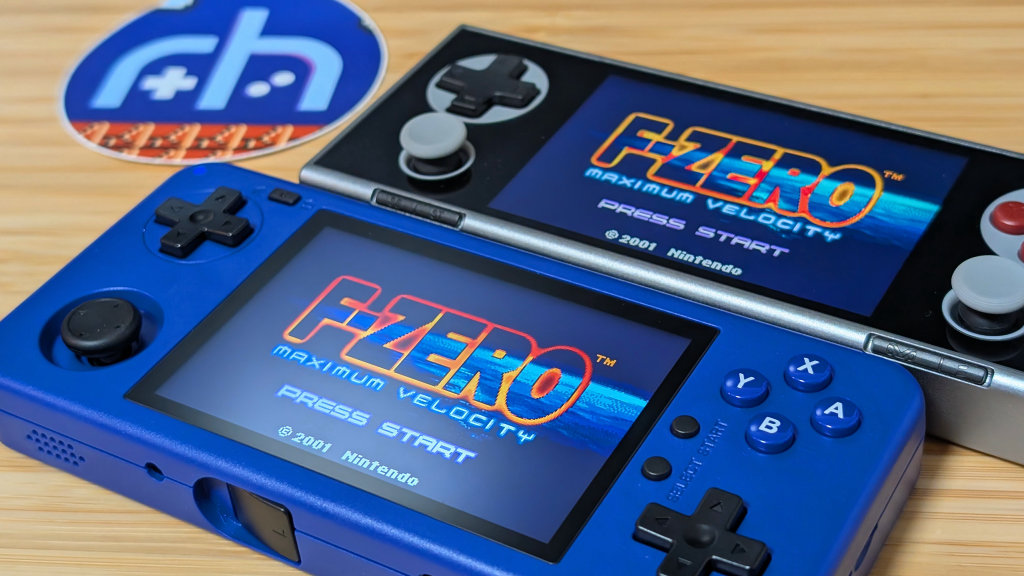
One thing that I really like about the One 35 off the bat is the screen. Despite being a small 3.5-inch device, it features a higher resolution panel that’s perfect for scaling up Game Boy Advance to fill the display.
In fact, this has what’s essentially the same panel as the AYANEO Pocket Micro and does so at a much lower price than its competition. If you’re looking for a dedicated GBA machine, and the AYANEO is too premium for you, this might be the way to go.
Other than that, the display does well for most systems, and of course does a good job at displaying Nintendo DS and Arcade games when using the handheld in TATE mode.
Controls
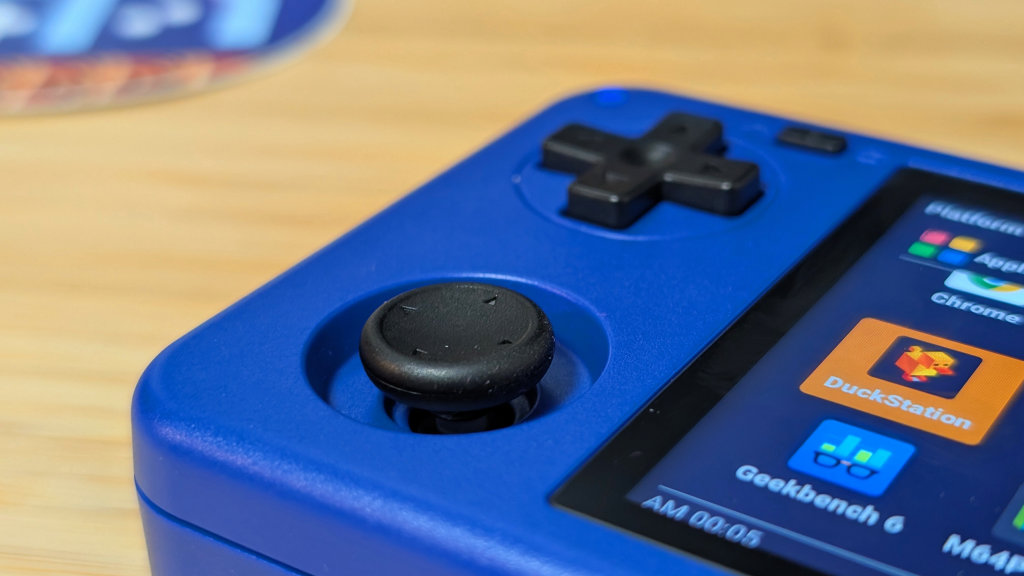
As a whole, the controls feel like an evolution of their last couple of devices. The singular stick remains a Ginful/Retroid/AYN styled stick. Holding onto a nice bit of movement and responsiveness despite the smaller size.
The face buttons themselves have a nice tension to them, and are finally a bit larger which makes daily use easier. And of course, the dual D-pads have solid pivot, and at this point haven’t given any issues with usability or with diagonals.
The biggest downside are the shoulder buttons which are a bit too clicky for my personal preference, but you may like them.
What I Don’t
TATE Mode (For Now)
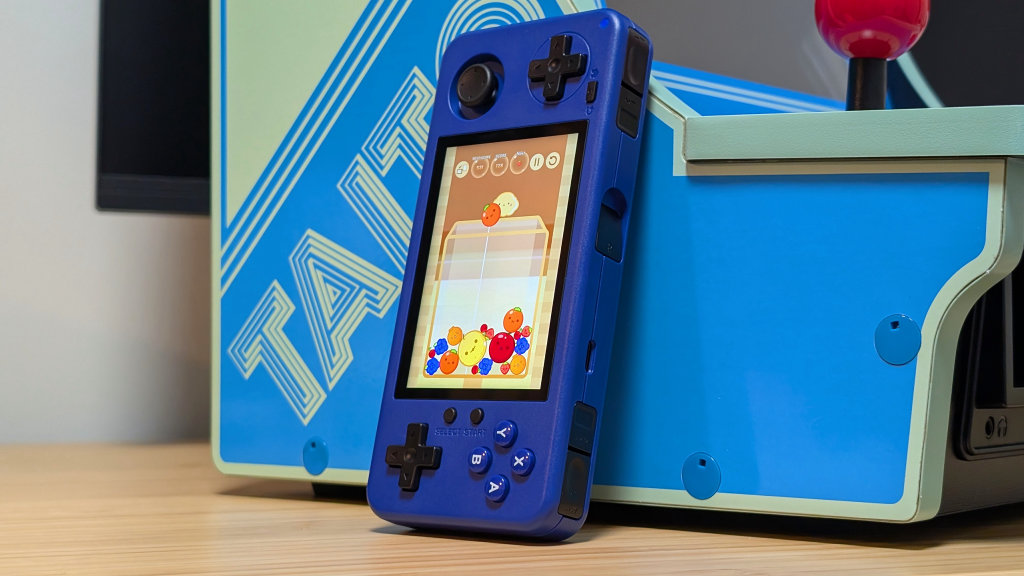
Despite being advertised for its TATE mode, I think it still has a ways to go. The device is a bit too narrow from top to bottom to be comfortable when you’re holding it sideways. Because of this, my vertical gameplay sessions aren’t too long. The other issue comes from the TATE shoulder buttons. They’re placed awkwardly for my fingers, and are essentially all wrong for me when it comes to tension. In order to effectively press into the shoulder buttons, it feels like I’ve had to press in from the other side of the device to make it work.
That being said, if someone designed a better TATE focused grip for the One 35, I could see it being a winner.
Software
Not specifically at the fault of Dawn Launcher, but the software on this MagicX device feels a step back in some ways. While a lot of functionality is there right out of the gate, some things have been awkward. As noted by Stubbs in his livestream for the One 35, some apps will boot up with the wrong orientation for the controls. Meaning if you want to play certain games you have to completely remap your controls just to get it to work as expected.
Alongside that I’ve noticed some Wi-Fi issues while attempting to download software. Multiple times I’ve had to cancel a download due to stalling and attempt to redownload it. This could be fixed with an update, but for now it’s just a bit awkward.
Final Thoughts
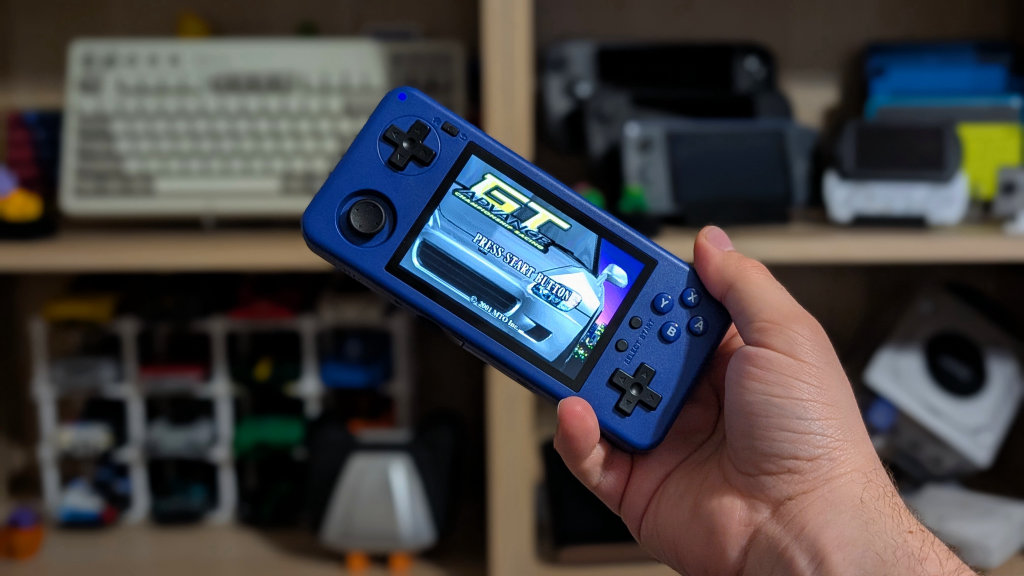
For $55-$85 plus shipping, the One 35 is a really nice value. The screen isn’t perfect for 4:3 content, but it handles 16:9 and 3:2 really well. The TATE mode is fine but needs a grip in the future. And the software definitely needs some more time in the oven. That being said, for a sub $100 Android handheld, this one has a lot less lag to it than some of its competitors. Though whether that’s a chip, or a lack of ram issue is up for debate.
If you’re looking for a TATE handheld, this is basically your only option outside of the MagicX Zero40. But thanks to the horizontal screen as standard, this one manages a lot more versatility. It’s a nice handheld with a few quirks, but that’s to be expected at this price point. Could be worse.
What did you think of this article? Let us know in the comments below, and chat with us in our Discord!
This page may contain affiliate links, by purchasing something through a link, Retro Handhelds may earn a small commission on the sale at no additional cost to you.

6 Comments
I want the ones that can play PS2 games also
Ordered mine as soon as I finished reading this article. THanks
You won’t regret it, it’s really a nice (coat) pocketable handheld.
Interesting little device but I’m mostly just here because the title image uses the first game I ever worked on “Sonic Rivals”
Man, still waiting for mine to be handed off to the post office. Really mad DHL is touching my order once it made it stateside, they are the WORST delivery company to ever exist.
Does the package come with a free glass screen protector?