

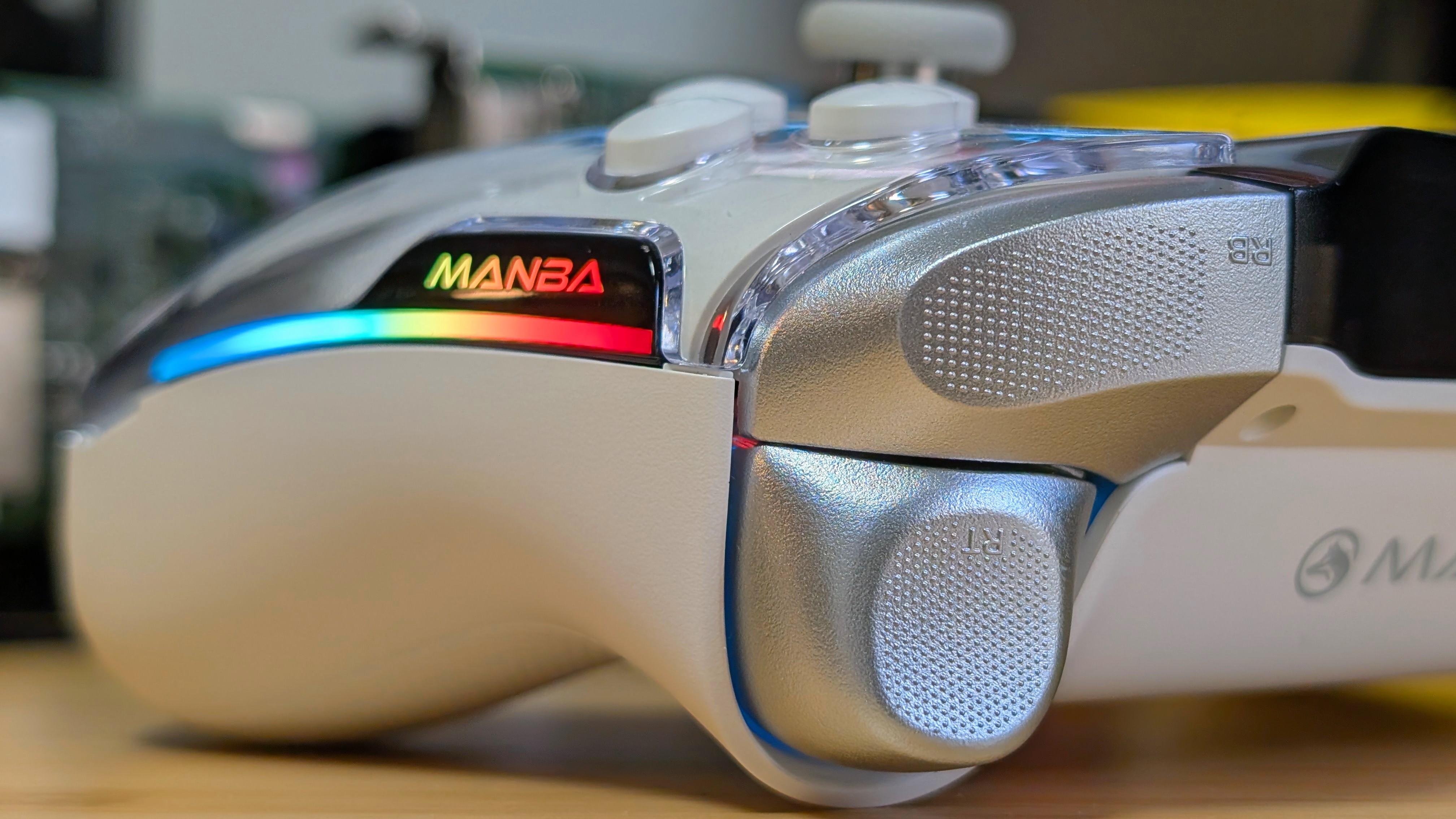
There’s not a lot you can continue to change about a controller. You can swap the sticks out for Hall or TMR, you can give the triggers stops, or you can be crazy and have magnetically swappable button locations. However, what if we want to go a step further? Forget the PC software; you don’t want to install it and do it all on the controller. But how?
A screen, obviously. The Manba One is a multi-platform controller that’s made itself a bit taller than normal thanks to the inclusion of a 2” screen on its face. But is that going to make it worth your time? Or should you look somewhere else? That’s what I’m here for, and thanks to Manba for sending it over, I can really take my time with a full look at it.
Manba One Specs
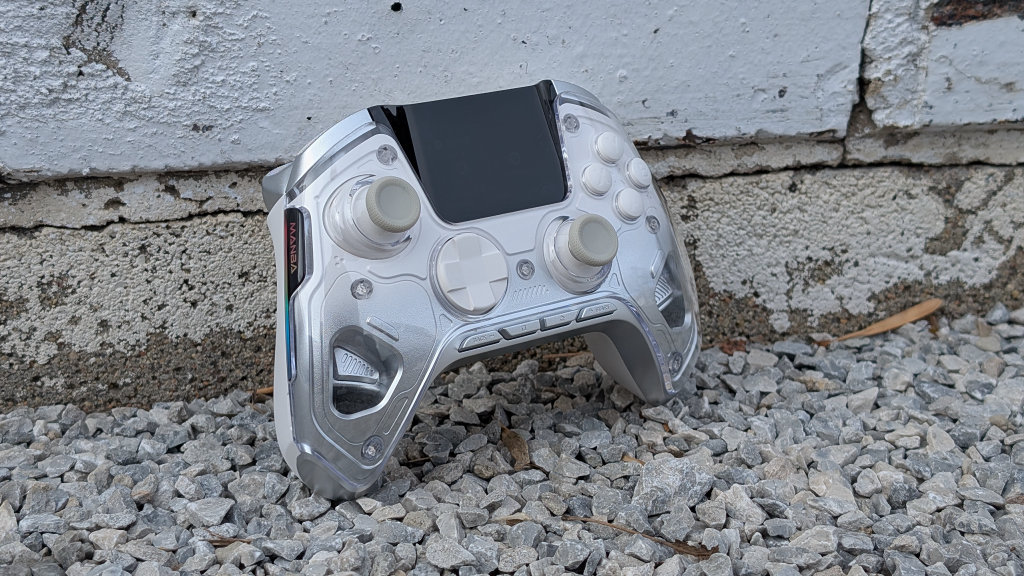
At $70, you’re putting the Manba up against some of the traditional controllers from console manufacturers. Specifically, the DualSense and the Switch 2 Pro Controller. For that price, you’re getting some unique features, but is it actually giving you enough for the asking price?
- Sticks and Triggers: Hall-Effect (2 Stage Triggers)
- D-pad and Face Buttons: Tactile (Light Clicky)
- Battery: 1,800mAh + Charging Dock
- Screen: 2” Display with Customization and Connectivity information on Display
- Additional Features: Swappable Triggers, Adjustable Vibration, 4 Macro Buttons, Turbo, On-Device Mapping
- Connectivity: 2.4GHz/Bluetooth/Wired (800hz Polling Rate)
- Compatibility: x86, Switch 1 and 2, iOS, Android
- Weight: 299 grams
[button link=”https://rh-go.link/ManbaOne_AE” color=”red” newwindow=”yes”] Manba One at AliExpress[/button] [button link=”https://rh-go.link/ManbaOne_Amzn” color=”red” newwindow=”yes”] Manba One at Amazon[/button]
The Ergonomics
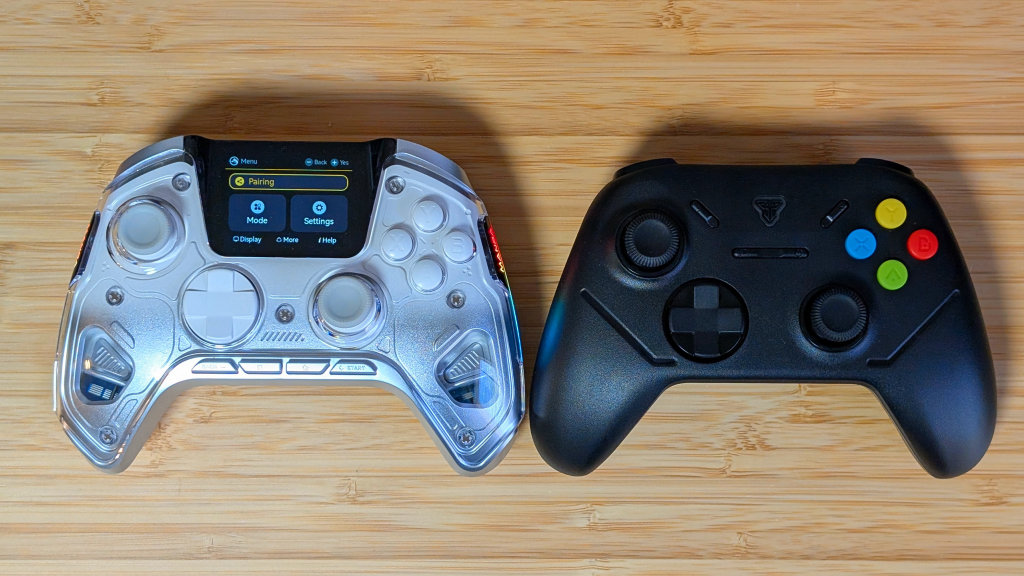
Rather than get started in the most obvious part, I’m gonna cover the ergonomics real quick. It’s mostly like a traditional controller, except for the height. The screen itself raises the shoulder and trigger buttons just a bit, and because of that, if you’ve got short fingers, this won’t be a comfortable controller.
For me, the shoulders took some adjustments, but overall, the controller holds up well. Everything else feels exactly like what you’d expect from most controllers.
The Controls
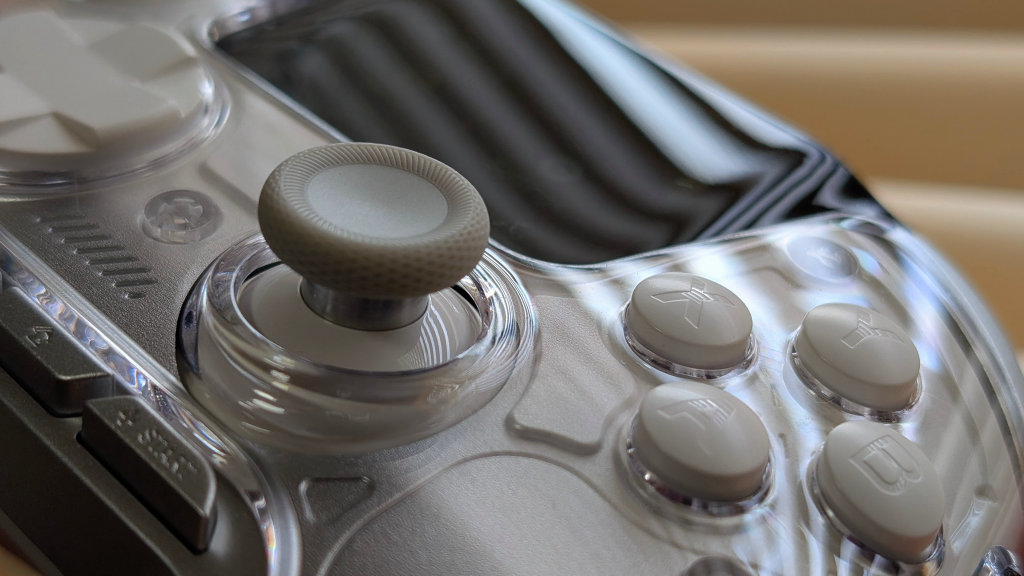
When it comes to the controls, you’ve got a mix of good and bad, with a little bit of mids. The good? The Hall Effect sticks are incredibly smooth and feel good in use. In general, they’ve never given me any issues during use, but the actual press-down of L3 and R3 feels just slightly mushier than what I would have expected.
The triggers and shoulders in full range are fine. They’re light and clicky, and as a whole, they activate just fine. If you plan on sticking to using the triggers as actual triggers, I think you’d end up being fairly happy with them. If you don’t? Read on.
Lastly, the face buttons. They’re all clicky; the face buttons have minimal travel at that, activating with a light click, almost immediately following your finger putting pressure on it. The D-pad, on the other hand, has a louder click, but is harder to follow. Feeling almost mushy as you move from direction to direction while still being clicky. This is easily the most middle-of-the-road part I’ve been on any controller.
The Screen & Software
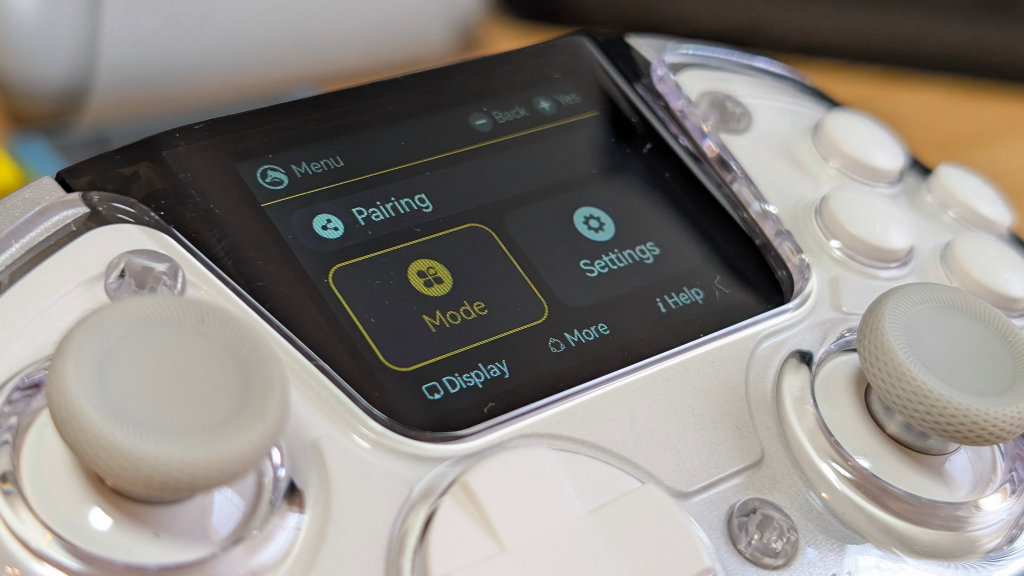
The screen is the shining star of the device. It’s got a lot of proper navigation for allowing you to not only pair your controller but also adjust things like your buttons and vibration levels. If you want to have set configurations depending on the device you use, it can all be done on the controller.
RGB, Bluetooth pairing, and setting your Switch to “receiver mode” are smaller, but still welcome features. This controller is one that you can set and forget without ever having to actually use the computer.
If you do, though, I’d recommend making sure your controller firmware is up to date. Older firmware versions did have latency concerns over 2.4GHz, but as far as I’m aware. Putting things into the latest update has been completely fine.
The Extras
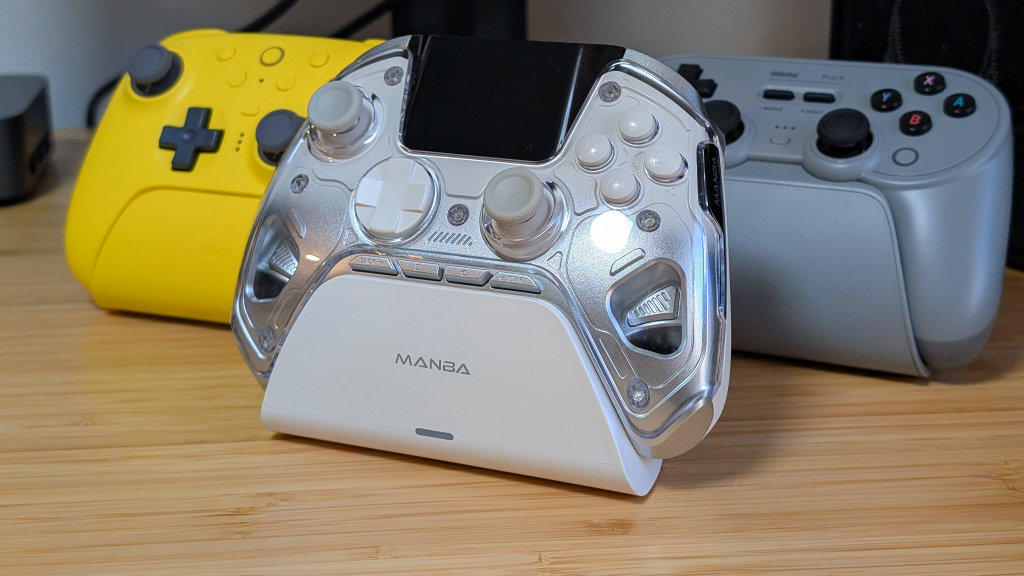
Coming past the main gimmick of the screen, I just want to cover my thoughts on the extras in the Manba One as well. The included 2.4GHz dongle is a bit large and chunky, but luckily, that isn’t going to be the largest issue, considering it slots into the included charging dock. Manba advertises Smart Wakeup and Charging Reminders from the dock, but in my experience, you’d never notice that. It’s a dock that holds the controller well, and that’s it.
On the back, you’ve got 4 macro buttons, and two toggles for trigger stops. It all kinda sucks. The trigger stops make your triggers clack a lot louder and still force you through about a third of the total travel for them. It definitely could’ve been lowered, but it’s not the end of the world. I just won’t use them.
The macro buttons are easy to reach with my middle fingers, but that’s all I want to give them, considering they’re a bit annoying in their click, and once I get my hands in place, I just find myself accidentally hitting them too much. They’re okay, but 100% not for me. I’ll leave them off.
Final Thoughts
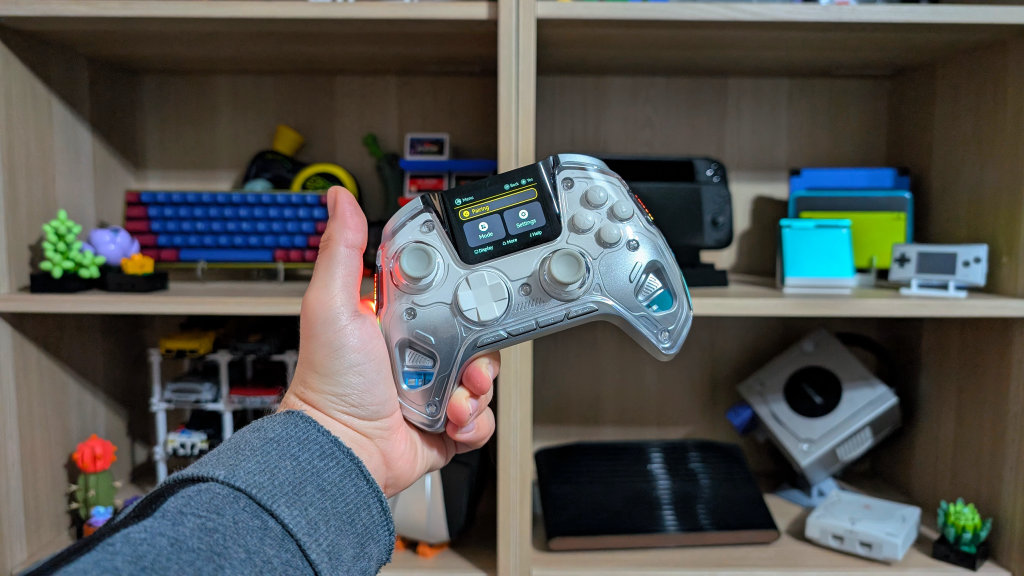
There are a few controllers that imitate what the Manba One does, but because of smaller displays, they don’t hit as well. If you want to avoid PC software and just do everything on the device, the Manba One is probably going to be your best option for that.
It’s big, set with decent controls, and is packed with features that you may or may not use in the future. For me, it’s almost too much in terms of screen, but if I wanted just one controller for everything, and I didn’t want to go back to my computer to make changes. This is the One.
[button link=”https://rh-go.link/ManbaOne_AE” color=”red” newwindow=”yes”] Manba One at AliExpress[/button] [button link=”https://rh-go.link/ManbaOne_Amzn” color=”red” newwindow=”yes”] Manba One at Amazon[/button]
What did you think of this article? Let us know in the comments below, and chat with us in our Discord!
This page may contain affiliate links, by purchasing something through a link, Retro Handhelds may earn a small commission on the sale at no additional cost to you.

7 Comments
if they sold this with a nes color sceam i may have to buy it.
Turtle beach stealth ultra and stealth toggle do all this plus better, with a dock that fits into the included carrying case as well. Firmware for the ultra hasn’t been an issue, but I will say the price difference isn’t negligible. 129.99 for the toggle, 149.99 for the ultra (holiday sale prices too, I wanna say 150 and 200 respectively otherwise) but the ultra even comes with two sets of variable thumb stick covers.
I like my turtle Beach overall better, But the manba has better programming, I linked Liu kang’s finisher move to one button
With the trigger stops it feels like you got a bad model for me it goes at max about a quarter of the way in (if even). For the price I paid here in the UK on Amazon 56 GBP this thing blows pretty much everything else out of the water that is in the same price category unless you need it for consoles cause this won’t do PS and Xbox.
I love it, it’s my main for any game that requires a controller and bang for your buck performance with some higher end features 🙂
Its 55$ turtles like 150$.
Biggest con NO PS5 compatibility
Boought one of these and it felt extremely cheap. Buttons were bad the shoulders were awkwardly placed and the triggers felt extremely cheap. The screen was also defective and I had to send it back. Super disappointed. The company also tried to guilt trip me into removing my one star review and then tried to bribe me with a controller but I ignored em. I know this sounds fake but they were desperate for me not to keep the review for whatever reason.